How big a face needs to be in the frame
A face a few dozen pixels wide disappoints even when the photograph looks fine at a normal size. A test you can run without a tool, and what to do about a face that is too small.
There is a specific kind of disappointing result that has nothing to do with lighting, background or which action you picked. The photo looks fine on your camera roll, the crop seems reasonable, and the clip still comes back with an expression that reads as flat or slightly wrong in a way that is hard to name. Nine times out of ten the cause is simple: the face was never big enough in the frame for the model to have much to work with.
The test you can run without a tool
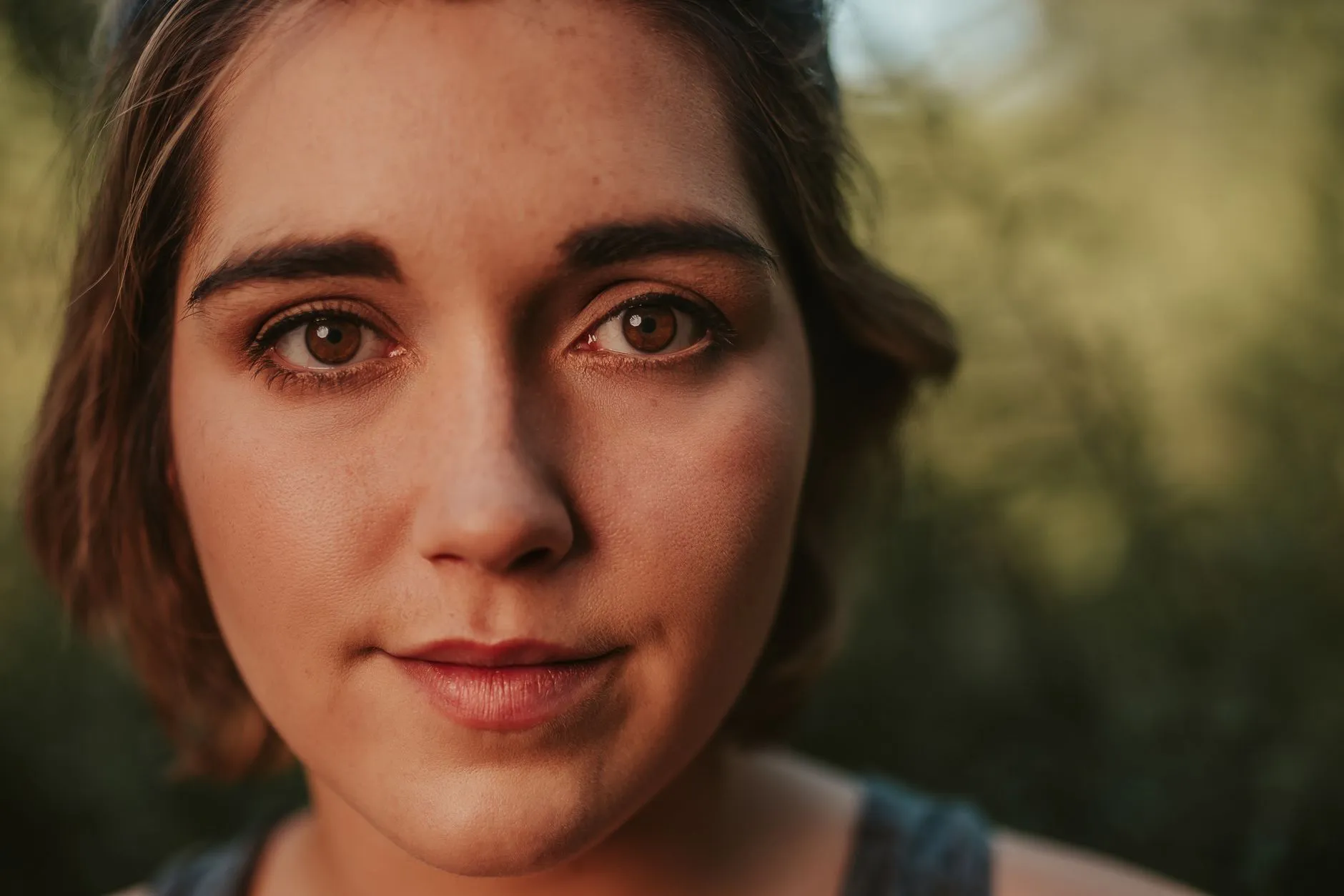
Open the photo full screen on your phone, the way you would to check focus before sending it to someone. Look at the eyes specifically. Can you see an iris, a pupil, the line where the eyelid meets the eye, distinct from the skin around it? Or is it a small dark smudge that reads as “eye” only because of where it sits on the face?
That is the whole test. It takes longer to describe than to do. A face that passes it, where the eyes are legible as eyes rather than as a general impression of a face, is carrying enough information for an expression action to have something real to build from. A face that fails it is being asked to produce a laugh or a look of surprise out of detail that was never captured in the first place.
This works better than a pixel count would, because the same face can pass or fail depending on the rest of the photograph. A face that is technically 200 pixels wide in a heavily compressed image can look worse than a 150 pixel face in a clean, sharp one. The screen test catches both cases at once, because it is checking what is actually visible rather than what a file property claims.
Why a face can disappoint in a photo that looks fine
The confusing part is that the source photo often looks completely acceptable. It is sharp, it is well exposed, nothing about it looks like a “bad photo” by any normal measure. The problem is proportion, not quality. Laughing built from a photo where the face fills a quarter of the frame has a smaller, lower resolution version of the thing it actually needs than the same photo cropped in around the head and shoulders, even though the wider photo is objectively the sharper file.
The site’s own crop notes put it plainly for this exact action: the smaller the face is in the frame, the less convincing the expression becomes, so crop in. That is not a hedge, it is the direct relationship. Every pixel spent on shoulders, background or the rest of a group is a pixel not spent on the part of the photo the model is actually going to animate.
This is also why a photo that looks great printed at postcard size can still underperform here. A print rewards overall composition. An expression action rewards a handful of specific features, the eyes, the brows, the corners of the mouth, having enough real detail behind them to move convincingly. Those are different jobs, and a photo can be excellent at one and merely adequate at the other.
Cropping in, and where it stops helping
If the original file is high resolution and the face is simply framed too small, cropping in before you upload is a genuine fix. A phone photo taken from across a room, at typical modern resolution, often has more real detail in the face than the thumbnail view suggests, and pulling in tighter around the head and shoulders can recover a face that looked too small at first glance.
The limit is real detail, not file size. If you crop in and the eyes are still a vague impression rather than a legible shape, the information was never captured, and cropping the file further just enlarges the same blur. This is the same ceiling that governs animating a blurry photo: a crop can reveal detail that already exists at a smaller scale, but it cannot invent detail that was lost before the shutter closed, whether that loss was focus, motion, or distance from the camera.
A useful habit if the original is still available: crop a test copy, look at it at the size you would actually judge a clip on, a phone screen, not a zoomed-in desktop view, and run the eyes test again. If it passes at that size, the crop worked. If it still fails, a different photograph is the faster path than further cropping.
What this means for which action to pick
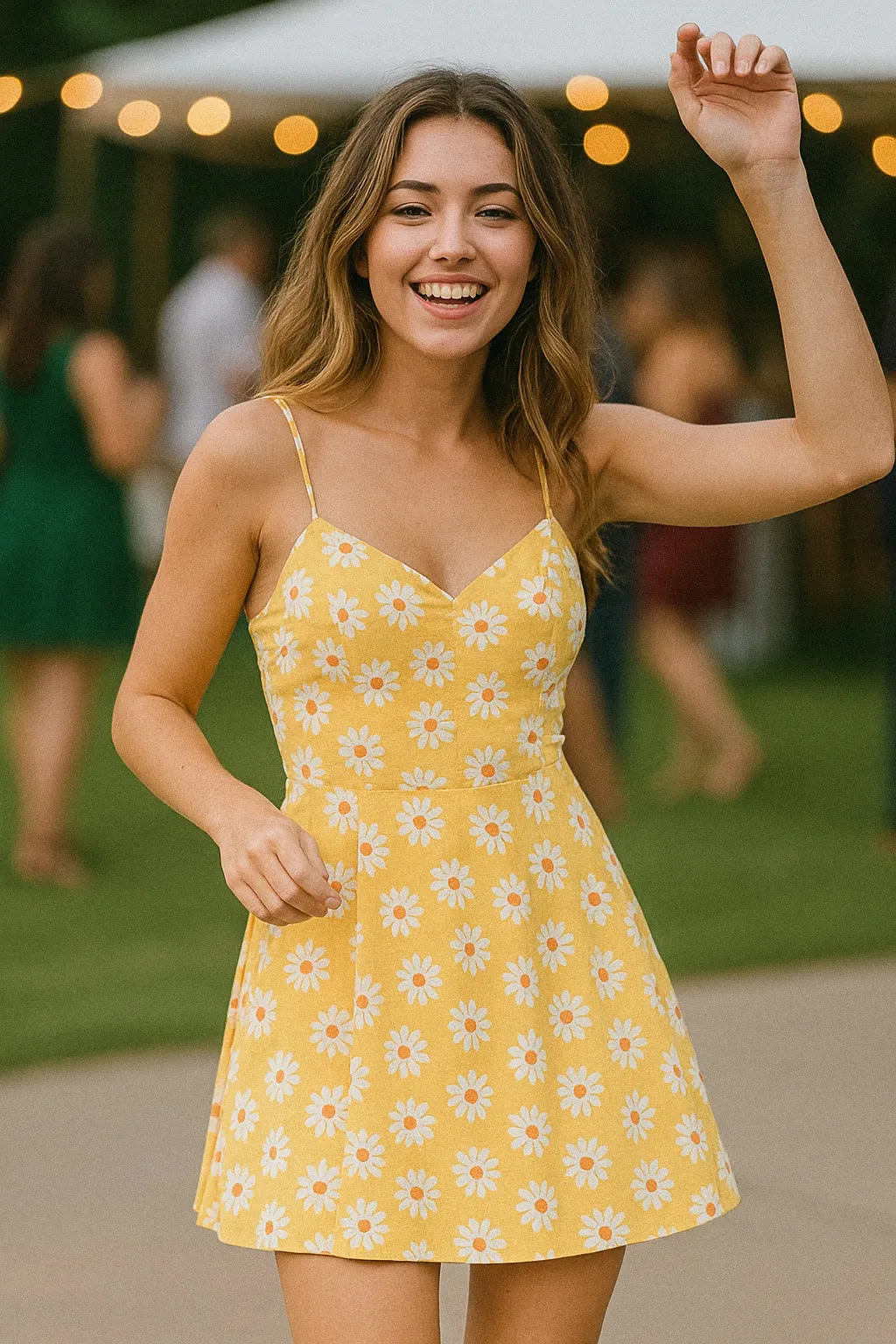
Not every action needs the same amount of face. Cheering and the other whole body and sports actions ask the model to move arms, legs and posture, and a smaller, more distant face is a reasonable trade against having the rest of the body properly in frame for full guidance on that, see how much of the body your photo actually needs. The expression actions are the opposite case. They are built almost entirely around the face, so a small face is not a minor compromise for them, it is removing the one thing the action depends on.
If a photo has a small face and you are choosing between actions, that is useful information rather than a dead end. It is a reason to lean toward an action where the face is a smaller part of the job, rather than forcing a laugh or a surprised expression out of a face the model can barely see.
The honest limit underneath all of this
Even a face that passes the screen test comfortably is still being animated by a model working from one still frame, inventing motion it never observed. A bigger, clearer face gives it better raw material, not a guarantee. Treat a clip built from a well framed face as a good illustration of the expression, not a certainty, and the results will match your expectations more often than not.
The fix for a face that is too small is rarely a setting or a retry. It is almost always decided before you ever open the app: how close you stood, how tightly you cropped, and whether you can still see the eyes as eyes once the photo fills the screen. Check that first, before lighting or background or which of the expression actions you were planning to use, because it rules out more disappointing results than any of those choices will.
Common questions
- How big does a face need to be for an ai animation to work well?
- There is no pixel count posted anywhere, because it depends on the photo's overall resolution as well as the crop. The practical test is simpler than a number: if the photo fills your phone screen and you can still see the eyes as eyes, with a visible iris and a lid line rather than a smudge, the face is big enough to work with.
- Why does a small face disappoint even when the whole photo looks sharp?
- A photo can be high resolution and still give the face itself very little information, if the face only takes up a small fraction of the frame. The model builds the expression from what it can see of the eyes, brows and mouth, and a face reduced to a few dozen pixels wide gives it almost nothing to work with regardless of how sharp the rest of the picture is.
- Can I just crop in on a small face to fix it?
- Sometimes. Cropping in helps up to the point where you run out of real detail to crop into, and past that point you are enlarging a blur rather than revealing a sharper face that was already there. If the eyes are already soft or pixelated at normal viewing size, cropping in will not recover them.
- Which actions need the biggest face and which can use a smaller one?
- The expression actions, laughing, waving, cheering, a peace sign, surprised, depend on the face most directly and want it filling as much of the frame as the crop allows. Whole body actions like the dance and sports presets can work with a smaller face because the movement they are built around lives elsewhere.