Adding music to an animated photo
The app's five second clip is not a blank, silent canvas, it already has sound the model invented to match the scene. Where music actually gets added, how to pick a slice that fits five seconds, and the licensing question worth asking before you post.
The honest answer to “can I add music to my AI video” starts with a correction most people do not expect: the clip you get back is not silent. The app generates its own sound to match whatever it invented on screen, and that sound is still sitting under any track you lay over it. Once that is clear, the actual question, where music comes from and how to make five seconds of it work, has a straightforward answer.
What the clip already has
Every motion action in this library returns a five second clip with sound the model made up for the scene: footsteps if the action has someone walking, fabric moving on a twirl, the low murmur of a crowd on something like Celebrating. What you actually get back covers this in full, and the short version matters here too, because it changes what adding music actually means. You are not starting from a blank file. You are layering a track over a clip that already has its own quiet soundscape, closer to the room tone a film crew records on set than to silence.
That matters for one practical reason: a loud track will fight the native sound rather than replace it, and the result can feel busy in a way five seconds cannot really afford. A quieter track sitting under the clip’s own sound usually reads better than one turned up to cover it completely.
Where the music actually gets added
The app does one job: photo and action in, a five second clip out. It does not have a music step, and that is worth saying plainly rather than letting someone go looking for a setting that is not there.
Music gets added in one of two places, and which one you pick matters more than people expect.
The platform’s own music tool, if you are posting to Instagram, TikTok or YouTube Shorts. Each of these has a built in music picker in its posting flow, backed by a licensing deal with labels and publishers that covers exactly this use. Adding a track this way is the simplest option and the one least likely to cause a problem later, because the platform has already done the legal work for you.
A phone or desktop video editor, if the clip is going somewhere without a built in music picker, a private message, an email, a slideshow, a screen at a party. Here you are choosing the track and syncing it yourself, in whatever editor is already on your phone or computer. This path gives you more control over the exact moment the music starts, but it also puts the licensing question back in your hands, which is the next section.
Five seconds against a piece of music
A five second clip is shorter than most musical phrases. A typical four bar phrase at a moderate tempo runs closer to eight seconds, which means the clip will almost always end mid phrase rather than at a natural stopping point. Two approaches handle this better than starting a song from bar one and hoping it lines up.
Find the hook, not the intro. Most songs have one instantly recognisable few seconds, a chorus line, a drop, a riff. Trimming to that section rather than the beginning of the track gives you five seconds that feels complete on its own, instead of five seconds of a build-up that never arrives anywhere.
Loop rather than cut. If the clip itself is going somewhere that loops, a status, a story, a screen left running at a party, a short musical phrase that loops cleanly will read better than a hard cut from a longer track. The trick is picking a slice that ends close to where it began, so the seam is less noticeable the second time around.
Both approaches are easier with an action whose motion itself is rhythmic. Glow Stick Dance is built around a repeating swinging motion, which makes it genuinely forgiving to cut music under, because the movement does not depend on hitting a specific beat to look right.
The one action where adding music can misfire
Singing deserves a specific warning here. The action generates a performance, a face opening into song, shoulders moving with it, but the mouth movement is not synced to any audio track, the model’s own or one you add afterwards. Lay a song under a Singing clip and you get something that looks like a performance but does not match the words, which reads less like a music video and more like a badly dubbed one. It is not a fault in the clip, it is simply not built to lip sync, and knowing that before you pair it with a track saves a disappointing result.
Licensing, in plain terms
This is worth one honest paragraph rather than a lecture. Using a platform’s own music picker inside Instagram, TikTok or YouTube is covered by that platform’s licensing deal with the music industry, which is exactly what the feature exists for. Downloading a commercial song and baking it permanently into a video file you then upload somewhere else is a different act, and it is the one that gets audio muted or posts flagged, because the platform doing the hosting has no licence for the copy you made. For anything going to family over a message thread, this risk is mostly theoretical, but for anything public, the safer habit is to add music through the destination’s own tool rather than hard-coding a track into the file yourself.
Said plainly
The clip you get from a photograph is five seconds of invented motion with its own invented sound, an illustration of a moment rather than a recording of one, and the music you add afterwards is scoring that illustration, not a real performance. Add it through the platform you are posting to where you can, pick a slice of the song that already sounds complete on its own, and keep an ear on the native sound still sitting underneath. For the fuller picture of what comes out of the app before any of this, what you actually get back is the place to start, and holiday cards that move covers the sending side of the same question for a seasonal card.
Common questions
- Does the app let me add a music track before I generate the clip?
- No. The app takes a photo and an action and returns a five second clip with its own generated sound built in. Adding a music track happens afterwards, in whatever you use to post or edit the file.
- Is the clip actually silent?
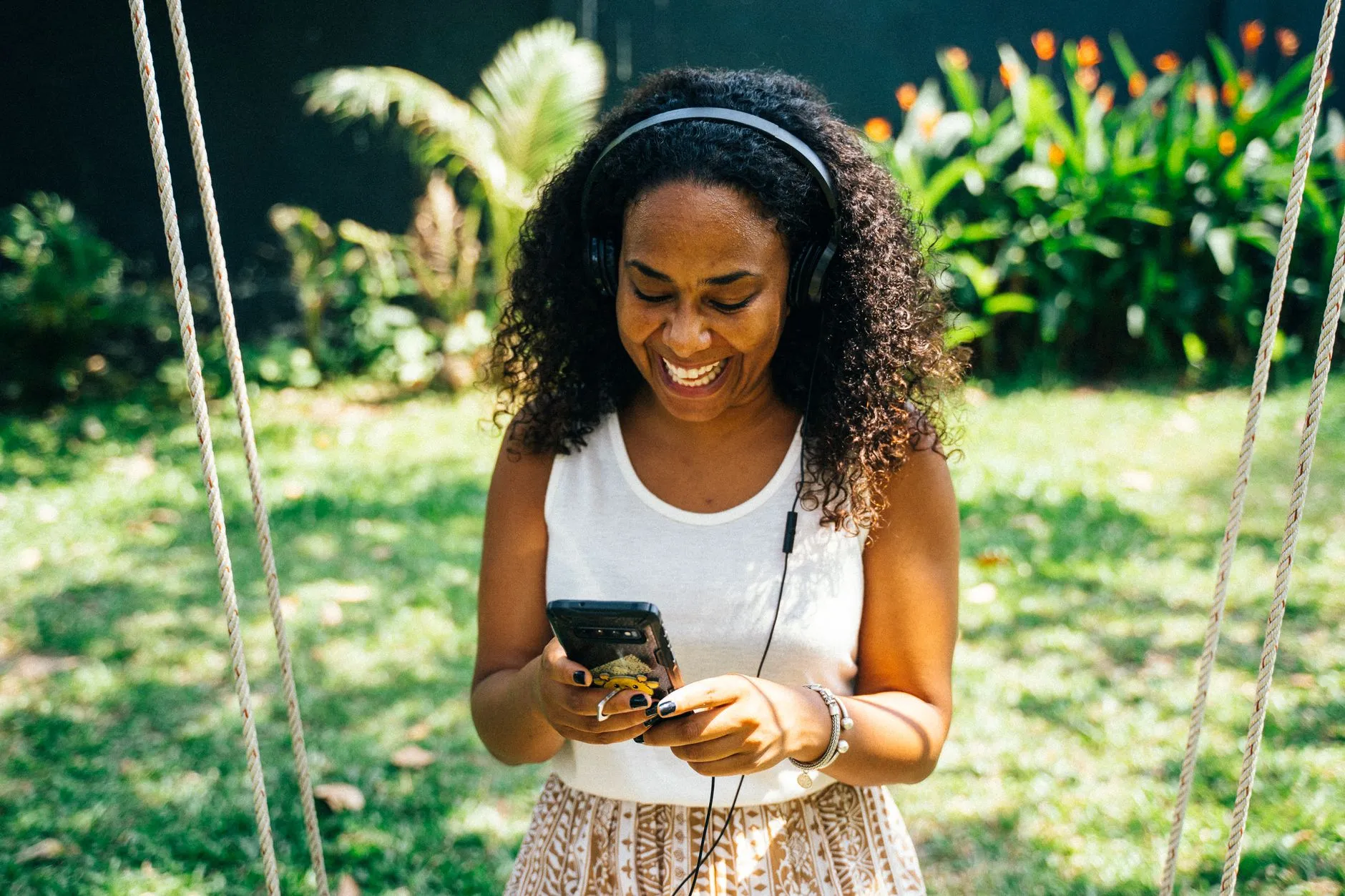
- No, and this trips people up. The model generates sound to match the scene it invented, footsteps, fabric, a murmur of a crowd, the particular quiet of a room. That sound is still there under any music you add, so it is worth listening with headphones before you assume you are starting from silence.
- Will a copyrighted song get my post taken down?
- Usually not if you add it through the platform's own music picker, since that is what the licensing deal covers. Baking a commercial track into the file yourself before uploading is the riskier path, and is far more likely to get the audio muted or the post flagged.
- Which actions pair well with music and which do not?
- Rhythmic, whole body actions like Glow Stick Dance read naturally with a track behind them. Singing is the one to be careful with, because the mouth movement is not synced to any audio, generated or added, so a song under it can look like a mismatched dub rather than a performance.