Action library · Both kinds
Special & Seasonal
A seasonal shelf that holds both kinds of action, so read the label on each one before you pick.
Occasions. A birthday, a gift being opened, and then a set of winter styles that do not move at all: snowfall, cable knit at a frosted window, firelight, a sealed snow globe. This is one of the shelves where the two halves of the catalogue sit side by side, and they answer different wants. The motion actions give you a moment. The styles give you a card.
People making something for a specific date, usually with a deadline. That changes the advice: on a deadline, the styles are the safer half of this shelf, because a still picture has no frames in which a hand can go somewhere strange.
This shelf holds two different things
Motion actions
These move
A photograph goes in and a clip of about 5 seconds comes out. The movement is generated from the one frame you supply, so nothing here is filmed and nothing is recovered.
Photo styles
These restyle
A photograph goes in and a new still picture comes out. The frame is rebuilt in the style rather than having an effect laid over it, and nothing on this side of the shelf moves.
Everything on the Special & Seasonal shelf
The ones that move

The ones that restyle
 01RestylesDreamy SnowfallSoft falling snow and cinematic cold-light glowLettering drifts across empty sky at the top of this one, so the subject sits low with a clear band of nothing above the hair.Photo style
 02RestylesCozy Knitswrapped in cable knit by a frosted windowPhoto style
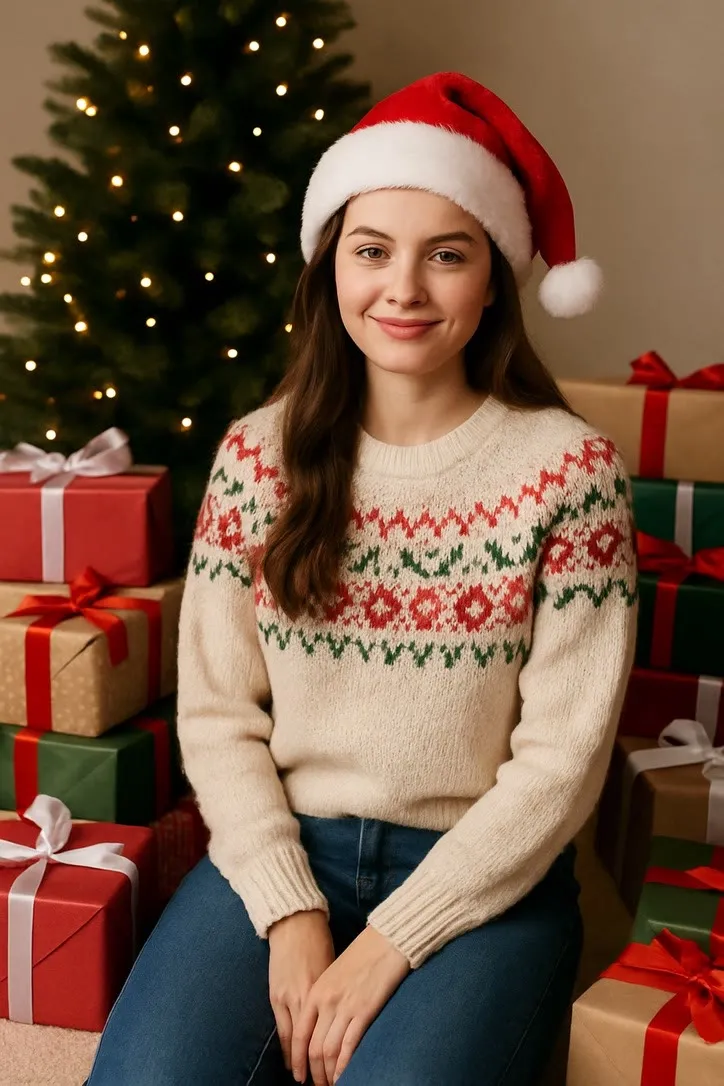
 03RestylesFireside Glowglowing by the fire with tree lights behindPhoto style
 04RestylesSnow Globesealed inside a glittering snow globePhoto style
 05RestylesCandlelit Birthday WishLeaning in close to a single lit candle, warm flickering light on the face.Photo style
 06RestylesPumpkin Patch Golden HourStacked pumpkins, low autumn sun, easy smile.Photo style
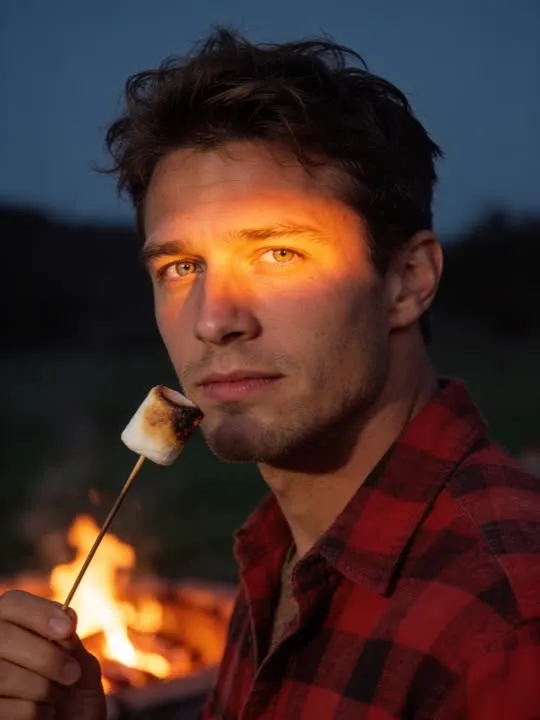 07RestylesFirepit Marshmallow ToastFirelight on the face, marshmallow going golden.Photo style
 08RestylesAutumn Memory Scrapbook PageA cozy scrapbook-style portrait framed with torn kraft paper, washi tape and stitched borders.Photo style
What is invented on this shelf
On the motion side, the gesture and everything the props do while it happens. Wrapping paper, candles and cake all deform in ways the model has to construct, and a prop cut by the frame edge is the usual reason one of them comes back wrong. On the style side, the whole scene: the snow, the window, the fire and the room around them were never in your photograph.
The app's own invention flag, across this shelf
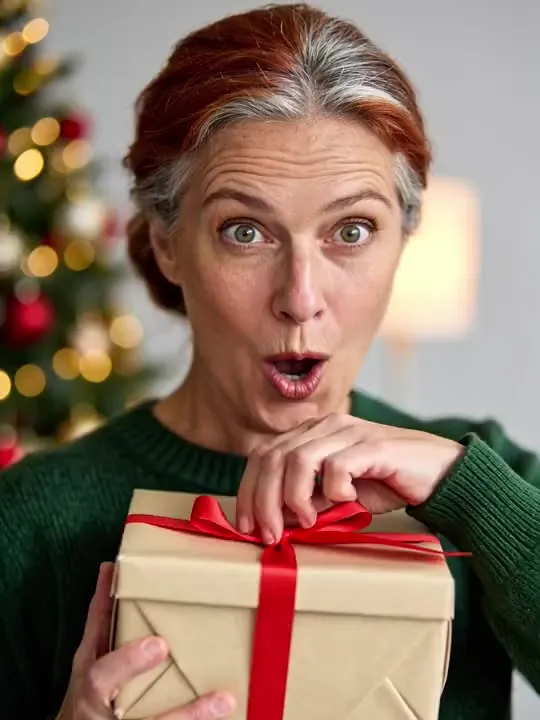
- ModerateReal movement, still anchored to the frameBirthday PartyChristmas Gift
The rest of this shelf carries no invention flag in the app's catalogue, so nothing here places it on the ramp: Dreamy Snowfall, Cozy Knits, Fireside Glow, Snow Globe, Candlelit Birthday Wish, Pumpkin Patch Golden Hour, Firepit Marshmallow Toast, Autumn Memory Scrapbook Page. The flag is set on a preset by the app rather than by this site, and a guess dressed as a rating would be worth less than the gap.
Least invented first. A small rung stays close to the photograph you already have; a large one means the model is building most of what ends up on screen, which is also where a likeness has the most room to drift.
The photograph this shelf wants
Decide first whether the moment is about the face or about the whole scene, then crop for that. Waist up carries an expression; head to feet carries a gesture. Whatever the props are, keep them in frame and not cut by the edge, because a half visible object animates badly.
The four things that decide any result are the same here as everywhere else in the library, and they are set out in what makes a photo work. The limits that apply to every action on this site are in what none of these can do.
Where Special & Seasonal results vary most
The winter styles change the light on the face substantially, and light is a large part of what makes a face recognisable. Expect a version of the person rather than the person exactly, and expect the restrained ones to hold a likeness better than the heavily lit ones. Group photographs are the other caution here, since every additional face is another likeness the model has to keep hold of.
Where to go next
- Graduation, new baby, and the milestone photoThe lighter end of animating a photograph. Which milestone pictures have enough in them to move, why a graduation shot is nearly ideal and a swaddled newborn nearly isn't, and how to share the result without flattening it.
- Holiday cards that move: seasonal photo animationsChristmas, Halloween and the end of year card, made from a photograph you already took. Which seasonal presets need what, how to send a clip without it arriving as a broken attachment, and the several occasions when a still card is plainly better.
This is one shelf of many. The whole catalogue, grouped the way the app groups it, is in the action library.
Common questions
- What is the Special & Seasonal shelf for?
- Occasions. A birthday, a gift being opened, and then a set of winter styles that do not move at all: snowfall, cable knit at a frosted window, firelight, a sealed snow globe. This is one of the shelves where the two halves of the catalogue sit side by side, and they answer different wants. The motion actions give you a moment. The styles give you a card.
- Does everything on the Special & Seasonal shelf move?
- No, and that is the first thing to check before picking one. This shelf holds both kinds: some of these are motion actions that hand back a short clip, and the rest are photo styles that hand back a new still picture. Both halves are named and linked separately on this page, and every card is labelled.
- What kind of photo works best for Special & Seasonal?
- Decide first whether the moment is about the face or about the whole scene, then crop for that. Waist up carries an expression; head to feet carries a gesture. Whatever the props are, keep them in frame and not cut by the edge, because a half visible object animates badly.
- Do I need a subscription for the Special & Seasonal actions?
- Nothing on this shelf is marked as a subscription only action in the app's catalogue. Free to download on iPhone and iPad. Credits and subscriptions are bought inside the app.
The right action for the photograph beats the popular one
Every action on the Special & Seasonal shelf is written up the same way, so you can check whether the picture in your camera roll actually suits it before you spend a credit on finding out.