Graduation, new baby, and the milestone photo
The lighter end of animating a photograph. Which milestone pictures have enough in them to move, why a graduation shot is nearly ideal and a swaddled newborn nearly isn't, and how to share the result without flattening it.
Not everything worth animating is fifty years old. Most of it is from the last three years and sits in a camera roll with four hundred near identical versions of itself.
Graduations, first days, new arrivals, the photograph everyone in the family group chat already has. This is the lighter end of the idea, and it is also where the technique is easiest, because modern phone photographs come with resolution and light that the shoebox generation did not.
Graduation is the easy one
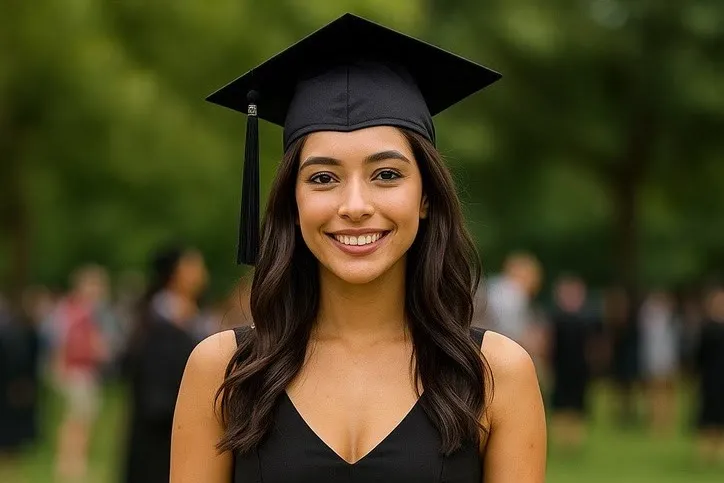
The graduation photograph is close to a best case, and the app has a preset built for exactly it.
Graduation toss wants full length if you can get it, or at least waist up with genuine headroom, because the cap travels upward and leaves the top of the frame. A real graduation photograph, gown and cap included, gives the most convincing version of this by a wide margin, since almost nothing has to be invented. Outdoors, front on, arms hanging free of the body.
Two things go wrong with it, and both are framing problems rather than model problems.
The crop is too tight. A tight head and shoulders photograph has nowhere for the cap to go. If the only picture you have is a close portrait, pick a different action rather than fighting this one.
The arms are folded or holding a scroll across the chest. Arms crossed over the torso blur the outline the model works from, and that is the usual reason a limb comes out looking wrong.
If the graduation shots you have are all posed hugs and tight portraits, celebrating is the better fit. It needs headroom for the arms to go up, and it works from a relaxed standing photograph rather than an already gesturing one.
New baby, honestly
This is the milestone people ask about most and the one that needs the most care in choosing.
The library is built around adult bodies doing recognisable adult things. Dancing, running, playing an instrument, throwing a cap. A newborn photograph offers almost none of the structure those actions need. A swaddled baby has no visible arms, so anything that starts with a hand has nothing real to build from. A sleeping face gives an expression action very little to change.
What does work is the small end of the library, applied to a photograph where the face is large and clearly lit:
- Laughing on a close portrait where the baby is already awake and the eyes are open.
- Surprised on a clear front on face. Neutral expressions transform better than a photograph where the child is already pulling a face.
- Waving once a hand is genuinely visible and clear of the body, which usually means a few months in rather than a few days.
A caution worth stating plainly: the larger the movement, the further a face drifts from the person in the source photograph. On an adult that reads as a slightly odd frame. On a baby, whose features are the entire point of the picture, it reads as somebody else’s child. Stay small, and keep the still.
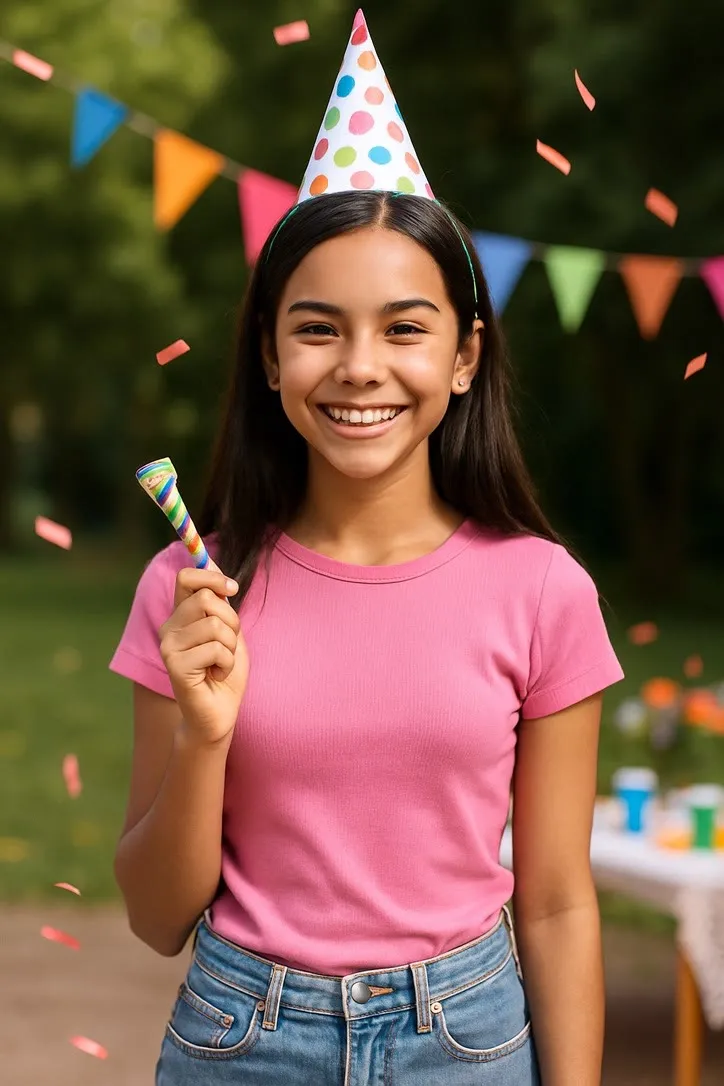
The first birthday is a much better target than the first week. Birthday party wants waist up, front on, in a room with some depth behind, and it wants the cake whole and inside the frame rather than cut by the edge.
Other milestones that hold up
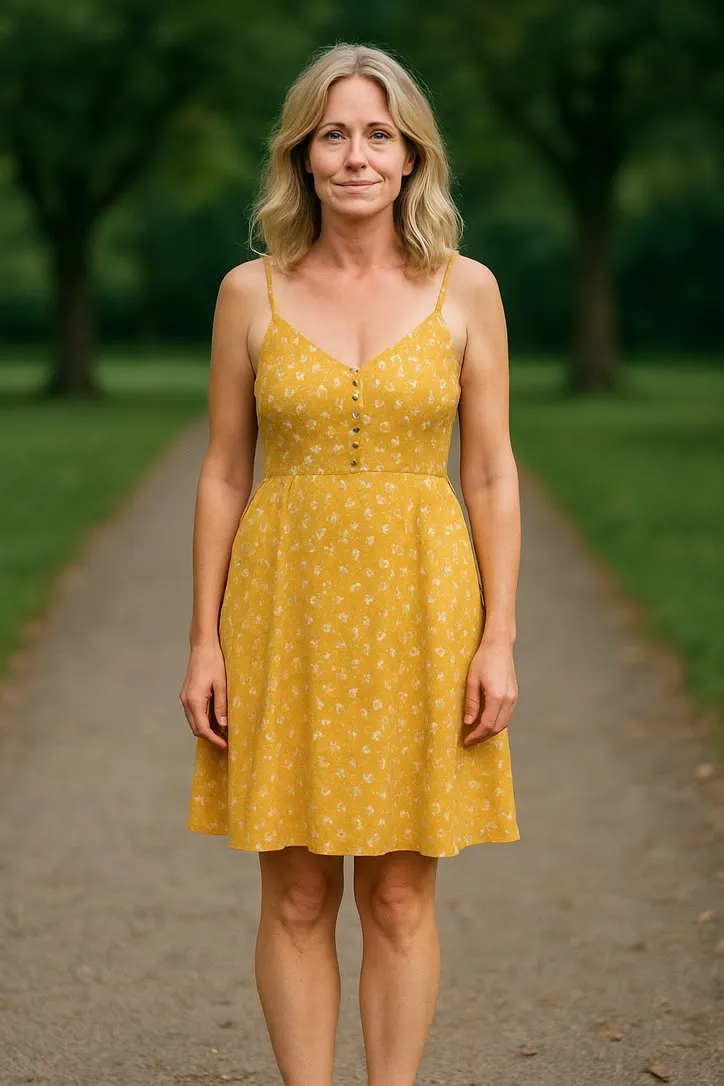
First day of school. Front on, standing, bag on, usually taken in decent morning light against a front door. Small actions only. The uniform and the doorway give a clean outline.
Sports and dance milestones. These are the ones where a photograph often already suggests the movement, which is the whole method. A picture where the weight is already on one leg gives the model a head start. Match the action to what the body is already doing rather than choosing the action first.
Engagements and new houses. Two people, front on, a plain enough background. Same advice as everything else: pick the small movement, run it twice.
The one to skip. Any photograph where the faces are small. A team photo, a lecture theatre, a wide shot of a whole graduating cohort. There is nothing wrong with the picture, there is simply not enough face in it for the result to be worth the effort.
Sharing it without flattening it
You end up with a short video file, and it behaves like any other short video file. A few things are worth knowing before you send it to eleven people.
One clip beats five. A group chat scrolls. The second clip is watched at half attention and the fifth is not watched at all. Pick the best one.
Send it as a file, not a screen recording. Recording your own phone screen playing the clip loses quality for no reason and puts your notification bar in the middle of somebody’s graduation.
Five seconds loops well. Most messaging apps and story formats loop short video automatically, which suits this length far better than it suits a minute long edit.
Keep the original photograph in the same message. The still is what people will save. The clip is what makes them look at the still properly.
Ask before you post a child who is not yours. The same courtesy as the original photograph, and slightly more of it, because a generated clip surprises people in a way a snapshot does not.
What it is, in one line
The clip is generated from a single frame rather than recovered from anywhere. It is plausible movement, not a record of a moment. That is worth saying once when you share it, and then never again in the same conversation.
For the older photographs in the family box, see animating old family photos for a reunion. If a milestone is coming up in December rather than November, holiday cards that move covers the seasonal version and, more usefully, when a still card is simply the better object.
Common questions
- What photo do I need for the graduation cap toss?
- Full length if you can manage it, or at least waist up with real headroom above the head, because the cap has to travel upward and out of the frame. A genuine graduation photograph with gown and cap gives the most convincing version. Outdoors, front on, arms free of the body.
- Can I animate a photo of a newborn?
- You can, but choose the movement carefully. Most actions in the library assume a standing adult body with visible arms and legs, and a swaddled baby offers none of that. The small expression actions are the realistic choice, and they need the face to be reasonably large in the frame.
- How long is the clip and what do I get?
- About five seconds, as a video file you can share the way you share any other. That is what the default model in the app's catalogue is configured to produce, and it is the same for every action.
- Should I post a clip of someone else's child?
- Ask the parents first, exactly as you would before posting the original photograph. A generated clip is more surprising than a still, and surprise is not always welcome when it involves somebody's kid.