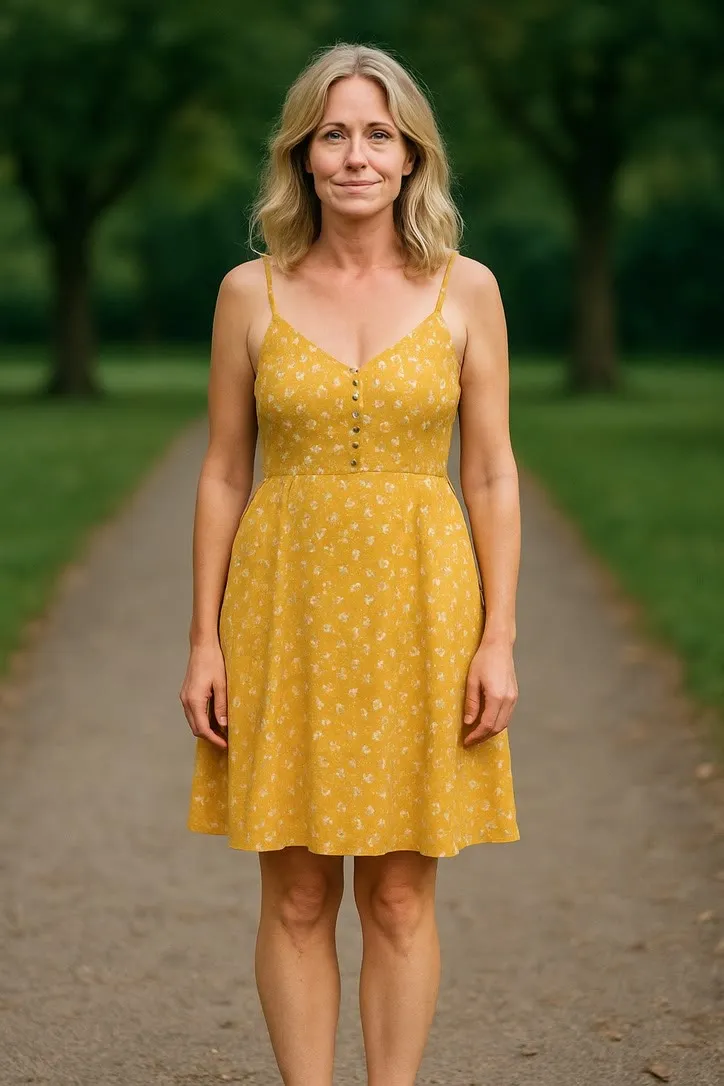
A retirement party photo, animated well
Thirty or forty years leaves behind a stack of photographs in several different conditions, not one clean portrait. Which of them are worth animating, why this occasion leans on repair more than most, and how to show the result in a room rather than on a phone.

A leaving party for someone who has worked somewhere for thirty years produces a different kind of photo problem than most occasions on this site. There usually is not a shortage of pictures. There is a stack of them, spanning three decades, in three or four different conditions: a stiff induction photo from a staff newsletter, a handful of Christmas party snapshots, a company photo taken on film long before anyone in the office owned a digital camera. Picking the right one, and getting it ready, is most of the job.
Why this one leans on repair more than most
A photo from early in someone’s career is rarely a recent, clean digital file. It is more often a print that has been in a drawer, or a scan someone made of that print a decade ago on a flatbed that was not set up carefully. Creases, a faded or orange colour cast, and a soft, slightly blurred scan are all common, and all of them matter more here than they would for a photo taken last year.
An animation model does not know the difference between damage and detail. A crease across a face reads as a line in the picture, and it gets carried into every frame the model generates, sometimes shimmering slightly as the frame moves. The practical answer is to repair the scan first and animate the repaired file, never the print as it was photographed off the wall. Our sister site covers why old colour prints fade the way they do and what can honestly be recovered from a scan, worth reading before you commit to a particular photograph.
Keep the original print and the untouched scan regardless of what you decide to do next. The repaired copy is what you animate. The original is the one thing in this whole exercise that cannot be remade if it goes missing.
Which moments are worth animating, and how few
A long career gives you more candidate photographs than a wedding or a birthday ever will, and the temptation is to turn several of them into clips to cover the whole span. Resist it. Two is usually plenty, and one is often better.
The photo that tends to land best is not the most recent one. It is something from early on, the kind of slightly awkward, posed photo a company takes for a newsletter or an ID badge, because the room already knows what the person looks like now and the surprise is seeing them twenty or thirty years younger. Pair it, if you have one, with a single photo from somewhere in the middle, ideally a candid one with real colleagues in it rather than another posed shot.
Both need the same thing the craft rules ask for everywhere on this site: a face that fills a reasonable part of the frame, lit from the front rather than from overhead or from behind. An induction photo is usually fine on both counts, because whoever took it was trying to get a usable staff photo, not an interesting one. A wide shot of someone at a desk thirty feet away will not give the model enough to work with, however much history is in it.
Actions that suit a toast and a round of applause
Keep the movement small. The room is full of people who have known this person for years, which is exactly the audience that will notice a face drifting away from the one they recognise, and small actions are the ones that hold a likeness best because the model has less to invent.
Waving is the safest choice in the catalogue. It asks very little of the photograph, works from a chest-up crop, and reads as a simple, warm greeting rather than a performance.
Cheering suits a candid photo that already has some energy in it, an arm half raised or a genuine laugh caught mid frame. It fits the moment someone is presented with a gift or hears their own name read out, more than a formal sit-down portrait.
Celebration Toast is built for the photo a retirement party actually produces most often: two or three people with glasses raised toward the camera. If your best group shot already has that in it, this is the one action in the library written with that exact scene in mind.
Leave alone anything built for a whole body in motion. Office and party photos are almost always framed from the waist up, and an action that needs legs it cannot see will not have anything to work with.
Playing it in the room
This is where the resolution conversation becomes real rather than theoretical. A clip made from this catalogue comes back at about five seconds, 480p, 24 frames a second, the same for every action in the library. On a phone held up at a table, that is genuinely fine. Stretched across a projector screen at the front of a function room, it is not, and the gap between the two is bigger than most people expect until they have seen it both ways.
If you are showing it to the whole room, plan for a smaller screen nearer the front rather than the largest one available, or pass a phone or a tablet around the table instead. A clip that looks crisp in someone’s hand can look soft and compressed once it is blown up past the size it was ever going to hold.
One honest sentence is worth saying before anyone presses play: this is a short illustration generated from a single photograph, not footage of the day it was taken. People enjoy it more once they know what they are looking at, rather than wondering whether some film crew they never noticed was actually there.
Putting it together
A printed copy of the restored photo, handed over alongside a card everyone has signed, is still the actual gift. The clip is the extra that gets people to look at the photo properly instead of glancing past it.
For the version of this built around a family audience rather than a work one, animating old family photos for a reunion covers the same ground with a different set of occasions in mind, and choosing a photo that will animate well is the underlying set of rules this piece has been applying to three decades of company photographs specifically.
Common questions
- What kind of photo works best for a retirement clip?
- A clear portrait or a small group shot where the retiring colleague's face fills a decent share of the frame, evenly lit and front on. A long career usually produces one or two photographs like this, often from an early induction photo or a team photo taken for a company newsletter, and they tend to beat anything more recent and more candid.
- Should I restore the photo before animating it?
- If it is a print or an old scan, yes. Creases, a faded colour cast and dust are all part of the picture as far as an animation model is concerned, and it will carry them into every frame it generates. Scan and repair first, then animate the repaired file.
- Which action suits a retirement the best?
- Something small. Waving, cheering or a toast if the photo already has glasses raised. A long career and a room full of people who know the person well is not the moment for an elaborate action, since the smaller movements are also the ones that hold the likeness best.
- Will the clip look like real footage from the day?
- No. It is a short illustration generated from one still photograph, not a recording. Say so when you show it, once, and people enjoy it more for not quietly wondering whether some old camera crew turned up unannounced.