Animating a newspaper clipping or a yearbook photo
Halftone dots and a printed yearbook portrait are a different medium from a normal photograph, and the model treats the difference literally. What a halftone screen does once a frame moves, and how to scan a clipping properly.
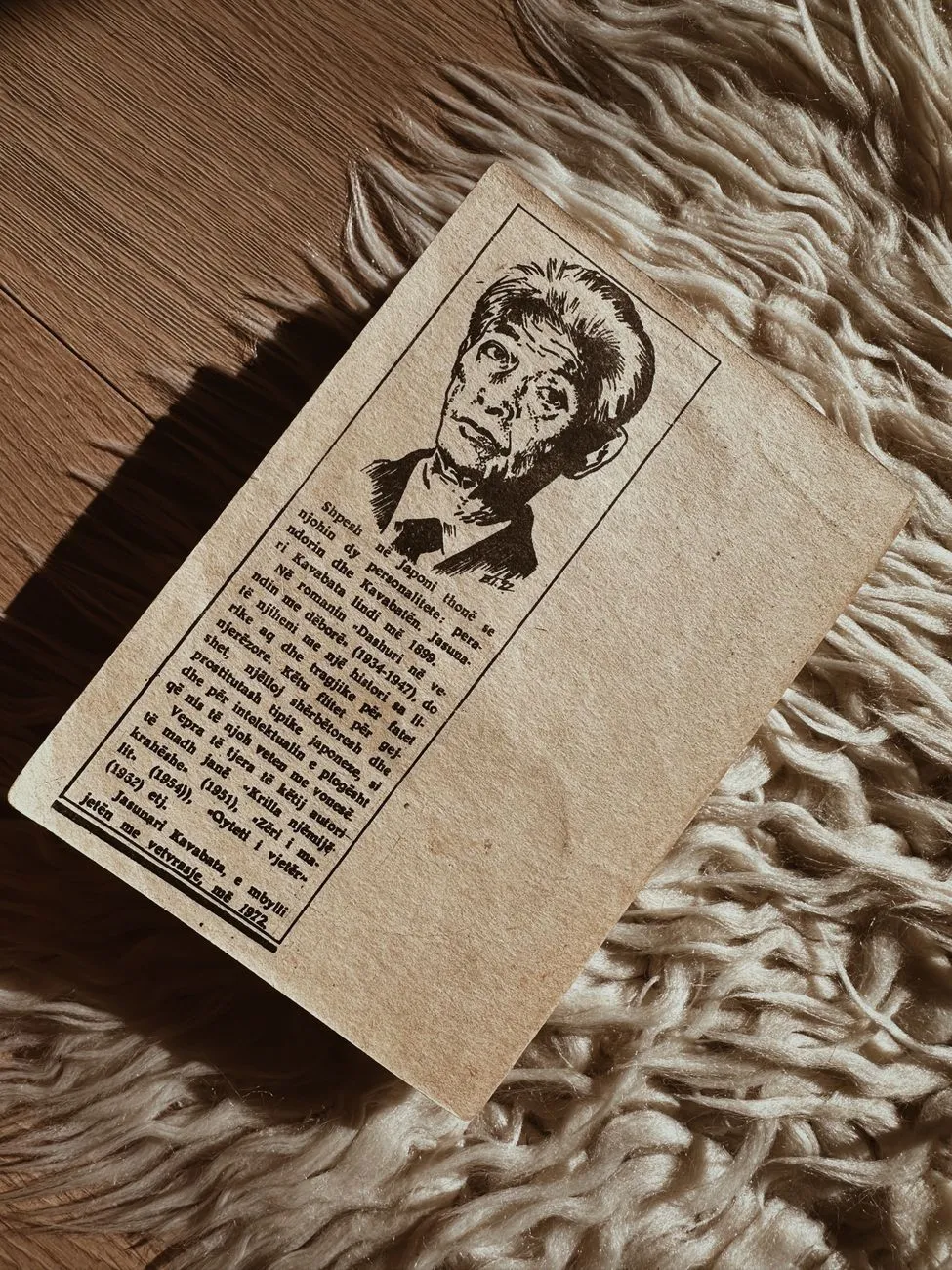
A newspaper clipping and a photograph are not quite the same kind of picture, even though they look like one at a glance. A normal photograph, printed or digital, is continuous tone: every point in the image can be any shade at all. A newspaper page cannot do that. It has one ink and one press, so it fakes a photograph using a grid of dots that vary in size, tightly packed where the image is dark and sparse where it is light. That grid is called a halftone screen, and your eye blends it into a smooth picture at normal reading distance. A scanner, and an animation model, do not blend anything. They see the dots.
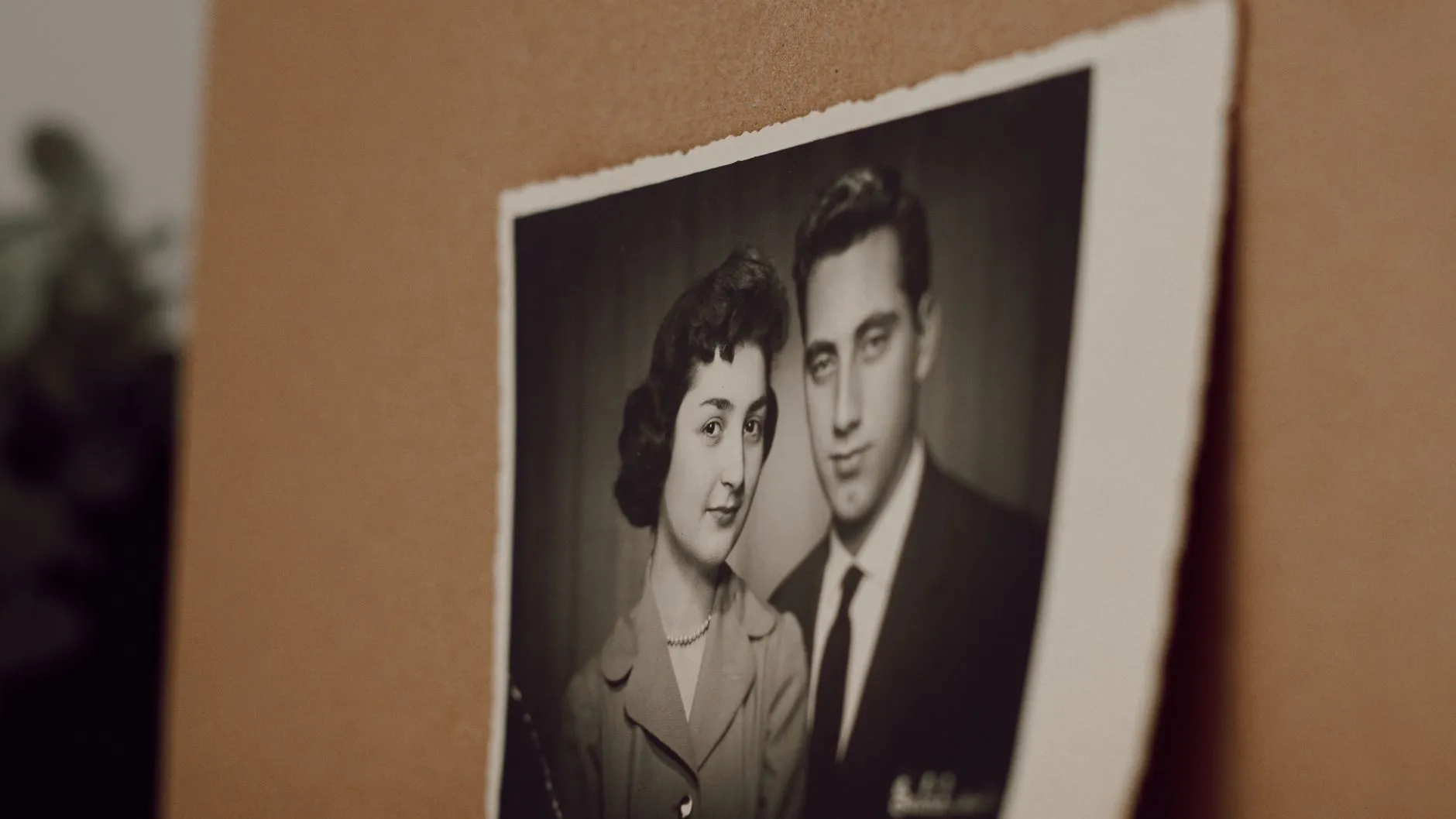
Yearbook photos are a gentler version of the same problem. Most yearbook pages are printed the same way, on the same kind of press, at a small size, so a yearbook portrait usually carries a halftone screen even though nobody thinks of it as a newspaper clipping.
What the dot pattern does once a frame starts moving
A still photograph absorbs a halftone screen fairly well. Printed at a reasonable size and viewed at a normal distance, the dots disappear and you see a face. The trouble starts when that pattern gets scanned at low resolution and then handed to a model that generates several seconds of new frames from it. Ordinary film grain behaves roughly the same from frame to frame, a fine, even texture the model can mostly ignore. A halftone pattern is more regular than grain and often coarser, and a model can end up treating it as if it were real surface detail, something to preserve and even amplify as the frame moves. The result tends to look like a subtle moire or shimmer across the face rather than a straightforward soft or blurry clip, and it is a distinctive enough symptom that it is worth naming before it happens rather than after.
The fix has almost nothing to do with the animation step and everything to do with the scan. A halftone screen has a physical dot frequency, and scanning at a high enough resolution captures far more real detail relative to the size of each dot, which softens the pattern’s visibility considerably compared with a quick low-resolution phone photo of the same clipping.
Scanning a clipping properly
Resolution is the first lever and the one worth spending effort on. A flatbed scanner set well above typical document settings, somewhere in the range print shops use for enlarging old halftone material, captures enough real information that the dot pattern becomes far less prominent in the resulting file. A phone camera can work if held flat, square and close in even light, but a proper scan generally beats it for this specific problem, because a scanner’s optics are built for exactly this kind of flat, close-up capture.
Whether to descreen after that is a judgement call rather than an automatic step. Look at the high-resolution scan first. Often the resolution alone has already done most of the work, and the dot pattern that was obvious on a low-quality scan is barely visible once there is enough real pixel detail around it. If it is still visible, a mild descreen filter in an editing app can help, but a heavy one softens the face along with the dots, and on a small clipping portrait the face was already working with limited detail before you touched it. Try the light version first and compare, rather than reaching straight for the strongest setting.
Do not photograph the newspaper page off a screen or through glass if you can help it. A framed clipping under glass adds glare and a faint reflection on top of the halftone pattern, which is two problems stacked on top of each other. Removing the clipping from its frame, or laying a loose cutting flat under even daylight, is worth the extra minute. Our sister site’s guide to scanning old photographs properly covers the general technique in more depth if the clipping is fragile or brittle enough that handling it is its own concern.
The yearbook photo’s particular stack of problems
A yearbook portrait deserves its own mention because it is not usually damaged, faded or torn the way an old family snapshot might be, so it is easy to assume it will animate better than a rougher print. In practice it often works with less usable detail, for three separate reasons that compound rather than cancel out. It was printed small, often an inch or two across in the original book. It is a flat, evenly lit studio photograph with a plain background, which is not a flaw on its own but does mean there is little in the image beyond the face itself to work with. And it went through the same halftone printing process as a newspaper page, at a scale that made the dot pattern proportionally larger relative to the size of the face than it would be in a full newspaper photograph.
None of that makes a yearbook photo a bad choice. It usually means the face was captured straight on, evenly lit and unobstructed, which is exactly what an animation model wants. It does mean the scan matters more than it would for a sharp modern photograph, since there is less margin to work with if the scan itself throws detail away.
Choosing an action that suits the source
For either a clipping or a yearbook portrait, the smallest and most forgiving actions in the library are the fair test. Waving and laughing ask the model to invent very little beyond a small expression and a hand, which means less is riding on fine detail the halftone print may not actually have. Save anything more ambitious, a dance action or a large body movement, for a source that started as a continuous-tone photograph rather than a printed one.
Said plainly
A halftone clipping or a small yearbook portrait is a real medium with its own printing process behind it, not just an old or low-quality photograph, and it is worth scanning with that in mind rather than treating it like any other snapshot. A careful, high- resolution scan does more for the result here than it would for a normal print, because it is solving a specific, physical problem rather than a general one. The model is still generating a plausible few seconds of motion from a single still frame either way, so a better scan buys a cleaner starting point, not a different kind of result.
If the clipping is heading toward a family gathering rather than a private test, our guide to animating old family photos for a reunion or milestone birthday covers the rest of that process. And if you are choosing between several old photographs and want the general method before you scan anything, the full checklist for choosing a photo that will animate well is worth reading first.
Common questions
- Can you animate a newspaper clipping?
- Yes, but it is worth knowing what you are starting from first. A newspaper photo is not a continuous-tone image, it is a grid of printed dots called a halftone screen, and a good scan at a high enough resolution to soften that pattern makes a real difference to the result.
- What is a halftone screen and why does it matter for animation?
- A halftone screen is how newsprint fakes a photograph using only solid ink, by printing a grid of dots that vary in size to suggest light and dark. Up close it is not a photograph at all, it is a pattern. A still print hides this well because your eye blends the dots at a normal viewing distance, but a low-resolution scan can make the model treat the dot pattern itself as texture, which behaves unlike ordinary photographic grain once a frame starts moving.
- Should I descreen a scanned newspaper clipping before animating it?
- Scan at a high resolution first and look at the result before deciding. A finer scan often softens the halftone pattern enough on its own. Aggressive descreening in an editing app can smooth the dots but it also softens the face underneath them, and on a small yearbook or clipping portrait that face is usually already working with very little detail to begin with.
- Why does a yearbook photo look worse than expected after animating?
- A yearbook headshot usually stacks three separate problems: it is small in the original layout, it is a flat, evenly lit studio photograph, and it was printed rather than reproduced from the original file. Any one of those is manageable. Together they leave the model working from less real detail than a snapshot from the same era, even though the yearbook photo often looks sharper at a glance.