Can you animate a photo for free?
Partly, and every free route takes something else in place of money. A survey of what is genuinely free, what each catch actually is, what your phone already does at no cost, and a straight statement of what our own app costs you.
Partly. There are genuinely free routes, and every one takes something else in place of money: a watermark, an email address, a queue, a lower resolution, an ad, or your own hardware and time. Our own app is not one of them: AI Video is free to download and every generation past that is paid for.
Start with the part that is actually free
Before any of this, check whether you want generated movement at all, because the frame-moving version costs nothing and you already own it.
The Photos app on an iPhone assembles memories that drift slowly across your pictures and set them to music. iMovie will take a single image and let you set where a pan starts and ends. And if the photograph was captured as a Live Photo, there is real recorded movement in it already, taken around the moment you pressed the shutter, which can be saved out as a short video.
None of these invent anything, which is precisely why they are free: nothing is being generated, so no one is paying for compute. If what you want is a tasteful moment of motion for a card or a story, try these first. How to turn a photo into a video on an iPhone separates the two kinds properly.
Why generation is never simply free
Worth understanding once, because it explains every catch below. Generating movement from a still runs a large model on real hardware for real time. Somebody pays for that hardware and that electricity, on every single run, whether the result pleased you or not. There is no version of this where the cost disappears. There are only versions where somebody else covers it and takes something from you instead.
So the useful question is not whether a tool is free. It is what it is taking.
The free routes, and what each one takes
A watermark. The most common trade. You get the result, it carries the operator’s name across it, and the clip advertises them wherever you send it. This is a fair deal when it is disclosed up front. It is a problem when you have already built something around the clip and find you cannot use it without the mark.
An account and an email address. Free in money, paid in attention. Your address enters a marketing list, and the free tier exists to open that relationship. Worth it if you want the emails, and worth a throwaway thought about which inbox you use if you do not.
A queue. Free users generate after paying users. On a quiet day this is invisible. On a busy one it is the entire product experience, and the way past it is the upgrade the tool wanted to sell you.
Reduced output. A shorter clip, a lower resolution, fewer options in the catalogue. Nothing dishonest here as long as it is stated, but it does mean a free result is not a sample of the paid result, which makes evaluating the tool harder than it looks.
Advertising. You watch something to earn a generation. This works, it is honest enough, and it prices your time rather than your money. Whether that is a good trade depends entirely on how much of it you are doing.
Your own hardware. Open models can be run on a computer with a capable graphics card, and after setup the marginal cost is electricity. This is genuinely free of invoices and genuinely expensive in setup, storage and the hardware itself. For one photograph it is almost never worth it. For a large batch, and if you enjoy that kind of work, it can be.
The pattern across all six is the same: the compute is paid for, one way or another. Knowing which way lets you choose the trade rather than discover it.
What our app costs, stated flatly
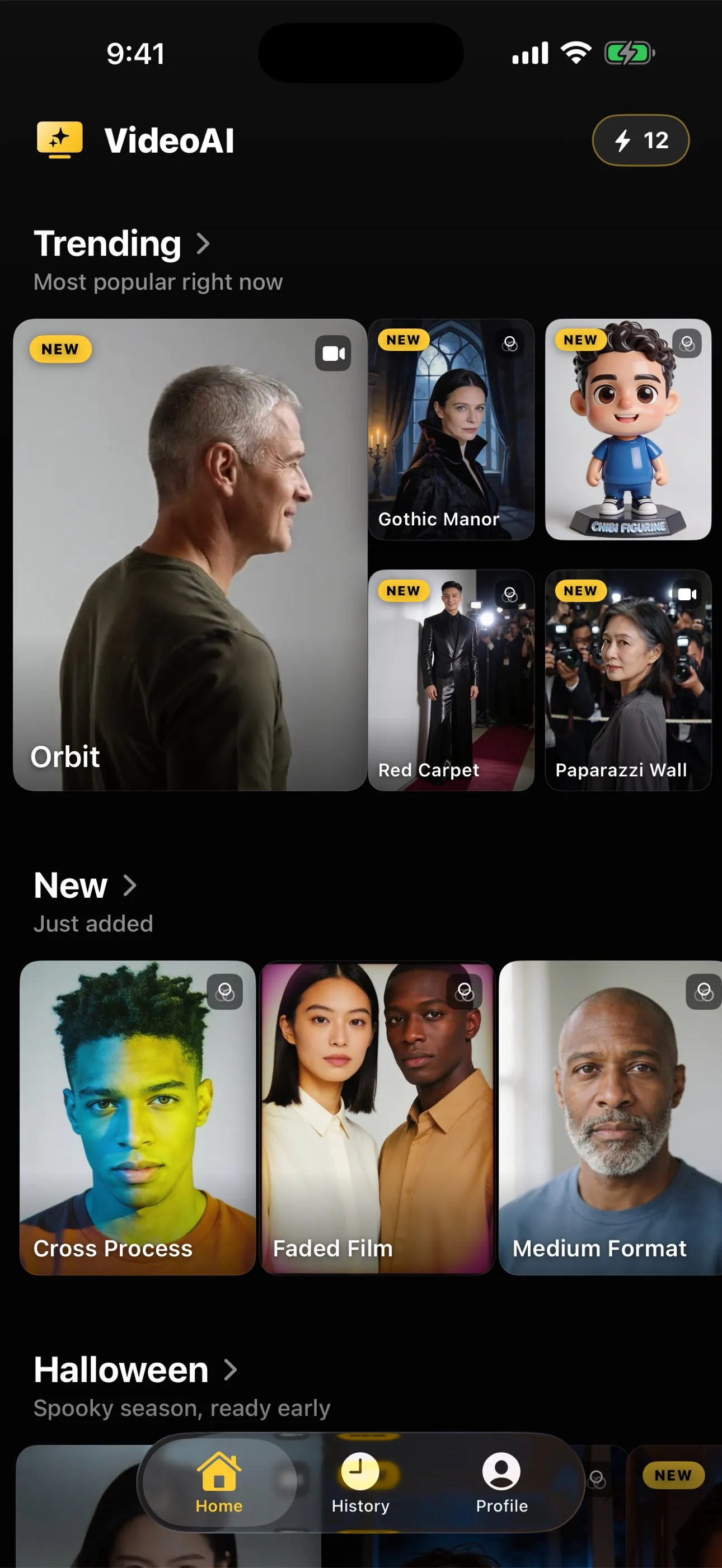
AI Video is free to download on iPhone and iPad. Past the download there is no free anything: no trial, no daily allowance of free results, no first one on the house. Every generation, a clip or a restyled still, spends credits, and credits come either from a credit pack you buy once or from a subscription that refills a balance on a schedule.
That is the whole commercial model, and it is written here rather than implied, because an earlier version of this site let readers assume a free allowance the app has never had in this form. It was corrected across the property on 1 September 2026.
What any of it costs is not printed here and will not be. The App Store listing and the app itself state the current amount in your own currency, which is something a web page cannot do honestly. What it costs to make an AI video from a photo explains the credit model in full, and making one without a subscription covers the one-off route.
If you are going to spend, spend the free part first
The cheapest thing available in this entire category costs nothing and is skipped by almost everybody: choosing the right photograph before you generate anything.
A picture that is front-on, evenly lit, with the person large enough in frame and a background that is not fighting them, will produce a better result on a paid tool and on a free one alike. A chest-cropped photograph fed to an action that moves the legs will fail on every tool ever built, free or not, because the model has to invent legs it never saw. Choosing a photo that will animate well is the one-minute check, and why your animated photo looks wrong tells you which failures a second attempt can fix.
Reading an action page before you spend is free as well. Every action in the library states what it expects from your photograph and what it returns, and you can read the lot without installing anything.
The short version
Free routes exist and each one charges you in something other than money: a watermark, an inbox, a queue, a smaller output, an ad, or your own hardware. Your phone already moves a frame across a still at no cost, which is a different thing from generation and sometimes the thing you actually wanted. And our app is not free past the download, which we would rather say here than let you find out after installing it.
Common questions
- Is there any genuinely free way to animate a photo?
- There are free routes, and each one substitutes something for money: a watermark across the result, an account and an email address, a queue you wait in, a lower resolution output, an advertisement, or your own hardware and electricity if you run a model yourself. None of these is dishonest as long as the trade is stated. The thing that does not exist is free generation with no trade at all.
- Is AI Video free?
- It is free to download and nothing past that is free. There is no trial and no daily allowance of free results. Every generation spends credits, bought as a one-off pack or refilled by a subscription. The site said otherwise before 1 September 2026 and that wording was wrong, which is why this page states it flatly.
- What can my phone do at no cost at all?
- It can move a frame across a still: the Photos app builds memories that drift across your pictures, and iMovie applies a pan and zoom to a single image. If the picture was taken as a Live Photo there is genuine recorded movement in it already. None of these generate anything, which is exactly why they cost nothing.
- Why do watermarks exist on free AI video tools?
- Because the watermark is the payment. Each generation costs the operator real compute, and a result carrying their name travels as advertising. That is a fair trade when it is disclosed, and it is worth checking before you build something around a clip you cannot use without the mark.
- Can I run one of these models myself for free?
- You can run open models on your own computer if it has a capable graphics card, and after the setup the marginal cost is your electricity. It is free in the sense that it involves no invoice, and expensive in setup time, storage and the hardware you either own or do not. For one photograph it is rarely worth it, for a hundred it can be.