Why your animated photo looks wrong, and which part to blame
A clip comes back and something is off, but it is hard to say what. Four causes, in order of how often they are the real one, each with a symptom you can recognise in your own result.
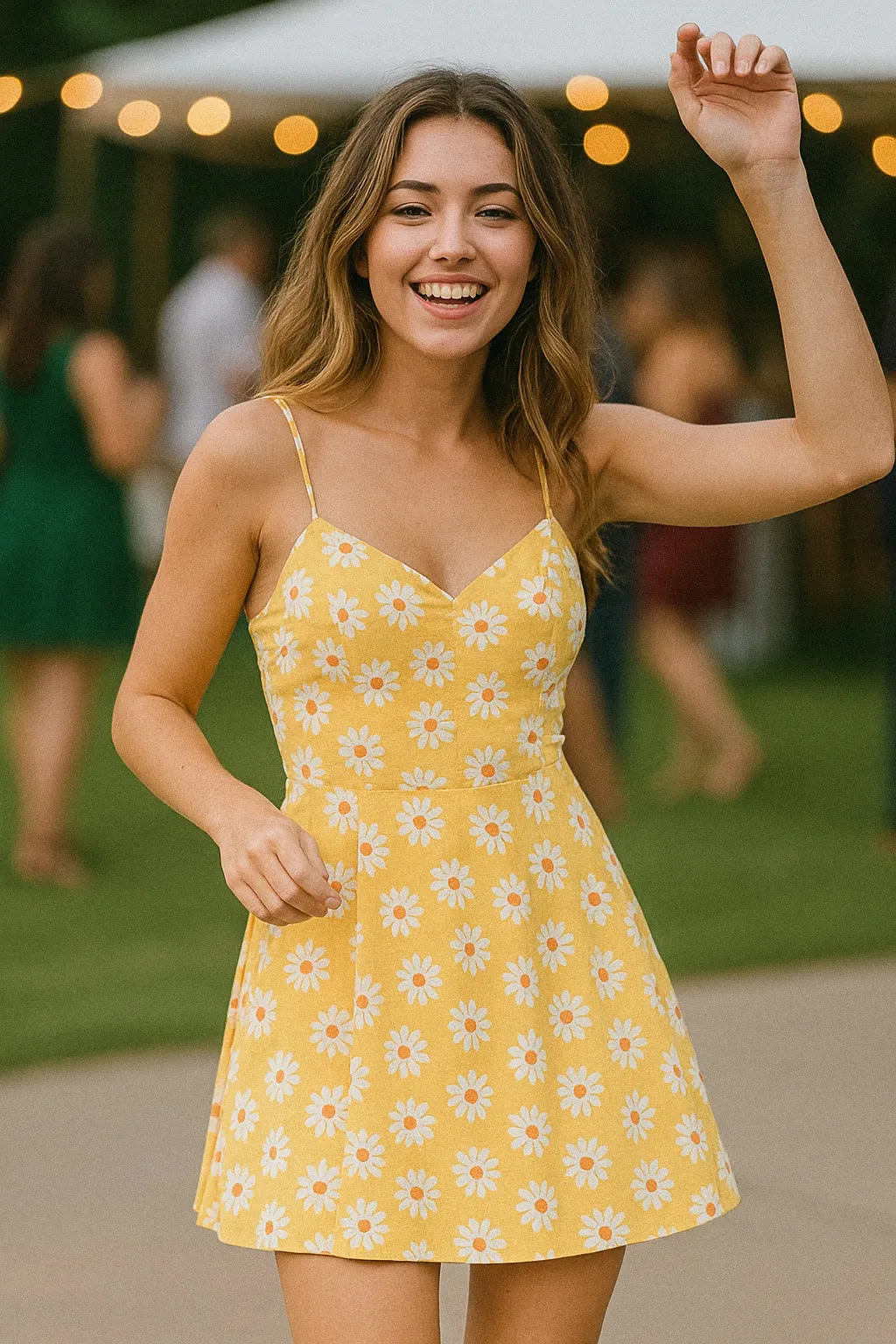
You send a photo in, five seconds come back, and something about it is off. Not broken exactly, the person is recognisable and the motion mostly makes sense, but it does not look right, and it is hard to say why. That feeling has a small number of usual causes, and they show up in roughly the same order of likelihood every time. Working through them in that order is faster than guessing.
The crop did not include what had to move
This is the most common reason, and it is the easiest one to check, because it does not require any judgement about quality. It is a measurement. If the action needs legs and your photograph stops at the waist, the model has to invent legs it never saw, and invented limbs are the fastest way to a result that looks subtly wrong.
The symptom: limbs that appear from nowhere, feet that never quite resolve, or a lower body that looks smudged and uncertain compared with a sharp, correct face. Breakdance is an honest example of an action that asks for the whole body, floor included. Feed it a chest-up photo and the parts it has to build from nothing are exactly the parts that will look wrong. The fix is not a better generation, it is a different photograph, one that already shows what the action needs to move.
The outline was unreadable
Once the crop is right, the next thing the model has to solve is where the person stops and the background starts. A plain wall or open sky makes that trivial. A patterned rug, a railing, a mirror, or clothing close in colour to whatever is behind it makes it much harder, because the model has to reconstruct that boundary in every frame as the body moves, not just once.
The symptom: the background smearing or warping near the edges of the body, especially where an arm or a leg crosses in front of something detailed. It often looks fine in the first frame and gets worse as the movement continues, because the harder problem compounds the further the clip runs. A plain background is not a nice-to-have here, it is doing real work.
The light hid the face
This one surprises people, because it has nothing to do with resolution. A sharp, high quality photograph taken under harsh overhead light, strong backlight, or with the face turned more than three quarters from the camera will often animate worse than a slightly soft photograph lit evenly from the front. The model needs to read the shape and expression of a face well enough to move it, and uneven light or a steep angle takes away exactly the information it needs.
The symptom: an expression that looks slightly wrong throughout the clip, not distorted so much as unconvincing, or features that seem to drift as the face moves. If the original photo has one eye in shadow or the face lit mostly from below, that is usually the first place to look.
The action asked for more invention than the picture could support
The first three causes are about the photograph on its own. This one is about the match between the photograph and the specific action you chose. Every preset is built to add a certain amount of movement, and some ask for very little while others ask for a great deal. A small gesture like a wave mostly extends motion that was already implied in a still hand. A full routine has to invent a sequence of poses the photograph never showed even a hint of.
The symptom: a result that looks fine in general shape but somehow less like the person than a smaller action would have produced from the same photo. Waving is close to the most forgiving action in the whole library for exactly this reason. It asks so little that there is very little room for the result to drift. If a bigger action has disappointed you twice on the same photo, that is usually a sign to try a smaller one on it rather than to keep retrying the same request.
The one that is not fixable by choosing better
Three of the four causes above are things a better photograph solves. The fourth is not, and it is worth saying plainly rather than letting it hide behind vague disappointment: faces drift over a large movement. The model is generating a plausible few seconds from a single still frame, and the more the body has to move, the more room there is for the face to shift away from the person you started with. A wave holds a likeness close to perfectly. A dance sequence, however good the source photograph, asks the model to carry a face through far more invented motion, and some of that invention will show. This is not a flaw you diagnose out of an otherwise good photo. It is a property of how much the action asks the model to invent, and the honest response is to expect it, not to keep looking for the setting that removes it.
Working through it in order
Most disappointing results trace back to the first one or two causes, which is good news, because those are the ones a different photograph or a different crop actually fixes. Check the crop against what the action needs to move. Look at the background for anything detailed crossing the body. Look at the face for even, front-on light. Only once those are ruled out does it make sense to consider whether the action itself asked for more than any photo could give it cleanly.
The full method for picking a photo before you spend a generation on it is in choosing a photo that will animate well, which goes through the crop, light and framing checks in more detail than there is room for here. Between the two, most of what makes a result look wrong stops being a mystery.
Common questions
- Why does my animated photo look weird even though the photo itself looks fine?
- A photo can be a good photo and a poor source image at the same time. The model is judging it against a narrower set of things, mainly whether the crop includes everything the action needs to move, whether the outline of the person is readable, and how the face is lit. None of those show up as flaws when you are just looking at the picture.
- Can a bad result be fixed by running the same photo again?
- Sometimes. If the first attempt put a hand somewhere strange or the motion looks slightly off, a second generation from the same file often lands better, since the result is not identical each time. What a retry will not fix is a structural mismatch, like a crop that never included the legs an action needed.
- Is there a type of photo that just will not animate well, no matter what?
- Yes. A face turned well past three quarters away, cropped so tight the action's movement has nowhere to go, or a face partly lost in shadow or behind sunglasses will disappoint fairly consistently. Choosing a different photograph is the honest fix, not a different setting.
- Why do small actions like waving look more convincing than big ones like a dance?
- The model has less to invent. A wave asks for movement in a hand and a forearm, most of which was likely already visible in your photo. A dance asks for the whole body to move through space the picture never showed, so there is far more room for the result to drift from what you started with.