Action library · Both kinds
Famous Landmark Selfies
Selfies at places you may not have been, and the shelf where it is most worth being clear about what is happening.
Famous structures, each one as a selfie: Paris, Sydney, Agra, Rio. What the action does is put a famous structure behind the person in your photograph and add the small handheld movement a selfie video has. It is a composite, and it is worth saying so plainly, because it is the shelf on this property where a reader is most likely to want to know exactly where the line sits.
People who want the picture for a joke, a group chat, or a bit of content. Also, genuinely, people who did visit and only came away with a still photograph of it.
This shelf holds two different things
Motion actions
These move
A photograph goes in and a clip of about 5 seconds comes out. The movement is generated from the one frame you supply, so nothing here is filmed and nothing is recovered.
Photo styles
These restyle
A photograph goes in and a new still picture comes out. The frame is rebuilt in the style rather than having an effect laid over it, and nothing on this side of the shelf moves.
Everything on the Famous Landmark Selfies shelf
The ones that move
 01MovesEiffel Tower SelfieIconic Eiffel Tower tourist selfieUse a phone selfie: head and shoulders, arm length, front on, with soft daylight on the face.Moderate invention
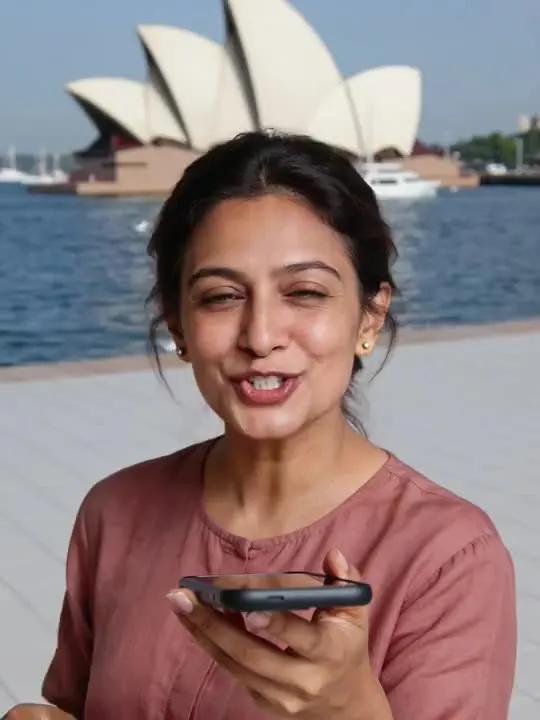 02MovesOpera House SelfieSydney Opera House landmark selfieModerate invention
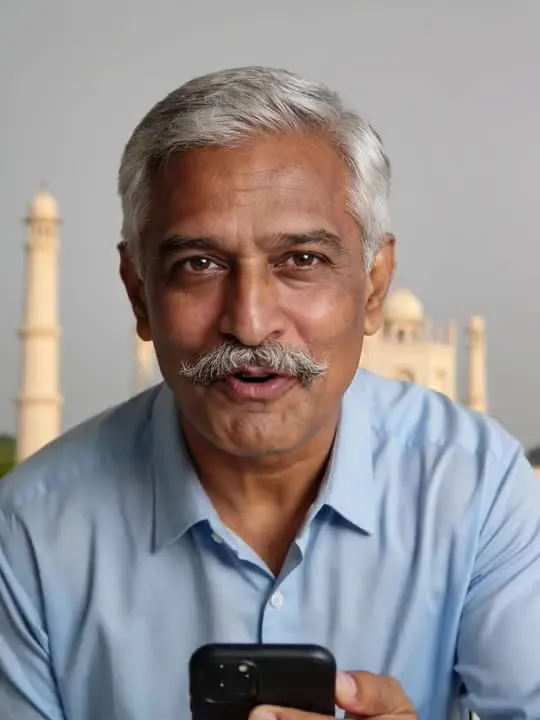 03MovesTaj Mahal SelfieTaj Mahal India heritage selfieModerate invention
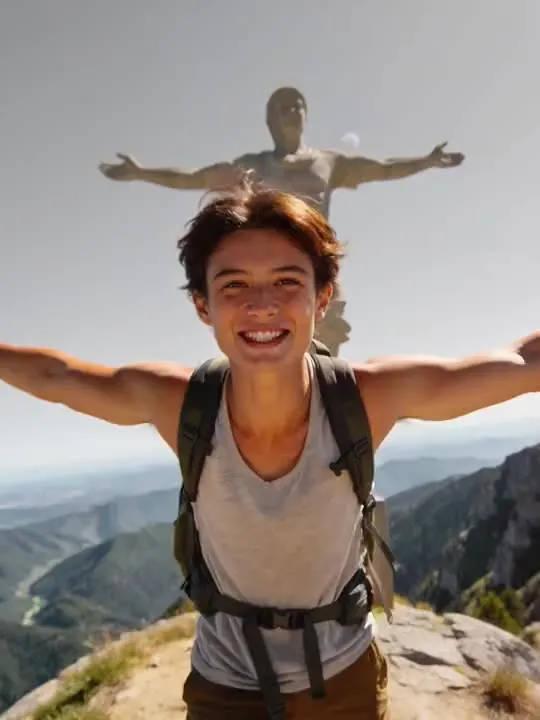 04MovesChrist the Redeemer SelfieArms wide at the mountaintop, the statue rising behindMotion action
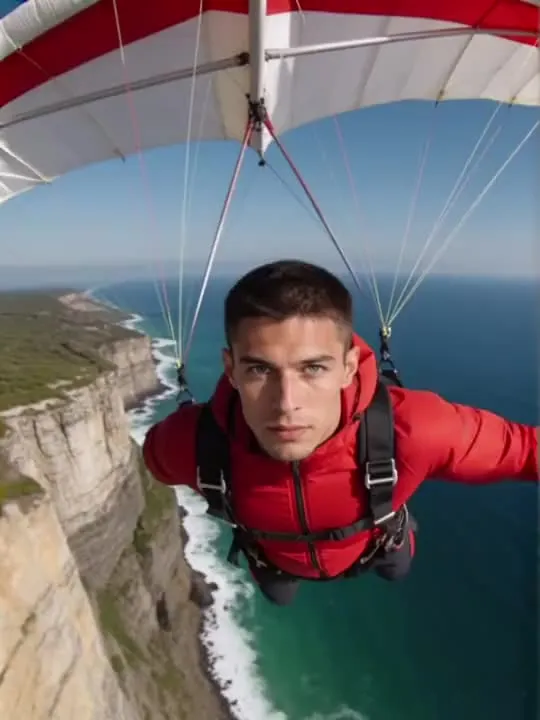 05MovesCliffside Paraglide RevealGlide beneath a paraglider as the camera pulls back to reveal the coast.Motion action
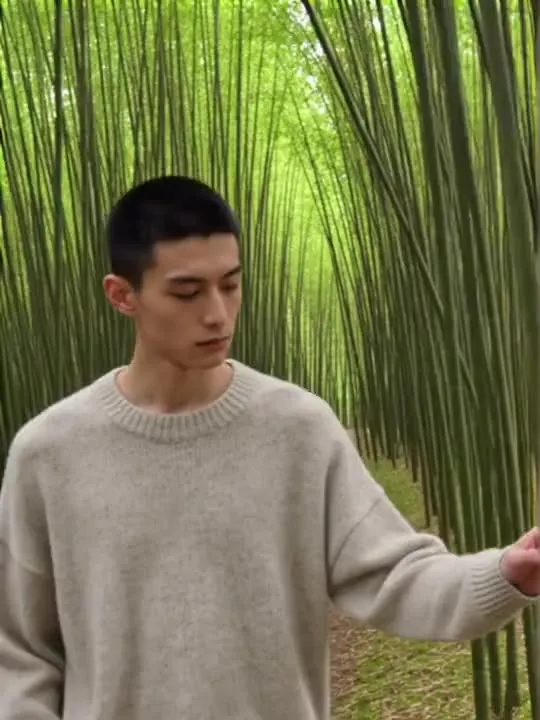 06MovesBamboo Grove WalkA slow walk along a narrow bamboo grove path, dappled green light overhead.Motion action
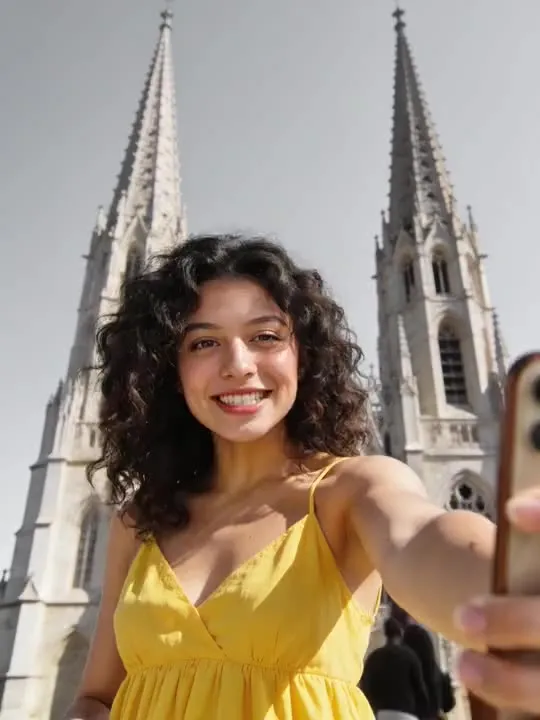 07MovesCathedral Spire SelfieA selfie framed against towering cathedral spiresMotion action
 08MovesAurora Viewpoint Selfiea still moment under the northern lightsMotion action
 09MovesVenice Canal Gondola GlideGliding down a Venice canal past sun-warmed facades.Motion action
The ones that restyle
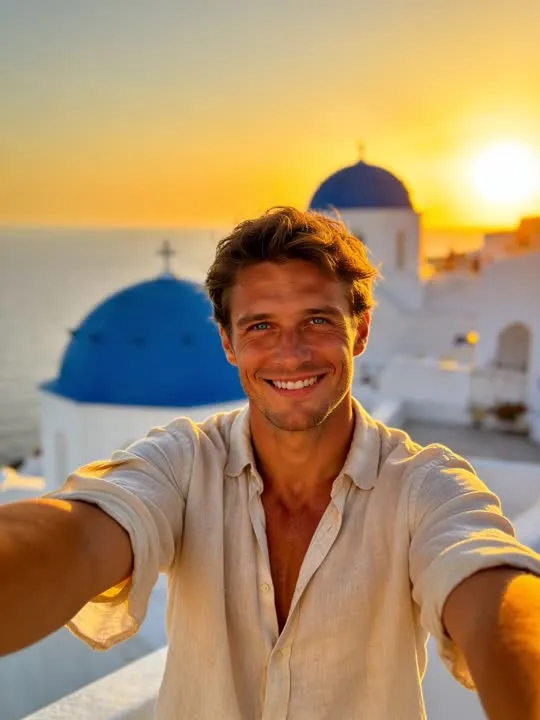 01RestylesBlue Dome Sunset SelfieA whitewashed terrace above blue domes at golden hourA whitewashed terrace and blue domes are placed behind you, so whatever is actually there is replaced and only the edge around hair and shoulders survives.Photo style
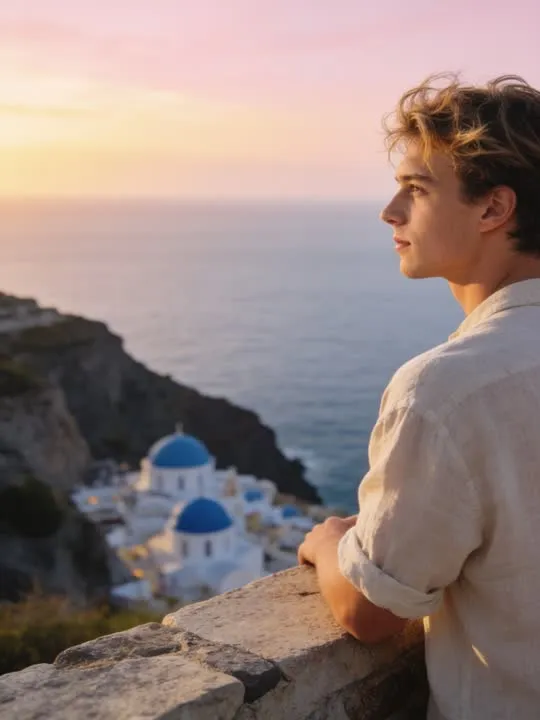 02RestylesClifftop Sunrise OverlookA quiet sunrise gaze over a blue-domed coastal village from a clifftop wall.Photo style
What is invented on this shelf
The entire background, including the monument, the light on it and the crowd around it. Your face and your clothing come from the photograph. Everything behind you does not. The model has seen these buildings many times, which is why they come back recognisable, and it has never seen you standing in front of one, which is why the join between the two is the thing to look at.
The app's own invention flag, across this shelf
- ModerateReal movement, still anchored to the frameEiffel Tower SelfieOpera House SelfieTaj Mahal Selfie
The rest of this shelf carries no invention flag in the app's catalogue, so nothing here places it on the ramp: Christ the Redeemer Selfie, Cliffside Paraglide Reveal, Bamboo Grove Walk, Blue Dome Sunset Selfie, Cathedral Spire Selfie, Aurora Viewpoint Selfie, Venice Canal Gondola Glide, Clifftop Sunrise Overlook. The flag is set on a preset by the app rather than by this site, and a guess dressed as a rating would be worth less than the gap.
Least invented first. A small rung stays close to the photograph you already have; a large one means the model is building most of what ends up on screen, which is also where a likeness has the most room to drift.
The photograph this shelf wants
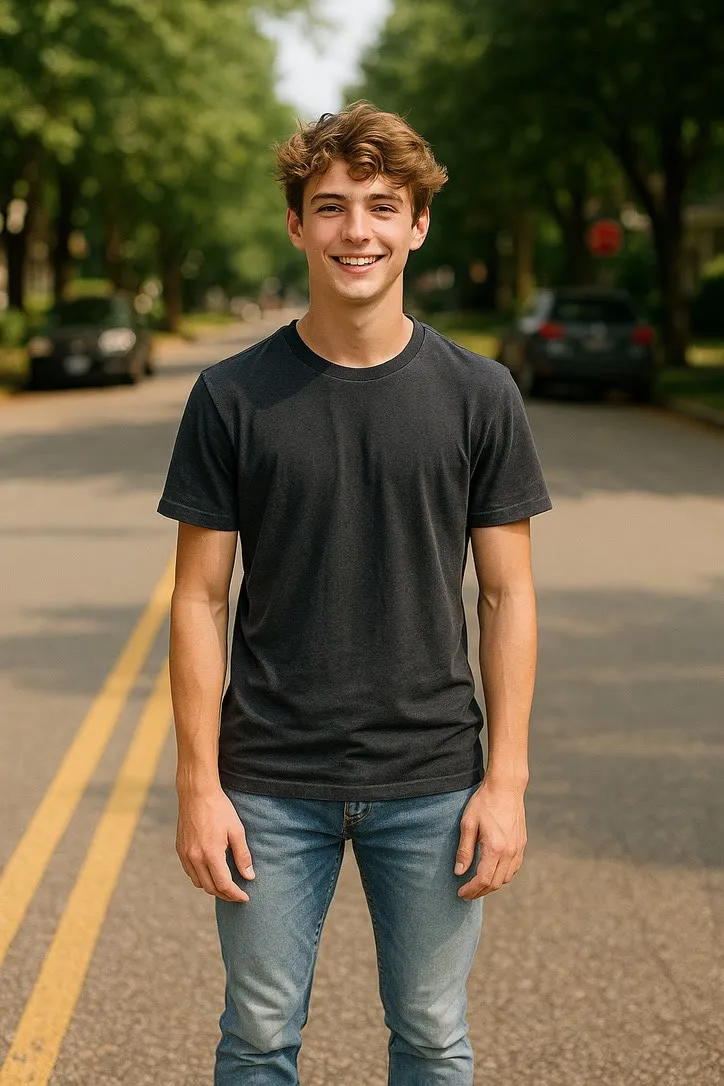
The background is replaced, so the person is what matters. Use a phone selfie or a head and shoulders portrait, front on, taken at roughly arm length, with even light on the face. A photo already taken outdoors sits into the new scene more naturally than one shot under indoor lighting.
The four things that decide any result are the same here as everywhere else in the library, and they are set out in what makes a photo work. The limits that apply to every action on this site are in what none of these can do.
Where Famous Landmark Selfies results vary most
Scale and light are where these break. A monument built at the wrong size behind a head, or evening light on a building above a face lit at midday, is the usual tell. A tighter head and shoulders crop leaves less join to get wrong than a full length shot does. Detail on the structure itself also softens, so do not expect the architecture to survive close inspection.
Where to go next
- The landmark selfie actions: what they actually put behind youEiffel Tower, the Great Wall, Sydney Harbour. These actions do not crop a background into your photograph, they invent one entirely. What that means for which photo to start with, and how to keep the joke honest.
- Animating a photo for Instagram ReelsGetting an animated photo onto Reels without it looking wrong. The crop decision that has to happen before you generate, not after, what five seconds is good for on a loop, and where the AI disclosure toggle actually lives.
This is one shelf of many. The whole catalogue, grouped the way the app groups it, is in the action library.
Common questions
- What is the Famous Landmark Selfies shelf for?
- Famous structures, each one as a selfie: Paris, Sydney, Agra, Rio. What the action does is put a famous structure behind the person in your photograph and add the small handheld movement a selfie video has. It is a composite, and it is worth saying so plainly, because it is the shelf on this property where a reader is most likely to want to know exactly where the line sits.
- Does everything on the Famous Landmark Selfies shelf move?
- No, and that is the first thing to check before picking one. This shelf holds both kinds: some of these are motion actions that hand back a short clip, and the rest are photo styles that hand back a new still picture. Both halves are named and linked separately on this page, and every card is labelled.
- What kind of photo works best for Famous Landmark Selfies?
- The background is replaced, so the person is what matters. Use a phone selfie or a head and shoulders portrait, front on, taken at roughly arm length, with even light on the face. A photo already taken outdoors sits into the new scene more naturally than one shot under indoor lighting.
- Do I need a subscription for the Famous Landmark Selfies actions?
- Nothing on this shelf is marked as a subscription only action in the app's catalogue. Free to download on iPhone and iPad. Credits and subscriptions are bought inside the app.
The right action for the photograph beats the popular one
Every action on the Famous Landmark Selfies shelf is written up the same way, so you can check whether the picture in your camera roll actually suits it before you spend a credit on finding out.