Animating a photo for Instagram Reels
Getting an animated photo onto Reels without it looking wrong. The crop decision that has to happen before you generate, not after, what five seconds is good for on a loop, and where the AI disclosure toggle actually lives.
A Reel is a specific shape and a specific length before it is anything else, and an animated photo either respects both of those or it looks like it wandered in from somewhere else. Most of the advice online treats this as an editing problem, something you fix after the clip exists. It is not. The decisions that matter happen with the photograph, before you press generate.
The aspect ratio truth
The app does not crop your clip to fit Reels. It generates the clip at whatever shape the source photograph already is, so if you feed it a landscape photo taken with a phone held sideways, you get a landscape clip, and Instagram will letterbox it or crop into it to make it fit the vertical feed, on its terms rather than yours.
The fix has nothing to do with the app and everything to do with the photograph. Crop the still to something close to 9:16 before you upload it, the same shape a phone naturally shoots in portrait. Do that and the clip that comes back already fills the screen the way a Reel is supposed to. Do it after, and you are trusting Instagram’s own crop to find the right part of a frame the model already animated around a different shape, which is the wrong tool for the job and the reason so many animated Reels have a face pushed uncomfortably into a corner.
This matters more for a moving clip than it ever did for a still photo, because a still crops forgivingly and a five second loop with a badly placed subject is distracting for the whole five seconds.
What five seconds is actually good for
A Reel is not one length. It is a slot that gets filled by a fifteen second tutorial, a ninety second story, or a loop that repeats until someone scrolls past. An animated photo is built for exactly one of those, and knowing which one saves you from a clip that undersells itself.
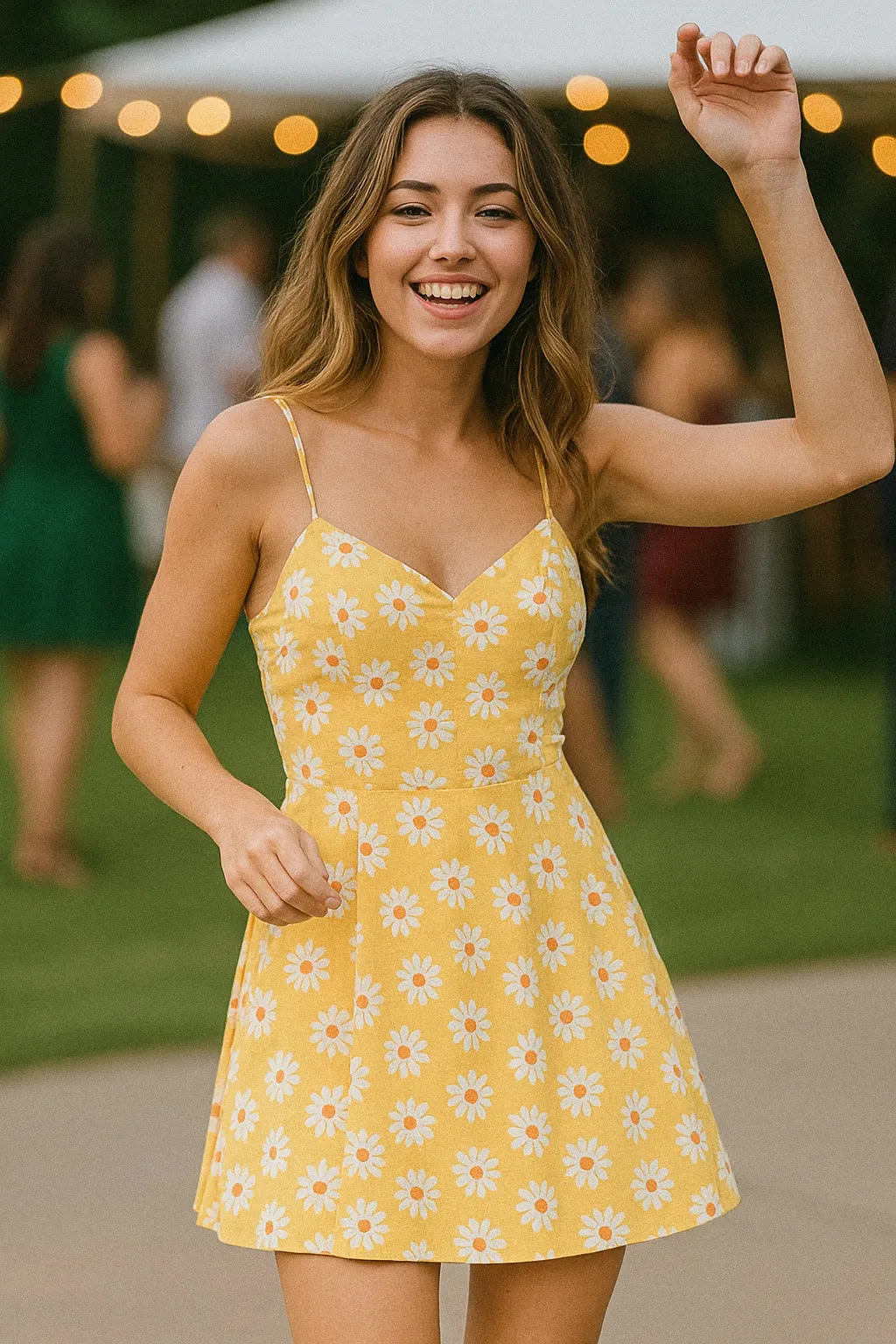
Five seconds is a loop. Dress Twirl turns once, the fabric flares and falls, and the frame is close enough to where it started that the seam barely shows when it repeats. That is the format doing what it is good at: something small and complete that plays two or three times in the time someone spends deciding whether to keep scrolling.
Five seconds is not a hook you talk over. A Reel with a voiceover, captions explaining a point, or a punchline that lands on a specific word needs a performer controlling timing, and a generated clip does not take direction mid-shot. If the idea in your head involves a caption appearing at the right moment or a joke landing on a beat, the photo animation is the backdrop at best, not the vehicle. Build around the loop instead of fighting the length.
Confetti Throw is the other end of the same idea, a burst rather than a spin, and it needs headroom above the head in the source photo because the confetti falls from the top of the frame down. Crop that headroom out to fit a tighter Reels frame and the confetti has nowhere to fall from, which is the kind of mistake that only shows up once you have already generated the clip.
Where the disclosure actually lives
Instagram has been tightening how it treats AI generated video, and by now it does two things with a Reel like this: it often detects and labels AI generated content automatically, and it also gives you a manual “AI info” toggle in advanced settings when you publish. Turning that on yourself, before the platform flags it for you, takes about two seconds and reads as someone who is not trying to pass the clip off as footage.
This is worth doing regardless of the topic. A birthday Reel, a reunion clip, a dress twirling at a party, none of it needs to hide what it is, and saying so plainly costs nothing next to the alternative of a viewer working it out on their own and wondering why you didn’t mention it.
A photo that was already going to work
The photograph most people reach for first, whatever came out of the camera roll from the event itself, is not always the one that animates best. A dress twirl needs the dress fully visible and the feet clear of the frame edge. A confetti throw needs that headroom. Both want the subject lit and close enough to fill a vertical crop without cutting through a hand or a face.
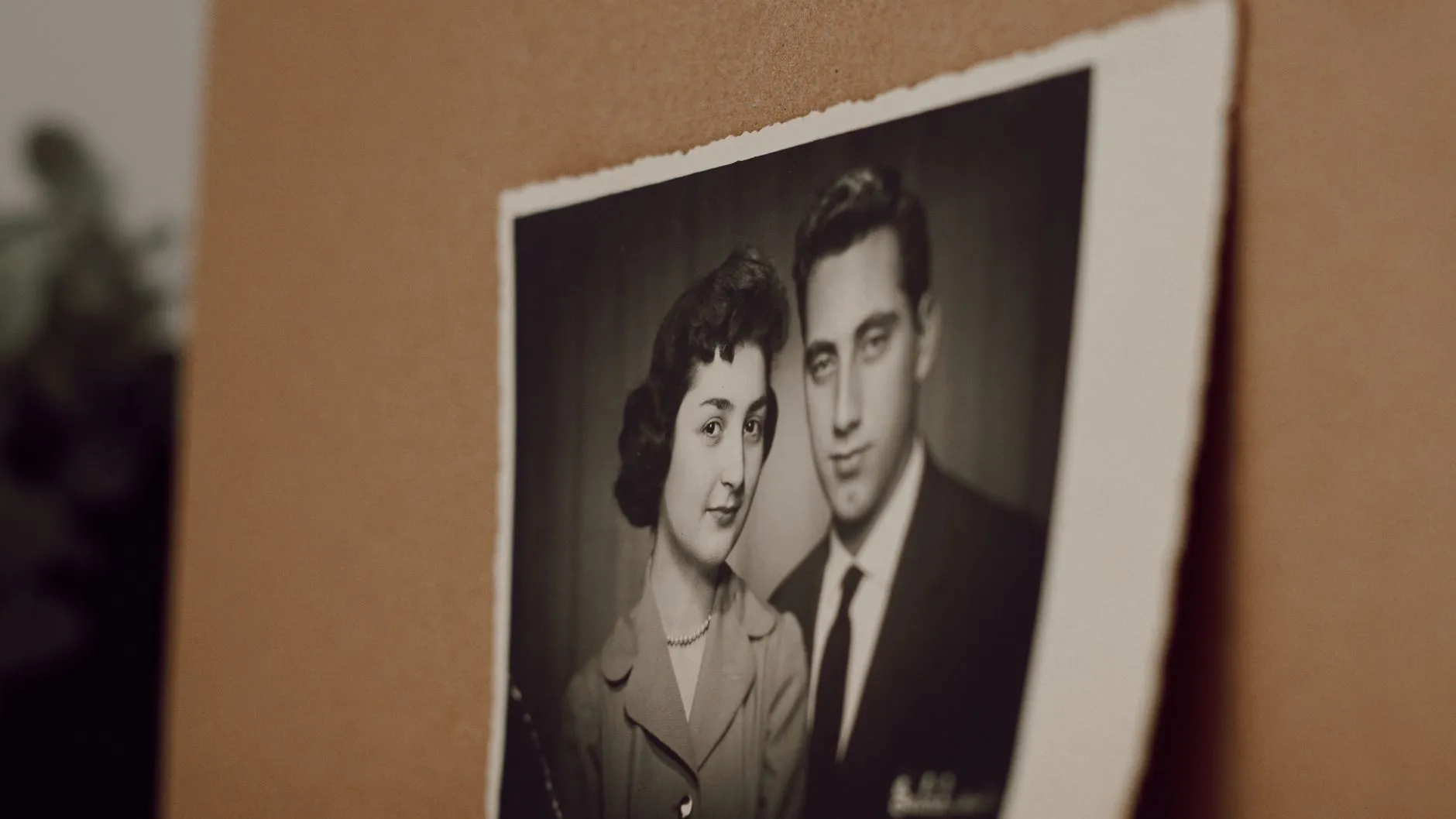
If the photo you actually want to post is an older one, a print from a box rather than a phone photo, get the print itself right first. Scratches, creases and colour cast all carry through into the animation, since the model works from exactly what is in front of it. A guide to restoring an old photo before animating it is worth five minutes if that is the photograph you are set on.
The honest limit
The clip is generated from one still frame, not filmed, so what you get is an illustration of the movement rather than a recording of it. That is easy to forget when a five second loop feels convincing on a small screen, and worth remembering before you caption it as anything other than what it is.
A short workflow before you post
- Crop the photo close to 9:16 before you generate anything, not after.
- Check headroom and hand position against whatever the action actually needs, which the action’s own page will tell you.
- Generate, watch it once on a phone, at the size it will actually be seen.
- Turn on the AI info toggle when you publish.
- Post it as a loop, not a story you are hoping five seconds can tell.
For the same crop and framing questions applied to a seasonal card instead of a Reel, see holiday cards that move. And for the fuller method behind choosing any photo for animation, choosing a photo that will animate well covers the ground this piece only applies to one format.
Common questions
- What shape should the photo be for Reels?
- Vertical, close to 9:16, and ideally the crop you want is the crop you shoot or trim before you generate. The clip comes out at the same shape as the photograph you fed it, so there is no cropping tool waiting for you afterward.
- Is five seconds long enough for a Reel?
- It is exactly the right length for a loop and the wrong length for anything with a spoken hook. A five second clip that repeats cleanly reads as intentional. The same clip cut into a Reel with a voiceover and captions reads as thin.
- Do I have to disclose that a Reel was made with AI?
- Instagram will often flag it automatically, but there is a manual "AI info" toggle in advanced settings when you publish a Reel, and turning it on yourself is simpler than having the platform decide for you later.
- Which actions actually suit a vertical Reel?
- Anything shot close and centred works better than anything wide. Dress Twirl and Confetti Throw are both built as a tight, upright motion rather than a scene that spreads sideways, which is most of why they hold up on a phone screen.