Action library · Both kinds
Travel & Adventure
A short shelf about outdoor light, where the source photograph is usually already doing most of the work.
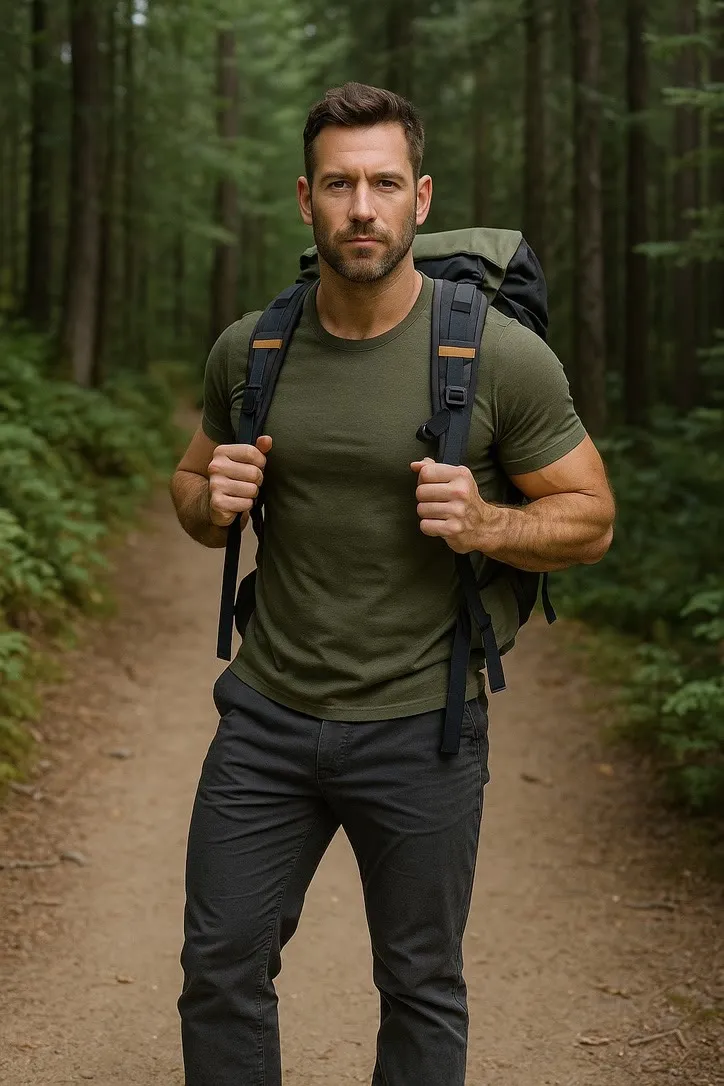
Adventure moments: a trail walked, a wave ridden, a ridgeline held at golden hour. It is one of the shortest shelves in the library and does not pretend otherwise. What it is for is taking a photograph that was already taken outdoors and giving it the movement or the grade that the moment had and the picture did not.
Walkers, surfers and anyone whose camera roll is mostly landscape with a small person in it. That last part matters, and it is the thing this shelf most often gets wrong for people.
This shelf holds two different things
Motion actions
These move
A photograph goes in and a clip of about 5 seconds comes out. The movement is generated from the one frame you supply, so nothing here is filmed and nothing is recovered.
Photo styles
These restyle
A photograph goes in and a new still picture comes out. The frame is rebuilt in the style rather than having an effect laid over it, and nothing on this side of the shelf moves.
Everything on the Travel & Adventure shelf
The ones that move
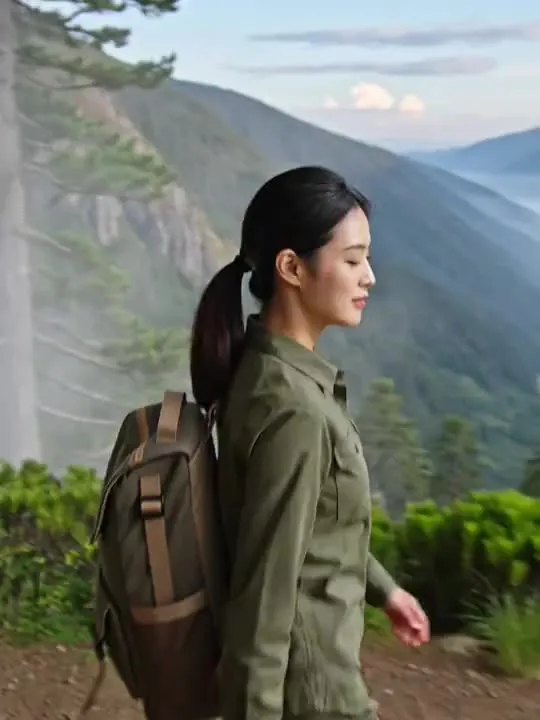 01MovesHikingAdventurous hiking trail walkModerate invention
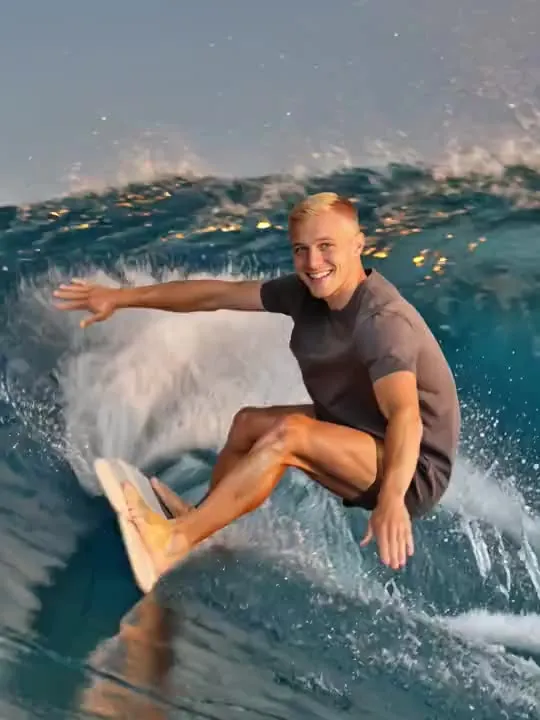 02MovesSurfingRiding ocean waves with styleModerate invention
 03MovesBalloon Sunrise DriftThe balloon drifts and rotates as the camera reveals gold-lit hills below.Motion action
 04MovesTrain Window DaydreamThe world blurs past while you drift off.Motion action
 05MovesNight Train Sleeper WindowA quiet blue-hour moment gazing out a sleeper train window as city lights blur past.Motion action
The ones that restyle
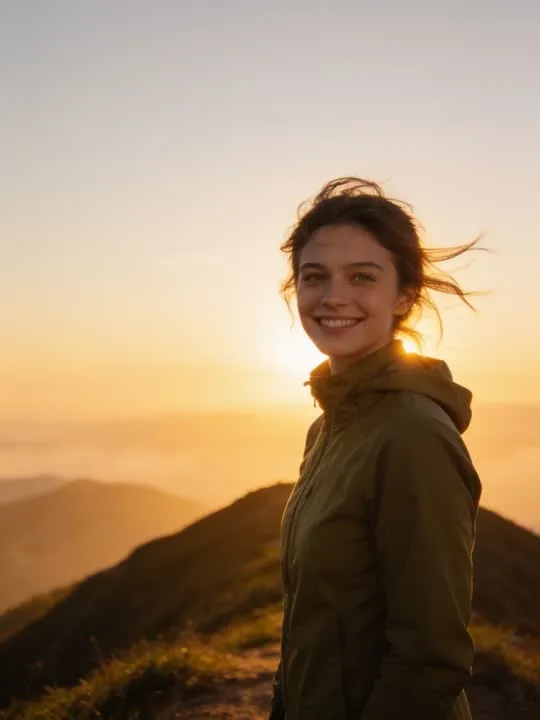 01RestylesGolden Hour Ridgelinebacklit gold on a windswept overlookRim light lands on hair and shoulders, so loose hair gives this far more to work with than a tight bun or a cap.Photo style
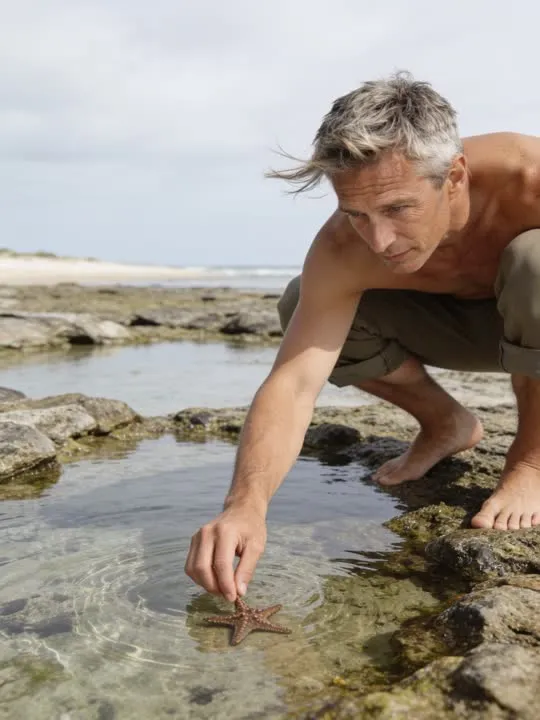 02RestylesTide Pool FindA quiet coastal discovery at low tideThe finished still puts you in a crouch with one arm extended into shallow water, a long way from how most photographs are taken, so hand it a full length shot with the knees and feet visible and let it do the folding.Photo style
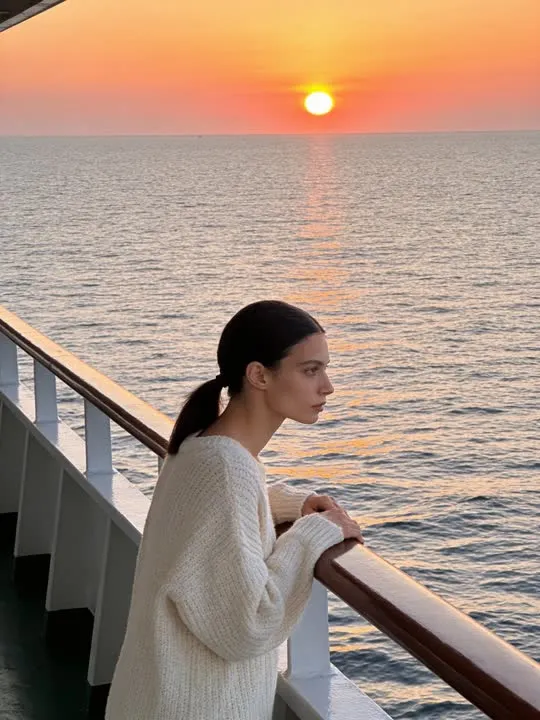 03RestylesFerry Deck Sunset HorizonA wide, wistful travel restyle of the subject at the rail as the sun sets over open water.Photo style
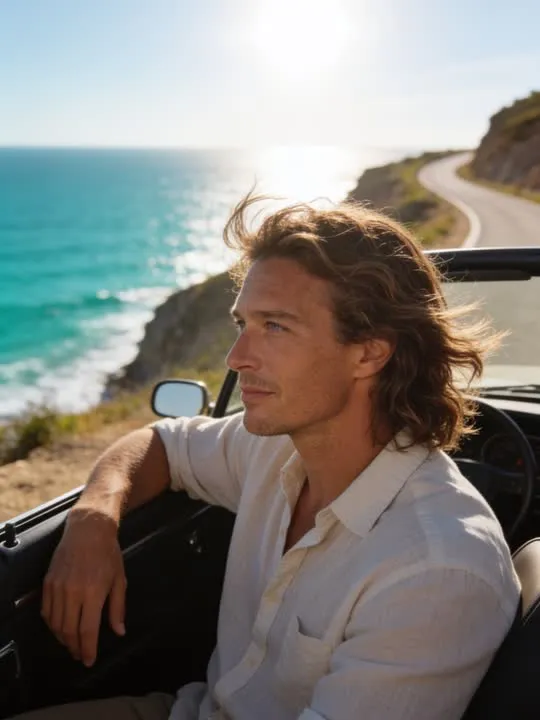 04RestylesCoastal Convertible DriveA sun-drenched restyle of the subject in an open-top car along the coast.Photo style
What is invented on this shelf
Terrain, water and the whole background behind a moving subject. A wave is the hardest thing on this shelf by a distance, because water has no fixed shape for the model to hold on to and every frame of it is a new invention. A trail is easier, since ground mostly stays where it was put.
The app's own invention flag, across this shelf
The rest of this shelf carries no invention flag in the app's catalogue, so nothing here places it on the ramp: Golden Hour Ridgeline, Balloon Sunrise Drift, Train Window Daydream, Tide Pool Find, Ferry Deck Sunset Horizon, Coastal Convertible Drive, Night Train Sleeper Window. The flag is set on a preset by the app rather than by this site, and a guess dressed as a rating would be worth less than the gap.
Least invented first. A small rung stays close to the photograph you already have; a large one means the model is building most of what ends up on screen, which is also where a likeness has the most room to drift.
The photograph this shelf wants
Outdoor light is doing most of the work here. Keep the subject clearly separated from the background, avoid heavy backlight that turns them into a silhouette, and leave headroom, since the camera in these clips tends to drift.
The four things that decide any result are the same here as everywhere else in the library, and they are set out in what makes a photo work. The limits that apply to every action on this site are in what none of these can do.
Where Travel & Adventure results vary most
Distance is the trap. A person standing small against a mountain has a face made of very few pixels, and no action can add detail that the photograph never recorded. Backlight is the second one: a subject shot into a low sun is a silhouette, and a silhouette has no face to preserve. Get close enough that the face is genuinely readable and this shelf behaves.
Where to go next
- Animating a photo for Instagram ReelsGetting an animated photo onto Reels without it looking wrong. The crop decision that has to happen before you generate, not after, what five seconds is good for on a loop, and where the AI disclosure toggle actually lives.
- The photo that will actually animate well (and the ones that will not)Most camera rolls have hundreds of good photographs and only a handful of good source material. A practical way to tell which is which before you spend a generation on the wrong one.
This is one shelf of many. The whole catalogue, grouped the way the app groups it, is in the action library.
Common questions
- What is the Travel & Adventure shelf for?
- Adventure moments: a trail walked, a wave ridden, a ridgeline held at golden hour. It is one of the shortest shelves in the library and does not pretend otherwise. What it is for is taking a photograph that was already taken outdoors and giving it the movement or the grade that the moment had and the picture did not.
- Does everything on the Travel & Adventure shelf move?
- No, and that is the first thing to check before picking one. This shelf holds both kinds: some of these are motion actions that hand back a short clip, and the rest are photo styles that hand back a new still picture. Both halves are named and linked separately on this page, and every card is labelled.
- What kind of photo works best for Travel & Adventure?
- Outdoor light is doing most of the work here. Keep the subject clearly separated from the background, avoid heavy backlight that turns them into a silhouette, and leave headroom, since the camera in these clips tends to drift.
- Do I need a subscription for the Travel & Adventure actions?
- Nothing on this shelf is marked as a subscription only action in the app's catalogue. Free to download on iPhone and iPad. Credits and subscriptions are bought inside the app.
The right action for the photograph beats the popular one
Every action on the Travel & Adventure shelf is written up the same way, so you can check whether the picture in your camera roll actually suits it before you spend a credit on finding out.