Action library · Both kinds
Epic Encounters
Actions that add something to the frame that was never there, which makes the join the thing worth judging.
A second you, a dinosaur, a zombie street, a cape, a stadium camera finding you in the crowd, a monster over the rooftops. Every action on this shelf works by addition: the photograph is kept and something is introduced behind or beside the person in it. That is a different request from the rest of the library, where the model is mostly changing what is already in the frame.
People making something to make someone laugh. This shelf is not trying to be plausible and does not need to be, which is a freedom the rest of the catalogue does not have.
This shelf holds two different things
Motion actions
These move
A photograph goes in and a clip of about 5 seconds comes out. The movement is generated from the one frame you supply, so nothing here is filmed and nothing is recovered.
Photo styles
These restyle
A photograph goes in and a new still picture comes out. The frame is rebuilt in the style rather than having an effect laid over it, and nothing on this side of the shelf moves.
Everything on the Epic Encounters shelf
The ones that move
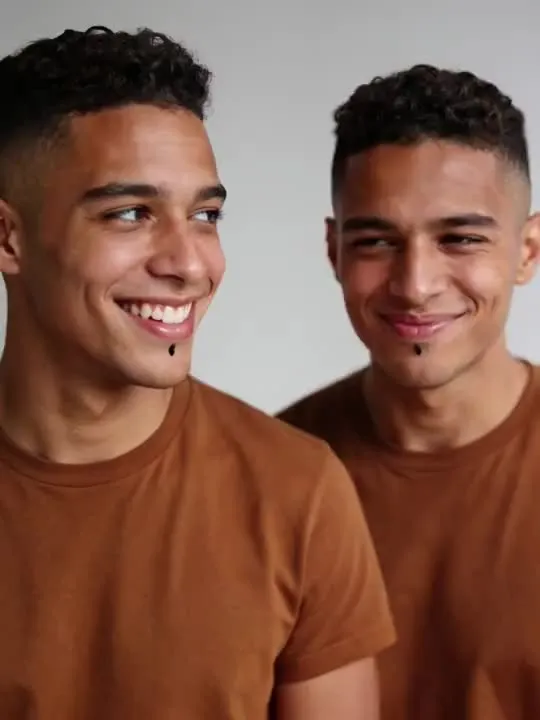 01MovesTwin SelfieTwo versions side by side selfieHead and shoulders, front on, with plenty of clean space to one side, because a second version of you has to fit there.Moderate invention
 02MovesZombie SelfieZombie apocalypse survival selfieModerate invention
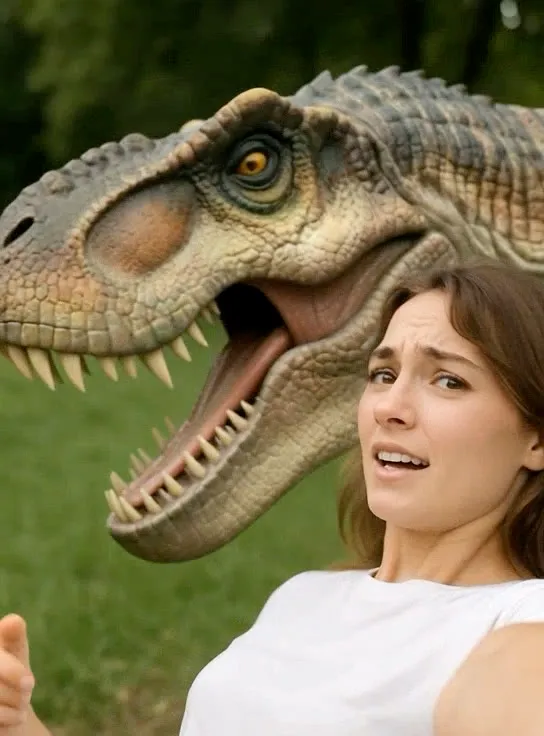
 03MovesDinosaur EncounterDinosaur appearing behind youModerate invention
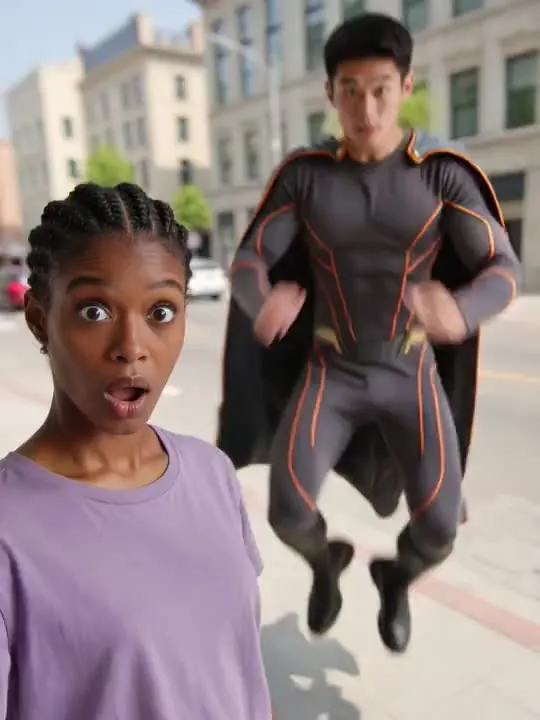 04MovesSuperhero SelfieCaped superhero entrance selfieModerate invention
 05MovesStadium CameoCaught by the broadcast camera in a roaring night stadiumMotion action
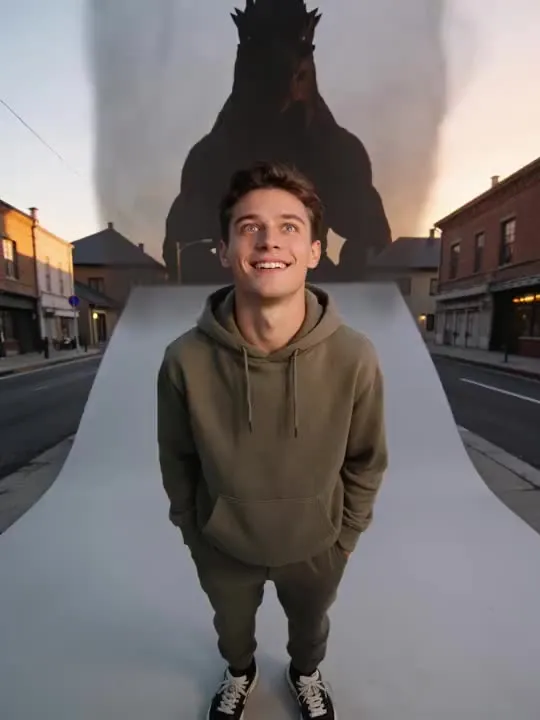 06MovesCity-Stomping Kaiju SelfieA monster silhouette rises over the rooftops behind your grinMotion action
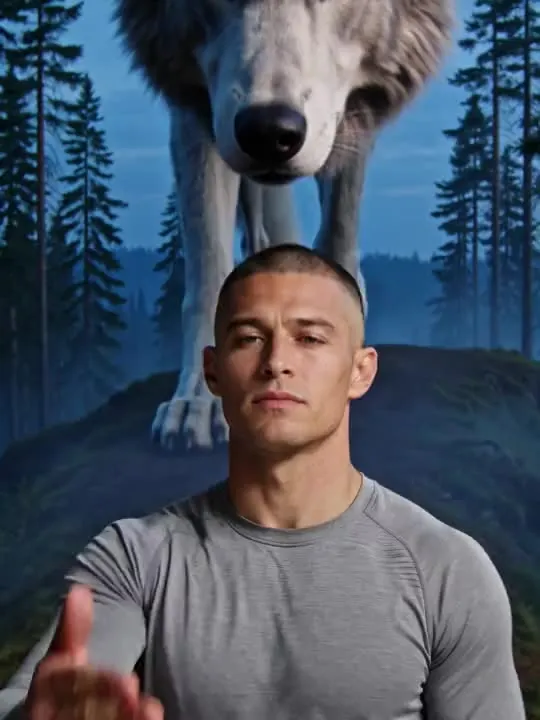 07MovesWolf Call at DuskReach up as a towering wolf lowers its head and the camera pulls back to reveal the scale.Motion action
 08MovesGuest Chair MomentYou, mid-laugh, on the guest couchMotion action
The ones that restyle
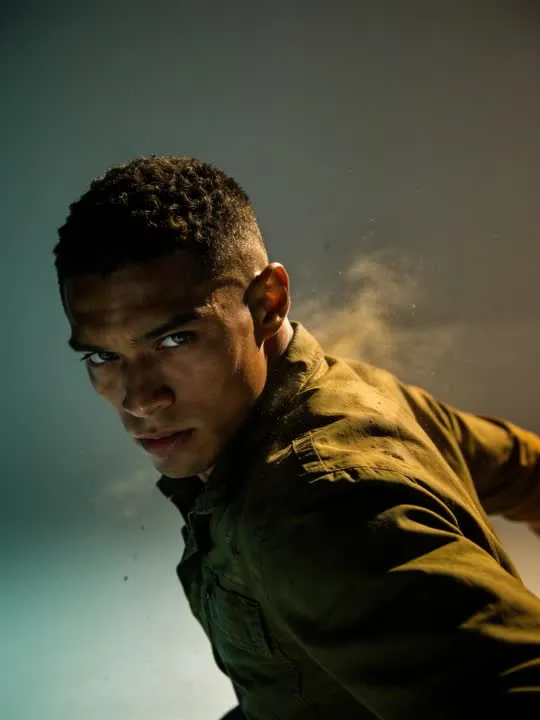 01RestylesTrailer Freeze FrameFrozen as the dramatic final beat of a movie trailer.Photo style
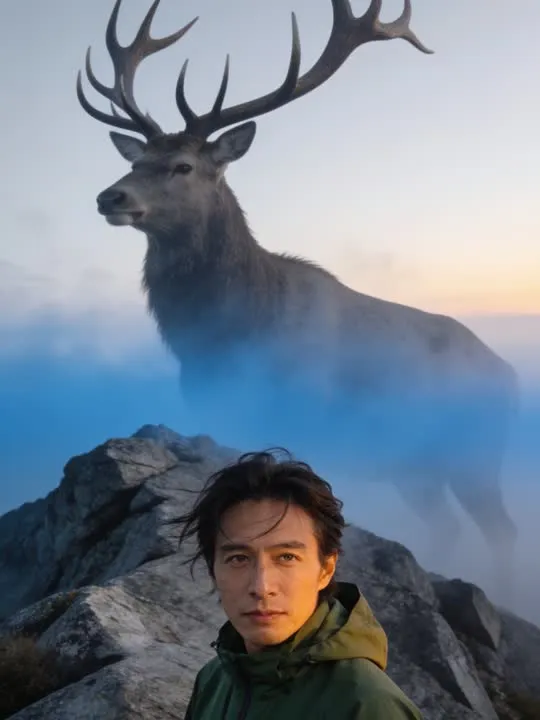 02RestylesGuardian StagStand small before a colossal guardian stag on a misted ridge.Photo style
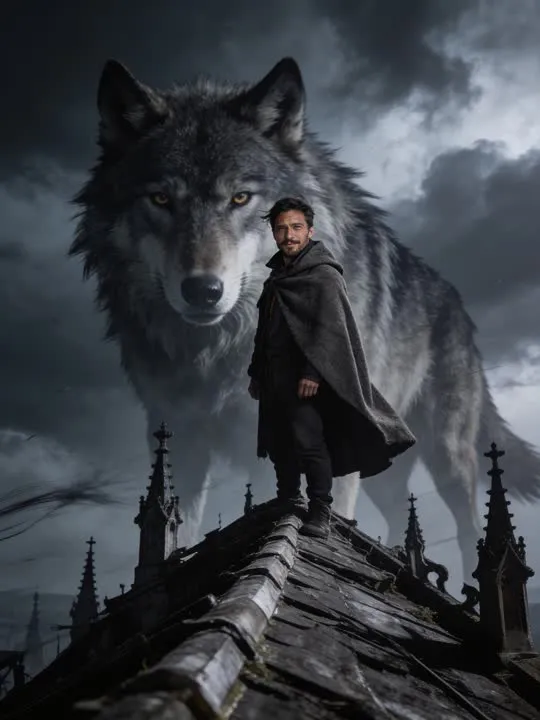 03RestylesRidge GuardianA storm-lit wolf looms behind you on a windswept ridgePhoto style
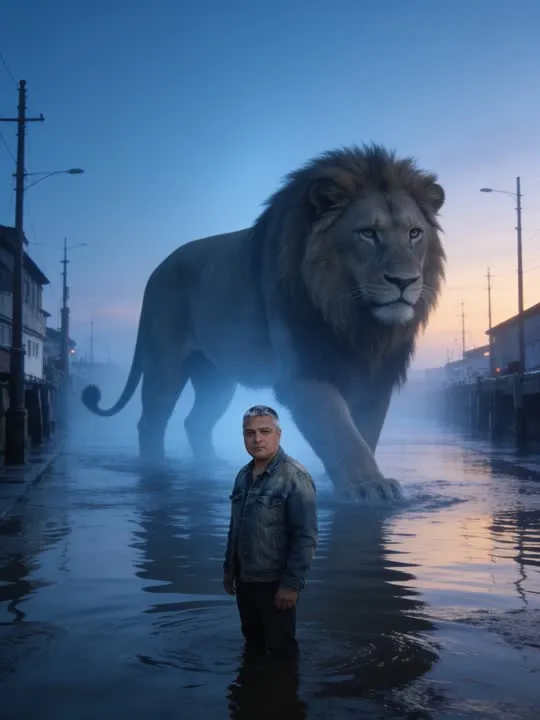 04RestylesHarbor Lion at DawnA colossal lion wades the flooded street behind youPhoto style
 05RestylesCoronation MomentA crown lowers into place, the subject's expression composed and regal.Photo style
What is invented on this shelf
The added thing, entirely, plus the light it should be casting and the shadow it should be dropping. Those last two are what separates a good result here from one that reads as a sticker. The twin action is the hardest of them, because the thing being added is a second copy of a face the model also has to keep consistent with the first.
The app's own invention flag, across this shelf
- ModerateReal movement, still anchored to the frameTwin SelfieZombie SelfieDinosaur EncounterSuperhero Selfie
The rest of this shelf carries no invention flag in the app's catalogue, so nothing here places it on the ramp: Stadium Cameo, City-Stomping Kaiju Selfie, Trailer Freeze Frame, Guardian Stag, Wolf Call at Dusk, Ridge Guardian, Harbor Lion at Dawn, Guest Chair Moment, Coronation Moment. The flag is set on a preset by the app rather than by this site, and a guess dressed as a rating would be worth less than the gap.
Least invented first. A small rung stays close to the photograph you already have; a large one means the model is building most of what ends up on screen, which is also where a likeness has the most room to drift.
The photograph this shelf wants
These build a scene around you, so give them room to build it. A selfie style shot with the subject on one side, or with some empty background behind, leaves space for whatever is about to appear. A face that fills the entire frame leaves none.
The four things that decide any result are the same here as everywhere else in the library, and they are set out in what makes a photo work. The limits that apply to every action on this site are in what none of these can do.
Where Epic Encounters results vary most
Occlusion is the weak point. Where the added element passes in front of the subject, or the subject in front of it, the boundary has to be negotiated frame by frame and often is not clean. Leave space behind and beside the person in your photograph: a subject filling the frame edge to edge has nowhere for anything to arrive from.
Where to go next
- The Epic Encounters actions: what they actually add next to youA dinosaur, a lion, a caped superhero, a zombie horde, a second version of yourself. None of it comes from your photograph. What that means for which picture to start with, and which occasion each one actually suits.
- Animating a photo with more than one person in itGroup photos are the ones people most want to animate, and the ones that most often disappoint. The arithmetic behind why, which actions actually hold up, and when cropping down to two or three faces beats animating the whole row.
This is one shelf of many. The whole catalogue, grouped the way the app groups it, is in the action library.
Common questions
- What is the Epic Encounters shelf for?
- A second you, a dinosaur, a zombie street, a cape, a stadium camera finding you in the crowd, a monster over the rooftops. Every action on this shelf works by addition: the photograph is kept and something is introduced behind or beside the person in it. That is a different request from the rest of the library, where the model is mostly changing what is already in the frame.
- Does everything on the Epic Encounters shelf move?
- No, and that is the first thing to check before picking one. This shelf holds both kinds: some of these are motion actions that hand back a short clip, and the rest are photo styles that hand back a new still picture. Both halves are named and linked separately on this page, and every card is labelled.
- What kind of photo works best for Epic Encounters?
- These build a scene around you, so give them room to build it. A selfie style shot with the subject on one side, or with some empty background behind, leaves space for whatever is about to appear. A face that fills the entire frame leaves none.
- Do I need a subscription for the Epic Encounters actions?
- Nothing on this shelf is marked as a subscription only action in the app's catalogue. Free to download on iPhone and iPad. Credits and subscriptions are bought inside the app.
The right action for the photograph beats the popular one
Every action on the Epic Encounters shelf is written up the same way, so you can check whether the picture in your camera roll actually suits it before you spend a credit on finding out.