Action library · These move
Cinematic Camera
The only shelf where the subject barely moves and the camera does all of the work.
Camera moves, applied to a still photograph. An orbit around a standing figure, a slow push into a close up, a crane rise, a dolly zoom that stretches the room. These are not actions in the sense the rest of the library uses the word. Nobody in the picture is doing anything. What changes is the point of view, which is why this shelf pairs with almost any photograph rather than with a specific kind.
People who want a still to open a video rather than to be one, and people whose photograph is good enough that they do not want the person in it altered at all. That second group is larger than it looks, and this is the right shelf for them.
What is invented on this shelf
Everything the original point of view could not see. An orbit has to build the side of a head and the back of a room that no camera recorded. A crane rise has to invent the ground plan. This is a large invention presented as a small one, which is worth knowing before you judge the result.
One photograph goes in and a short clip comes out. It is generated rather than filmed, so run it twice if the first attempt puts a hand somewhere strange; the second version will not be identical.
The Cinematic Camera actions
 01Orbitthe camera swings a half circle around youA half circle means the side of you the lens never saw has to be invented.Motion action
 02Dolly Pusha slow push from medium into a tight close-upMotion action
 03Rain Windowwatching the rain, then turning back to cameraMotion action
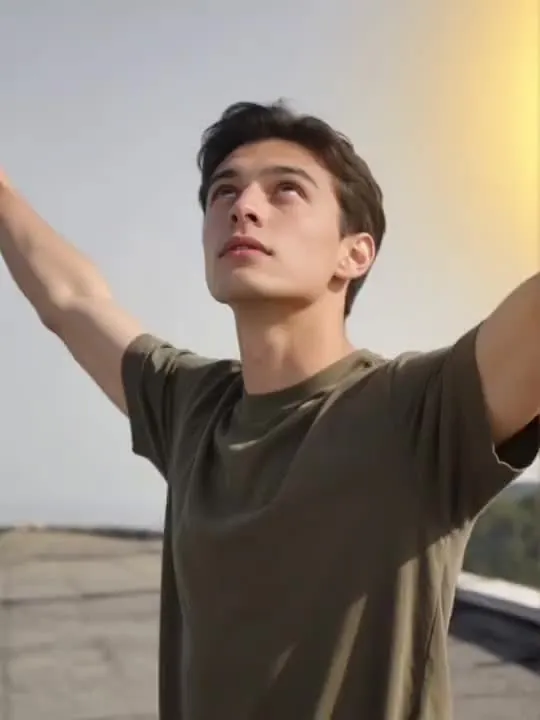 04Crane Rise Revealthe camera cranes up and away as the world opens upMotion action
 05Vertigo Pullthe world stretches away while you hold stillMotion action
 06Camcorder Nighta wobbly home-movie moment caught on tapeMotion action
 07Vertigo Pushthe room stretches away while you hold still, classic dolly zoomMotion action
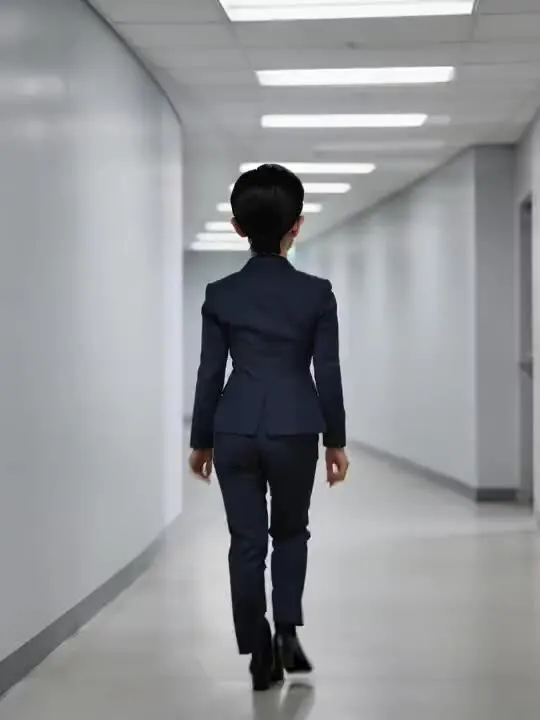 08Corridor TurnWalk away, then turn to face the lens in one unbroken shot.Motion action
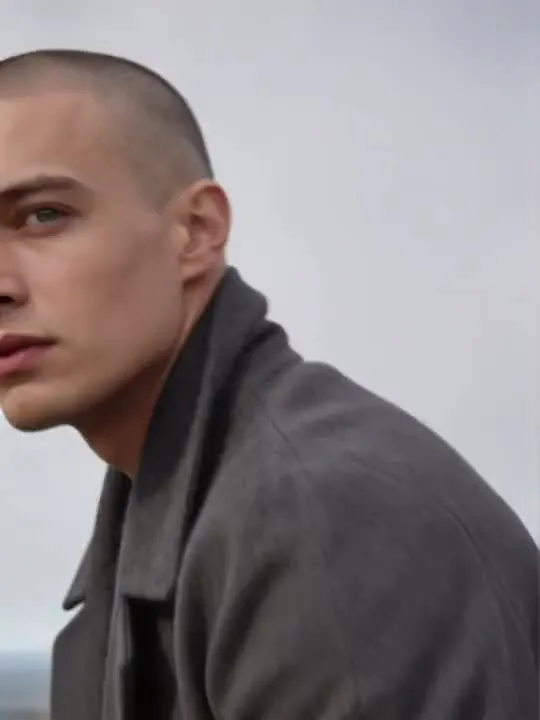 09Low Angle Hero RiseA dramatic low-angle rise into full stature against open sky.Motion action
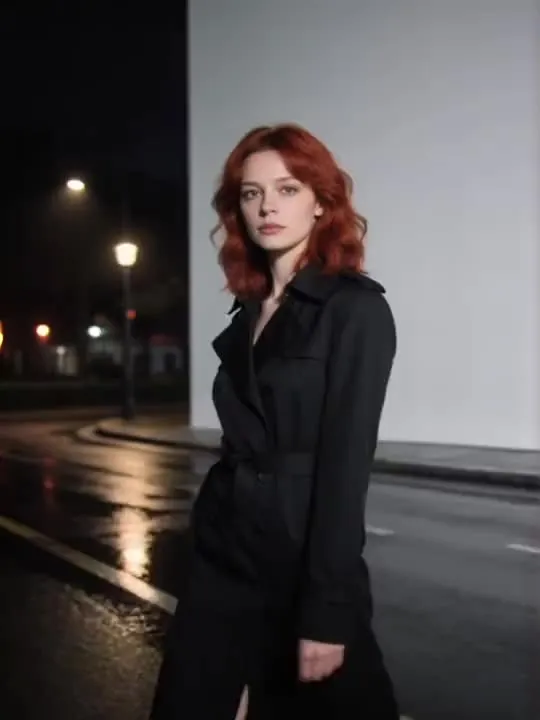 10Lateral Tracking WalkA side-profile tracking walk through city night bokeh.Motion action
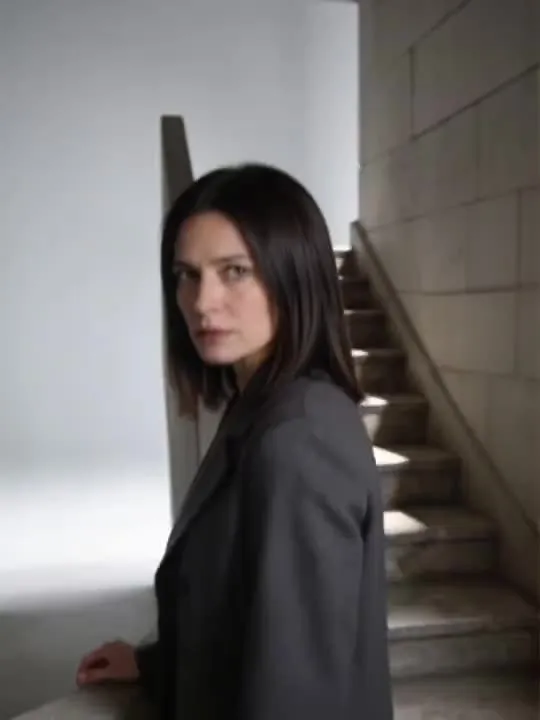 11Spiral Stairwell DescentOne measured descent, camera holding alongsideMotion action
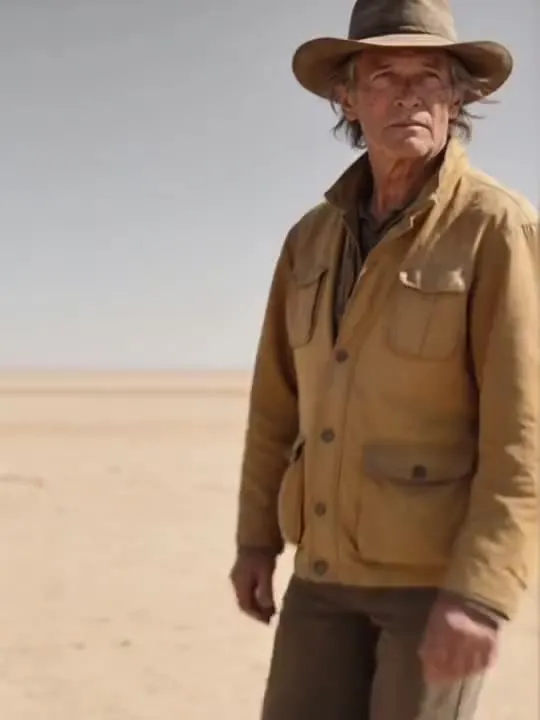 12Desert Horizon TrackA long walk across an endless horizonMotion action
 13Whip Pan SnapA sudden sharp head-turn toward camera, hair and fabric snapping mid-motion.Motion action
The photograph this shelf wants
The camera moves and you largely do not, so the photograph has to offer a subject worth holding still and a background worth travelling through. Stand clear of the wall behind you rather than flat against it, and leave space at the sides. Even light on the face matters here, because a push into a close up shows every shadow you started with.
The four things that decide any result are the same here as everywhere else in the library, and they are set out in what makes a photo work. The limits that apply to every action on this site are in what none of these can do.
Where Cinematic Camera results vary most
The further the camera travels from where the photograph was taken, the more of the scene is fabricated, so a push in is a smaller request than a half circle. Backgrounds with hard geometry, meaning tiles, bookshelves, window frames, warp most visibly under a move, because a viewer knows what a straight line should do. An open or softly blurred background survives these far better.
Where to go next
- Why your animated photo looks wrong, and which part to blameA clip comes back and something is off, but it is hard to say what. Four causes, in order of how often they are the real one, each with a symptom you can recognise in your own result.
- The photo that will actually animate well (and the ones that will not)Most camera rolls have hundreds of good photographs and only a handful of good source material. A practical way to tell which is which before you spend a generation on the wrong one.
This is one shelf of many. The whole catalogue, grouped the way the app groups it, is in the action library.
Common questions
- What is the Cinematic Camera shelf for?
- Camera moves, applied to a still photograph. An orbit around a standing figure, a slow push into a close up, a crane rise, a dolly zoom that stretches the room. These are not actions in the sense the rest of the library uses the word. Nobody in the picture is doing anything. What changes is the point of view, which is why this shelf pairs with almost any photograph rather than with a specific kind.
- How long are the Cinematic Camera clips?
- About 5 seconds. That is what the default video model in the app's catalogue is configured to produce, and it is the same for every motion action in the library.
- What kind of photo works best for Cinematic Camera?
- The camera moves and you largely do not, so the photograph has to offer a subject worth holding still and a background worth travelling through. Stand clear of the wall behind you rather than flat against it, and leave space at the sides. Even light on the face matters here, because a push into a close up shows every shadow you started with.
- Do I need a subscription for the Cinematic Camera actions?
- Nothing on this shelf is marked as a subscription only action in the app's catalogue. Free to download on iPhone and iPad. Credits and subscriptions are bought inside the app.
The right action for the photograph beats the popular one
Every action on the Cinematic Camera shelf is written up the same way, so you can check whether the picture in your camera roll actually suits it before you spend a credit on finding out.