Why hands look wrong in animated photos
Fingers are the hardest thing in any generated frame, and no setting fixes that. Which actions ask the most of a hand, and how to crop or choose around the problem instead of fighting it.
Ask anyone who has generated more than a handful of clips what goes wrong most often, and most will land on the same answer before they land on faces or backgrounds: hands. A finger fuses into another, a thumb sits at an angle no joint actually allows, a hand holding something solid seems to pass slightly through it. None of that is a bug to be patched. It is the single hardest thing for this kind of model to invent, and the honest answer is to work around it rather than wait for it to be solved.
Why fingers are the hardest thing in the frame
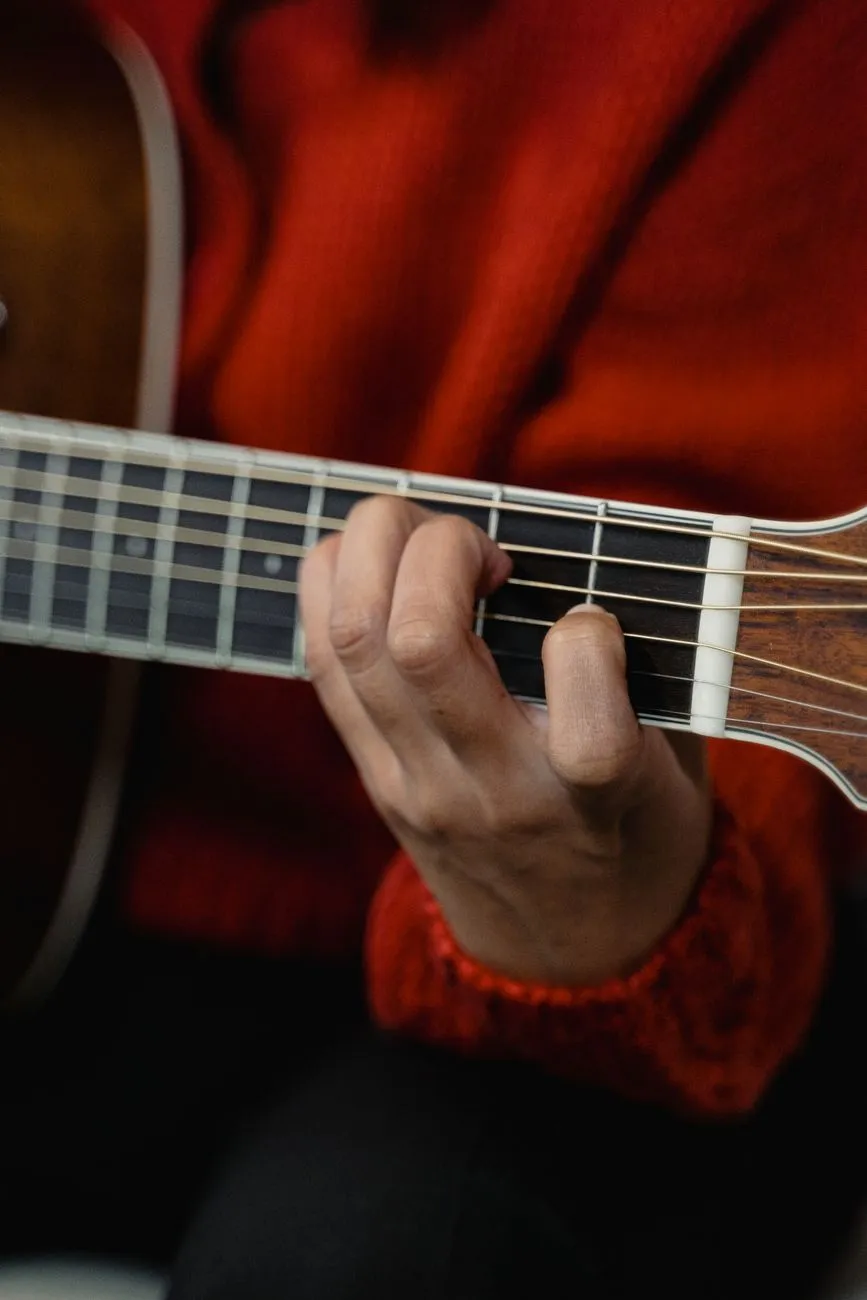
A face, for all its complexity, is mostly one connected surface that holds still relative to itself. A hand is a dozen small joints that can bend independently, several of which are usually folded behind each other or behind whatever the hand is holding. In most photographs that go into a generator, part of that structure is already hidden, a knuckle tucked under a palm, a fingertip lost behind a guitar neck, and the model has to invent the part it cannot see clearly while also inventing the motion asked for. Two layers of invention stacked on the part of the body with the least visible information to build from is exactly the combination that goes wrong.
This is not specific to one action or one kind of photograph. It shows up across the whole library, and the site’s own list of limits says it as plainly as it can be said: fingers are the hardest thing in any generated frame, full stop. Nothing about a sharper photo, a better crop, or a different setting removes that. What changes the outcome is how much weight the action puts on the hand doing something precise.
Which actions ask the most of them
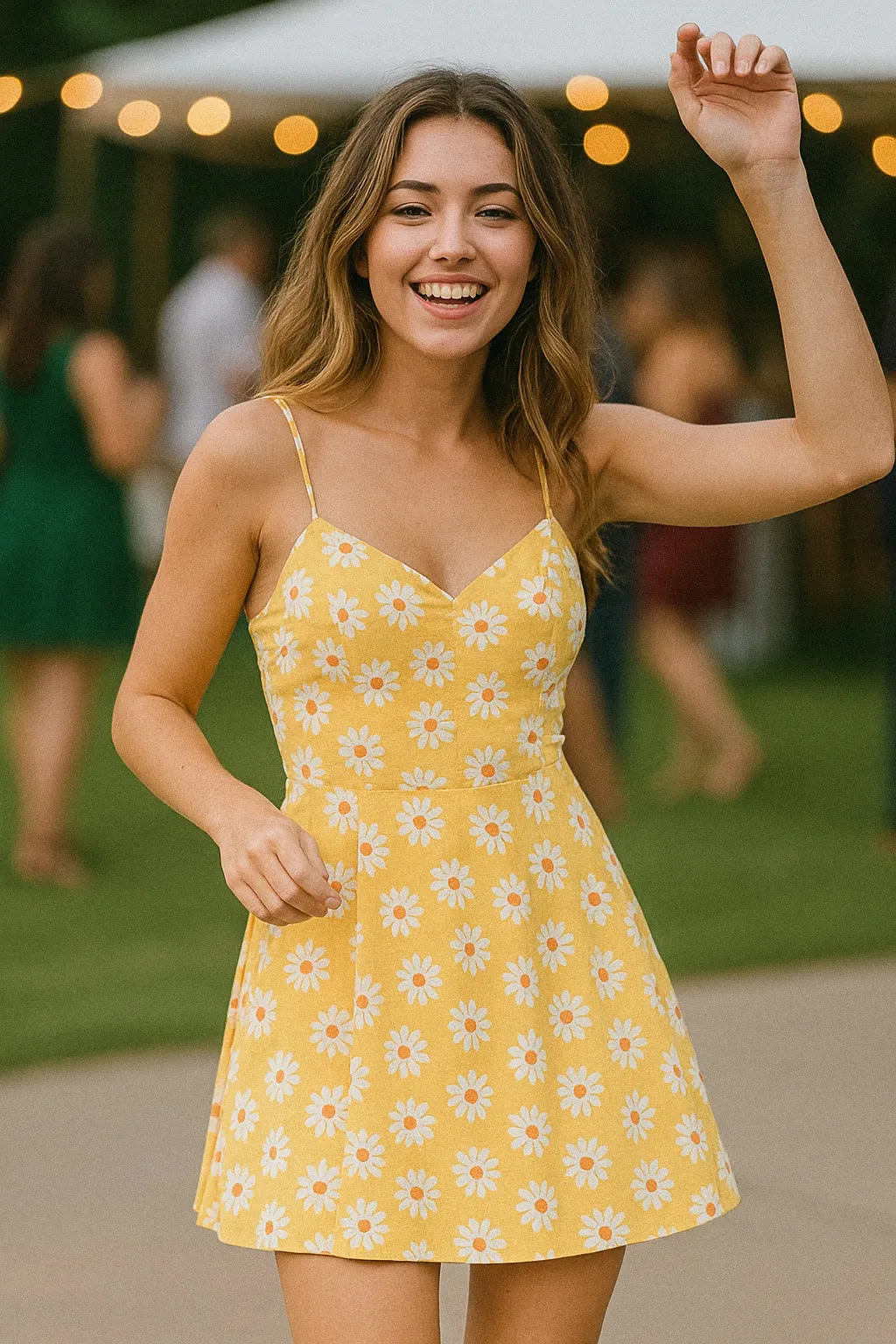
Some presets barely touch this problem, because the hand does something broad and forgiving. Waving asks for one hand to move through open air in a simple arc, which is about as easy a hand movement as exists in the catalogue. Other presets are built entirely around what a hand does at close range, and those are the ones where the limit shows up hardest.
The clearest case is anything with an instrument. Playing guitar needs one hand pressed against strings on a narrow neck and the other picking near the body, both doing small, specific, overlapping work the model has to hold together for the whole clip. Piano and drumming ask for the same kind of precision in a different shape. Peace sign looks simple because it is a familiar gesture, but it holds a hand close to the face with two fingers extended and three folded, which is a lot of exact joint position for the model to keep stable and clean. Lipstick apply adds a second layer on top: a small object held between two fingers, moved with precision, against a face that also has to stay recognisable. A toast, Celebration Toast, does something similar with a glass instead of a tube, and doubles the problem when a second hand and a second glass enter the frame from another person.
None of this means those actions are broken or not worth trying. It means they are harder by construction, and going in with that expectation changes how you judge the result. A slightly off finger on a guitar-playing clip is not a failed generation, it is the known cost of an action that asks a lot from the part of the picture that can give the least.
Hiding the problem instead of fighting it
The most reliable move is the simplest one: if an action does not need hands, do not give the model an excuse to feature them. A tight crop for an expression action, laughing or waving or a look of surprise, keeps hands out of frame entirely or reduces them to something small and unremarkable at the edge, rather than a focal point the model has to get right. This is not a workaround so much as it is applying the same rule that decides every other crop choice on this site: match the photo to what the action actually needs, covered in full in choosing a photo that will animate well. If the movement does not live in the hands, there is no reason to let them compete with the face for the model’s attention.
For actions where the hands are the whole point, cropping them out is not on the table, so the work moves earlier, to the photograph you start from. A hand that is already open, well lit, and held slightly away from the body in the source photo gives the model a clean shape to build from, rather than one folded against clothing or half hidden behind another hand. This matters more here than the crop discussion in how much of the body your photo actually needs usually covers, because a hand-led action can have a perfectly correct waist-up crop and still fail if the hand itself is a blurred fist in the corner of the frame.
What actually helps when hands are unavoidable
A few habits reduce how often the problem shows up, without pretending to remove it. Choose a source photo where the hand is not clenched or overlapping itself, since a hand already folded tightly is asking the model to unfold and then re-animate something it cannot see the shape of. Avoid photos where a hand crosses in front of patterned clothing or another limb, for the same reason busy backgrounds cause trouble elsewhere: the model has to work out an edge that is not clearly there. And if a first attempt puts a finger somewhere strange, running the same photo again is worth doing before concluding the photo is unusable. The result is generated fresh each time from that one still frame, so a second attempt is a genuinely different roll rather than a repeat of the first.
What none of this does is make a guitar-playing clip as reliable as a wave. It will not be, because the two ask fundamentally different amounts of the hardest part of the frame. The honest plan is to expect that gap, pick the action that matches how much precision the photo can support, and treat a hand-heavy result as a genuine illustration of the gesture rather than a crisp record of it.
Common questions
- Why do hands look wrong in ai generated video more often than faces do?
- A hand has many small joints that can bend and overlap in a huge number of ways, and several of those joints are usually hidden behind others or behind the object being held. The model has to invent the parts it cannot see well, and it has less to go on than it does for a face, which sits open and mostly still in most photographs.
- Is there a way to fix bad hands after the clip is generated?
- Not from inside the app itself. Running the same photo again sometimes lands better, since the result is not identical each time, but there is no setting that specifically targets hands. The more reliable fix is choosing a photo and an action where the hands are not doing the heavy lifting.
- Which actions are hardest on hands?
- Anything built around fine finger position: the musical actions like playing guitar, piano or drums, gestures held close to the camera like a peace sign, and any action where a hand is manipulating a small object, like applying lipstick or a toast with a glass.
- Should I just crop hands out of the photo?
- For actions that do not need them, yes. A close portrait for an expression action does not need to show hands at all, and removing them from the frame removes the problem rather than hoping the model solves it. For actions built around the hands, cropping them out is not an option, so the better move is picking a source photo where they are already clear, open and away from the body.