Camera movement in a generated clip, and why it isn't a bug
The camera in your clip pushes in, pulls back, or tracks alongside you, and you never asked it to. That's because the model is generating a shot, not animating a sticker, and every shot has a camera. What to expect from different actions, and how to compose for it.
A clip comes back and the camera is doing something you never asked for. It pushes in on a face, or pulls back to show more of the scene, or drifts alongside a moving body as if someone were walking next to you holding a second phone. None of that was in your photograph, and none of it was a setting you chose. It is also not a glitch. The model is not animating your photo so much as generating a short shot built around it, and a shot, by definition, has a camera, and a camera in a shot generally moves.
The clip is a shot, not a sticker coming to life
It helps to drop the mental model of “my photo, now moving” and replace it with “a few seconds of footage, built using my photo as the subject.” Those sound similar and behave very differently. A sticker coming to life would hold the original framing exactly and only move what is inside it. A shot has blocking: where the subject stands, how they move, and where the camera sits and how it travels while they do it. Every preset in this library is written as the second kind of thing, a short piece of direction with a camera position built in, not an instruction to leave the frame alone and just animate the person inside it.
That is true even when the result looks like nothing moved. A locked, fixed camera is still a camera decision, the same way choosing not to move a physical camera on a tripod is still a choice about the shot. The presets that look the most like your original photo, barely drifting at all, are the ones that deliberately picked that option. The ones that visibly push, pull, or track picked a different one, for reasons that usually track the content of the action rather than being arbitrary.
What tends to move, and what tends to hold
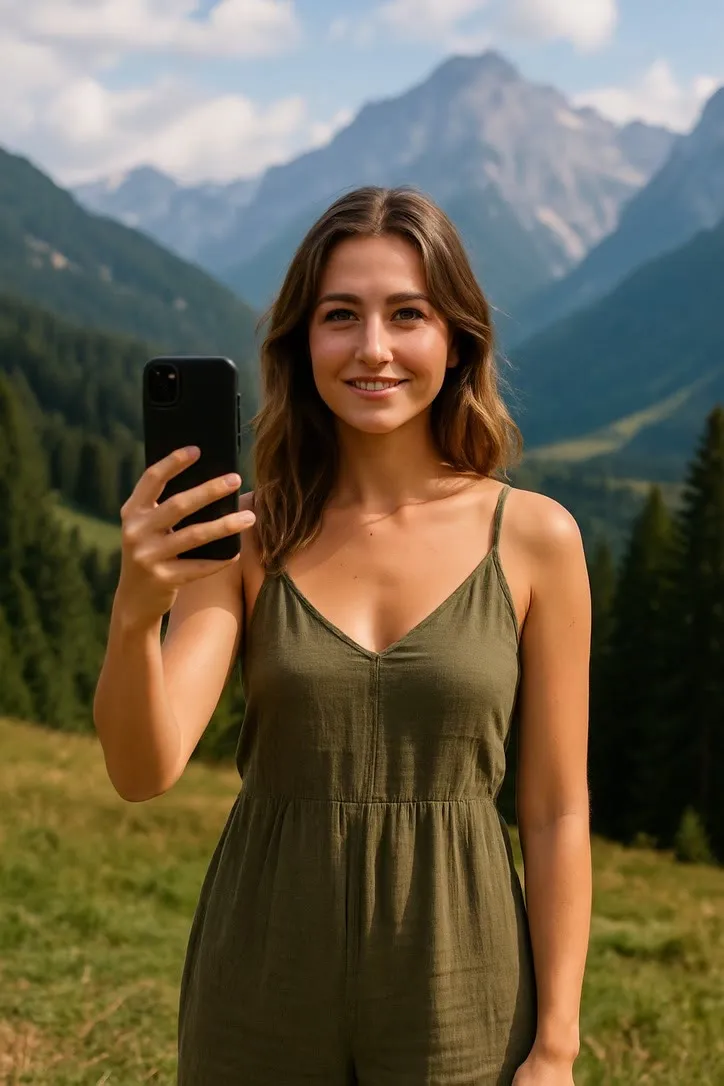
Across the library, a pattern shows up once you look at a run of presets side by side. Scenery Selfie opens on a close selfie framing and pulls back as the subject turns to look at the view, widening the shot to take in more of the landscape behind them. A Plane Window Seat clip does roughly the opposite: it starts further out and pushes in slowly as the subject turns from the window toward the lens. Runway Walk does neither. The camera sits locked low and wide at the end of the runway for the whole clip, because the subject is the one doing the travelling and the shot only needs to hold still and watch them arrive.
Actions where someone moves through space on their own, rather than toward or away from a fixed point, tend to get a camera that travels with them instead of one that pushes or pulls. Hiking tracks alongside the subject on the trail and eases to a stop as they do. Surfing and cycling do the same thing in their own settings, the camera holding pace at roughly the subject’s size in frame rather than closing distance or opening it. A selfie-style shot like Eiffel Tower Selfie adds a small handheld waver on top of its framing, the kind of natural shake an actual arm’s length phone shot would have, which is a different thing again from a deliberate push or pull.
None of this is random per clip. It is fixed into the preset the same way the lighting and the motion are, which means the same action will tend toward the same kind of camera behaviour every time you use it, even though the exact result is never pixel identical twice.
Composing for a camera that is going to move
Knowing the shot has a camera built in changes one practical thing about how you crop before you generate: leave room for the frame to change shape without running out of picture.
A pull back needs somewhere to pull back into. If your original photo is already cropped tight around the subject, with nothing but background at the very edges, a widening shot has to invent what used to be outside your frame, and invented edges are where a background is most likely to look soft or slightly wrong. A tracking shot has a related problem in the other direction: it needs the subject to stay comfortably inside the frame while moving, so a crop with no spare room on the side the body travels toward leaves nothing to track into. The fix in both cases is the same one that helps everywhere else in this craft: leave a bit more air around the subject than feels necessary, rather than cropping to the edge of what you can see right now.
A locked or near locked shot is the most forgiving of a tight crop, for the obvious reason that it is not asking the frame to hold anything it did not already have. That is one more reason the smallest, most face led actions in the library tend to disappoint the least: they ask the least of the photograph and the least of the camera at the same time.
Said plainly
The camera moving on its own is not the model misreading your intent, it is the model doing what a generated shot does, with the specific move chosen to suit the action rather than chosen at random. The clip is a few seconds of invented footage built from one still frame, an illustration of a moment rather than a record of one, and the camera travelling through it is part of that invention the same way the motion is. Composing with a little extra room around the subject is the one adjustment worth making for it. For the rest of what makes a photograph hold up once it starts moving, choosing a photo that will animate well covers the crop and the light this piece did not, and backgrounds that break an animation goes further into what a moving camera asks of whatever is standing behind you.
Common questions
- Can I turn off the camera movement and just animate the person?
- No, and that is a reasonable thing to want. There is no setting for it, because the camera move is written into the preset's own prompt alongside the action, not added afterwards. A push in or a pull back is part of what that action is, the same way the wave or the turn is.
- Why does the camera move even in a small action like waving?
- It usually does not, or barely. The small, face led actions tend to sit on a locked or near locked shot, because the whole point of a small action is to disturb the frame as little as possible. Camera movement shows up mostly in the actions that already ask for more: a dance, a selfie, a walk.
- Does camera movement make a clip look more or less convincing?
- Both, depending on the photo. A push in on a sharp, well lit face reads as a confident, deliberate shot. The same push in on a soft or noisy photo just magnifies the softness, because the model is bringing the same imperfect information closer to the lens.
- Should I crop differently to allow for the camera moving?
- Leave a bit more headroom and side room than you think you need, especially for a pull back or a tracking shot. Those moves widen the frame as they go, and a crop with nothing to spare gets the edges of that wider frame invented rather than shown.