Backgrounds that break an animation, and the ones that don't
The background is doing more work than it looks like. Which busy backgrounds smear once a body moves, why a matching jumper and wall is a real problem, and the actions that make the whole question disappear.

Most advice about picking a photo to animate is about the person in it: the crop, the light, the angle of the face. The background gets less attention, and it deserves more, because the model has to do something with it that has nothing to do with how good the photo looks to a person. It has to work out exactly where you stop and the background starts, in every single frame of a five second clip, and hold that line steady while a body moves through it. That is a harder job than it sounds, and it is the reason two photos that look equally sharp can produce very different results.
The line the model has to hold
A photograph is one frame. A clip is many, and the boundary between subject and background has to be found and re-found continuously as the person moves. Against a plain wall or open sky, that boundary is unambiguous. There is subject, then there is a flat, undifferentiated field, and an arm swinging across it never gets confused for part of the wall.
Put a patterned rug, a bookshelf, or a row of café chairs behind the same person, and the model is now tracking a boundary against a background that has its own detail competing for attention. It has to decide, frame by frame, which edges belong to the moving person and which belong to the still scene behind them. Get that decision slightly wrong for a few frames and the result is the kind of smearing or warping that makes a clip look subtly broken without anyone being able to say exactly why.
There is one version of this that catches people out because it has nothing to do with clutter: a jumper the same colour as the wall behind it. A plain background does not help if the subject blends into it. The model needs contrast between person and scene as much as it needs simplicity in the scene itself.
The backgrounds that cause the most trouble
A few kinds of background come up again and again as the ones that actually cause visible problems, and they share a trait: they all have to move, or appear to move, in a way that is very easy to get slightly wrong.
Mirrors are the clearest case. A mirror behind a moving subject means the model has to render a second, reversed version of that same motion inside the reflection and keep it synchronised with the original, which is a much harder task than rendering the motion once. Railings and repeating fence lines cause a related problem: thin, regularly spaced verticals that have to stay straight and evenly spaced as the camera or the body shifts in front of them, and a slight waver in that spacing reads instantly as wrong, even to someone who could not explain the geometry. Patterned wallpaper and busy fabric behind the subject are the same issue in a softer form, detail that has to be reconstructed consistently rather than just held still.
All three get worse specifically once the body turns. Salsa Dance, with its underarm turn and shifting weight, and Dress Twirl, which turns a person through a full rotation on the spot, both ask the body to sweep across more of the frame than a static pose does. That is more background being uncovered and recovered as the person moves through it, which is exactly where a patterned or reflective background has the most opportunity to smear. A photo taken side on to a mirror, or mid turn in front of a patterned curtain, is a harder starting point for either of these actions than the identical pose against a plain wall would be.
Why it looks fine in the photo and wrong in the clip
This is the part that catches people by surprise, because none of it shows up as a flaw when you are just looking at the still photograph. A patterned rug or a mirrored hallway can make an attractive, sharp photo. The problem only appears once the model has to hold that background steady while something in front of it moves, which a single still image never asked it to do. A photo can be a genuinely good photo and a poor source image for animation at the same time, and the background is one of the more common reasons why.
The exception: actions that discard the background entirely
There is a category of action where none of this applies, and it is worth knowing about because it inverts the whole problem rather than just tolerating it. The landmark and encounter actions, Eiffel Tower Selfie among them, replace the background outright as part of what the action does. The scene behind you in the source photo is not being tracked, held steady, or reconstructed frame by frame, it is discarded and rebuilt as the landmark or encounter itself. A cluttered, patterned, or reflective original background is a non issue here in a way it is not for almost anything else in the library. The full reasoning behind that category is in landmark selfie actions, what they actually do, which goes further into why these specific presets behave differently from the rest.
What to do with a busy background
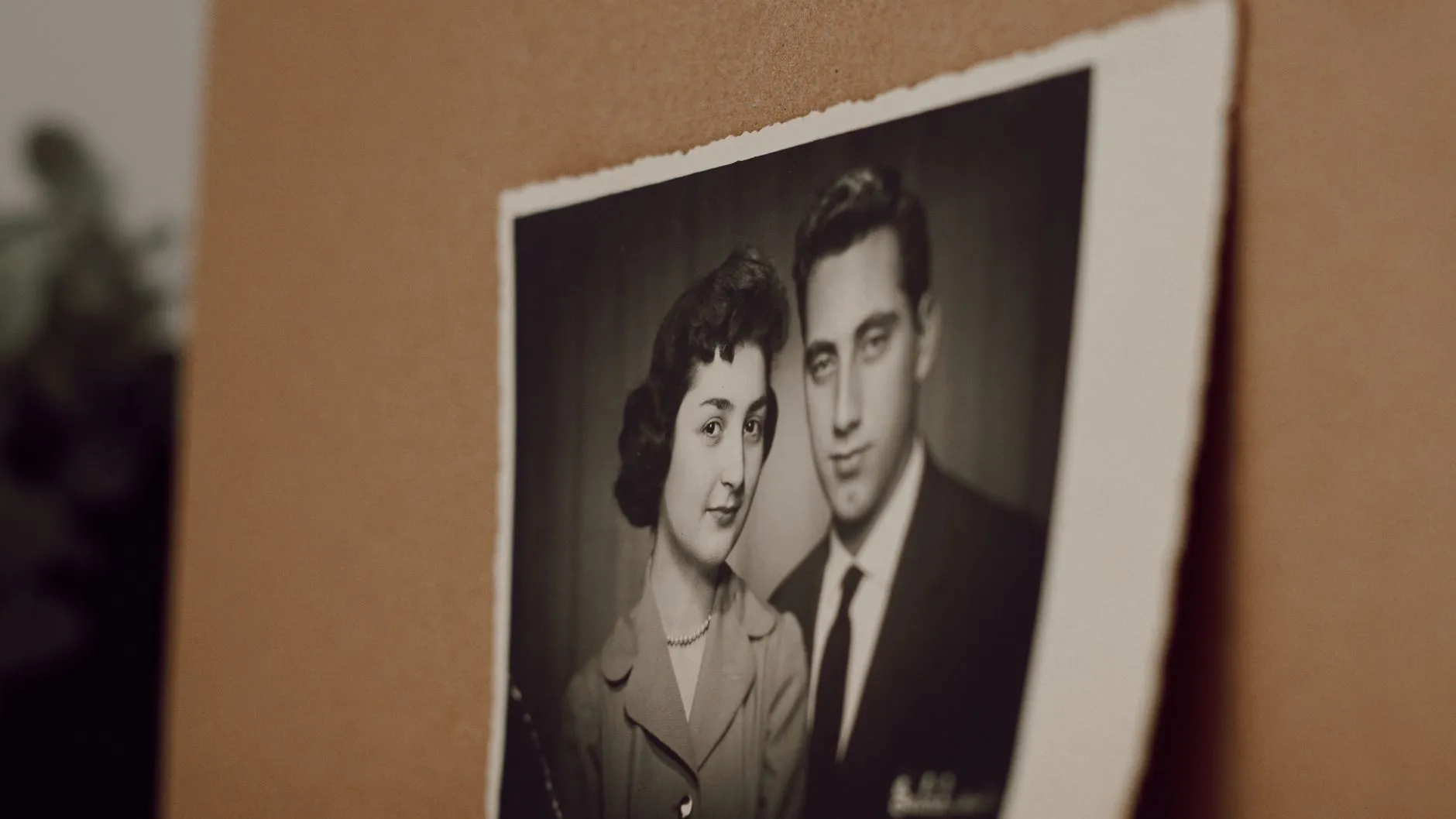
If the photo you want to use has a genuinely detailed background and the action you want is not one of the ones that replaces it outright, the most reliable fix is choosing a different photo rather than retrying the same one. A second generation from the same busy background is solving the same hard problem again, not a different one. Where retaking the photo is not an option, a plain edit that blurs or simplifies what is behind the subject before animating, keeping the edge around the person clean, is worth trying. If the background itself is the issue because the print is damaged or discoloured rather than because it is busy, that is a different kind of problem, and restoring the print first before animating deals with it more directly than any crop or blur will.
Said plainly
The model is not judging your background the way a viewer would. It is solving a boundary problem, over and over, for as many frames as the clip runs, and the busier or more reflective that background is, the more opportunities there are for that boundary to slip. A plain wall costs nothing. A mirror, a railing, or a loud pattern is a real cost, and it is worth seeing before you spend a generation finding out. For the rest of what makes a photograph a good starting point, choosing a photo that will animate well covers the crop and the light in the same amount of detail this piece gave the wall behind you.
Common questions
- Why does the background of my photo matter if the person is the whole point?
- Because the model has to work out where the person stops and everything else starts, in every frame of the clip, not just once. A plain wall or open sky makes that an easy call. Anything detailed behind the subject turns it into a much harder problem, and one that has to be solved again and again as the body moves.
- What kind of backgrounds actually cause trouble?
- Patterned wallpaper, railings, mirrors, and any clothing that sits close in colour to whatever is behind it. All of them blur the line the model needs to track. A plain wall, open sky, or a softly blurred scene almost never causes this problem, however detailed the subject in front of it is.
- Do the landmark and encounter actions avoid this problem?
- Yes, and for a specific reason rather than luck. Those actions replace the background outright, so the busy scene behind you in the source photo is never asked to hold still or move convincingly. It is discarded and rebuilt as part of the action, which is the one case here where a chaotic background is not a liability.
- Can I fix a bad background without retaking the photo?
- Sometimes, with a plain edit that blurs or replaces what is behind the subject before you animate, as long as the edge around the person stays clean. What does not help is retrying the same generation on the same busy background, since the model is solving the same hard problem again rather than a different one.