Animating a photo of your child, and what to do with the clip after
Small faces, fast movement and swaddled babies make this a genuinely hard craft problem before it is anything else. What actually works, and the posting and tagging questions parents are really asking underneath the technical one.
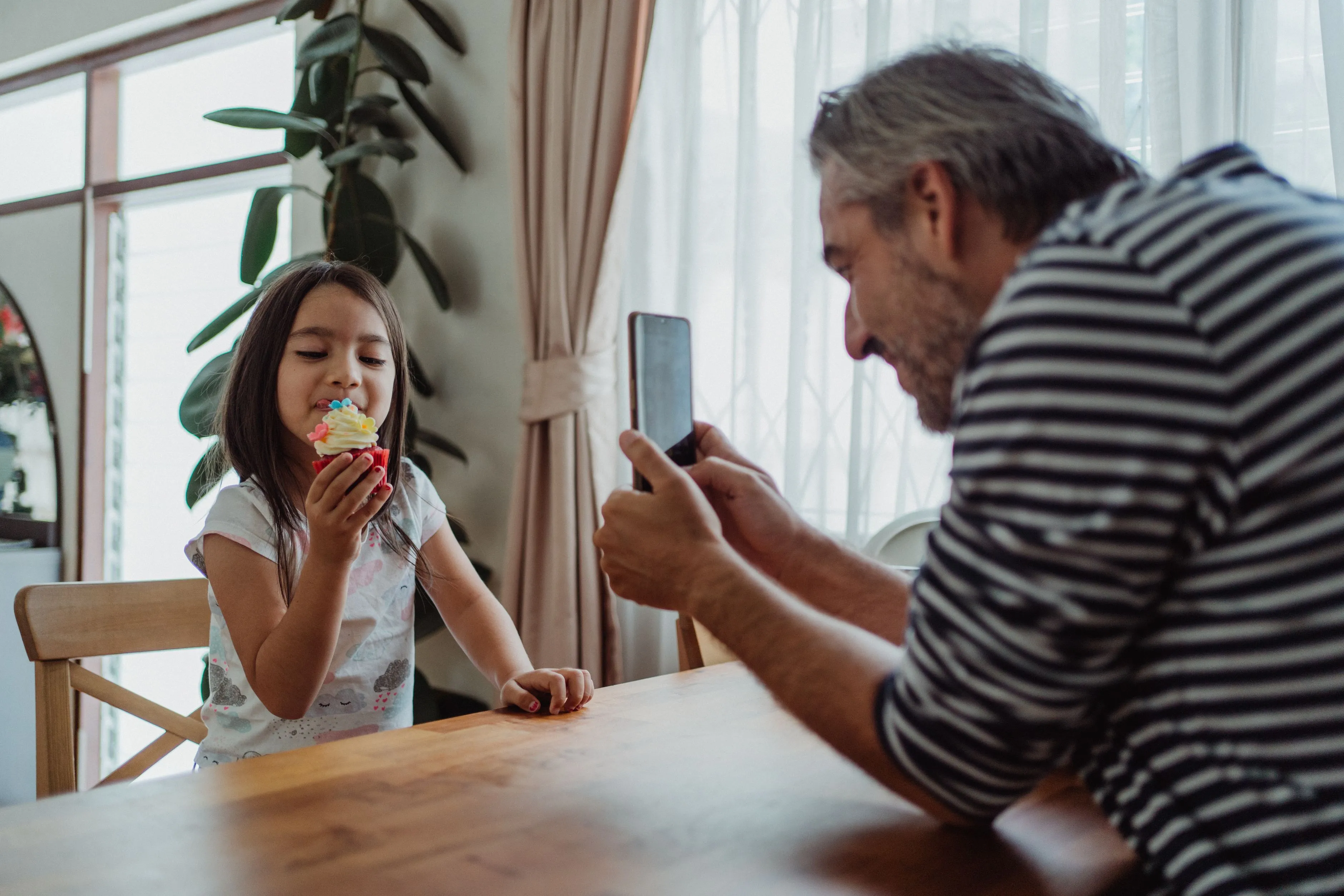
Most of the questions this site answers are about photographs. This one starts there and ends up somewhere else, because a photo of a child raises a craft question and a judgment question at the same time, and they deserve separate answers.
The craft part first
Children are a genuinely harder case than an adult portrait, and it has nothing to do with policy. It comes down to three things the library was not built around.
Small faces. A toddler running toward the camera, a group of kids at a party, a child who is a third of the frame because the photo was really about the birthday cake. The model needs a face it can read clearly, and a small face gives it less to work with than the same shot of an adult who fills more of the frame.
Fast, unpredictable movement. Kids rarely hold a pose, so a lot of photos of children are already mid motion, blurred slightly, caught at an odd angle. That is a fine photograph on its own and a difficult starting frame for a model that has to invent plausible movement from it.
Swaddled babies. This is the hardest version of the problem. The library assumes a standing adult body with visible arms and legs doing something recognisable. A newborn wrapped in a blanket offers none of that structure. Anything that depends on a hand has no hand to start from, and a sleeping face gives an expression action almost nothing to change.
None of this means a child’s photo cannot be animated. It means the honest answer is narrower than it is for most adult portraits.
What actually works
Stay small, on a clear and awake face.
Laughing works well on a close portrait where the eyes are open and the expression is genuine rather than already mid laugh, because the model has somewhere to take it.
Waving needs a hand that is actually visible and clear of the body, which in practice usually means a toddler old enough to hold a pose for a second rather than a baby in the first weeks.
The same caution applies here that applies to every small face: the bigger the movement, the further a result can drift from the person in the photograph, and on a child, whose features are the entire point of the picture, that drift reads as someone else’s kid rather than a slightly odd frame. Keep the movement small and keep the original photograph alongside it. For the fuller version of this, including first day of school and sports milestones, see graduation, new baby, and the milestone photo.
The question underneath the question
Most parents who search for this are not actually asking whether the technology works. They are asking whether it is a good idea, and that question has three separate parts that are easy to run together.
Posting it. A clip is more watchable than a still of the same moment, which is exactly why it gets more attention when you post it. That is not a reason to avoid posting a child’s photo any more than it ever was, it is a reason to apply the same judgment you already use for stills a little more deliberately, because a moving clip is the thing people stop scrolling for.
Tagging it. A caption or location tag on a clip of a child carries the same information it always carried on a still. Nothing about animation changes what a tag reveals, but because a clip gets watched rather than scrolled past, it is worth a second look at whatever is attached to it before you post.
Who else is in the frame. This is the one that actually changes the calculus. A birthday party photo, a school photo, a group of cousins at a family gathering, these usually include other people’s children, and those parents have not agreed to anything just because the photo happened to include their kid.
Ask the parents, every time
This is a rule the site already states once, in a single FAQ line, and it earns its own paragraph here. If a photo you want to animate includes a child who is not yours, ask that child’s parents first, exactly as you would before posting the original photograph. Not a general heads up to the group chat, an actual question to the people whose child it is.
The reason is the same reason a clip of your own child deserves a second look before posting: a generated video draws more attention than a still of the same moment, and that is a bigger thing to hand someone than a photo they did not know was coming. Expect the answer to sometimes be no, and treat that as the system working rather than as an inconvenience. If the gathering was a reunion or a family event with a wider group of kids involved, the same etiquette extends across the whole visit, covered more fully in animating old family photos for a reunion.
What it actually is
A generated clip is built from one still frame, not recovered from video that exists somewhere. It is a plausible five seconds, not a record of what the child was actually doing in that moment, and that is worth remembering before you treat it as more real than the photograph it came from.
None of this is a reason to avoid animating a photo of your own child. It is a reason to treat the posting decision as the real decision, since the technical one turns out to be the easy half.
Common questions
- Is it safe to animate a photo of my own child?
- Technically, yes, the app treats any photograph the same way. The craft is harder than an adult portrait because children move unpredictably and the library assumes an adult body, so stick to the small expression actions. The part worth thinking about is not the generating, it is what you do with the clip afterwards: where you post it, who else is in it, and whether it is tagged with anything that identifies a location.
- Can you animate a photo of a baby?
- Only within limits. A swaddled newborn has no visible arms or legs for most of the library to work from, so the small expression actions on a clear, awake, well lit face are the realistic choice. A sleeping or heavily wrapped baby gives the model very little to change.
- Do I need permission to animate a photo with other people's children in it?
- Yes, the same way you would before posting the original photograph. A clip draws more attention than a still of the same moment, so ask the other parents first, every time, and expect the answer to sometimes be no.
- Should I post an animated clip of my child publicly?
- That is a judgment call about your own child and your own account, not something a preset can answer. A clip is more watchable than a still, which is exactly why it is worth the same caution you would already apply to posting any photo of a child publicly, just applied a little more deliberately.