
Action library · These restyle
Poster Maker
Cover art with the layout and the type built into the picture, which is the strength and the catch.
A photograph turned into a printed thing. A glossy magazine cover, a cinema one sheet, a record sleeve, a mid century travel print, a broadcast trading card, a neon street poster. The distinguishing feature of this shelf is that the design is part of the generated image: the masthead, the credit block and the title are painted in rather than laid over, which is why these look composed rather than templated.
People making a birthday gift, a joke award, a mock cover for someone leaving a job. Anyone who wanted a poster and did not want to open a design tool to get one.
The Poster Maker styles
 01Magazine Coverstyled as a glossy fashion cover shootType is set across the very top and your head passes in front of it, so leave headroom.Photo style
 02Movie Posterframed as a dramatic cinema one-sheetPhoto style
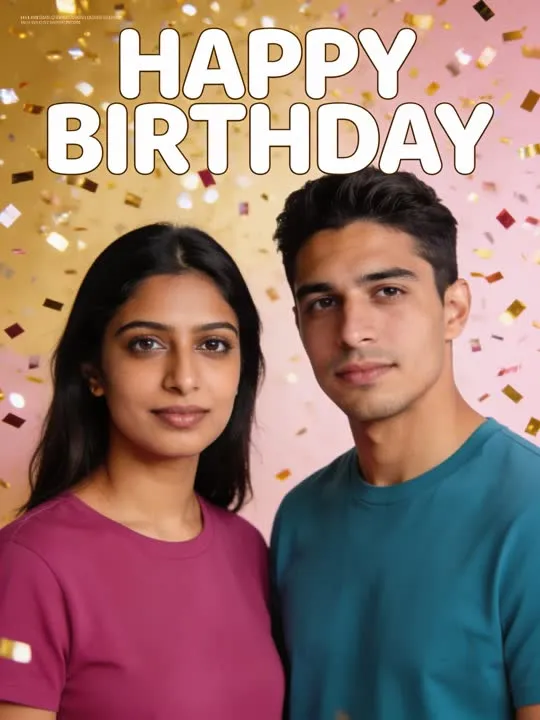 03Birthday Coverturned into a festive celebration coverPhoto style
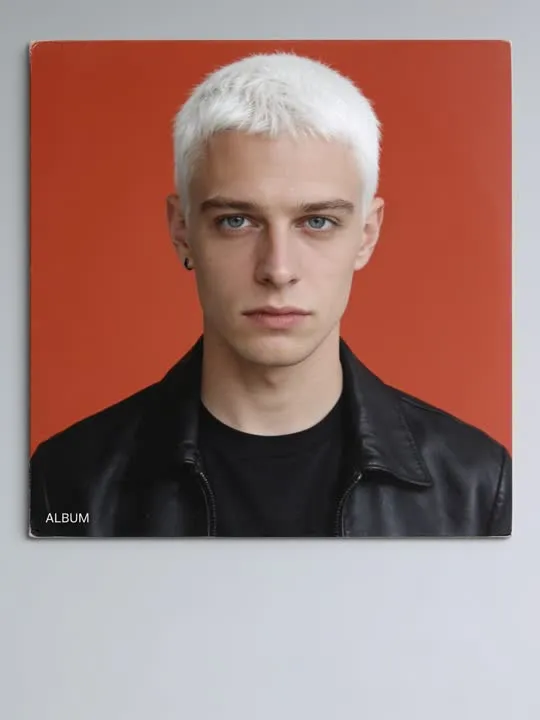 04Album Coverstyled as a record sleeve with the type baked inPhoto style
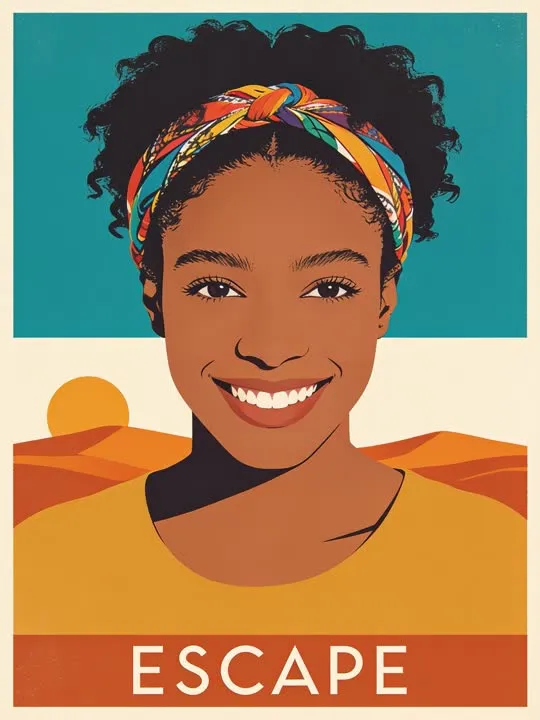 05Travel Posterscreen printed as a mid century travel posterPhoto style
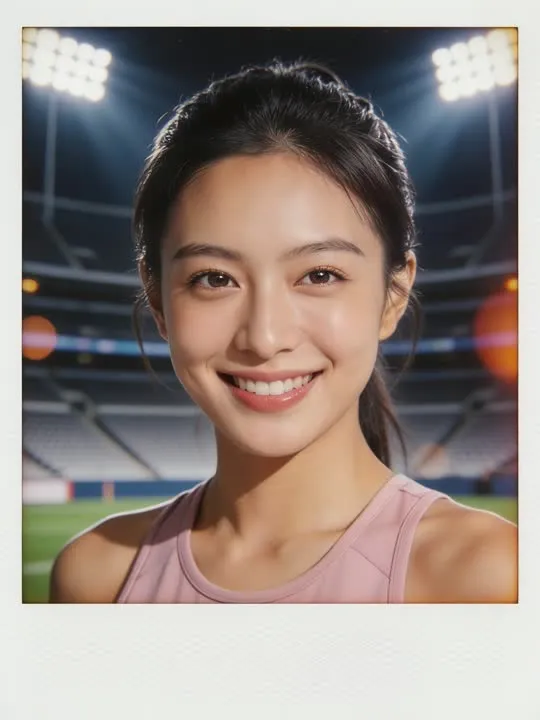 06Stadium Broadcast CardRestyled as a live sports broadcast trading card under the floodlightsPhoto style
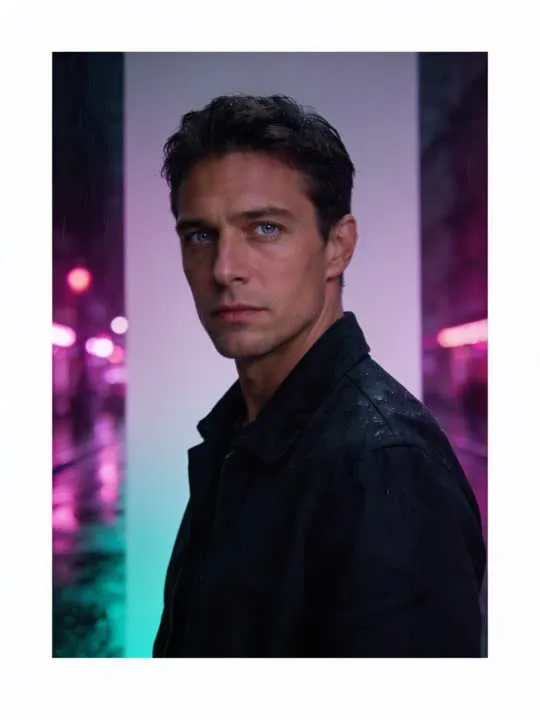 07Neon City Poster1990s Hong Kong cinema neon street poster lookPhoto style
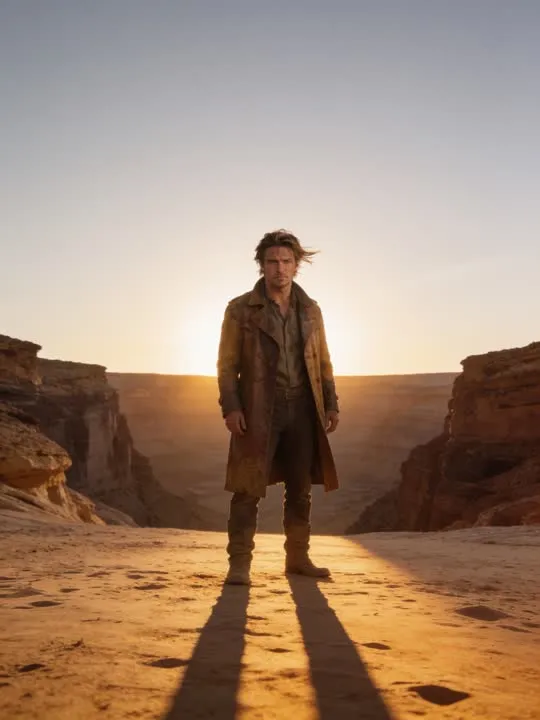 08Dust Trail Frontier One-SheetA dusty frontier hero silhouette across a wide sunbaked canyon at golden hour.Photo style
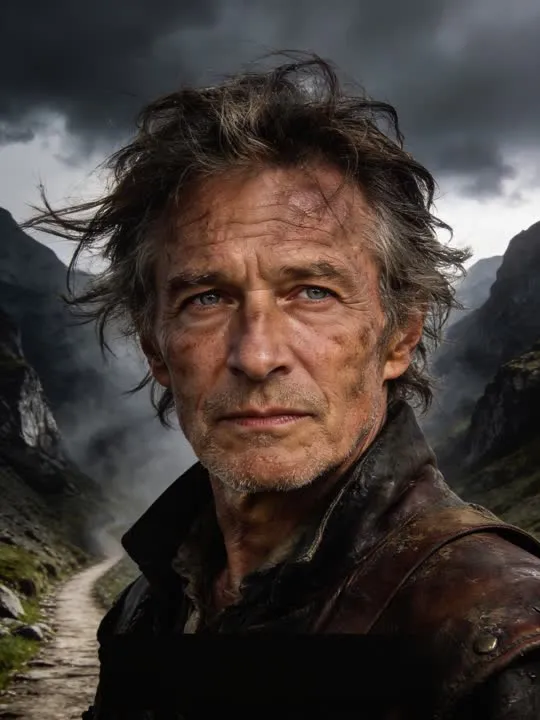 09Quest One-SheetA fantasy adventure poster against a stormy mountain passPhoto style
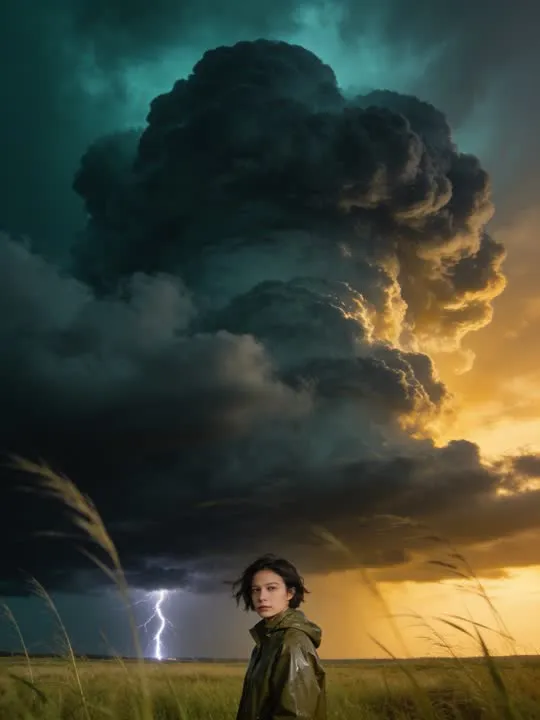 10Storm Chaser One-SheetSmall against the sky, the storm doing all the talking.Photo style
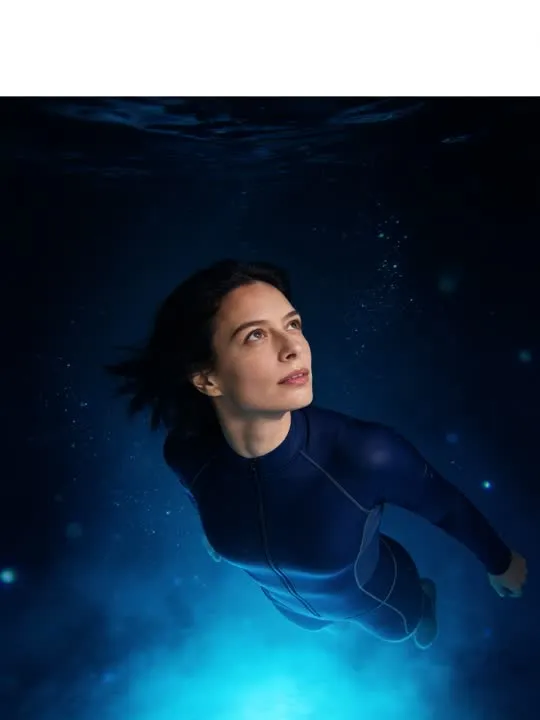 11Underwater Expedition One-SheetA cinematic one-sheet: the subject suspended in glowing blue deep-sea light.Photo style
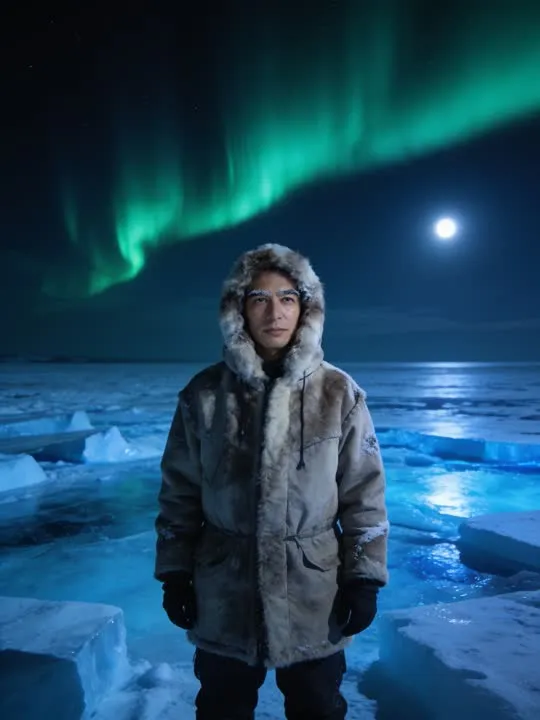 12Arctic Expedition One-SheetA cinematic one-sheet: the subject bundled against a vast icy expanse under a green aurora.Photo style
What is invented on this shelf
The layout, the typography, the palette and the entire visual language of the format. That is a large amount of design decided for you, and it is also why two runs of the same style produce noticeably different objects rather than the same object twice.
One photograph goes in and a new still picture comes out, restyled rather than filtered: the model rebuilds the frame in the style instead of laying an effect over it. Run it twice if the first attempt gets a detail wrong, because the second version will not be identical.
The photograph this shelf wants
Type is set around you, so leave it somewhere to go. A portrait with space above the head and down one side gives the layout room, while a face filling the frame edge to edge forces the words on top of it. Front on, waist up or full length, and sharply focused, because a cover reads as printed and print does not forgive a soft subject.
The four things that decide any result are the same here as everywhere else in the library, and they are set out in what makes a photo work. The limits that apply to every action on this site are in what none of these can do.
Where Poster Maker results vary most
The text is the honest problem. Type generated inside an image often is not real writing: letters that look like letters until you read them. It usually reads fine at a glance and rarely survives being looked at closely, so treat the words as decoration rather than as copy. If a specific name has to be correct and legible, this is not the tool for that part of the job.
Where to go next
- The photo that will actually animate well (and the ones that will not)Most camera rolls have hundreds of good photographs and only a handful of good source material. A practical way to tell which is which before you spend a generation on the wrong one.
- Animating a photo for Instagram ReelsGetting an animated photo onto Reels without it looking wrong. The crop decision that has to happen before you generate, not after, what five seconds is good for on a loop, and where the AI disclosure toggle actually lives.
This is one shelf of many. The whole catalogue, grouped the way the app groups it, is in the action library.
Common questions
- What is the Poster Maker shelf for?
- A photograph turned into a printed thing. A glossy magazine cover, a cinema one sheet, a record sleeve, a mid century travel print, a broadcast trading card, a neon street poster. The distinguishing feature of this shelf is that the design is part of the generated image: the masthead, the credit block and the title are painted in rather than laid over, which is why these look composed rather than templated.
- Do the Poster Maker styles make a video?
- No. Every action on this shelf is a photo style, so it hands back a new still picture rather than a clip. The photograph is rebuilt in the style rather than having an effect laid over it. The motion actions elsewhere in the library are the ones that produce video.
- What kind of photo works best for Poster Maker?
- Type is set around you, so leave it somewhere to go. A portrait with space above the head and down one side gives the layout room, while a face filling the frame edge to edge forces the words on top of it. Front on, waist up or full length, and sharply focused, because a cover reads as printed and print does not forgive a soft subject.
- Do I need a subscription for the Poster Maker actions?
- Nothing on this shelf is marked as a subscription only action in the app's catalogue. Free to download on iPhone and iPad. Credits and subscriptions are bought inside the app.
The right style for the photograph beats the popular one
Every action on the Poster Maker shelf is written up the same way, so you can check whether the picture in your camera roll actually suits it before you spend a credit on finding out.