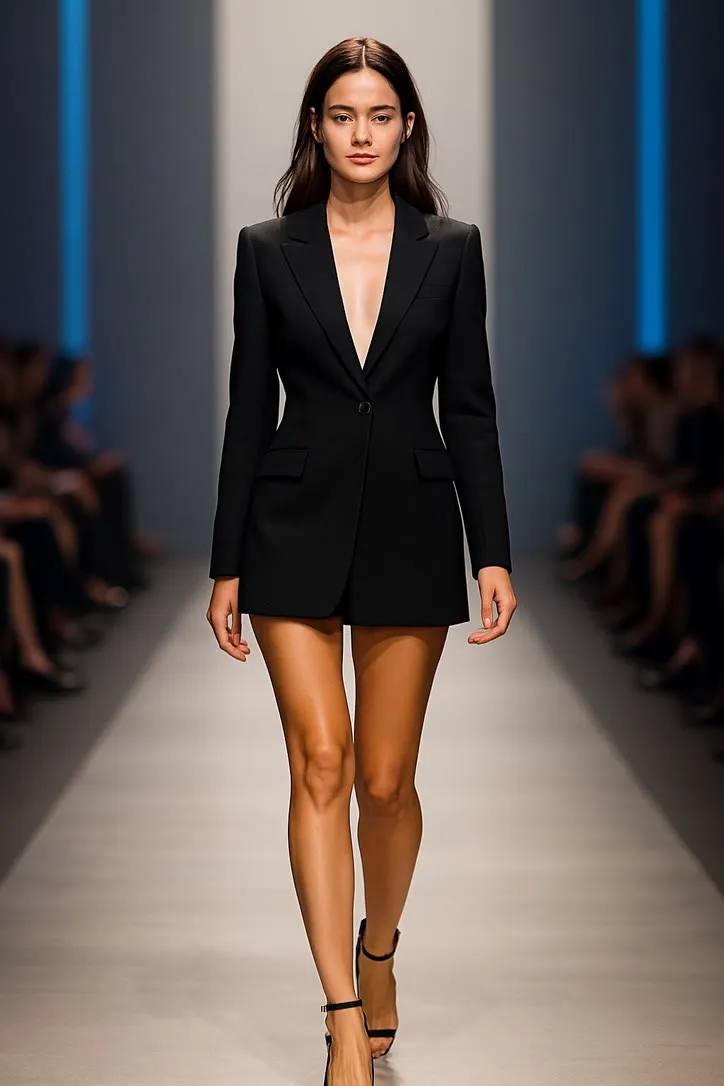
Action library · Both kinds
Fashion & Glam
A shelf about the silhouette, where one half sets the outfit moving and the other replaces it entirely.
A mixed shelf, and the split is unusually clean. The motion half takes a full length photograph and makes the outfit move: a walk, a turn of a skirt. The style half does something different in kind, which is to restyle the photograph into a different wardrobe and a different room altogether. Heritage tailoring on an estate. Street style caught mid stride. A hair colour changed under salon light.
People with one full length photograph they like and a want that the photograph does not satisfy. On the motion side that want is usually movement. On the style side it is usually a setting, and reaching for a style when what you wanted was a setting is the right instinct.
This shelf holds two different things
Motion actions
These move
A photograph goes in and a clip of about 5 seconds comes out. The movement is generated from the one frame you supply, so nothing here is filmed and nothing is recovered.
Photo styles
These restyle
A photograph goes in and a new still picture comes out. The frame is rebuilt in the style rather than having an effect laid over it, and nothing on this side of the shelf moves.
Everything on the Fashion & Glam shelf
The ones that move
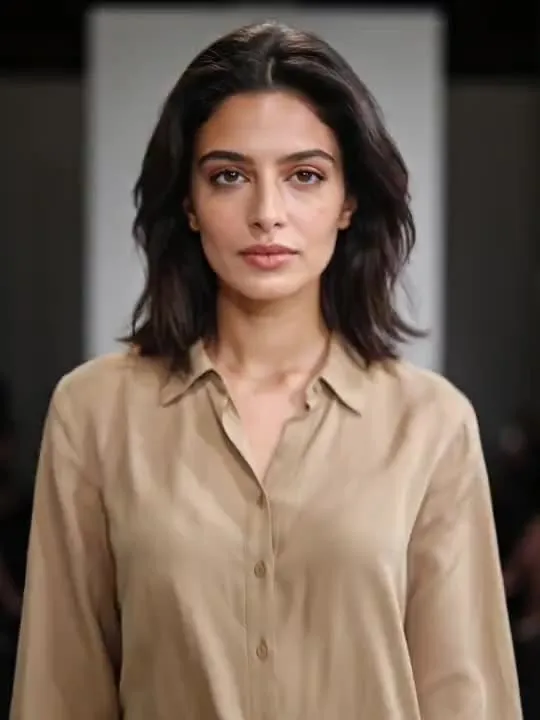 01MovesRunway WalkConfident catwalk runway strutModerate invention
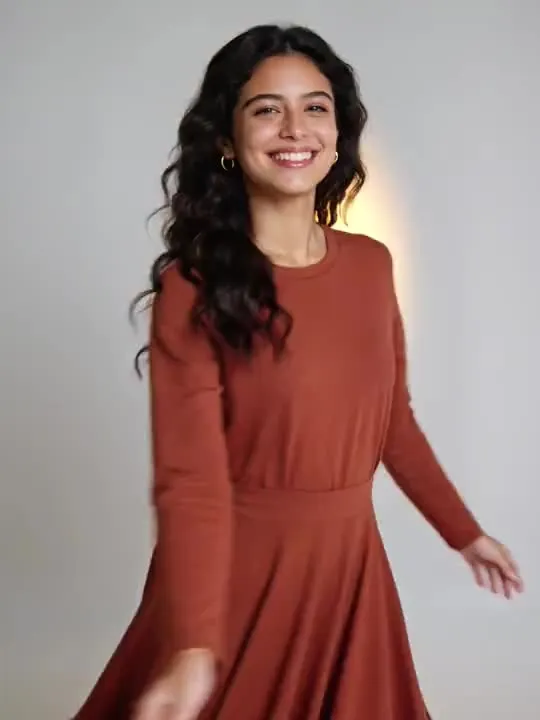 02MovesDress TwirlElegant dress twirling motionModerate invention
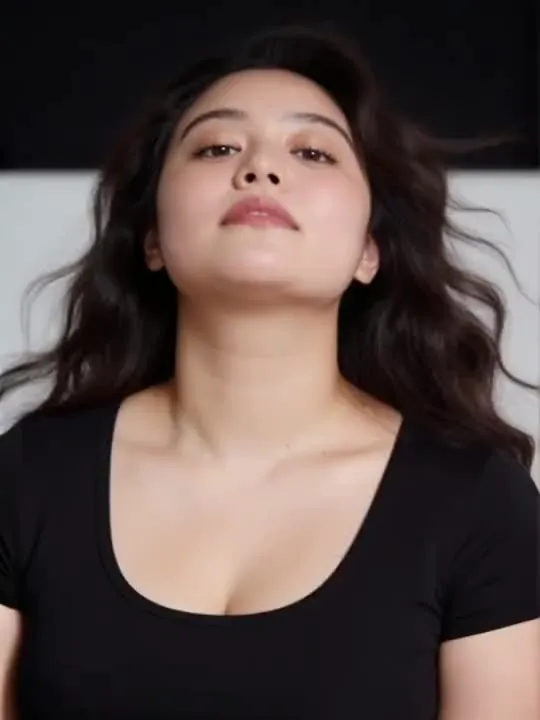 03MovesWind Machine GlamStudio wind, hair in motion, campaign lightMotion action
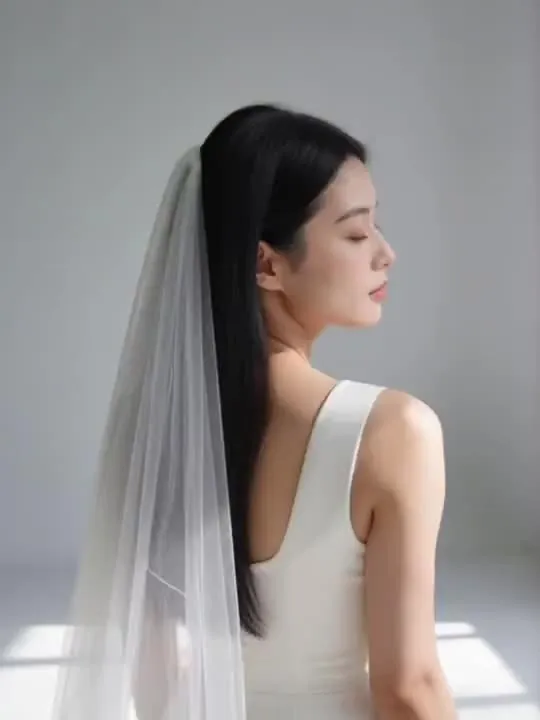 04MovesVeil Twirl Close TurnA flowing veil catches the light as the subject turns.Motion action
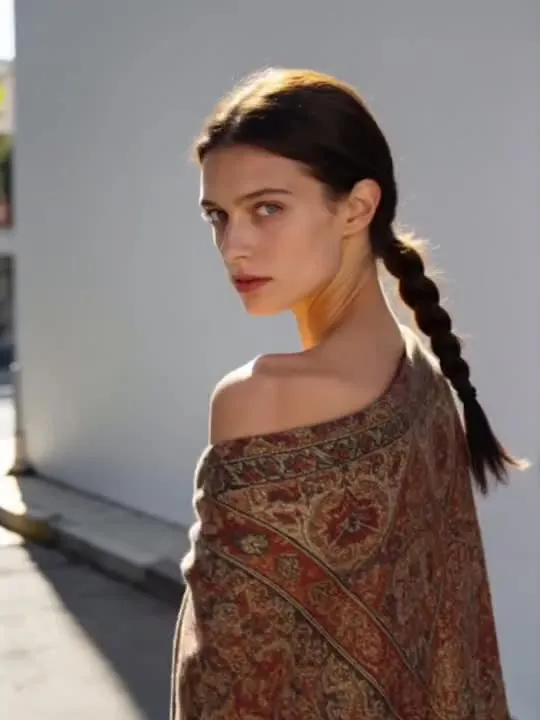 05MovesShawl Flare Turna flowing shawl catches and settles as the turn completesMotion action
The ones that restyle
 01RestylesQuiet Luxury PortraitHeritage tailoring and golden estate light, one restylePhoto style
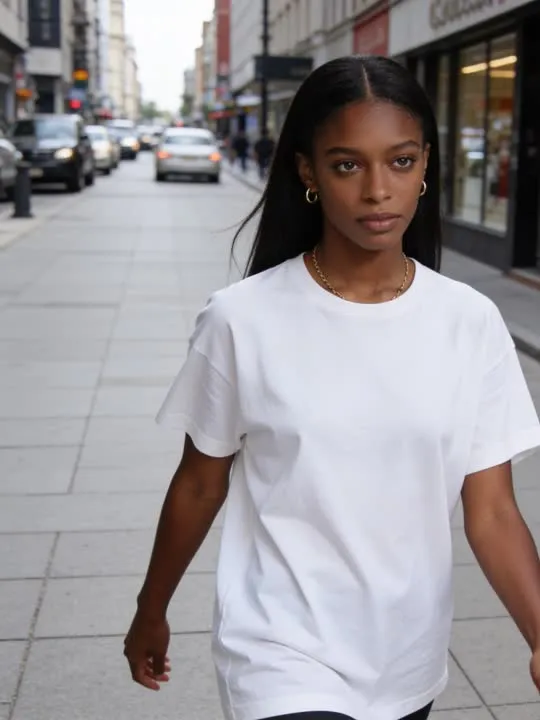 02RestylesStreet Stylecaught mid stride as an off duty street style shotPhoto style
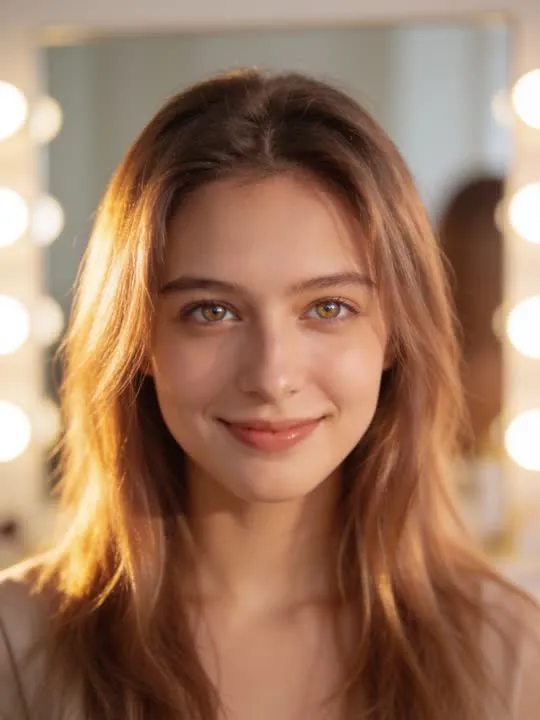 03RestylesMilk Tea Ash Hair RevealA warm ash hair colour change, styled loose in soft salon lightPhoto style
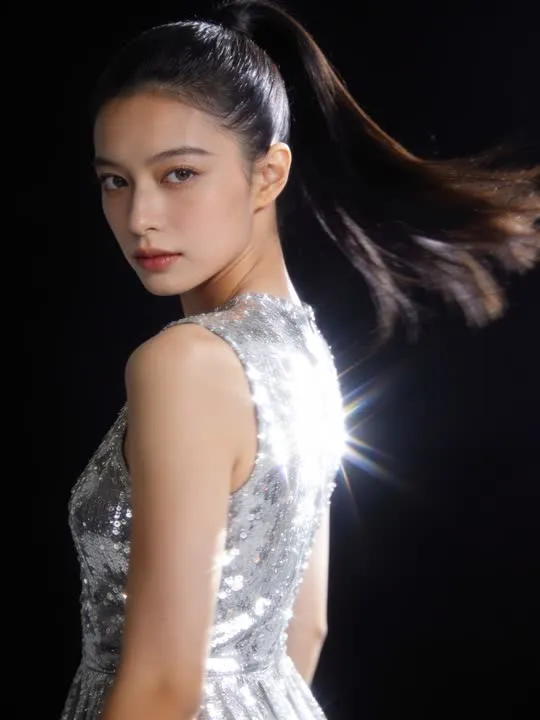 04RestylesSequin Flash SpinSequins catch camera flash as the subject turns into the light.Photo style
 05RestylesQuiet Luxury PortraitAn old-money restyle: cashmere, pearls and understated tailoring.Photo style
What is invented on this shelf
Cloth. Fabric has no rigid shape, and a garment in motion is invented from scratch in every frame, which is why a skirt or a coat animates more convincingly than a fitted line that has nowhere to go. On the style side the model invents the garment itself, so what comes back is a plausible version of that wardrobe rather than your clothes.
The app's own invention flag, across this shelf
- ModerateReal movement, still anchored to the frameRunway WalkDress Twirl
The rest of this shelf carries no invention flag in the app's catalogue, so nothing here places it on the ramp: Quiet Luxury Portrait, Street Style, Milk Tea Ash Hair Reveal, Sequin Flash Spin, Wind Machine Glam, Veil Twirl Close Turn, Shawl Flare Turn, Quiet Luxury Portrait. The flag is set on a preset by the app rather than by this site, and a guess dressed as a rating would be worth less than the gap.
Least invented first. A small rung stays close to the photograph you already have; a large one means the model is building most of what ends up on screen, which is also where a likeness has the most room to drift.
The photograph this shelf wants
Full length, front on, and a background that does not compete. These actions are about the silhouette, so a plain wall or a clean backdrop is worth more than an interesting location. Shoes in frame: a crop through the ankle is the fastest way to a strange result.
The four things that decide any result are the same here as everywhere else in the library, and they are set out in what makes a photo work. The limits that apply to every action on this site are in what none of these can do.
Where Fashion & Glam results vary most
The styles change what you are wearing, and a reader who wanted their own outfit preserved will be disappointed by that rather than by the quality of the result. On the motion side, feet are the weak point: a crop through the ankle produces shoes the model chose. Busy locations compete with the silhouette, and a plain wall genuinely outperforms an interesting street.
Where to go next
- The photo that will actually animate well (and the ones that will not)Most camera rolls have hundreds of good photographs and only a handful of good source material. A practical way to tell which is which before you spend a generation on the wrong one.
- How much of the body your photo actually needsHead and shoulders, waist up, or head to feet: the crop decision that matters more than almost anything else you choose. A short table by movement type, and the headroom mistake almost everyone makes once.
This is one shelf of many. The whole catalogue, grouped the way the app groups it, is in the action library.
Common questions
- What is the Fashion & Glam shelf for?
- A mixed shelf, and the split is unusually clean. The motion half takes a full length photograph and makes the outfit move: a walk, a turn of a skirt. The style half does something different in kind, which is to restyle the photograph into a different wardrobe and a different room altogether. Heritage tailoring on an estate. Street style caught mid stride. A hair colour changed under salon light.
- Does everything on the Fashion & Glam shelf move?
- No, and that is the first thing to check before picking one. This shelf holds both kinds: some of these are motion actions that hand back a short clip, and the rest are photo styles that hand back a new still picture. Both halves are named and linked separately on this page, and every card is labelled.
- What kind of photo works best for Fashion & Glam?
- Full length, front on, and a background that does not compete. These actions are about the silhouette, so a plain wall or a clean backdrop is worth more than an interesting location. Shoes in frame: a crop through the ankle is the fastest way to a strange result.
- Do I need a subscription for the Fashion & Glam actions?
- Nothing on this shelf is marked as a subscription only action in the app's catalogue. Free to download on iPhone and iPad. Credits and subscriptions are bought inside the app.
The right action for the photograph beats the popular one
Every action on the Fashion & Glam shelf is written up the same way, so you can check whether the picture in your camera roll actually suits it before you spend a credit on finding out.