Action library · Both kinds
High Fashion
Editorial styling built from one ordinary photograph, wardrobe and location included.
The magazine version. Salt hazed coastal linen, worn suede under a bleached sky, a premiere under a bank of flashes, glossy beauty lighting, sculptural black on grey seamless, cashmere on the grounds of a stone house. These replace the clothes, the location and the light in one operation, which is more than any of them announces from a preview tile.
People building a profile picture or a portfolio image who do not have a shoot to work from. It is also the shelf people arrive at from the fashion tiles on the homepage and then stay on, because this is the version that changes everything rather than the version that moves a skirt.
This shelf holds two different things
Motion actions
These move
A photograph goes in and a clip of about 5 seconds comes out. The movement is generated from the one frame you supply, so nothing here is filmed and nothing is recovered.
Photo styles
These restyle
A photograph goes in and a new still picture comes out. The frame is rebuilt in the style rather than having an effect laid over it, and nothing on this side of the shelf moves.
Everything on the High Fashion shelf
The ones that move
The ones that restyle
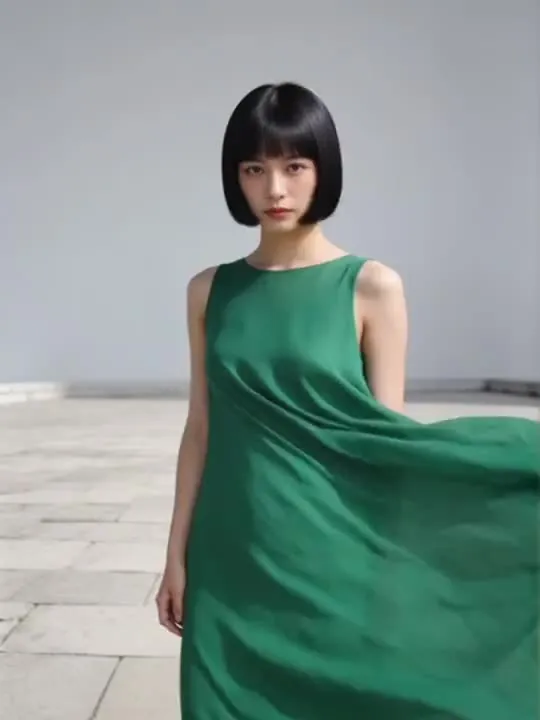
 01RestylesCoastal Linenstyled for a salt-hazed coastal editorialLinen and sea haze are added around a body, so the body is what the photograph has to deliver.Photo style
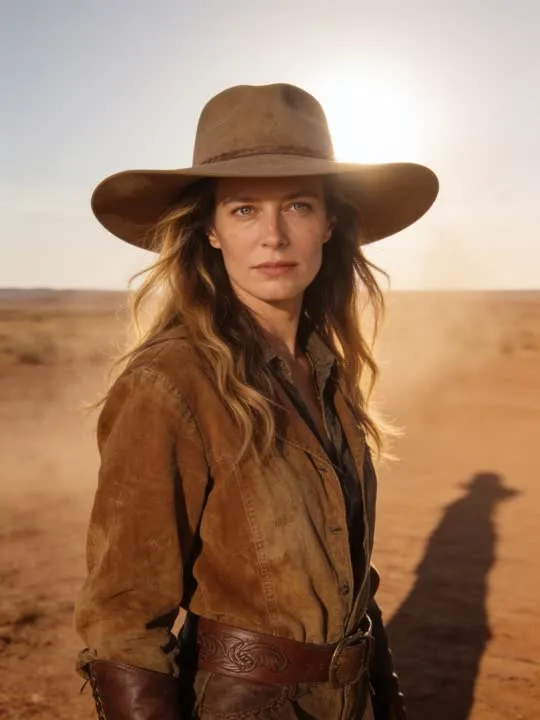 02RestylesDesert Cowboystyled in worn suede under a bleached desert skyPhoto style
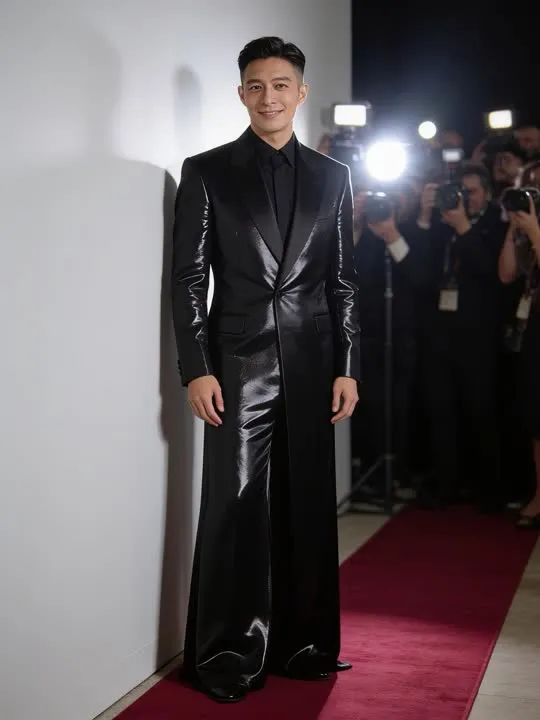 03RestylesRed Carpetarriving at a premiere under a bank of flashesPhoto style
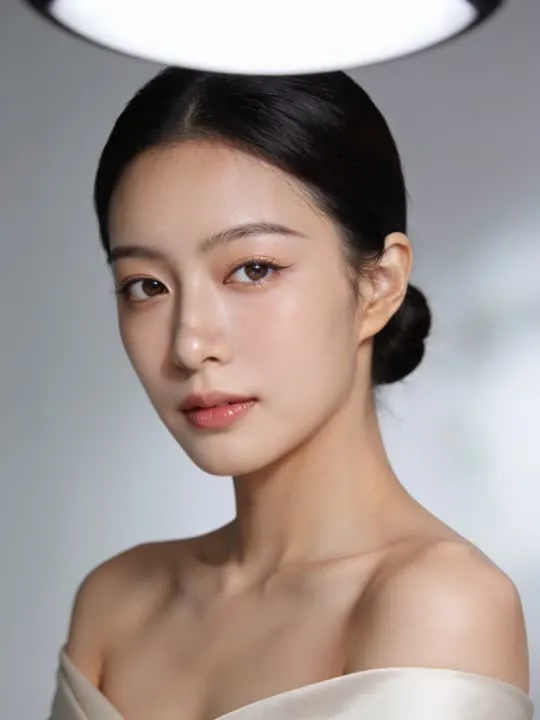 04RestylesBeauty Lightlit like a glossy beauty campaignPhoto style
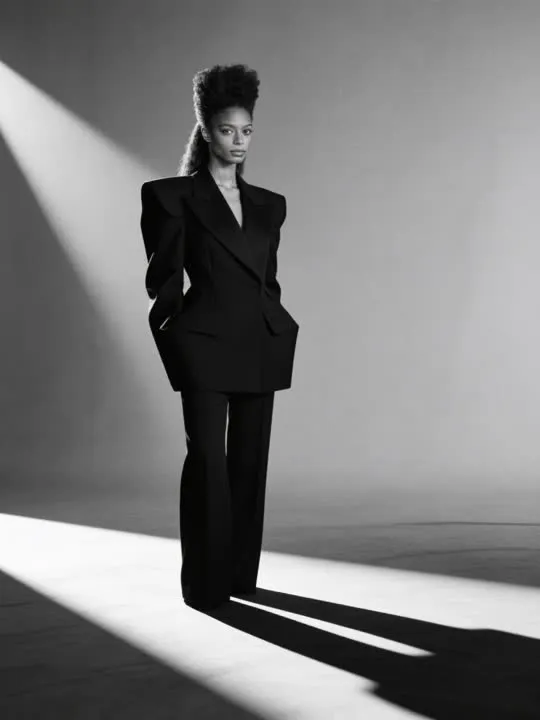 05RestylesMono Couturestyled in sculptural black couture on grey seamlessPhoto style
 06RestylesDream Chefstyled as a culinary editorial in a copper-lit kitchenPhoto style
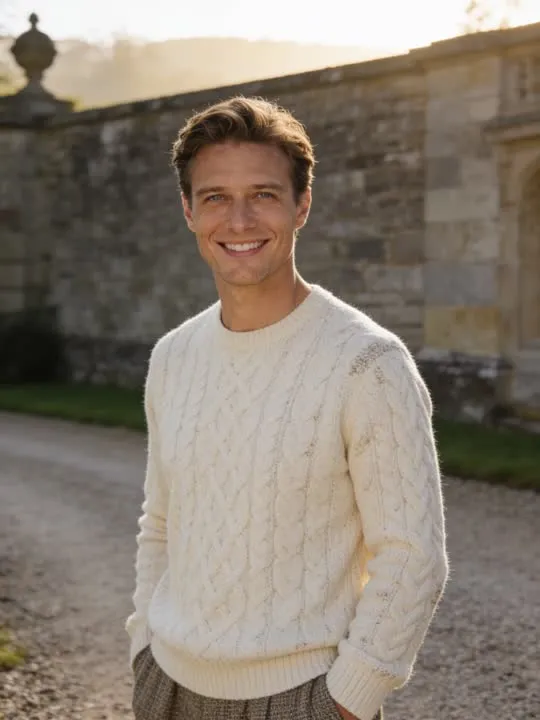 07RestylesQuiet Luxury Estatecream cashmere and tweed on the grounds of a stone estatePhoto style
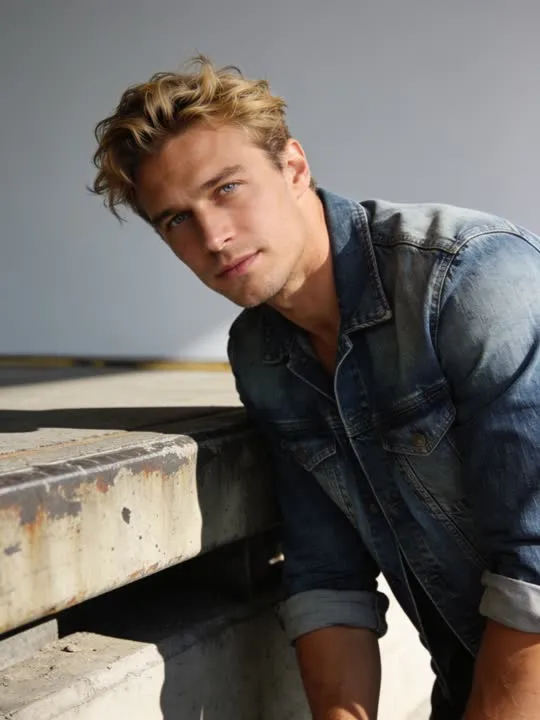 08RestylesDenim Workwear CampaignA raw indigo campaign portrait on a weathered loading dock.Photo style
 09RestylesBoardroom Power PortraitA sharp-tailored executive portrait, corner-office light and total composure.Photo style
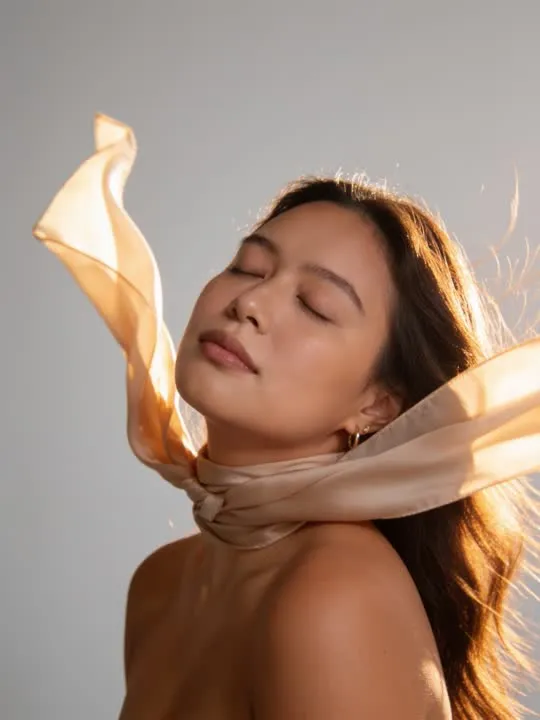 10RestylesSilk Scarf EditorialA wind-caught silk scarf and a close, breezy beauty shot.Photo style
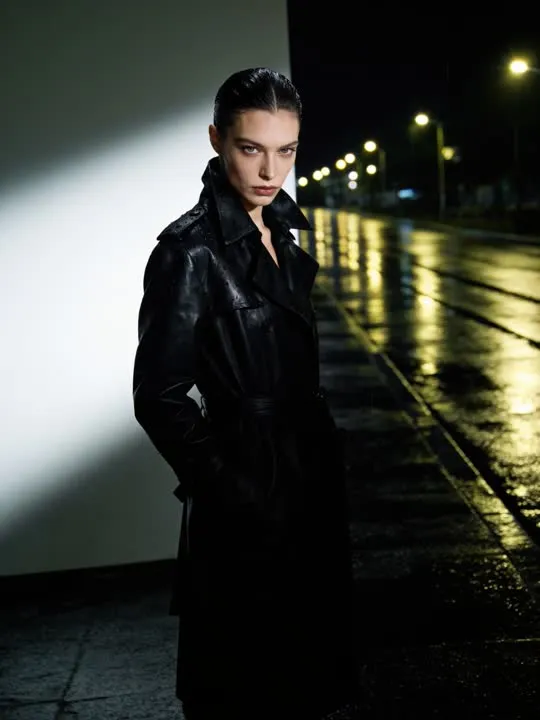 11RestylesWet Pavement TrenchLeather, rain streaks and streetlight, editorial mood.Photo style
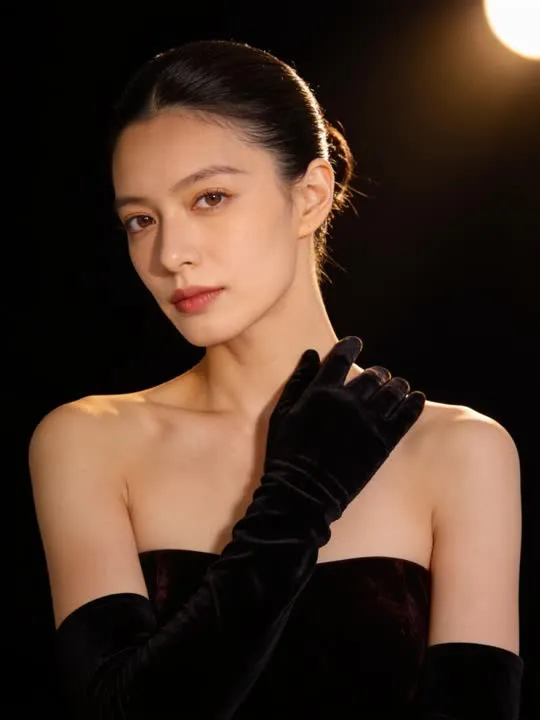 12RestylesVelvet Opera PortraitA glamorous evening portrait in long velvet gloves under a single spotlight.Photo style
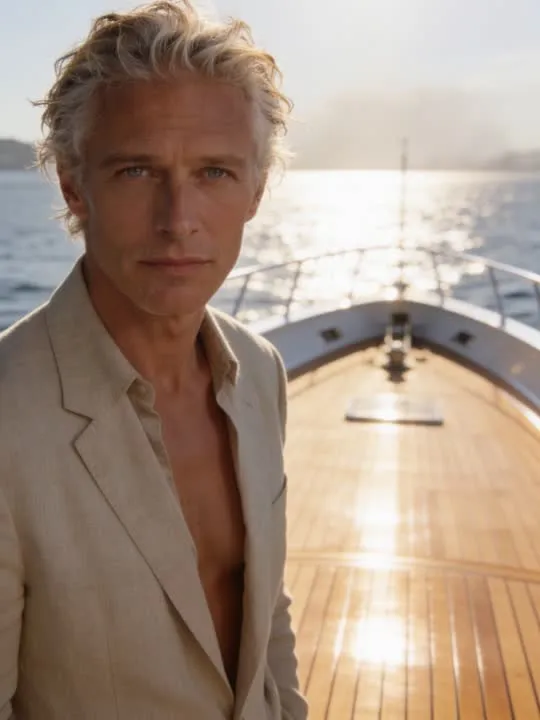 13RestylesRiviera DeckUnstructured linen tailoring on a sunlit yacht deckPhoto style
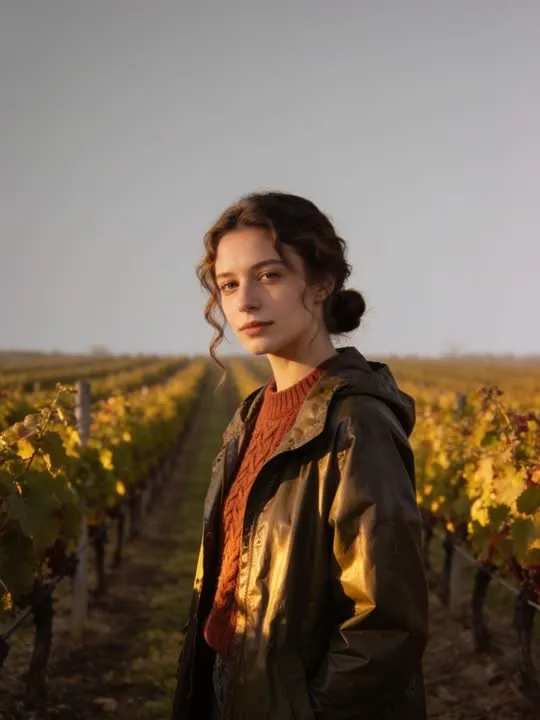 14RestylesVineyard Harvest EditorialWarm knitwear among the vines in late afternoon lightPhoto style
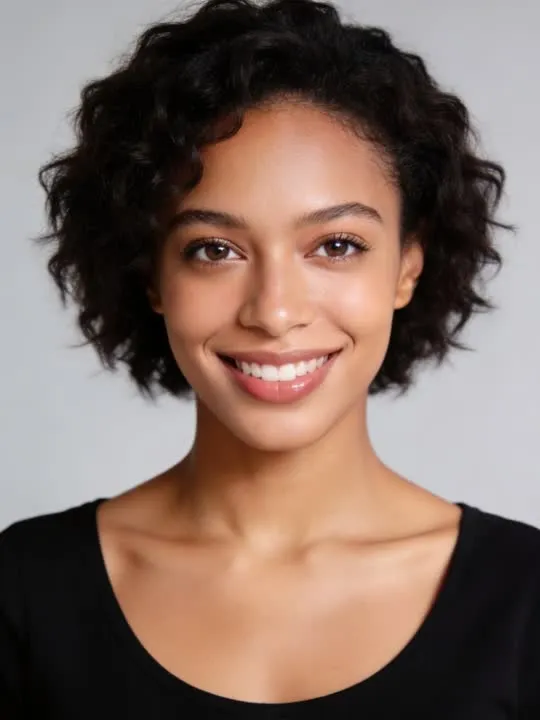 15RestylesSatin GlowA soft satin-skin glow, gently enhanced, nothing else changedPhoto style
What is invented on this shelf
The wardrobe, the set, the styling and the lighting design. Your face and your build come from the photograph. Very little else does. That is the shelf working as intended, and it is worth going in knowing it rather than expecting your own jacket back in better light.
The photograph this shelf wants
The clothes are replaced, so what the photograph really supplies is a body and a face. Full length or three quarter length, front on, arms clear of the torso, against a plain background. A relaxed upright pose restyles more cleanly than one already twisted or seated, and keeping the shoes in frame stops the outfit ending at the ankle.
The four things that decide any result are the same here as everywhere else in the library, and they are set out in what makes a photo work. The limits that apply to every action on this site are in what none of these can do.
Where High Fashion results vary most
Beauty lighting is the specific caution: it smooths skin heavily, and heavy smoothing is where a face most often stops looking like a particular person and starts looking like a rendering. The restrained styles here hold a likeness better than the dramatic ones. Full length results are also where hands and shoes end up, and both are reliably the least convincing part of any frame.
Where to go next
- The photo that will actually animate well (and the ones that will not)Most camera rolls have hundreds of good photographs and only a handful of good source material. A practical way to tell which is which before you spend a generation on the wrong one.
- Sunglasses, hats, and a face half covered: does it still animate?A dark lens takes more out of a face than people expect, and a hat is a different problem entirely. Which occlusions matter, and which actions barely notice them.
This is one shelf of many. The whole catalogue, grouped the way the app groups it, is in the action library.
Common questions
- What is the High Fashion shelf for?
- The magazine version. Salt hazed coastal linen, worn suede under a bleached sky, a premiere under a bank of flashes, glossy beauty lighting, sculptural black on grey seamless, cashmere on the grounds of a stone house. These replace the clothes, the location and the light in one operation, which is more than any of them announces from a preview tile.
- Does everything on the High Fashion shelf move?
- No, and that is the first thing to check before picking one. This shelf holds both kinds: some of these are motion actions that hand back a short clip, and the rest are photo styles that hand back a new still picture. Both halves are named and linked separately on this page, and every card is labelled.
- What kind of photo works best for High Fashion?
- The clothes are replaced, so what the photograph really supplies is a body and a face. Full length or three quarter length, front on, arms clear of the torso, against a plain background. A relaxed upright pose restyles more cleanly than one already twisted or seated, and keeping the shoes in frame stops the outfit ending at the ankle.
- Do I need a subscription for the High Fashion actions?
- Nothing on this shelf is marked as a subscription only action in the app's catalogue. Free to download on iPhone and iPad. Credits and subscriptions are bought inside the app.
The right action for the photograph beats the popular one
Every action on the High Fashion shelf is written up the same way, so you can check whether the picture in your camera roll actually suits it before you spend a credit on finding out.