Action library · These move
Dance
Every action on this shelf moves a whole body through space, which makes the crop of your photograph matter more here than anywhere else in the library.
This is the shelf for turning one standing photograph into a few seconds of choreography. What separates the actions is not style, it is how far the body travels and how much of it leaves the ground. A salsa basic keeps both feet near the floor and turns at the hips. A breakdance six step puts your weight on one arm. The catalogue rates those differently for a reason.
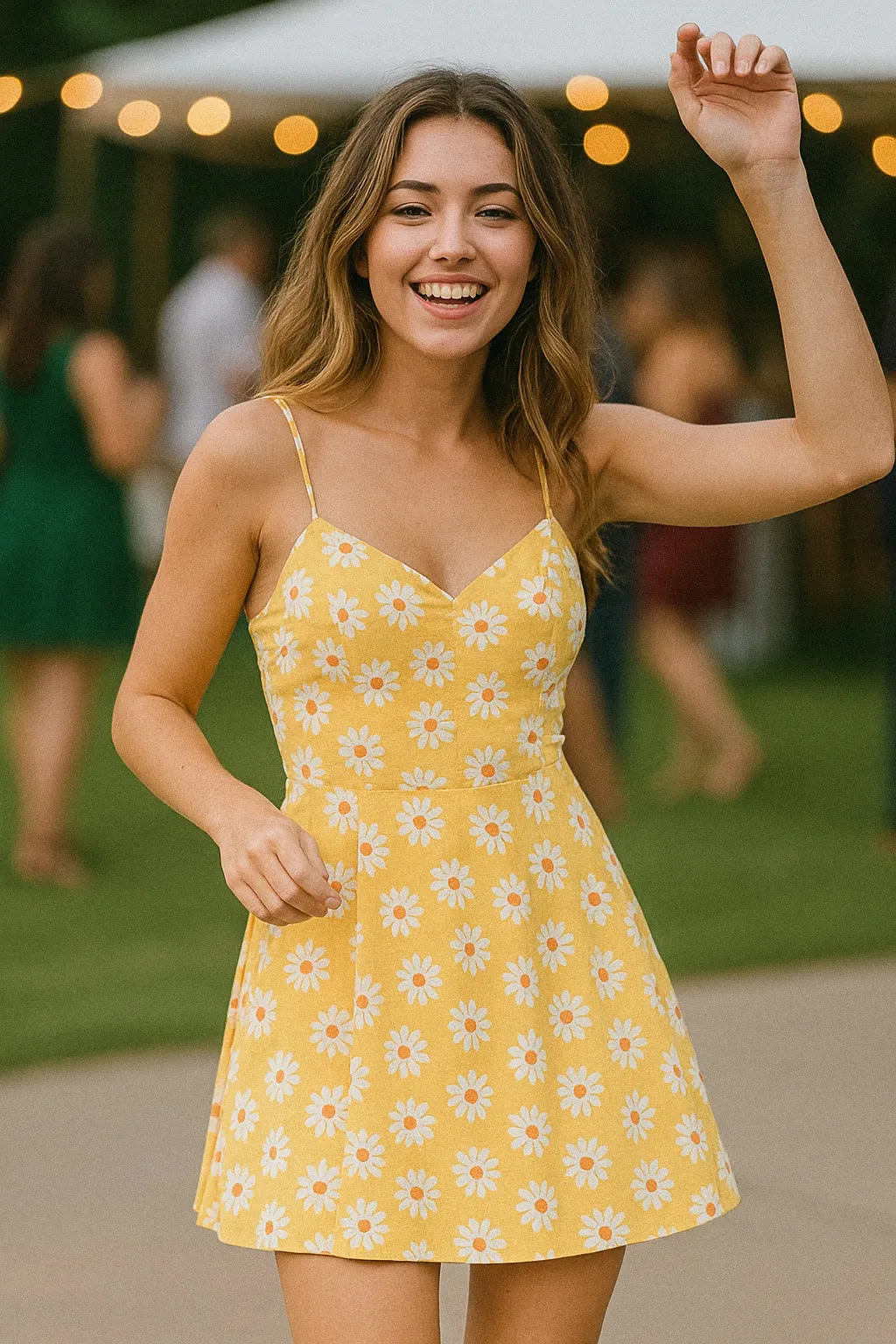
People who have one good full length picture of themselves, usually taken at an event where they were dressed for it, and no video of that night at all. A wedding guest photograph, a formal, a night out. The picture exists because someone asked you to stand still, and this shelf is the one that undoes that.
Which of these asks the most of your photograph
All of the motion, and most of the legs. A photograph gives the model one pose, and a dance action has to produce a plausible sequence of poses either side of it, including the parts of the leg that were behind the other leg in the frame. Loose fabric is invented frame by frame as well, which is why a skirt or wide trousers often reads better than a tailored line.
- ModerateReal movement, still anchored to the frameSalsa DanceHip Hop
- LargeThe model builds most of what you seeBreakdance
The rest of this shelf carries no invention flag in the app's catalogue, so nothing here places it on the ramp: Afrobeats, Dance Floor Dog, Point Dance, Shuffle, Triple Groove, Tango Turn, Floor Reach, Kitchen Two-Step, Bachata Close Turn, Boot Scoot Kick, Point Choreo Snap, Lyrical Reach, Backbend Arch Release, Ripple Extension. The flag is set on a preset by the app rather than by this site, and a guess dressed as a rating would be worth less than the gap.
Least invented first. A small rung stays close to the photograph you already have; a large one means the model is building most of what ends up on screen, which is also where a likeness has the most room to drift.
The Dance actions
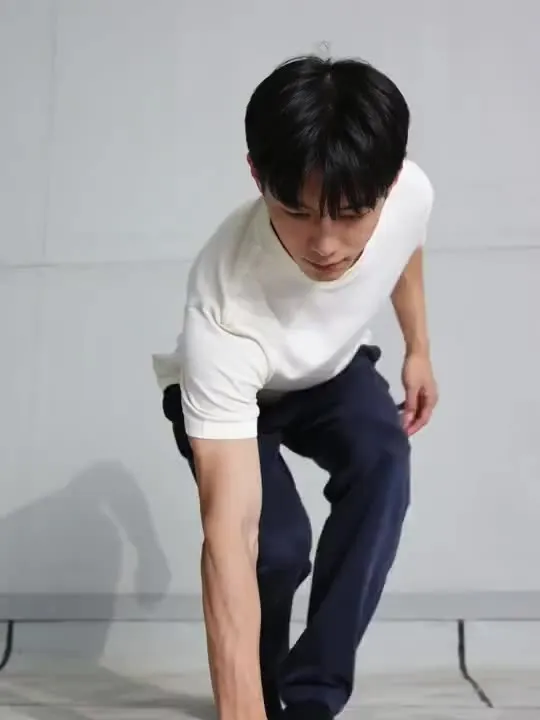 01BreakdanceDynamic spins, freezes, and power movesGive this one a full body shot with floor visible under the feet, because the spins and freezes need somewhere to happen.Large invention
 02Salsa DanceSmooth Latin dance with hip movementsModerate invention
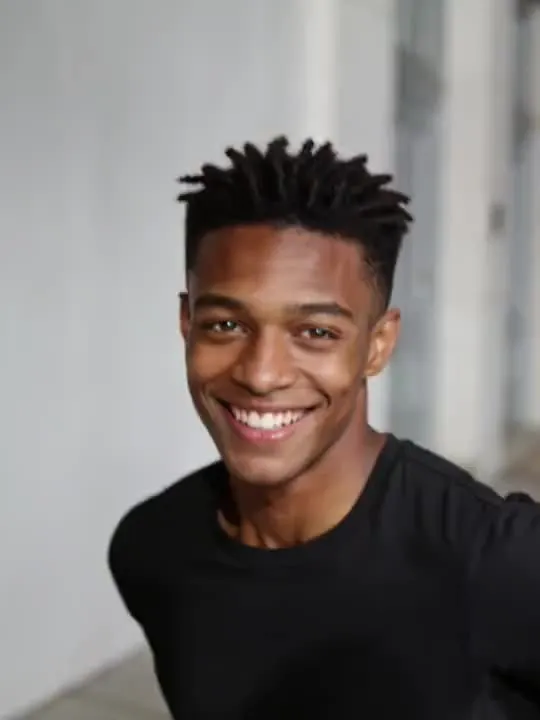 03Hip HopUrban street dance with attitudeModerate invention
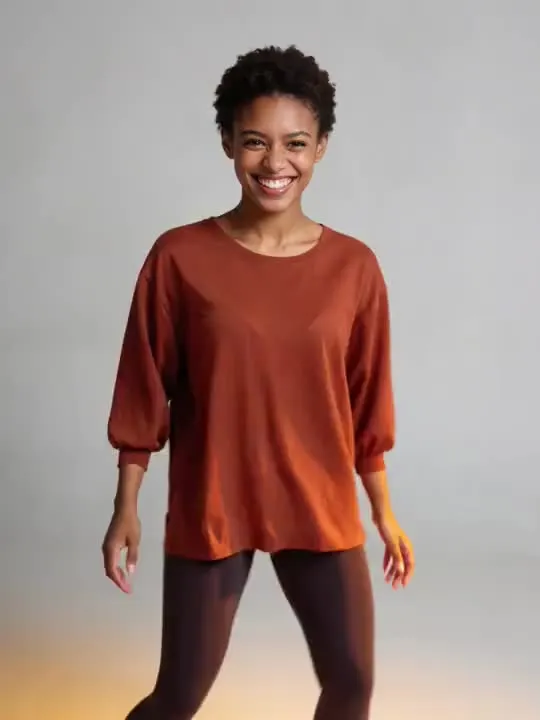 04Afrobeatships first, shoulders loose, sharp freezeMotion action
 05Dance Floor DogFull choreography, paws and allMotion action
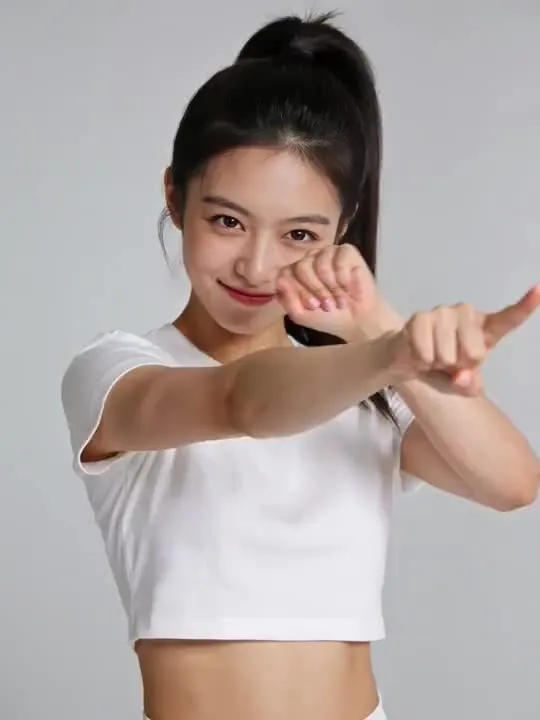 06Point Dancecrisp pop choreography, straight down the lensMotion action
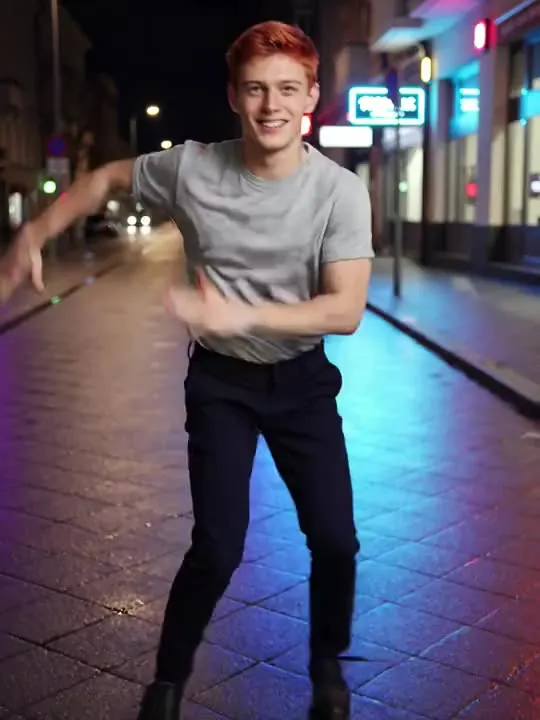 07Shuffleheels flicking, neon on the pavementMotion action
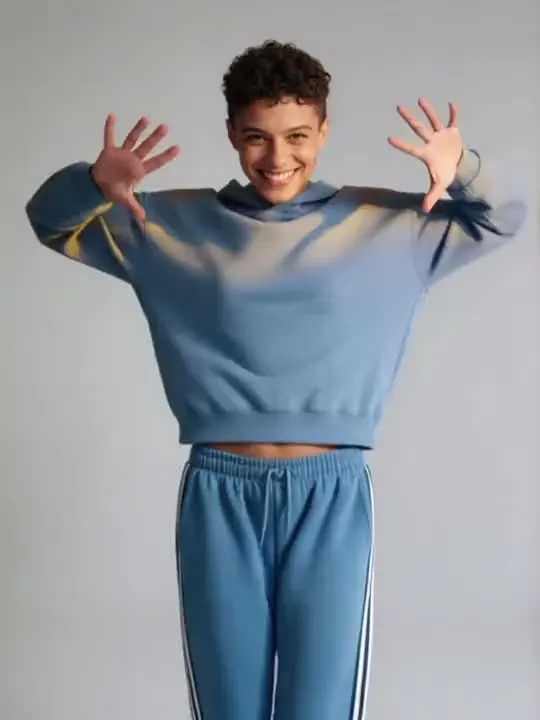 08Triple GrooveA quick face, hands and feet combo landing right on the beat.Motion action
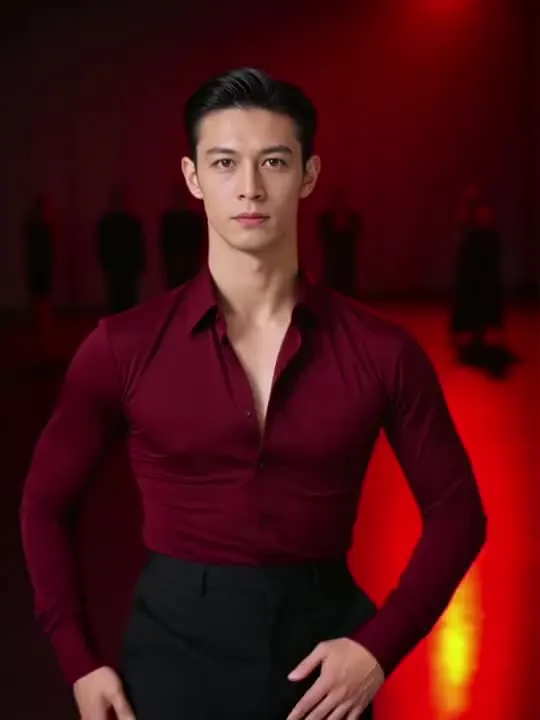 09Tango TurnA single sharp turn with the drama of a ballroom floor.Motion action
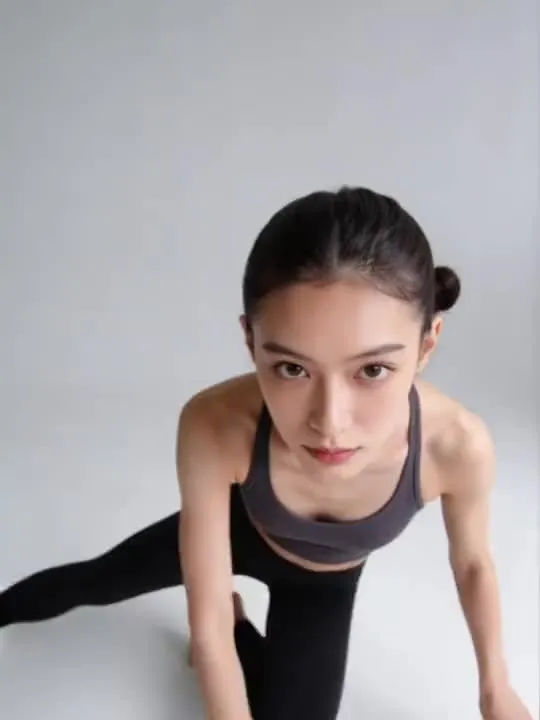 10Floor ReachA graceful contemporary dance move rolling low to the floor and reaching upward.Motion action
 11Kitchen Two-StepTwo people already in your photo sway into a simple two-step in a home kitchen.Motion action
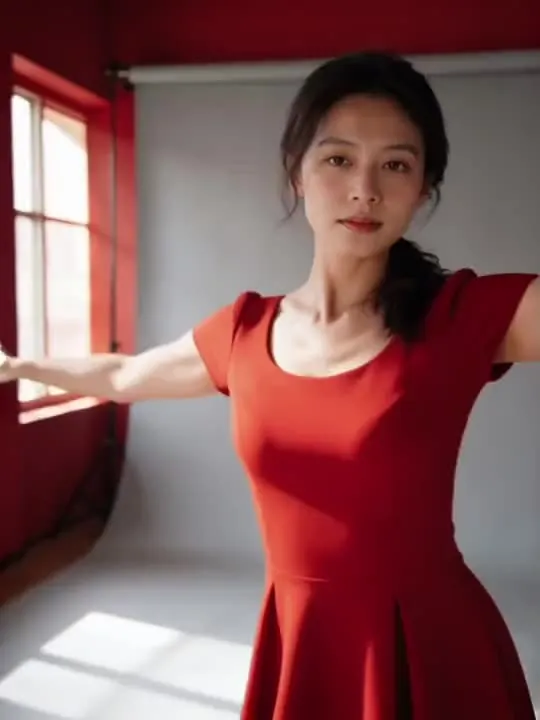 12Bachata Close TurnA slow hip-roll turn in warm red lightMotion action
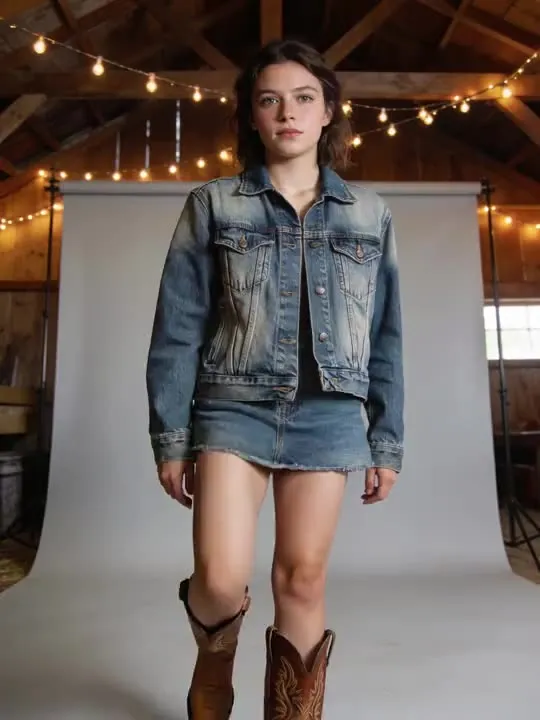 13Boot Scoot KickA country line-dance kick and clapMotion action
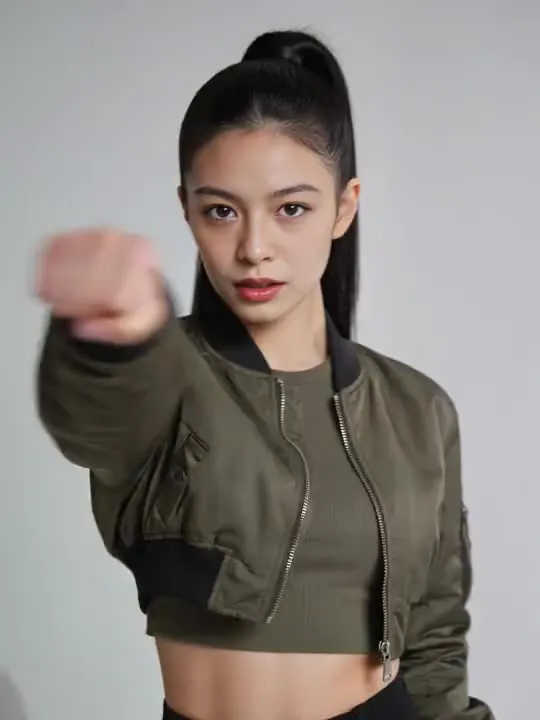 14Point Choreo SnapSharp, precise, freeze on the beat.Motion action
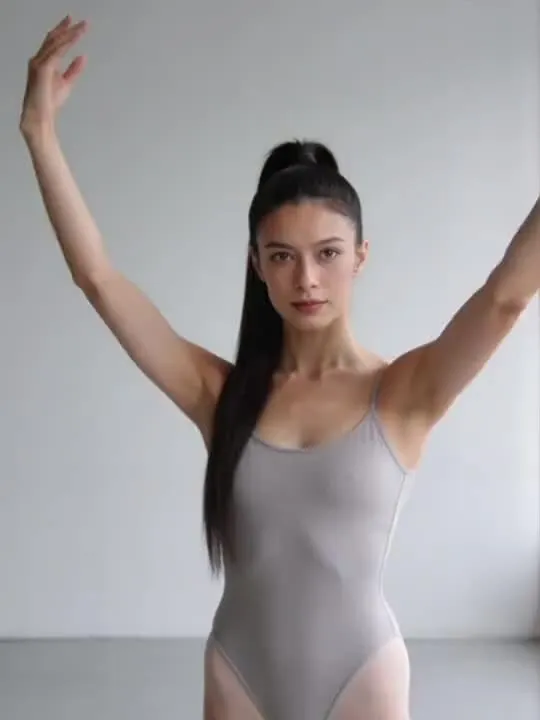 15Lyrical ReachA slow overhead reach into a low controlled lungeMotion action
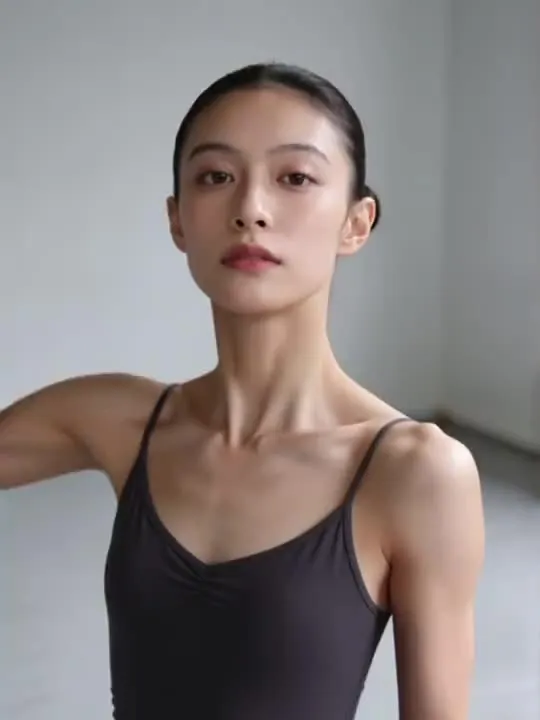 16Backbend Arch Releasea slow contemporary backbend, arms trailing into releaseMotion action
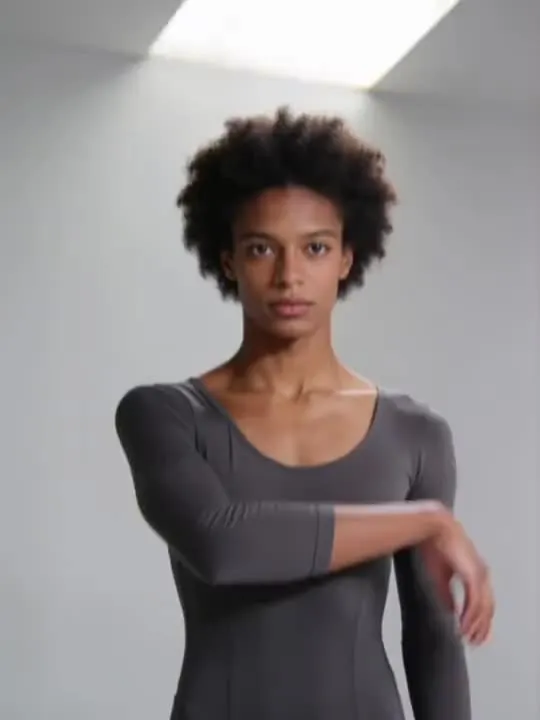 17Ripple ExtensionA slow contemporary ripple through the arm and a low extensionMotion action
The photograph this shelf wants
Dance actions need the whole body in frame, feet included, with a little floor underneath. A chest-up crop leaves the model nothing to move. Loose clothing animates more convincingly than a tight silhouette, and a plain floor beats a crowded one, because backgrounds tend to smear once a body starts turning.
The four things that decide any result are the same here as everywhere else in the library, and they are set out in what makes a photo work. The limits that apply to every action on this site are in what none of these can do.
Where Dance results vary most
Anything acrobatic drifts. The further a body rotates away from the pose in the photograph, the further the face can travel from the person in it, and the power moves rotate the most. Feet are the second weak point: they leave the frame, come back at the wrong angle, or slide.
Where to go next
- How much of the body your photo actually needsHead and shoulders, waist up, or head to feet: the crop decision that matters more than almost anything else you choose. A short table by movement type, and the headroom mistake almost everyone makes once.
- The photo that will actually animate well (and the ones that will not)Most camera rolls have hundreds of good photographs and only a handful of good source material. A practical way to tell which is which before you spend a generation on the wrong one.
This is one shelf of many. The whole catalogue, grouped the way the app groups it, is in the action library.
Common questions
- What is the Dance shelf for?
- This is the shelf for turning one standing photograph into a few seconds of choreography. What separates the actions is not style, it is how far the body travels and how much of it leaves the ground. A salsa basic keeps both feet near the floor and turns at the hips. A breakdance six step puts your weight on one arm. The catalogue rates those differently for a reason.
- How long are the Dance clips?
- About 5 seconds. That is what the default video model in the app's catalogue is configured to produce, and it is the same for every motion action in the library.
- What kind of photo works best for Dance?
- Dance actions need the whole body in frame, feet included, with a little floor underneath. A chest-up crop leaves the model nothing to move. Loose clothing animates more convincingly than a tight silhouette, and a plain floor beats a crowded one, because backgrounds tend to smear once a body starts turning.
- Do I need a subscription for the Dance actions?
- Nothing on this shelf is marked as a subscription only action in the app's catalogue. Free to download on iPhone and iPad. Credits and subscriptions are bought inside the app.
The right action for the photograph beats the popular one
Every action on the Dance shelf is written up the same way, so you can check whether the picture in your camera roll actually suits it before you spend a credit on finding out.