Action library · Both kinds
Musical
Performance actions, and the shelf where hands decide whether the result is any good.
A performance shelf: a vocal, a strum, hands on the decks, a solo under a streetlamp. What these have in common is not the music. It is that each one is built around a specific relationship between a pair of hands and an object, which is a harder request than it looks.
Anyone who plays, or who has a photograph of themselves holding an instrument they barely play. Also the people who want a stage version of an ordinary picture, since the lighting these carry does a lot of the work of making a room look like a venue.
This shelf holds two different things
Motion actions
These move
A photograph goes in and a clip of about 5 seconds comes out. The movement is generated from the one frame you supply, so nothing here is filmed and nothing is recovered.
Photo styles
These restyle
A photograph goes in and a new still picture comes out. The frame is rebuilt in the style rather than having an effect laid over it, and nothing on this side of the shelf moves.
Everything on the Musical shelf
The ones that move
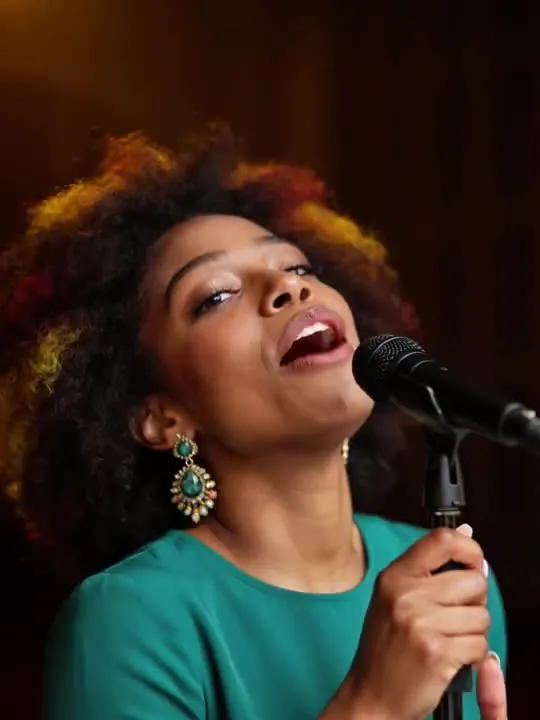 01MovesSingingPassionate vocal performanceHead and shoulders, front on, with the mouth clearly visible and nothing across the lower face.Moderate invention
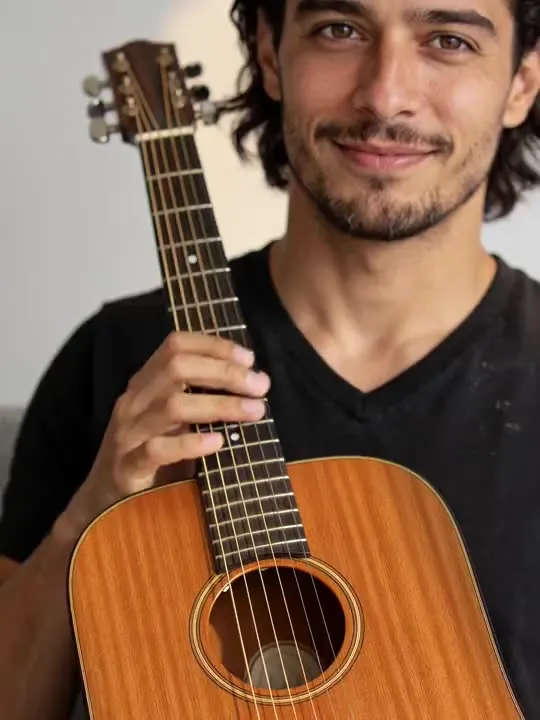 02MovesPlay GuitarStrumming guitar with passionModerate invention
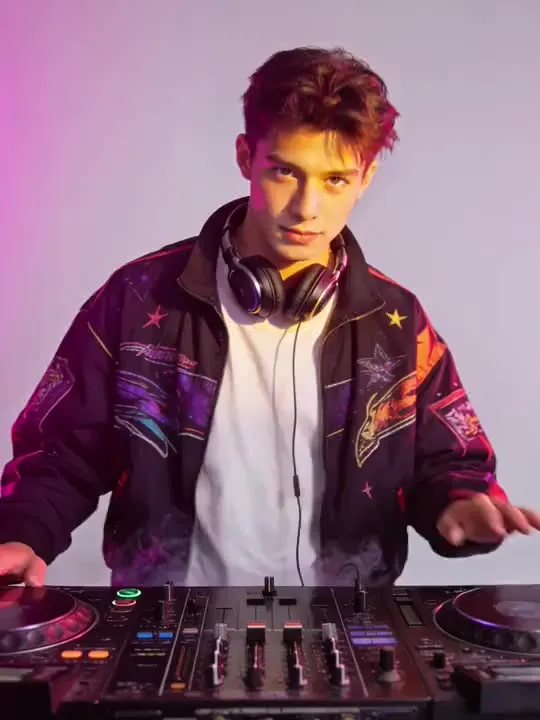 03MovesDJ Set DropHands on the decks as the festival lights hit the dropMotion action
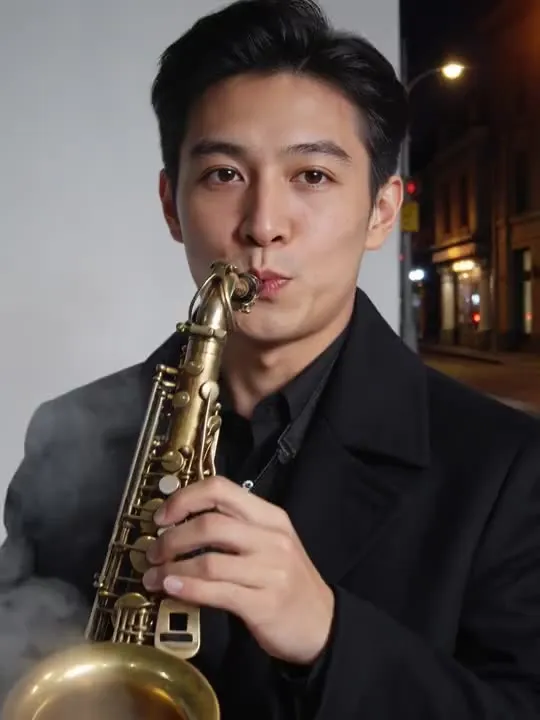 04MovesSaxophone Night SoloA slow soulful saxophone solo lit by a streetlampMotion action
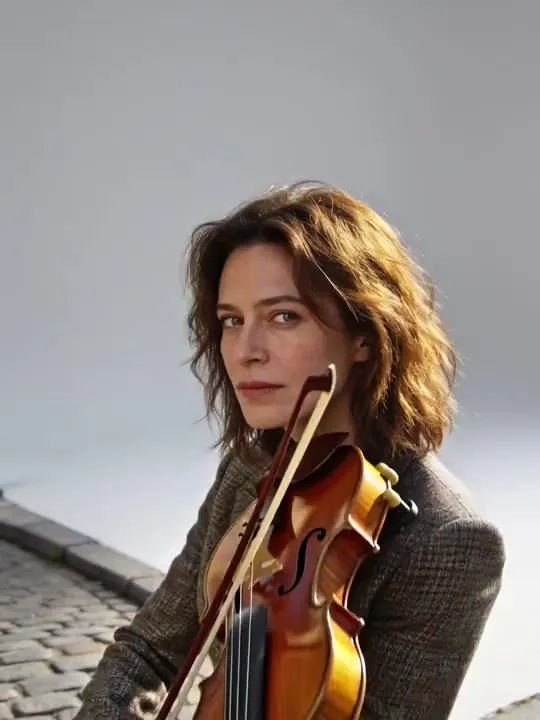 05MovesStreet ViolinA full bow stroke on a sunlit cobblestone corner.Motion action
 06MovesNeedle Drop MomentThe needle drops on a record and the music takes overMotion action
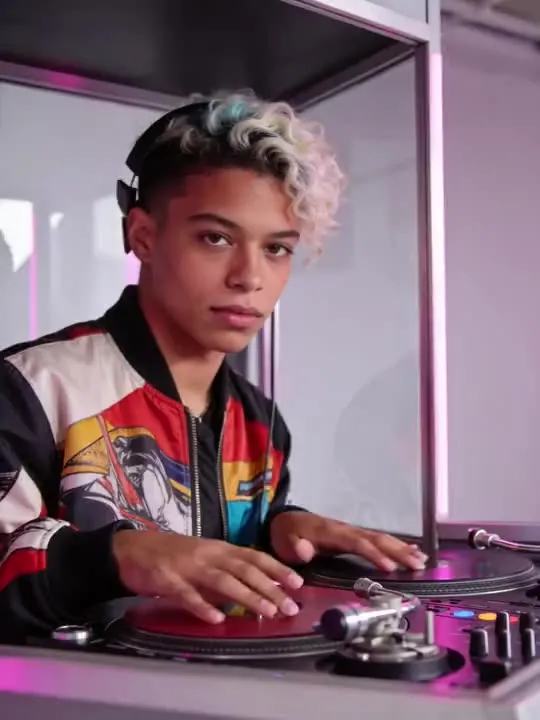 07MovesDJ Booth MixHands on the decks, headphone off, the mix locks inMotion action
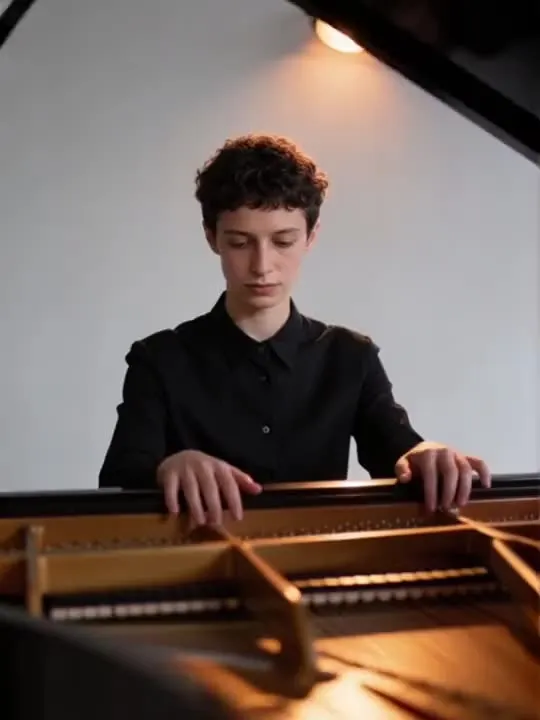 08MovesPiano SpotlightOne slow phrase, hands to face, under a single warm lightMotion action
The ones that restyle
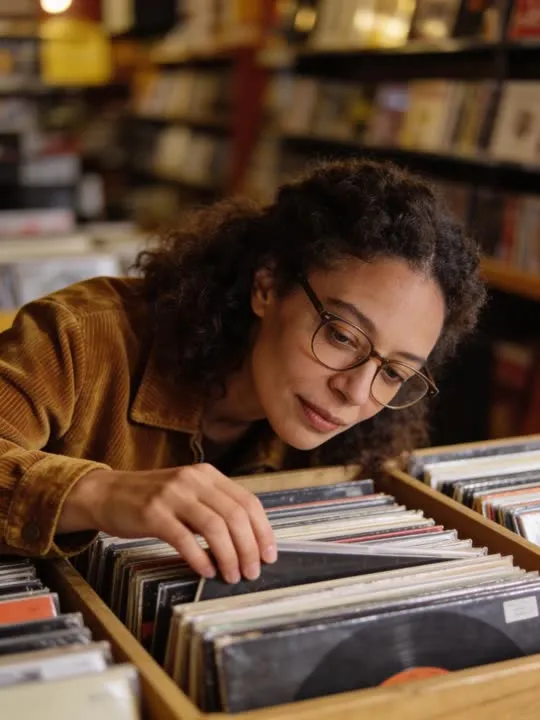
What is invented on this shelf
Finger position, and then finger position again in the next frame. A hand on a fretboard has several joints hidden behind other joints, and the model has to guess at all of them from one angle. It also has to invent the instrument itself where the photograph cropped it, which is why an instrument cut by the frame edge reliably comes back reshaped.
The app's own invention flag, across this shelf
- ModerateReal movement, still anchored to the frameSingingPlay Guitar
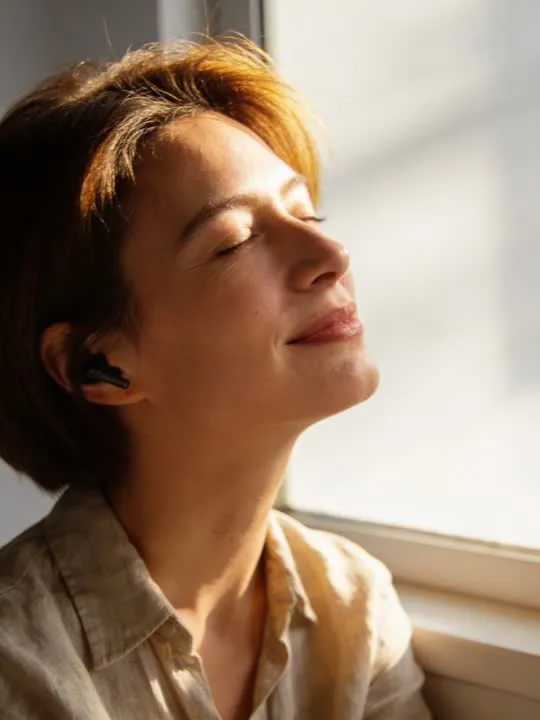
The rest of this shelf carries no invention flag in the app's catalogue, so nothing here places it on the ramp: DJ Set Drop, Saxophone Night Solo, Street Violin, Earbuds Daydream, Needle Drop Moment, DJ Booth Mix, Vinyl Crate Digging, Piano Spotlight. The flag is set on a preset by the app rather than by this site, and a guess dressed as a rating would be worth less than the gap.
Least invented first. A small rung stays close to the photograph you already have; a large one means the model is building most of what ends up on screen, which is also where a likeness has the most room to drift.
The photograph this shelf wants
The instrument matters more than the pose. Get the hands in frame and unobstructed, keep them away from the torso so their outline is readable, and light the face enough that the expression survives. Fingers are the hardest thing in the picture and the first thing to look odd.
The four things that decide any result are the same here as everywhere else in the library, and they are set out in what makes a photo work. The limits that apply to every action on this site are in what none of these can do.
Where Musical results vary most
Fingers are the weak point in every generated frame, and this shelf leans on them harder than any other. Expect the hands to be the thing you look at, and pick your source photograph accordingly: hands open, clear of the torso, lit, and not overlapping each other. A picture where the hands are already doing the right thing gives the model much less to make up than one where they are in a pocket.
Where to go next
- Why hands look wrong in animated photosFingers are the hardest thing in any generated frame, and no setting fixes that. Which actions ask the most of a hand, and how to crop or choose around the problem instead of fighting it.
- The photo that will actually animate well (and the ones that will not)Most camera rolls have hundreds of good photographs and only a handful of good source material. A practical way to tell which is which before you spend a generation on the wrong one.
This is one shelf of many. The whole catalogue, grouped the way the app groups it, is in the action library.
Common questions
- What is the Musical shelf for?
- A performance shelf: a vocal, a strum, hands on the decks, a solo under a streetlamp. What these have in common is not the music. It is that each one is built around a specific relationship between a pair of hands and an object, which is a harder request than it looks.
- Does everything on the Musical shelf move?
- No, and that is the first thing to check before picking one. This shelf holds both kinds: some of these are motion actions that hand back a short clip, and the rest are photo styles that hand back a new still picture. Both halves are named and linked separately on this page, and every card is labelled.
- What kind of photo works best for Musical?
- The instrument matters more than the pose. Get the hands in frame and unobstructed, keep them away from the torso so their outline is readable, and light the face enough that the expression survives. Fingers are the hardest thing in the picture and the first thing to look odd.
- Do I need a subscription for the Musical actions?
- Nothing on this shelf is marked as a subscription only action in the app's catalogue. Free to download on iPhone and iPad. Credits and subscriptions are bought inside the app.
The right action for the photograph beats the popular one
Every action on the Musical shelf is written up the same way, so you can check whether the picture in your camera roll actually suits it before you spend a credit on finding out.