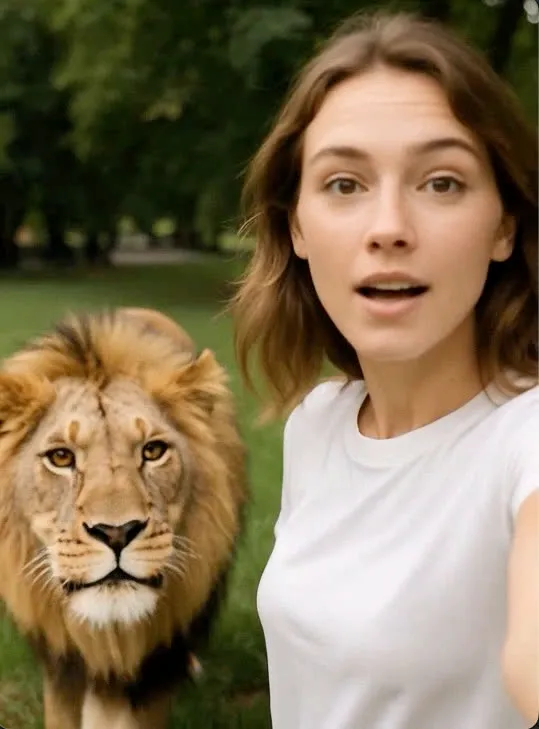
Action library · Both kinds
Best Companion
The one shelf in the library where the subject cannot be asked to stand still, hold a pose or face the camera.
Dogs and cats, both halves of the catalogue. Studio portraits, a storybook illustration, court nobility in velvet, a rim lit hero headshot, spring blossom. Then the motion side: zoomies and a skid, a tail going, a squish, a dog grown enormous over a yard. It is the deepest shelf here that is built around a subject rather than around a style, which is a reasonable measure of how many people animate a photograph of an animal.
Owners, mostly with hundreds of photographs and no good one, because the animal moved. That is the defining constraint of this shelf and it changes the advice completely.
This shelf holds two different things
Motion actions
These move
A photograph goes in and a clip of about 5 seconds comes out. The movement is generated from the one frame you supply, so nothing here is filmed and nothing is recovered.
- Zoomies
- Tail Wag Hello
- Pillow Squish
- Giant Pup
- Puddle Splash Joy
- Sunlit Windowsill Stretch
- Windowsill Stretch
- Ears Up Alert
- Treat Catch Leap
- Bubble Chase Pounce
- Curious Box Peekaboo
- Rainy Window Watch
- Leaf Pile Pounce
- Doorbell Dash
- Curious Head Tilt
- Sunbeam Loaf Blink
- Curious Tilt
- Play Bow Invite
- Cozy Sweater Pet Portrait
- Pet Hero Cape Moment
- Bunny Ear Flop Squish
Photo styles
These restyle
A photograph goes in and a new still picture comes out. The frame is rebuilt in the style rather than having an effect laid over it, and nothing on this side of the shelf moves.
Everything on the Best Companion shelf
The ones that move
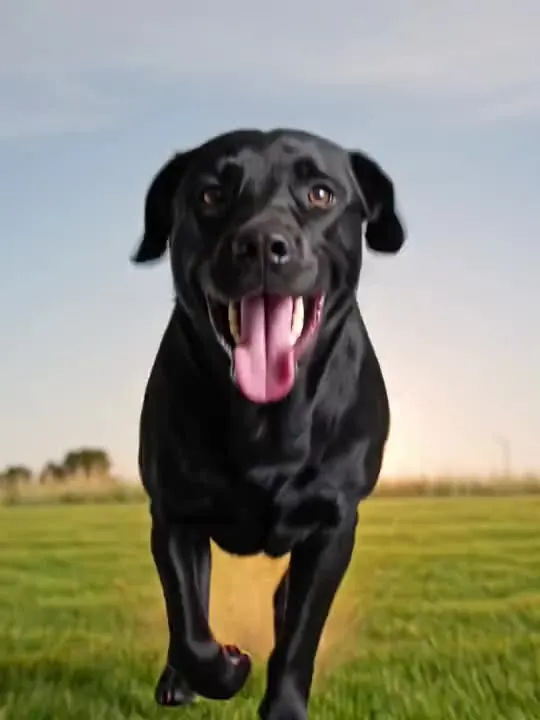 01MovesZoomiesa burst of pure speed and a skid to a stopSpeed is generated from a standing start, so hand it a standing pet.Motion action
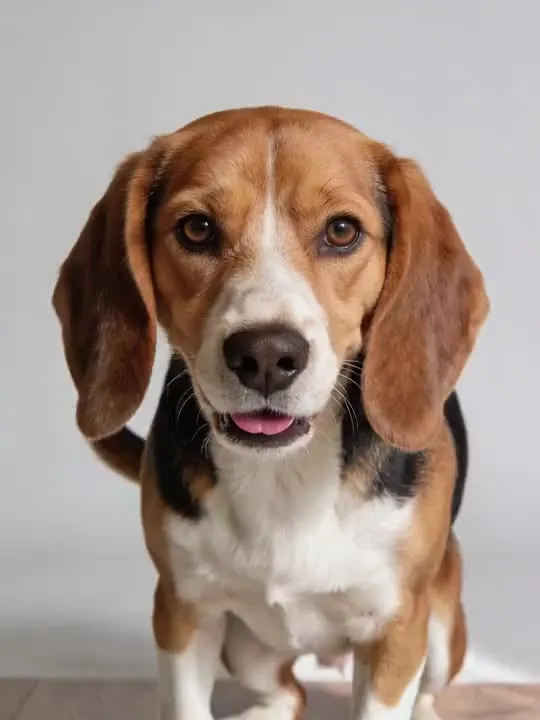 02MovesTail Wag Helloears up, tail going, one step closerMotion action
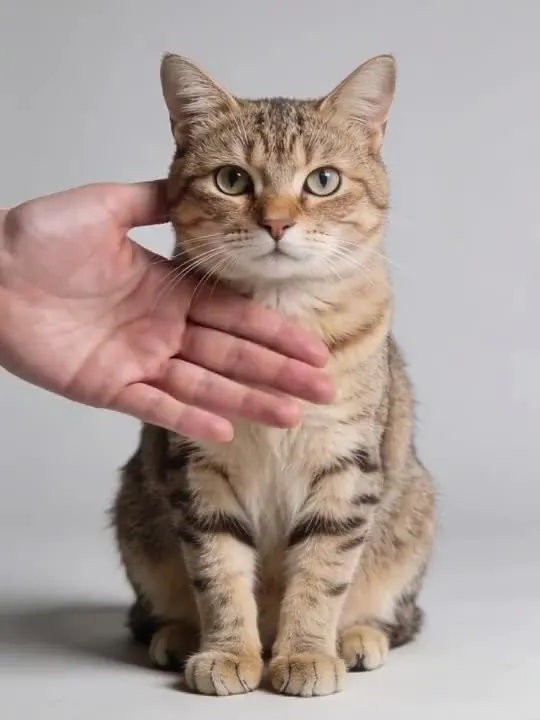 03MovesPillow Squishpressed like a pillow, then bounces right backMotion action
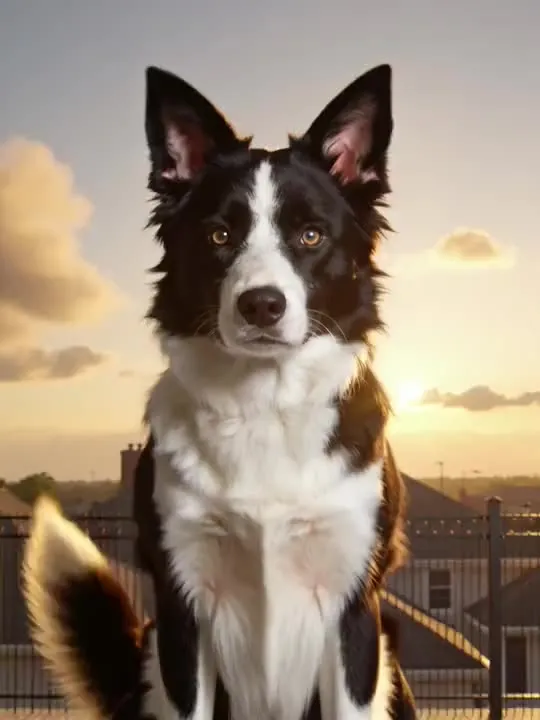 04MovesGiant PupThe dog grows giant and looms over the yardMotion action
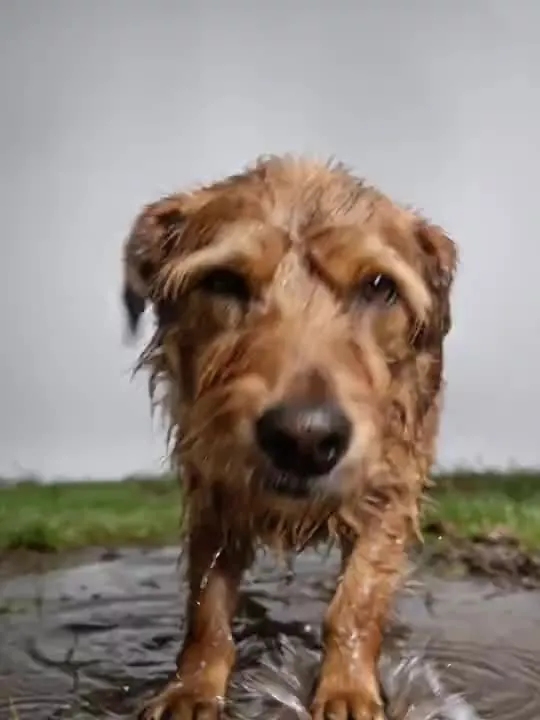 05MovesPuddle Splash JoyA joyful leap through a rain puddleMotion action
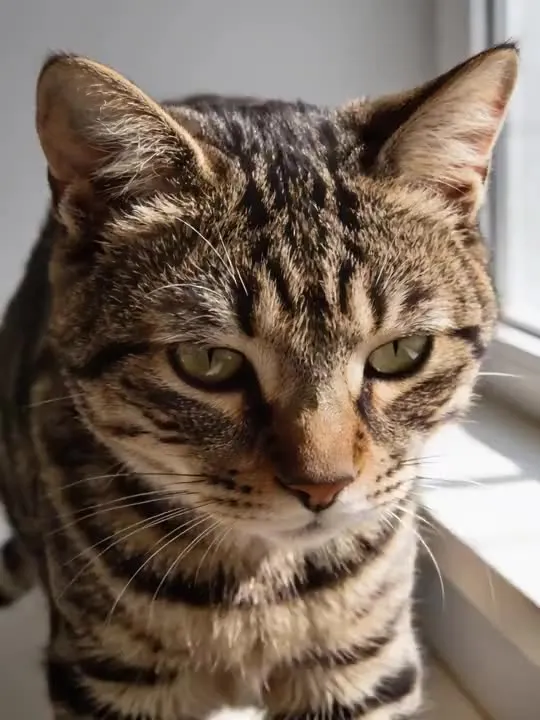 06MovesSunlit Windowsill StretchThe cat wakes on a sunlit windowsill and stretches forward, back arched.Motion action
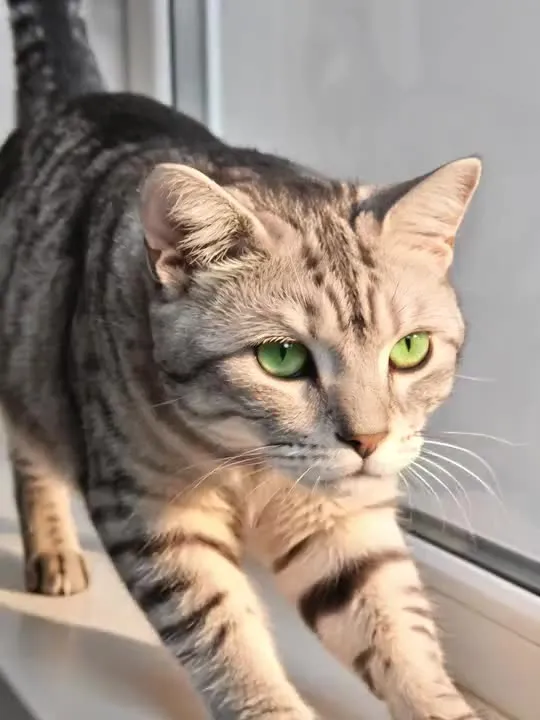 07MovesWindowsill StretchA slow stretch and a wide yawn in the afternoon sunMotion action
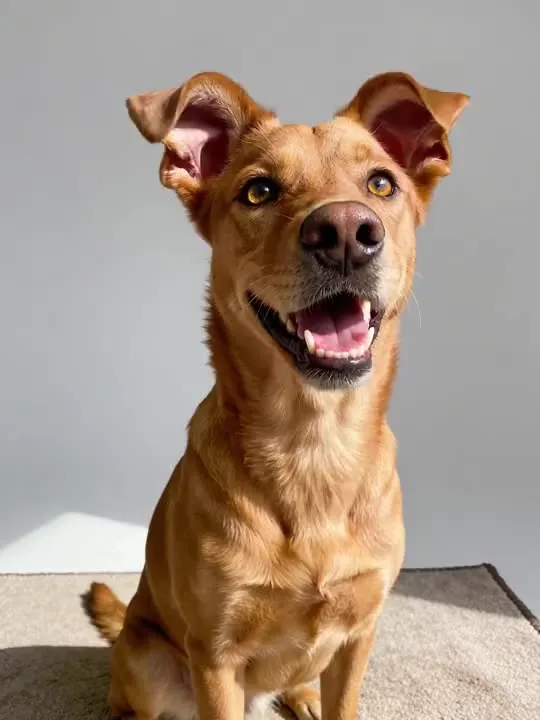 08MovesEars Up AlertThe dog perks both ears up and tilts its head at an unseen sound.Motion action
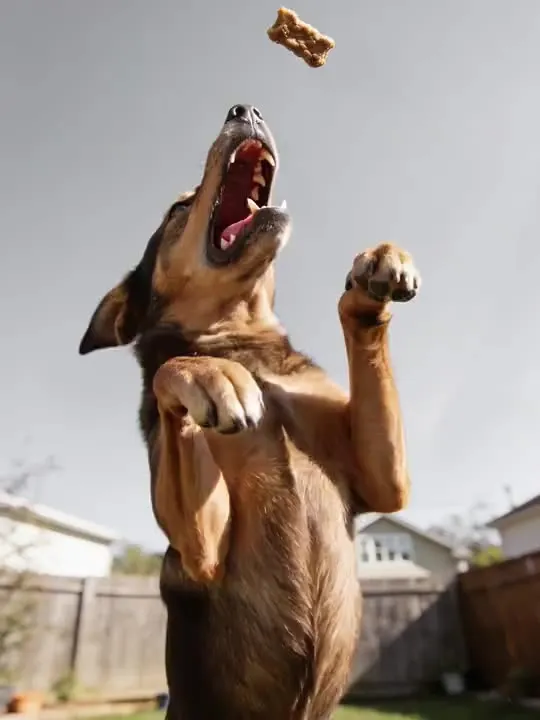 09MovesTreat Catch LeapA joyful mid-air leap to catch a tossed treatMotion action
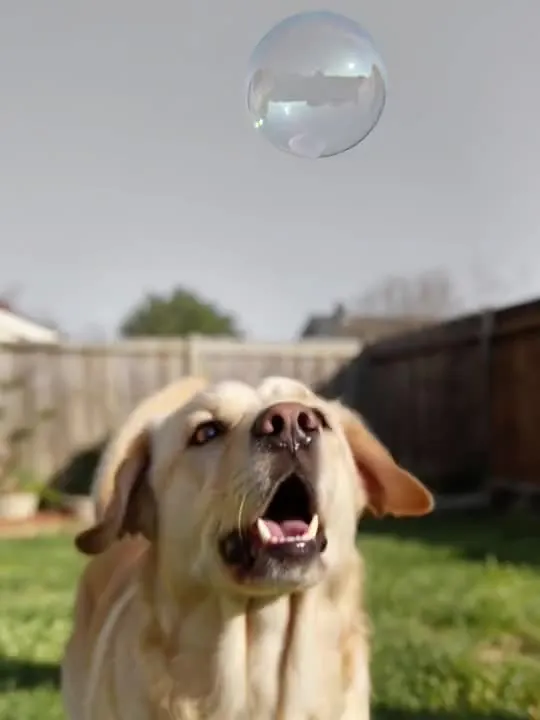 10MovesBubble Chase PounceLeaping and pouncing at a drifting soap bubble.Motion action
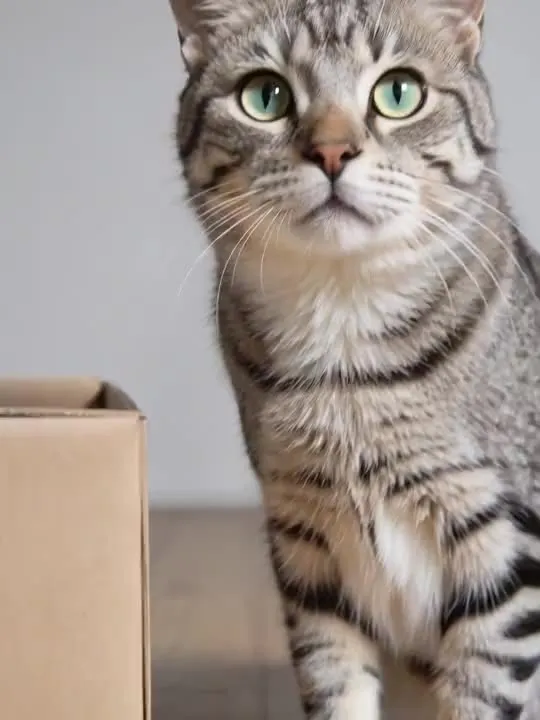 11MovesCurious Box PeekabooPopping up out of a cardboard box with wide curious eyes.Motion action
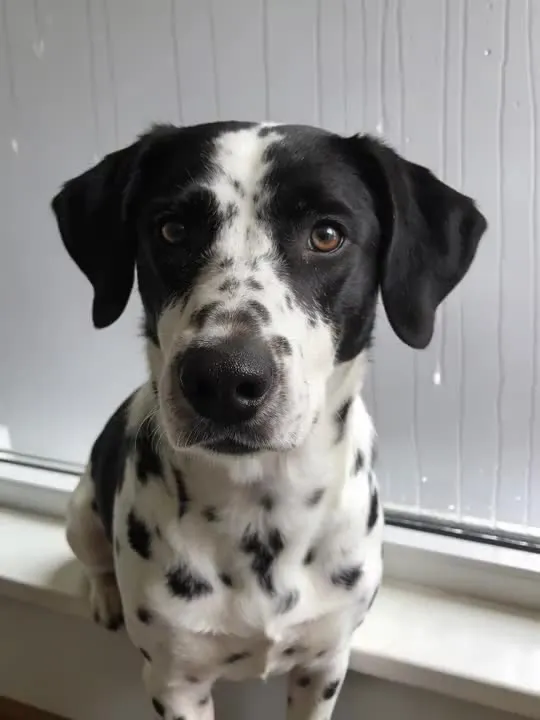 12MovesRainy Window WatchYour dog keeps watch at the window as the rain rolls in.Motion action
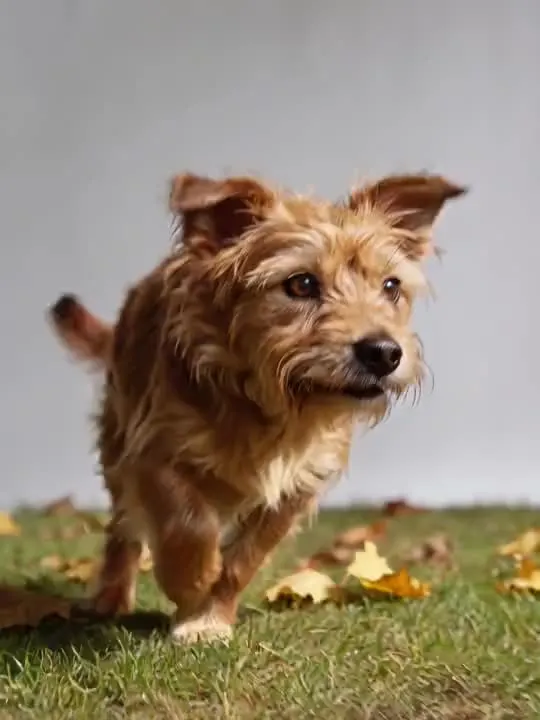 13MovesLeaf Pile PounceYour dog bounds across the yard and pounces into the leaves.Motion action
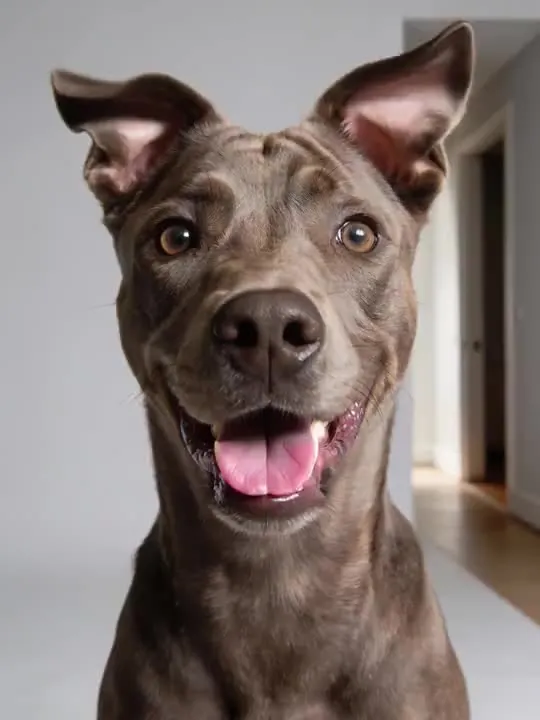 14MovesDoorbell DashEars perk at the doorbell, then a full sprint to the door.Motion action
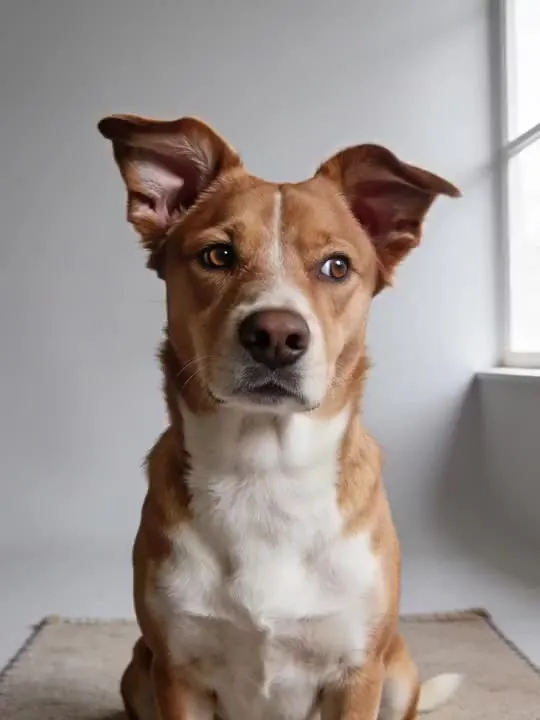 15MovesCurious Head TiltThat unmistakable head-tilt when a dog hears something new.Motion action
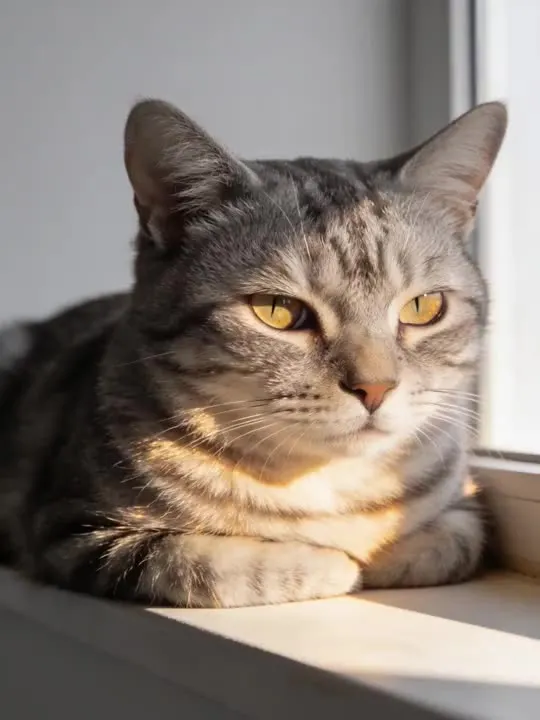 16MovesSunbeam Loaf BlinkA cat loafed in a warm sunbeam, giving one slow blink of trust.Motion action
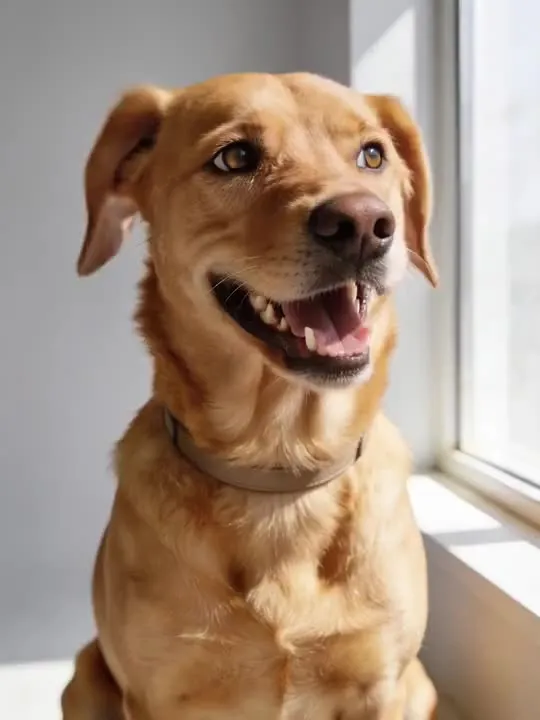 17MovesCurious TiltThe head-tilt every dog owner knowsMotion action
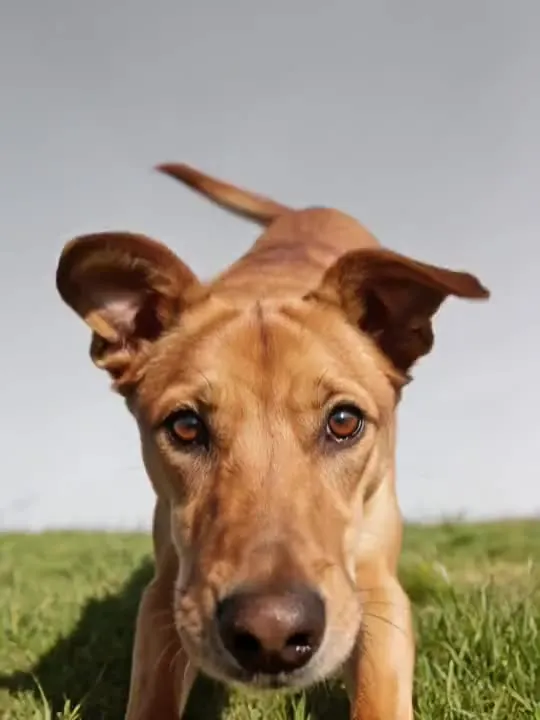 18MovesPlay Bow InviteThe universal doggy invitation to playMotion action
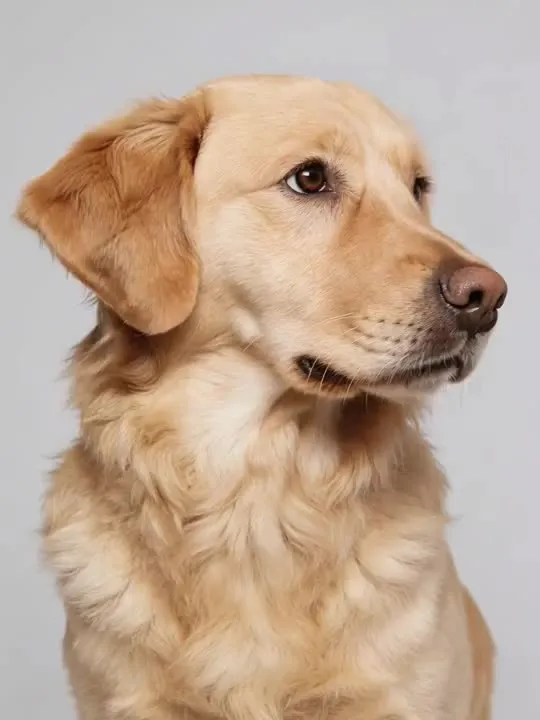 19MovesCozy Sweater Pet PortraitA warm, charming portrait of a pet in a cozy knit sweater with a gentle head-tilt.Motion action
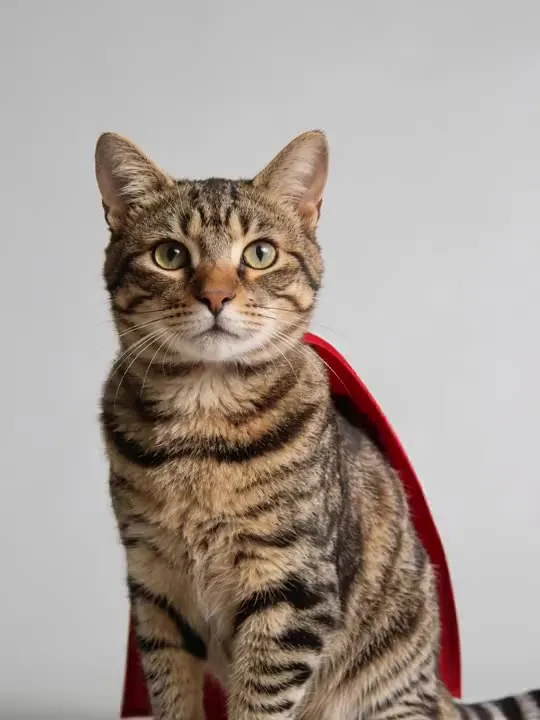 20MovesPet Hero Cape MomentA playful heroic portrait of a pet in a small cape, caught mid-gust.Motion action
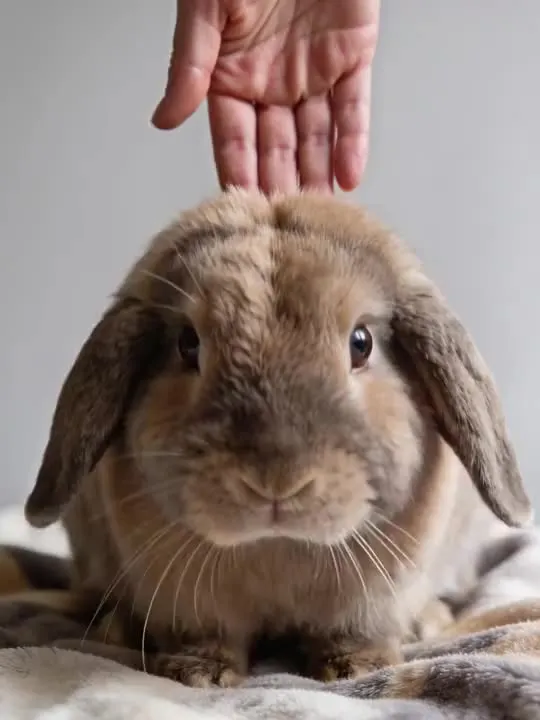 21MovesBunny Ear Flop SquishA gentle squish-and-spring effect for a rabbit, ears flopping on the pressMotion action
The ones that restyle
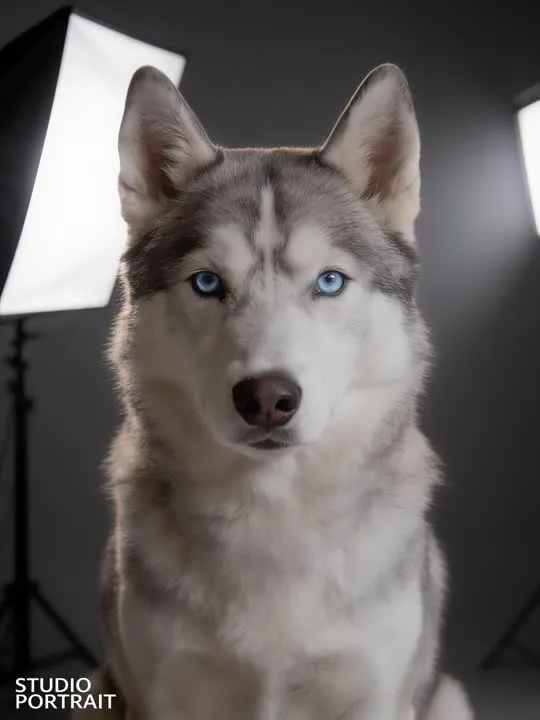 01RestylesStudio Portraitlit like a proper studio sitting, fur and allPhoto style
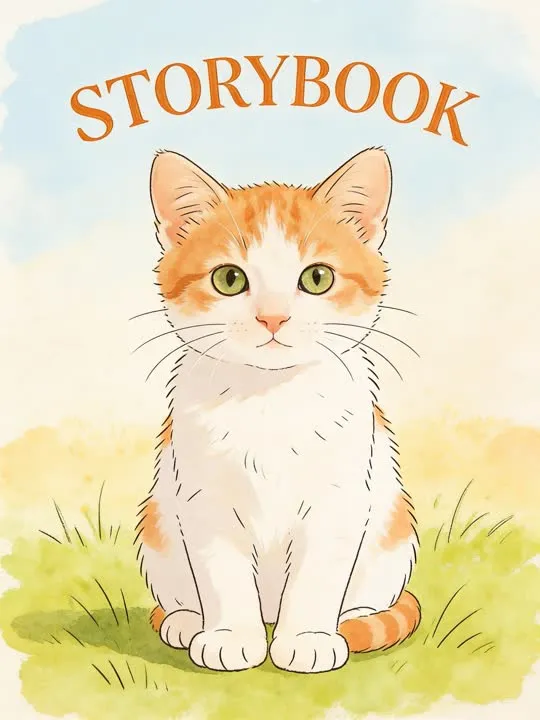 02RestylesStorybookillustrated as a page from a children's bookPhoto style
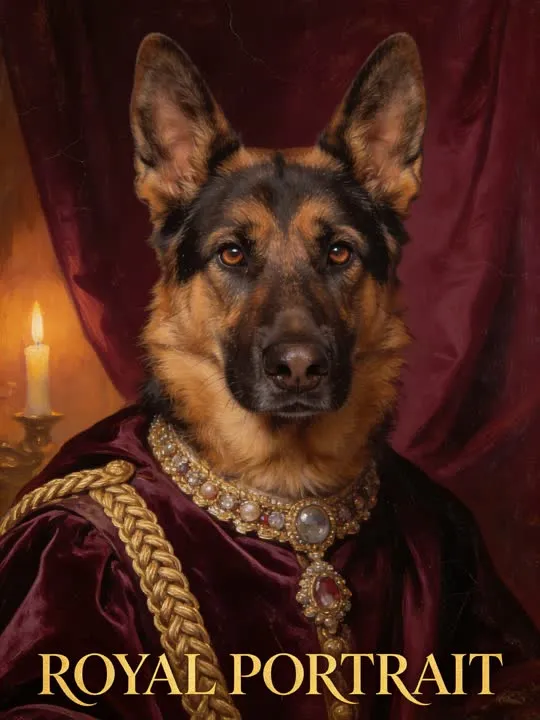 03RestylesRoyal Portraitpainted in velvet and gold braid like court nobilityPhoto style
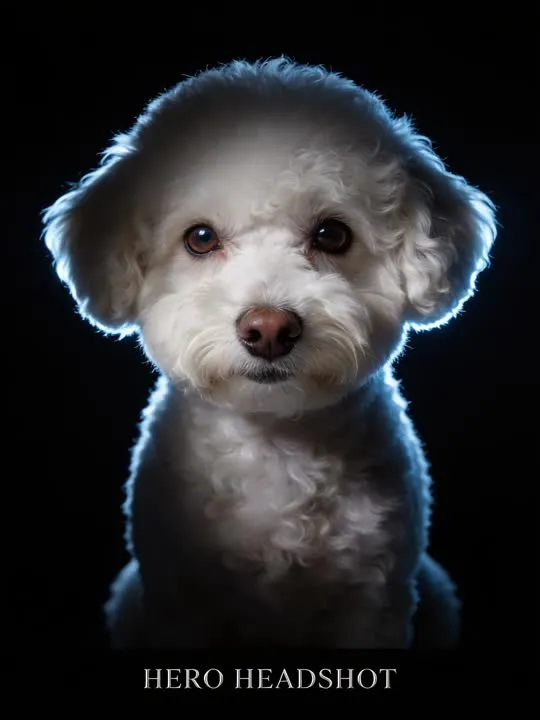 04RestylesHero Headshotrim lit against pure black for a hero portraitPhoto style
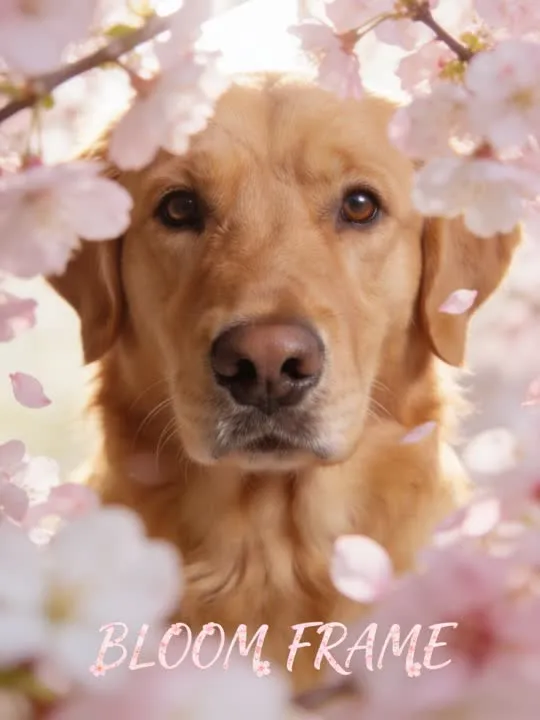 05RestylesBloom Frameframed by soft spring blossomPhoto style
What is invented on this shelf
Fur, in enormous quantity. A coat is thousands of fine edges and none of them can be traced from a photograph, so every result here rebuilds the whole surface. Faces are the other one: an animal face has a longer muzzle, wider set eyes and a different geometry from the human faces most of this generation is best at, and a flat faced or very dark coated animal is harder again.
The photograph this shelf wants
One animal, filling a good part of the frame, with the whole face visible and some light in the eyes. The two moving actions here were written for a dog specifically, and want the body in frame from nose to tail with floor underneath. Fur is the edge the model works from, so a pet photographed against a similar colour, a black dog on a dark rug, is the usual reason an outline goes soft.
The four things that decide any result are the same here as everywhere else in the library, and they are set out in what makes a photo work. The limits that apply to every action on this site are in what none of these can do.
Where Best Companion results vary most
Dark fur in low light is the reliable failure, because there is very little detail in the photograph to rebuild from. Motion blur is the second, and it is common in exactly the pictures people want to use. A still, well lit animal in daylight, taken at its eye level rather than from above, outperforms every other choice available on this page.
Where to go next
- Animating a photo of your dog or catMost of the catalogue assumes a human body. Three presets do not, and they were built and tested on a dog specifically. What that means if the animal in your photo is a cat, a rabbit, or anything else.
- The photo that will actually animate well (and the ones that will not)Most camera rolls have hundreds of good photographs and only a handful of good source material. A practical way to tell which is which before you spend a generation on the wrong one.
This is one shelf of many. The whole catalogue, grouped the way the app groups it, is in the action library.
Common questions
- What is the Best Companion shelf for?
- Dogs and cats, both halves of the catalogue. Studio portraits, a storybook illustration, court nobility in velvet, a rim lit hero headshot, spring blossom. Then the motion side: zoomies and a skid, a tail going, a squish, a dog grown enormous over a yard. It is the deepest shelf here that is built around a subject rather than around a style, which is a reasonable measure of how many people animate a photograph of an animal.
- Does everything on the Best Companion shelf move?
- No, and that is the first thing to check before picking one. This shelf holds both kinds: some of these are motion actions that hand back a short clip, and the rest are photo styles that hand back a new still picture. Both halves are named and linked separately on this page, and every card is labelled.
- What kind of photo works best for Best Companion?
- One animal, filling a good part of the frame, with the whole face visible and some light in the eyes. The two moving actions here were written for a dog specifically, and want the body in frame from nose to tail with floor underneath. Fur is the edge the model works from, so a pet photographed against a similar colour, a black dog on a dark rug, is the usual reason an outline goes soft.
- Do I need a subscription for the Best Companion actions?
- Nothing on this shelf is marked as a subscription only action in the app's catalogue. Free to download on iPhone and iPad. Credits and subscriptions are bought inside the app.
The right action for the photograph beats the popular one
Every action on the Best Companion shelf is written up the same way, so you can check whether the picture in your camera roll actually suits it before you spend a credit on finding out.