What AI model actually animates your photo
A straight answer to a question most apps in this category dodge: the clip is built by a hosted video model, not something running on your phone, pinned to a tested configuration rather than swapped for whatever is newest. What that means and what it does not.
Type the question into a search bar, “what AI model animates photos,” and most answers dodge it. Marketing pages call it “advanced AI” and move on. Here is the plainer version. Every clip out of this app is built by a hosted video model, not something clever running on your phone, and it is pinned to a tested configuration rather than swapped out for whatever happens to be newest. That is the honest shape of the answer, and it is worth understanding even though this page is not going to hand you a brand name to go compare.
Hosted, not on your phone
Start with the part that is true of this entire category, not just this app. No phone, including the newest iPhone, has the processing power to generate a few seconds of video from a still image on its own hardware. The model that does the work runs on a server somewhere, not on the device in your hand. Your photograph uploads, the generation happens remotely, and the finished clip downloads back down to your phone a few seconds later.
That is not a shortcoming specific to this app. It is true of every serious tool in the category, and any app that implies the opposite, that it is somehow doing this work locally and privately on your device, is describing something the current hardware cannot do. What differs between apps is not whether the upload happens, but what each one tells you about it and what it does with your photograph afterwards.
Why this page will not name the model
This is the part where most readers expect a brand name, and it is worth saying plainly why this one does not print one. Not because it is a secret kept for its own sake, but because the name is not the fact that actually matters to you. A model name invites a comparison, this one against that one, faster against sharper, and that comparison rots within months as every vendor in the space ships new versions on a schedule nobody outside the company can predict. A page built to answer that question honestly would need rewriting every few weeks to stay true, and a page that quietly goes stale while still ranking is worse than one that never existed.
What is actually fixed, and worth telling you instead: every preset in the library runs against one tested configuration, chosen and locked in advance rather than left to whatever the newest release happens to behave like that week. What’s actually behind the preset button covers the other half of this same idea, that the written instruction behind an action is tuned against a specific, known version of the model, not against a generic description of what it should do. Swap the underlying model out from under a tuned preset and the tuning does not necessarily carry over. The wording that produced a clean result on one version can produce something looser or stranger on the next, because the two versions do not always respond to language the same way. Pinning a version and re-tuning deliberately, on the app’s own schedule, beats chasing a vendor’s release notes and finding out what broke after the fact.
One configuration is not quite the whole story
It would be tidy to say every action in the catalogue runs through the exact same settings, and for most of the library that is true. Breakdance and the large majority of presets alongside it return a clip at the shape of the photo you gave them: a portrait photo back as a portrait clip, a square back as a square. What you actually get back covers the length and resolution of that default case in full.
A smaller, newer corner of the library does something different on purpose. Crane Rise Reveal and Camcorder Night are built around a specific, deliberate camera move, a crane pulling up and away, a handheld wobble following a subject, and that kind of move is built around one particular frame shape rather than one that bends to whatever you hand it. These presets fix their own aspect ratio instead of matching your source photo, trading that flexibility for a shot the move was actually designed to live in. Neither approach is better in the abstract. They are tuned for different jobs: most of the library stays close to your photograph’s own shape, and a handful of camera-led presets ask for a specific frame because the move only reads properly inside it.
What this actually changes about how you use the app
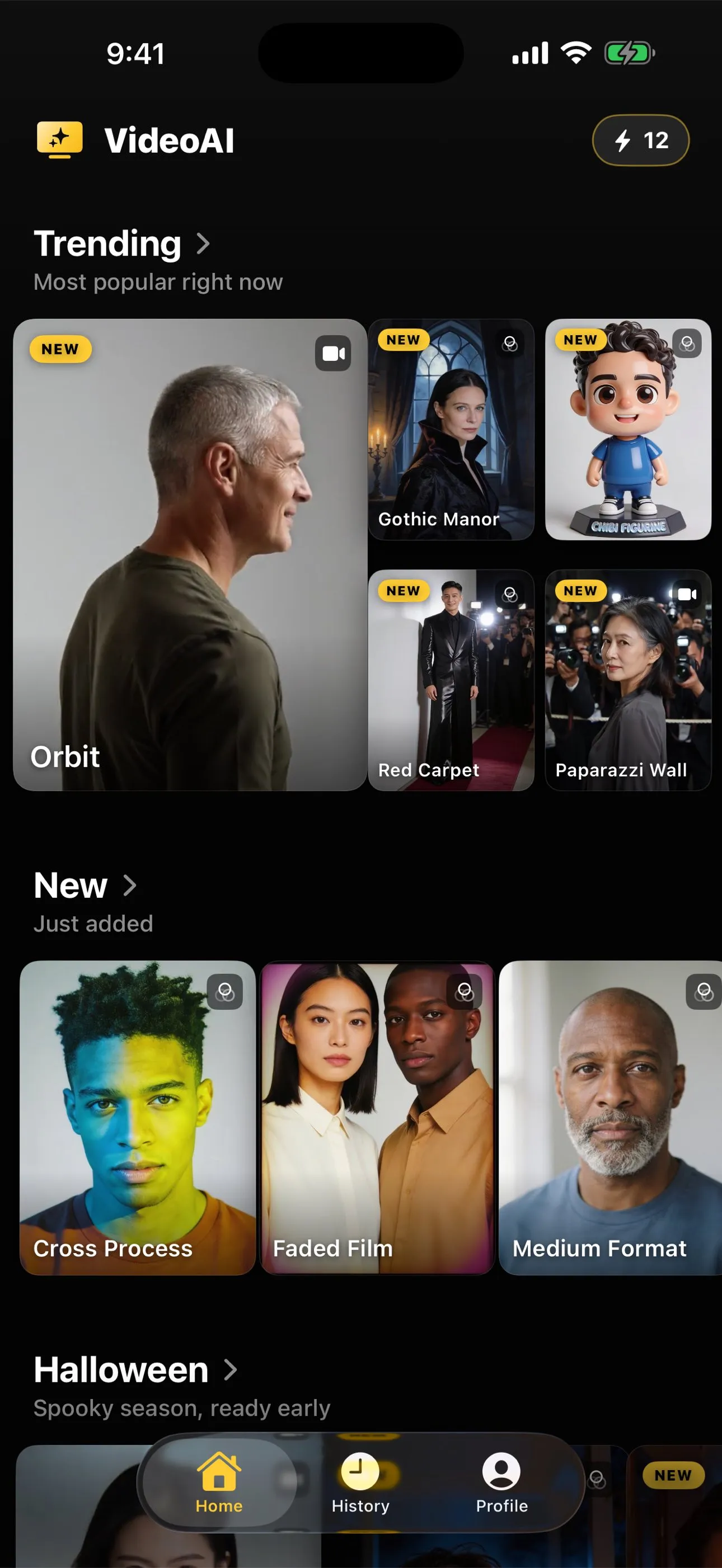
Not much, day to day, and that is the point. You do not choose a model, a resolution, or a frame rate anywhere in the app. You choose a photograph and an action, and the configuration behind that action is already decided. The one practical thing worth knowing is the exception above: if you pick one of the handful of cinematic camera-move presets, do not expect the clip back in your photo’s original shape the way you would from almost everything else in the catalogue. Everywhere else, the usual craft questions, the crop, the light, how much of the body is in frame, still decide the result far more than anything happening on the server does.
Said plainly
The honest answer to “what model animates this photo” is a hosted video model you will not find named on this site, pinned to a tested configuration rather than whichever release is newest this month, with a small exception carved out for the handful of presets whose whole premise is a specific camera move. None of that changes the actual work left to you, which is the same as it always was: pick a photo that gives the action something real to work with. Choosing a photo that will animate well is still the page that decides more of your result than anything running on a server does.
Common questions
- Is this the same model as other photo to video apps?
- We cannot tell you, honestly, because we have not run our presets through a competitor's app and we are not going to guess. What we can tell you is ours: a hosted video model, not a famous consumer brand name printed anywhere in the app, pinned to one tested configuration per preset.
- Does the generation happen on my phone?
- No. No phone, including a recent iPhone, has the hardware to run a model like this locally. Your photo uploads to a server, the clip is generated there, and the result comes back down to your device. That is true of every serious app in this category, not just this one.
- Why doesn't the app say which model it uses, by name?
- Because the name is not the useful fact. What matters to a result is the specific tested configuration behind a preset, and a brand name invites a comparison this site is not set up to make honestly. We would rather tell you what is actually fixed, duration, frame shape, that the prompt is hidden, than hand you a label to go argue about elsewhere.
- Does every action run through the exact same settings?
- Most do. A smaller, newer group of cinematic camera move presets, a crane shot, a dolly zoom, a handheld follow, fixes its own frame shape and a slightly different resolution instead of matching your source photo, because the move those presets are built around wants one specific kind of frame rather than whatever shape you hand it.
- Will the model change in the future?
- Almost certainly, at some point. When it does, the presets built on the old configuration get re-tuned against the new one rather than carried over unchanged, because a prompt written for one model's behaviour is not guaranteed to work the same way on another. That is routine maintenance, not something this page can promise a date for.