What's actually behind the preset button
There is no prompt box in AI Video, and that is not an oversight. What a preset actually is, why hiding the prompt works better for this kind of photograph, and where the craft moved to instead.
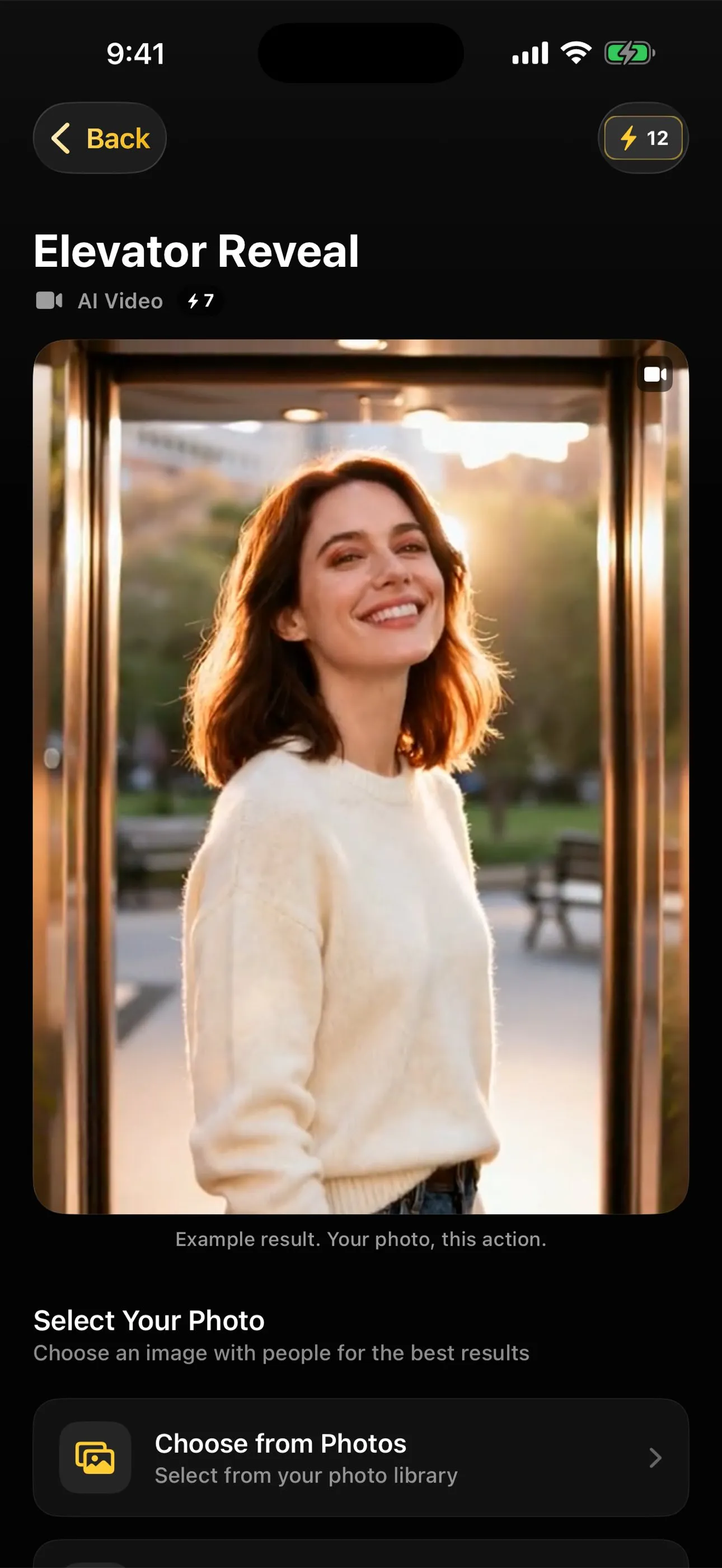
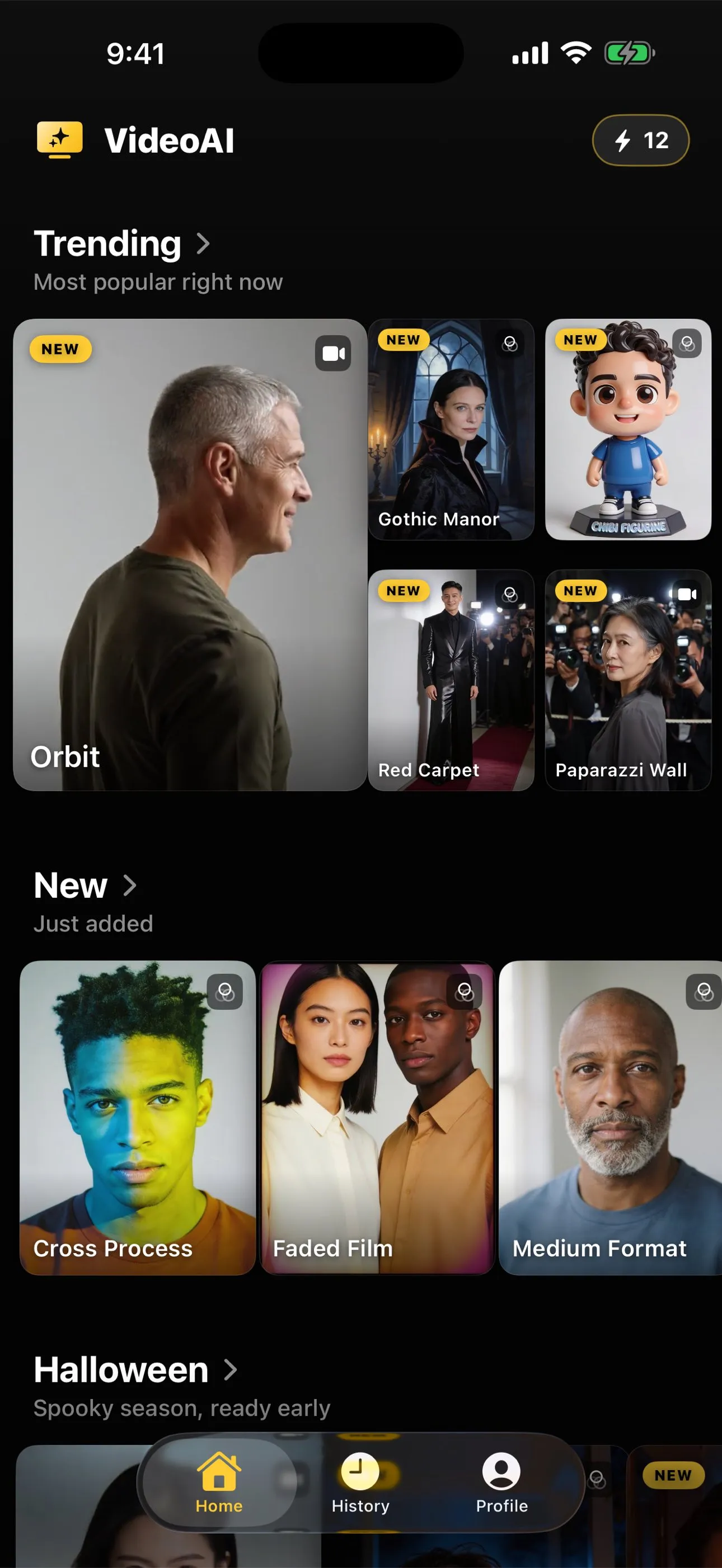
Open the app, pick a photo, tap an action. There is no text field anywhere in that sequence. For anyone who has spent time with an image generator that starts from a blank prompt box, the absence is the first thing worth noticing. It is not a feature that got left out. It is the whole premise.
What a preset actually is
Every action in the library, breakdance, waving, laughing, elevator reveal, and roughly sixty others, is backed by a written instruction that tells the underlying video model what to do with a photograph. Someone wrote that instruction, tested it against a wide range of real photos, not just one good example, and kept adjusting it until the results held up across different lighting, different framing, and different people. That instruction is the preset. Tapping the action’s name is the same as submitting that prompt, except you never see the words and never have to write any of your own.
This is worth being precise about, because “preset” can sound like a shortcut version of something better, as if a real prompt is always hand-written and a preset is the training-wheels alternative. It is not a lesser version of prompting. It is the same prompting, done once by someone who could iterate against hundreds of photographs instead of one, then packaged behind a button so nobody else has to repeat that work on a single attempt with their own photo on the line.
The case for hiding it, argued rather than assumed
It would be easy to say a hidden prompt is simpler and leave it there, but simpler is not automatically better, so it is worth making the actual argument.
An open prompt box asks you to describe motion in words a video model will interpret well, and that is a genuinely hard writing task even for people who do it for a living. “Make her dance” is vague enough that the model fills the gaps with whatever it defaults to, which is rarely the specific motion anyone pictured. The alternative, piling on adjectives and camera directions, just as often confuses the model rather than guiding it, and there is no feedback loop telling you which words helped and which ones actively made the result worse. People who write prompts well for a living got there by running the same idea past the same model hundreds of times and watching what changed. That is not a reasonable ask for someone who opened an app to animate a photo of their kid’s birthday.
The failure mode of the open box is specific and repeats everywhere it is tried: a blank field, a first attempt that does not match what was pictured, a rewrite, a second attempt that is different but not obviously better, and a user who cannot tell whether the problem is the wording, the photo, or the model, because all three moved at once. A preset removes two of those three variables before you start. The instruction is already settled. What is left to get right is the photograph and which action suits it, which is a much smaller problem and one you can actually reason about by looking at your own picture.
None of this means open prompting is bad everywhere. For someone who wants to describe a scene that does not exist yet, a prompt box is the right tool, because there is no reference photo to anchor against and nothing to tune ahead of time. That is a different job from taking one specific photograph you already have and giving the person in it a specific, recognisable movement. This app is built for the second job, and the preset is what that job actually calls for.
Where the craft moved to instead
Taking the prompt off the table does not remove craft from the process, it relocates it. The two decisions that are left, the photograph and the action, do almost all the work that prompt wording would otherwise be trying to do.
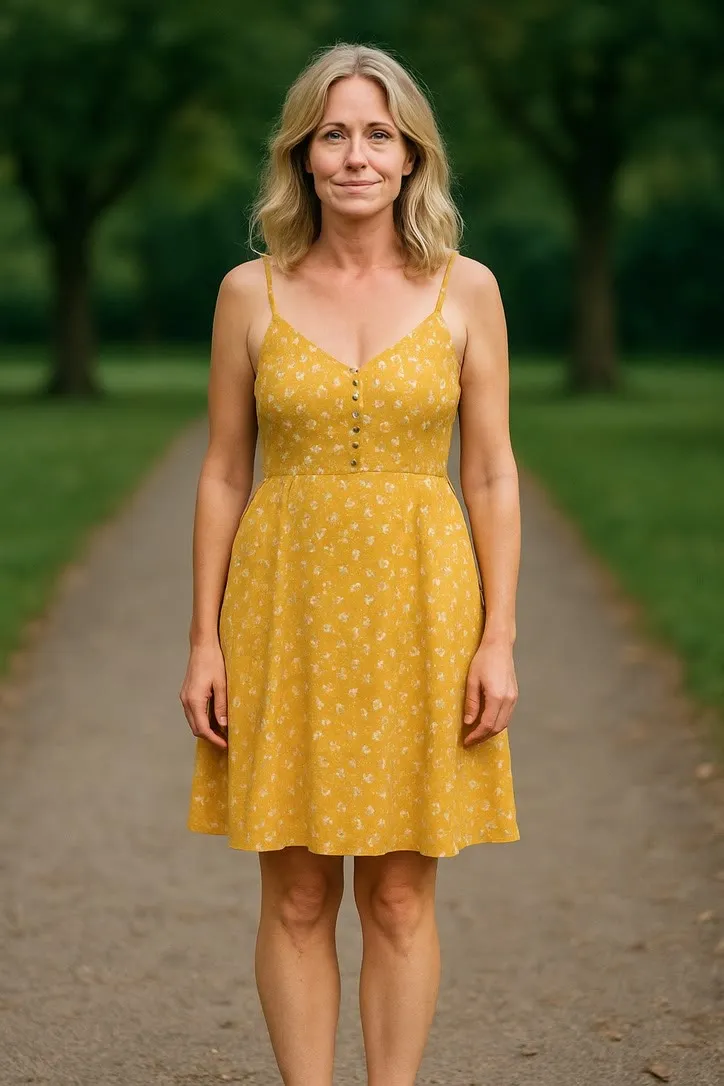
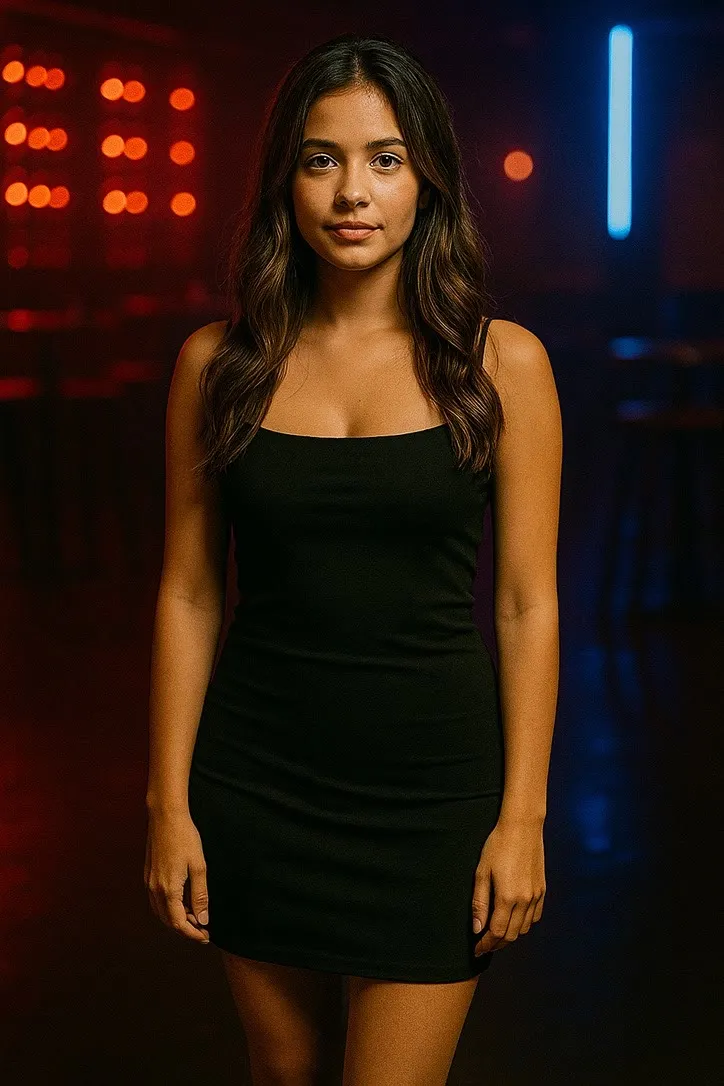
Breakdance is tuned to expect a full body in frame with room to move. Feed it a close portrait cropped at the shoulders and the result strains against a crop it was never tested on, not because the prompt failed but because the photograph and the action were mismatched from the start. Laughing expects almost the opposite: a face large in the frame, evenly lit, where the motion the preset is tuned for actually has room to read. The same written instruction produces a convincing result in one case and a strained one in the other, and the difference has nothing to do with the words behind the button. It is entirely the photograph you handed it and whether the action was built for that kind of picture.
This is the actual skill the app is asking you to bring, and it is a skill most people already half have from choosing which photo to post anywhere. Choosing a photo that will animate well goes through that checklist in detail: how much of the body an action needs, how a face turned away from the camera changes the result, why even front-on light matters more than sharp resolution. None of it requires writing a single word. It requires looking at a photograph the way the preset is going to look at it, and that is a far more teachable thing than prompt writing ever was.
What this does and does not fix
A hidden, tuned prompt removes the wording problem. It does not remove the basic fact that the model is generating a plausible few seconds of movement from one still frame, not recovering footage that was never shot. A well-chosen photo and the right action make that generated guess look closer to the person in the picture. They do not make it stop being a guess, and no amount of prompt tuning on either side of that button changes what the technology fundamentally is.
That honesty is part of why the prompt stays closed rather than open. A tuned instruction can be pushed about as far as a given model will reliably go for a given kind of photograph, and that ceiling exists whether the words are visible or not. Publishing the prompt and inviting edits would mostly invite people to push past that ceiling and get a worse result, while believing they had more control than the system actually offers. Leaving it closed keeps the gap between expectation and result as small as the current tuning allows.
The short version
A preset is a prompt someone else already wrote, tested against real photographs, and attached to a button so nobody has to write it again from a blank field. Hiding it is not a missing feature, it is what makes a one-photo, one-tap workflow reliable instead of a trial-and-error writing exercise. What is left for you to get right, the photograph and the action, is a smaller and more visible decision than prompt craft ever was, and the full action library is worth a browse before you decide which one fits the picture you actually have.
Common questions
- What is a preset in an AI video app?
- A written instruction, tuned by the people who built the app, that tells the underlying model how to move a photograph for one specific action. Tap Breakdance and you are not writing anything, you are choosing the instruction someone already wrote and tested against real photographs.
- Why doesn't this app let me type my own prompt?
- Because an open text box hands the hardest part of the job, describing motion in words a video model will follow well, to someone who has no way to know what that model responds to. A preset absorbs that difficulty once, for everyone, instead of asking each person to solve it alone from a blank field.
- Does a hidden prompt mean I have less control?
- Less control over wording, yes. The control that is left, and the one that actually decides the result, is choosing the photograph and choosing which action fits it. That is a smaller set of decisions than prompt writing, but it is the set that moves the needle.
- Can I see the actual prompt behind an action?
- No, and that is by design rather than secrecy for its own sake. The prompt is tuned against a specific model's behaviour and changes as that tuning improves. Publishing it would invite people to edit something that was built to be left alone, and editing it usually makes results worse, not better.