Printing a photo with a QR code to the clip
A framed print with a small code on the mount card that plays the moving version on someone's phone. Where the code goes, how to host a clip so it still works in five years, and when this is worth the extra step.
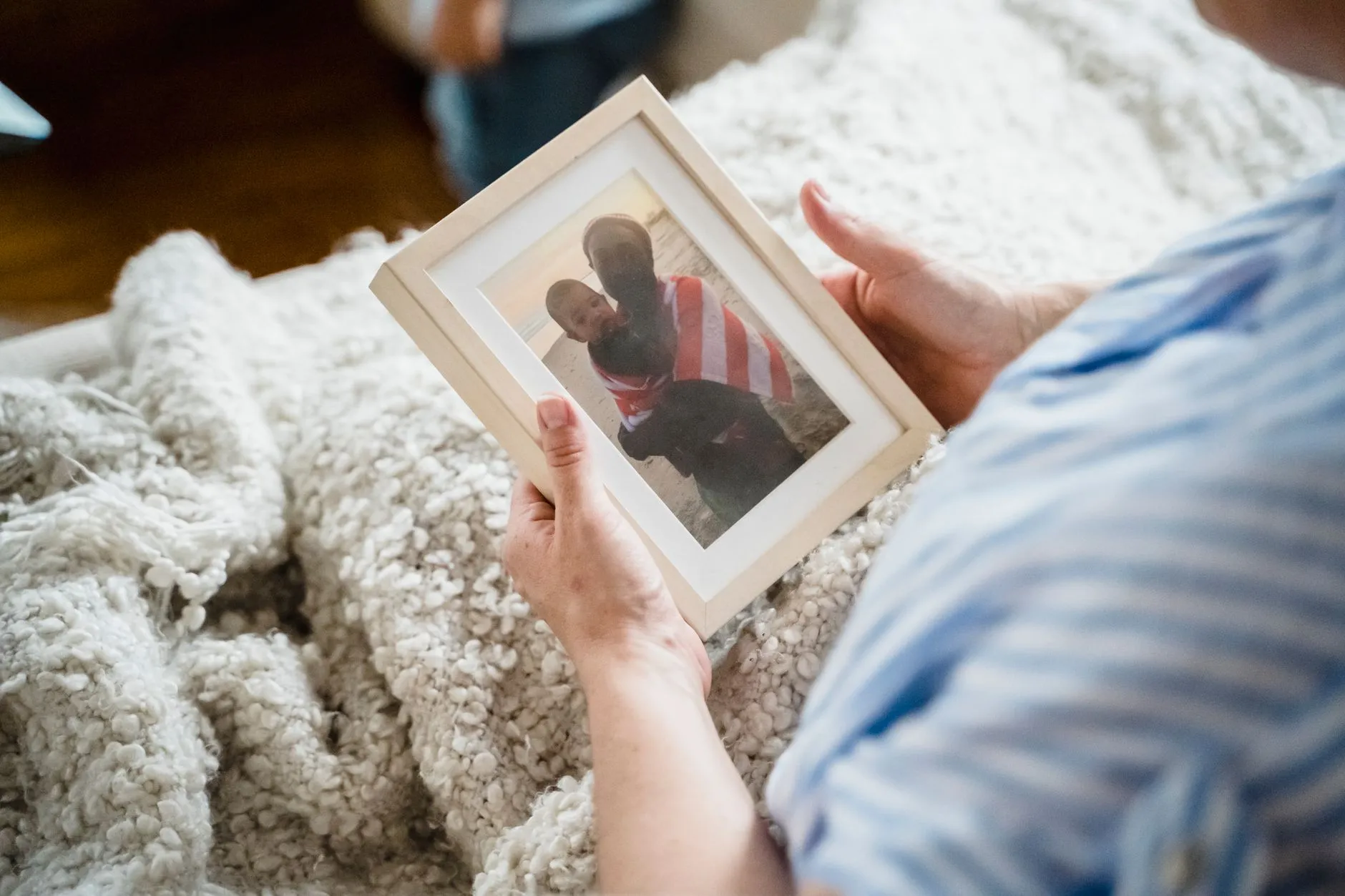
A framed photograph with a small code tucked into the corner of the mount is a genuinely good object. It is also easy to get wrong in ways that are obvious only after you have already printed and framed the thing. The idea is simple: the still print is the gift, and the code is a side door to five seconds of it moving. Getting that balance right is mostly about restraint.
Why the print still has to be the gift
The temptation is to treat the animation as the main event and the print as a vehicle for delivering it. That reads backwards the moment someone actually receives it. A printed photograph is a permanent object that sits on a shelf or a wall for years. A clip is something watched once, maybe twice, and then left alone. If the print looks like an afterthought next to a code, the whole object feels like a gadget instead of a gift.
The print needs to earn its place on its own, before the code is even in the picture. That means a photograph worth printing in the first place: well exposed, a face you can actually see, nothing damaged or faded undermining it. If the original is a damaged or faded print rather than a clean digital file, our sister site has a practical guide to restoring old photographs worth working through before any of this. Print the repaired scan, never the worn original, and keep the original safe regardless of what you do with the copy.
Where the code actually goes
Not on the photograph. That rule is almost the whole answer.
The face of the print is where someone’s eyes go first, and a code printed over or beside the image competes with it permanently, in a way that does not go away once the clip has been watched. The mount card, the backing board, or a small tag on the back of the frame are all better homes. A plain white border inside the mount, with a code no larger than a postage stamp and a single line of text beneath it, keeps the print doing its job and the code doing a smaller, separate one.
If the frame has no mount, a small card tucked into the backing, or taped to the frame’s rear with the code facing out, works just as well and is easier to retrofit onto a frame you already own.
Hosting the clip somewhere that outlives the moment
This is the part people skip and the part that actually determines whether the code is worth including at all. A QR code is only a link. If the link stops resolving, the code becomes a dead square of pixels on an otherwise nice object, and there is no way to fix it without reprinting the mount card.
The honest warning: most free, personal hosting was not built to still be there in five years. A shared album tied to one phone’s camera roll, a messaging app’s media link, or a free file host with no account behind it are all liable to quietly disappear, get reorganised, or expire without any warning reaching you. None of that is a flaw in the idea, it is just what free hosting optimises for, and it is not durability.
What tends to actually last: a cloud storage account you pay for and intend to keep, an unlisted video upload under an account you control, or a personal site or folder you already maintain for other reasons. The test is not whether it works today, it is whether you would bet on it resolving if someone scanned the code at a family gathering in 2031. If you would not bet on it, treat the code as a feature for the next year or two rather than a permanent fixture, and say so is not necessary, but knowing it yourself changes where you choose to host the file.
Generate the code from the final, stable link, not a draft one, and test it with your own phone from across a room before anything goes to print. A code that is slightly too small or printed with too little contrast against its background will frustrate exactly the people least likely to try a second time.
Choosing what the clip actually shows
The animation behind the code should be the simplest, safest version of movement for the photograph, because it only gets watched a handful of times and does not need to carry much. Waving is the dependable choice for almost any print like this, a small greeting that holds the likeness close to the photograph rather than asking the model to invent a lot. Run it once or twice and pick the better of the two results, since each generation differs slightly.
Resist the urge to animate something ambitious purely because the format gives you a venue for it. The code is a small, quiet extra. A clip that overreaches what the photograph can actually support, say, a wide group shot or a heavily cropped face, tends to look worse here, not better, because the person scanning the code is paying close attention in exactly the way the format invites.
When this is worth doing, and when it is a chore
This is the judgement the whole idea rests on, and it is worth being honest about both directions.
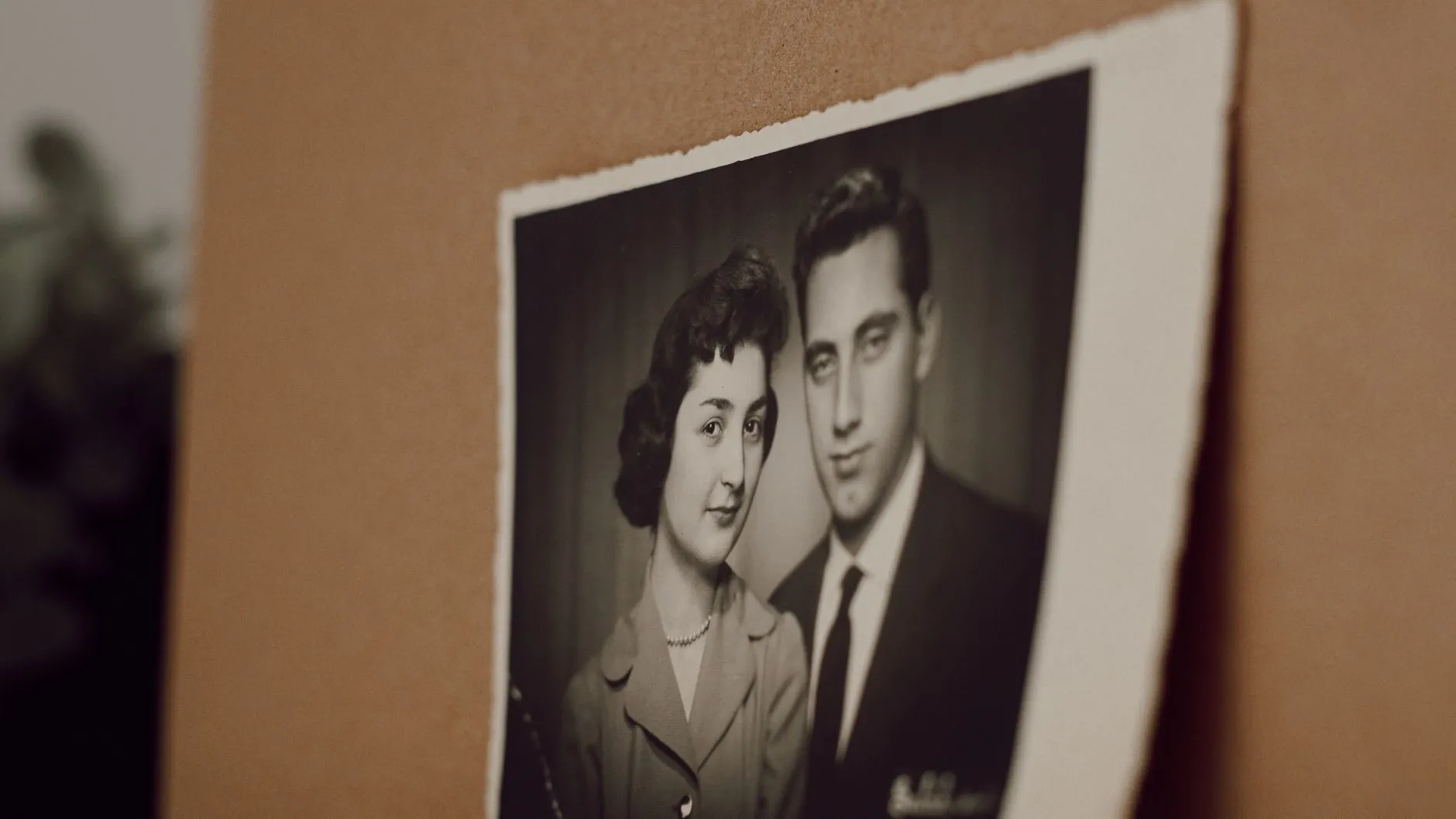
It is worth doing for a single, considered print: a restored wedding portrait for an anniversary, a milestone photograph properly reprinted and framed, a gift built around one photograph that already deserved the effort of printing well. In those cases the code adds a genuine extra for very little additional cost, and the recipient only has to engage with it once, on their own terms, whenever they notice it.
It is a chore, and usually not worth it, for anything produced at volume: a gallery wall of a dozen prints, party favours, or anything printed in a batch. Generating, hosting and labelling a separate clip for every print in a set multiplies the hosting problem by however many prints there are, and the law of diminishing returns kicks in fast. Pick one photograph that deserves the full treatment rather than spreading the idea thin across many.
Setting expectations honestly
One sentence on the card does most of the work: something like “the photo on the front, moving, five seconds” tells someone what to expect before they scan, so the clip reads as a pleasant, understood surprise rather than something that needs explaining afterward. The same honesty matters in how the clip is described once it has been watched. It is a plausible five seconds generated from the one still frame on the front of the frame, an illustration of movement rather than footage of anything that was filmed, and saying so plainly costs nothing and prevents the one awkward conversation this kind of gift can otherwise produce.
Done this way, the print and the code do two different, compatible jobs: the photograph is the permanent thing in the room, and the code is a small door to a version of it that moves, there for whoever is curious enough to look. For the broader question of handing a moving photograph over as a gift at all, see the wedding photo and anniversary guide, which covers the same print and QR mechanics in the context of one specific occasion.
Common questions
- Where should the QR code go on a framed print?
- On the mount card or the backing board, not the face of the photograph. The print is the thing people look at. The code is a small, deliberate add-on for the minority of occasions someone wants to see it move, and it should read as an extra rather than compete with the picture.
- Will the QR code still work in five years?
- Only if you host the clip somewhere that is still going to exist in five years, which most free personal hosting is not built for. A shared album tied to one person's account, a link generator with no renewal, or a cloud folder you forget to keep paying for will all quietly die. Pick a host you can check on, or accept the code is a short-term feature, not a permanent one.
- Does every framed photo need a QR code?
- No, and most do not. It suits a specific kind of gift: one photograph, properly restored and printed, where the animation is a genuine extra rather than the point. A stack of ordinary prints or a busy gallery wall gets noisy fast if every frame is trying to also be a video player.
- What should the card next to the code actually say?
- Enough to set expectations and nothing more. A line like 'the photo on the front, moving, five seconds' tells someone what they are about to see before they scan, so the clip reads as a nice surprise rather than a confusing one.