Deep Nostalgia in 2026: What It Did, and What Actually Replaced It
MyHeritage's Deep Nostalgia launched in February 2021 and animated a face inside a fixed frame. What changed since, what full-scene animation does differently, and why most pages still ranking for this query are five years out of date.
Deep Nostalgia is not gone. Type the name into a search bar today and MyHeritage’s own page still comes up, still doing roughly what it did when it launched. What has actually happened is that the query around it, “deep nostalgia alternative,” “what replaced deep nostalgia,” has kept growing while almost nothing new has been written to answer it. Most of the pages that rank for it are the same vintage as the feature itself. That is worth explaining properly, because the honest answer is not a single product name, it is a capability that did not exist in 2021.
What Deep Nostalgia actually was
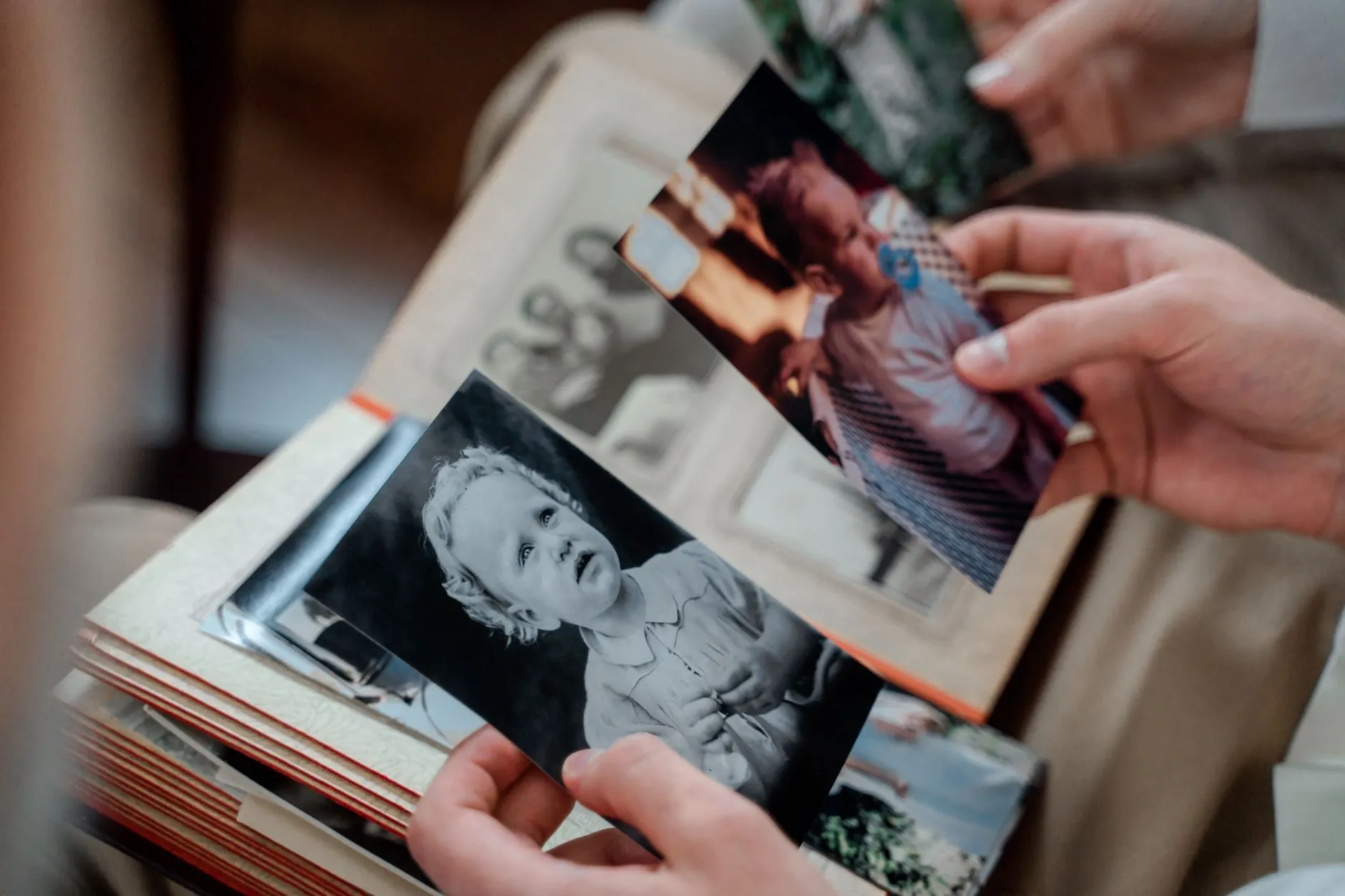
MyHeritage launched Deep Nostalgia in February 2021, and it did one specific thing well: it took a still photograph, usually a face-forward portrait, and animated the face inside its original frame. A blink, a slight turn of the head, a small smile, drawn from a fixed library of preset gestures rather than generated fresh for each photo. The rest of the picture, the body, the background, the clothes, never moved. That was not a limitation anyone was hiding. It was the entire premise of the feature, and for a face-forward portrait it did a genuinely good job of it.
That framing matters because it explains why the feature has aged the way it has. It was built to do one narrow thing, and it still does that one thing, largely unchanged, five years on. The pages ranking for these searches were mostly written when the feature was new, and they describe a landscape that has since gained an entire second category of tool that those pages never mention.
What changed around it
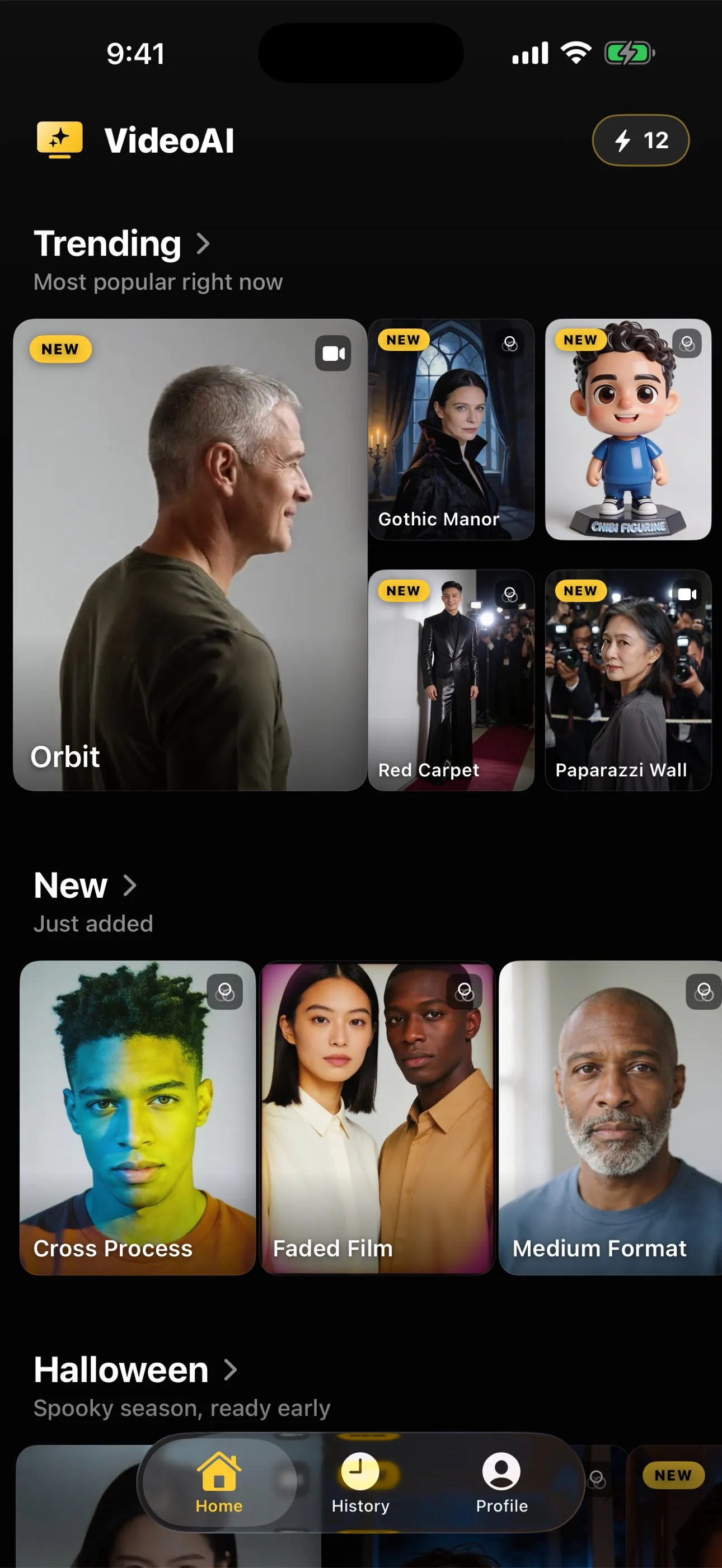
The capability that has actually arrived since 2021 is full-scene animation: a model that generates movement across an entire photograph rather than isolating a face inside a static frame. Give it a whole-body photograph and a preset instruction, a wave, a dance, a walk, and it invents motion for the person, their clothing and often the space around them, not just their expression. That is the mechanism behind AI Video and behind most of the newer tools in this space. It is a different kind of generation from a face driven by a preset gesture, not a faster or higher-resolution version of the same idea.
The trade-off worth being honest about is that a bigger scope means more invention, and more invention means more that can go slightly wrong. A face-only tool has very little to get wrong because it is barely moving anything. A model animating a whole body and its surroundings is doing more work per clip, about five seconds at 720p, and that means the result is a plausible illustration of movement rather than something closer to a recording. That gap does not close as the tool gets better. It is built into generating motion from a single still frame, whichever tool is doing the generating.
The actual decision, not a feature comparison
The useful way to think about this is not “which tool is better,” which is not a question either side answers honestly, but what you are actually trying to get out of the clip. A face-only animation is the right call for an old, careful portrait where you want a small, contained gesture and nothing else in the frame disturbed. It asks very little of the photograph and gives back very little in return, which is sometimes exactly the point.
A full-scene animation is the better fit when the photograph is doing more than holding a face still, when there is a whole body, a setting, a moment you actually want in motion rather than just an expression. Waving is the closest full-scene equivalent to what a face-only gesture does, a small movement that asks little of the picture and rarely goes wrong, and it is worth starting there if you are used to the older kind of animation and want to see the difference without committing to something ambitious. Laughing is similarly forgiving, and both work from the same kind of close, front-on portrait that Deep Nostalgia was built around, which makes them a fair first comparison rather than a stretch.
What decides whether either kind of clip works well has nothing to do with which company built the model. It comes down to the photograph itself, sharpness, lighting, how much of the person is actually in frame, and that checklist has not changed since 2021 either. The full rundown of what makes a photo animate well covers it in more depth than a single paragraph here can, and the rest of the craft guides work through the same kind of practical, photograph-first questions.
The honest version of the answer
Nothing replaced Deep Nostalgia in the sense of a direct successor built to do the same job better. What actually happened is that a second, broader category of tool appeared alongside it, generating motion across a whole scene instead of animating one face inside a fixed frame. Both still exist. They are suited to different photographs and different intentions, and the search for an alternative is really a search for the second category, which most of the pages still ranking for this query were written before it existed.
Common questions
- Is Deep Nostalgia still around?
- As far as the public record goes, yes, it launched as a MyHeritage feature in February 2021 and nothing has announced it shutting down. The reason people search for an alternative is not that it disappeared. It is that the feature itself never changed much, while the wider field of photo animation moved on around it.
- What did Deep Nostalgia actually do?
- It animated a face inside its original frame using a small set of preset gestures, a blink, a slight head turn, a smile. The background, the body and everything else in the photograph stayed exactly still. That was the whole feature, and it is a genuinely different thing from a tool that animates the full scene.
- What does full-scene animation do differently?
- It generates movement across the entire frame from a single instruction, not just the face. A whole-body preset can have someone wave, dance or turn in a scene the model invents around them, at roughly five seconds and 720p. It is a broader kind of invention, not a sharper version of the same one.
- Should I still use a face-only tool instead of a full-scene one?
- It depends what you want out of the clip. A face-only animation stays closer to a single, contained gesture and never touches the rest of the photograph, which some people prefer for a very old or fragile print. A full-scene animation is the better fit when the photograph and the moment you are trying to capture is bigger than just an expression.