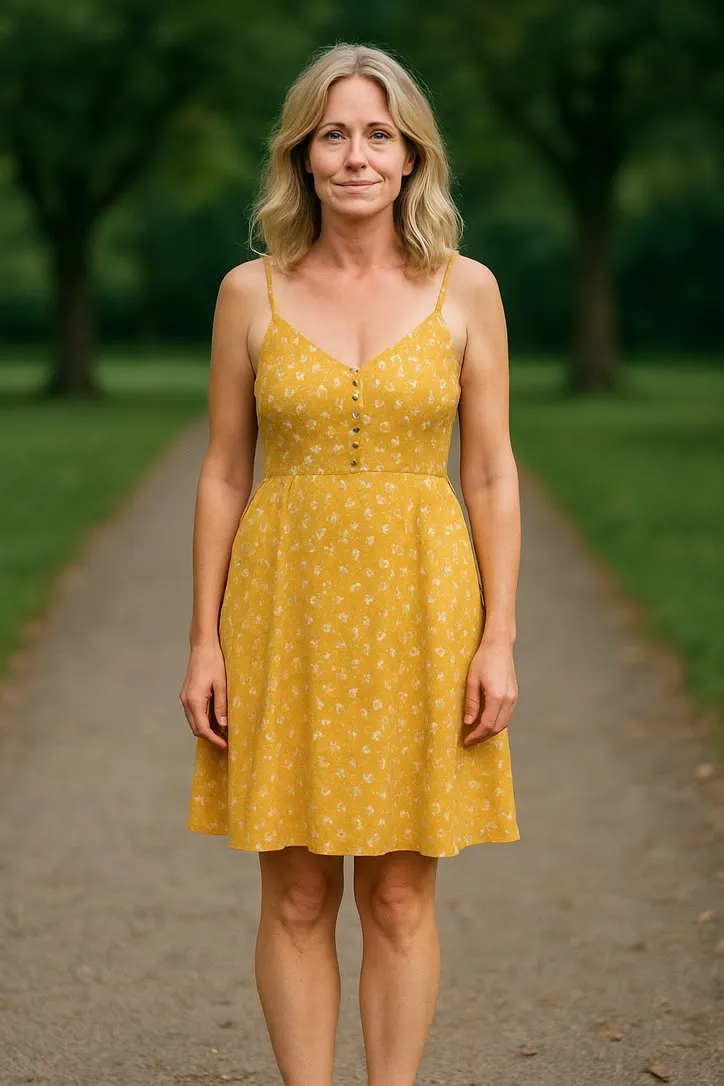
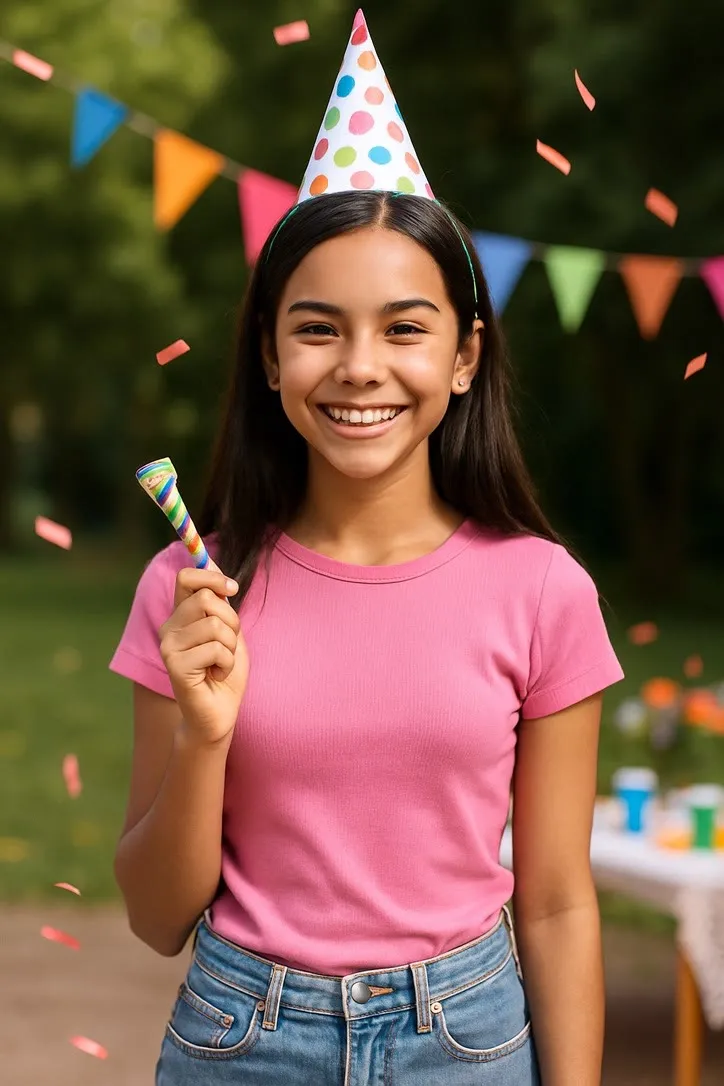
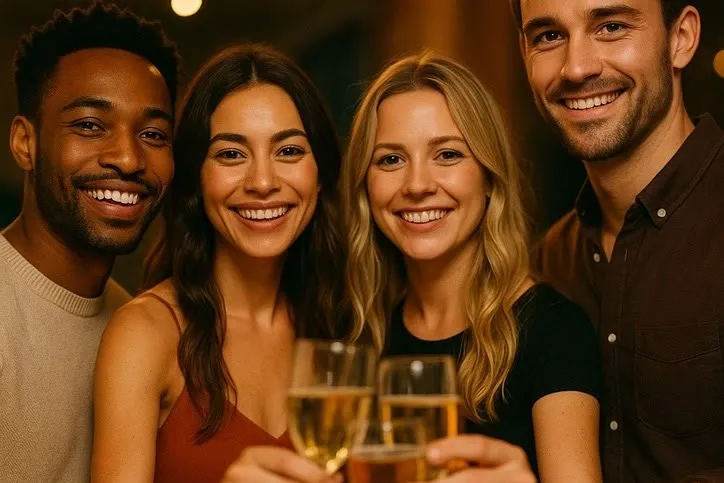
A save the date video, made from your engagement photo
Engagement photos are close to the ideal source image before you have generated a single frame. Which actions actually suit a couple, why anything that travels across the frame is a bigger risk with two faces than one, and where the date itself has to go.
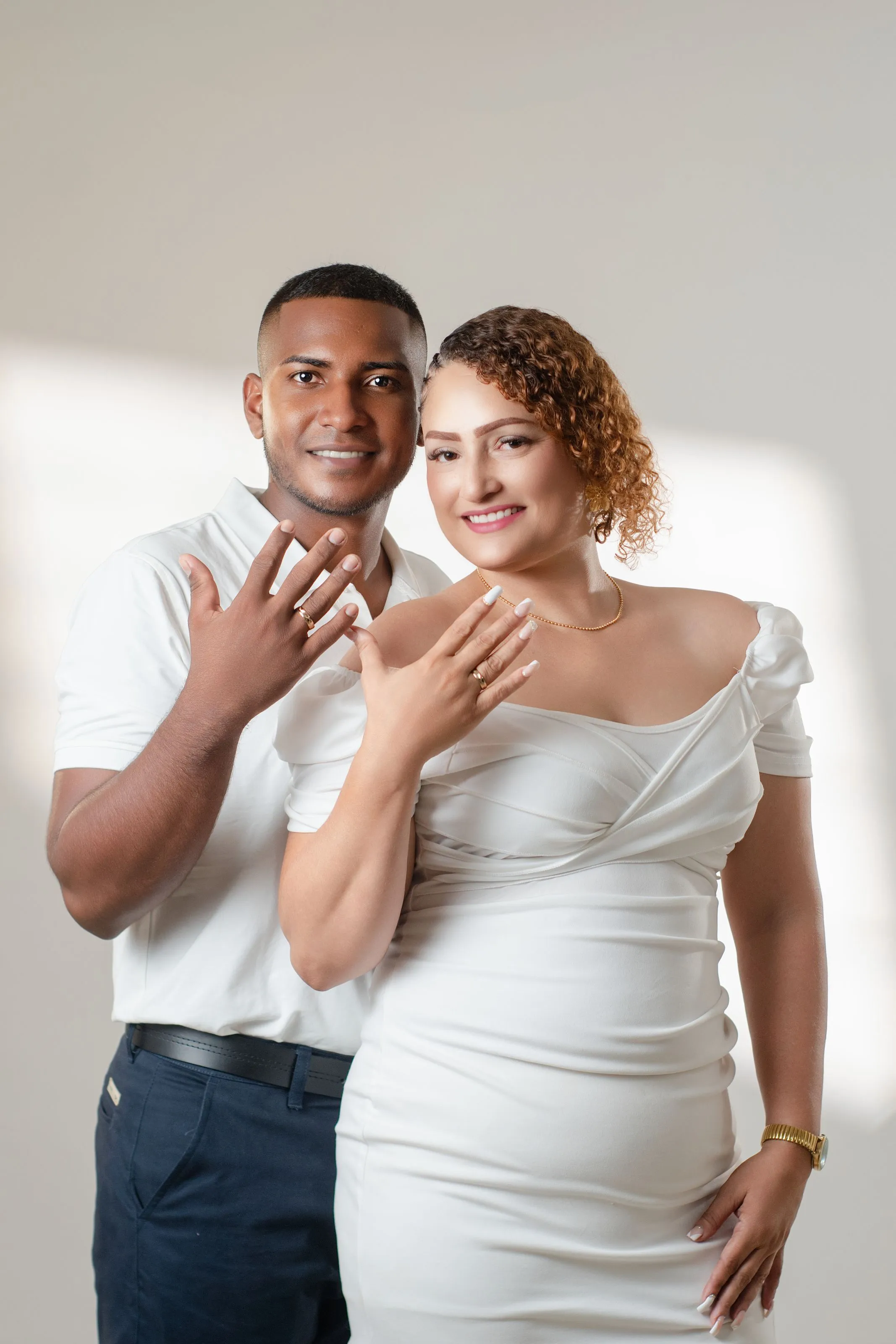
An engagement photo is usually the best picture of the two of you that exists at the point you need one. It was lit properly, someone else was holding the camera, and you were both looking at it on purpose. That combination makes it unusually good material for a short animation, and a save the date video is a genuinely useful thing to make from it, provided you pick the right five seconds.
Why engagement photos animate well
Nothing here is luck. An engagement session gives you, almost by default, the exact conditions the craft rules ask for.
The light is even, because a photographer chose it to be, rather than whatever the sun was doing at a family barbecue. The two of you are close together and facing roughly the same direction, which means both faces get a real share of the frame instead of splitting it three or four ways. The background is usually simple, a plain wall, a gentle blur, open sky, rather than the patterned wallpaper or crowded street that gives a model something to smear once anyone moves.
Compare that with the average photo people reach for first, a phone snapshot from a dinner or a hike, and the difference in the result is not subtle. If you have more than one engagement photo to choose from, pick the one with the most even light on both faces over the one that is simply your favourite. They are not always the same picture.
Which action actually suits a couple
Two faces raise the stakes of every choice, because whatever the model invents, it invents twice, at the same time, in the same clip.
- Photoshoot Pose is the safest starting point for a close two-shot. It holds the pose you already have rather than asking either of you to move across the frame, which keeps both faces close to the photograph you took.
- Dress Twirl suits a full-length shot where one partner is in a gown or a dress that is fully visible, with room around it. It needs the fabric to actually be in the picture, so it is the wrong choice for a portrait that stops at the waist.
- Celebration Toast works well if the photo already has drinks in shot, an engagement dinner or a toast someone caught on camera. The movement is shared between you rather than resting on one person, which suits a couple photo more naturally than an action built for a single face.
What to be wary of is anything that sends a person walking, spinning or travelling across the frame with the other partner static beside them. A single portrait asking the model to invent movement is one risk. A couple photo doing the same thing is two risks running at once, and the partner who is not moving often ends up looking slightly wrong simply from being close to all that invented motion. Run whichever action you pick twice. Each generation differs, and with two faces in frame it is worth the second try.
Where the date actually goes
The app animates the photograph. It does not write on it. That surprises people who picture a save the date as text laid over a moving picture, the way a wedding website template usually looks.
In practice the date lives around the clip rather than inside it. The three places that actually work: in the message or caption you send it with, which is the simplest option and needs nothing else; on the page it is embedded on, if you are putting it on a wedding website, where the date sits in the page text next to the video; or on a short still card before or after the clip, made in whatever design tool you already use, if you want something that looks finished on its own without relying on surrounding text. None of these need to be elaborate. A single line of text under a five second clip does the job a whole animated title sequence would only get in the way of.
Sending it to a guest list, not just to each other
A save the date usually needs to reach dozens of people over a few weeks, which is a different problem from sending one clip to one person.
Send a link, not a file. A video attached directly to a text or an email gets recompressed differently by every app it passes through, and some guests will end up watching a noticeably worse copy than others. A single hosted version, whether that is a wedding website, a shared album, or an unlisted video link, looks the same no matter who opens it, and you can fix a typo in the surrounding text without resending anything.
If you are sending it over WhatsApp to close family before the wider announcement goes out, the same logic holds at a smaller scale, and the site’s notes on sending an animated photo over WhatsApp cover what compression actually does to a short clip like this one.
One honest limit
The clip is generated from a single photograph, not filmed. It is an illustration of movement built from that one frame, and it has never seen the moment it appears to extend. Say that once if anyone asks, plainly, and let the clip be what it is, a nice five seconds rather than a home movie.
For the broader version of picking a photograph that will hold up to any of this, see choosing a photo that will animate well. And if the wedding itself is still a way off, the notes on animated wedding photos as an anniversary gift cover the other end of the same album, a portrait built to last fifty years rather than one that only needs to work for a few months.
Common questions
- Can you turn an engagement photo into a save the date video?
- Yes, and engagement photos tend to animate unusually well because they were shot with the same things the craft rules ask for, even light, a close front-on couple, and a background that stays out of the way. The main decision is which action suits the photo you actually have, not whether the format works.
- Does the date appear in the video itself?
- No. The app animates the photograph, it does not add text. The date has to go somewhere around the clip, in the message you send it with, on the page it is embedded on, or as a caption card, the same way you would caption any short video.
- Which action should we use for an engagement photo?
- It depends on the crop. A close two-shot suits Photoshoot Pose, since it holds the pose rather than inventing new movement. A full-length shot of one partner in a dress or gown suits Dress Twirl. Celebration Toast suits a shot with drinks already in frame. Anything that sends one partner walking or spinning across the frame is the riskiest choice, because it reinvents two faces instead of one.
- How should we send a save the date video to a big guest list?
- As a link, not as an attached file. A file sent to forty people arrives at forty different qualities depending on each person's messaging app, and some of it lands compressed badly. A single hosted link, on a wedding website or a shared album, looks the same for everyone and is easy to update later.