Halloween
Costume Reveal
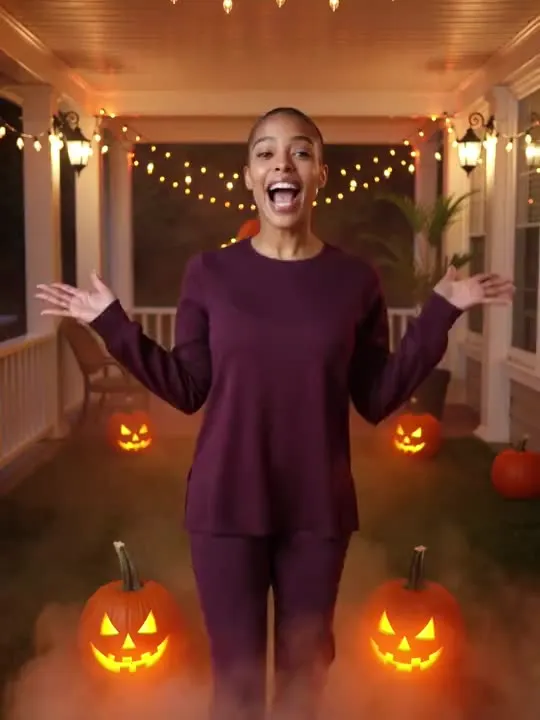
porch lights snap on and there you are
In the catalogue
- Action
- Costume Reveal
- Category
- Halloween
- Returns
- A clip of about 5 seconds
- Subscription
- Not required
What this action does
porch lights snap on and there you are. You give the app a single photograph and it generates a short clip of that movement, roughly 5 seconds long. Nothing is filmed and nothing is recovered: the motion is produced from the one frame you supply.
What photo works best
You step forward and throw both arms wide, so the picture needs room on either side for that to happen. Frame full length, or at least to mid thigh, standing, with the arms not already crossed or carrying something. A costume in the original is kept, and this is one of the few presets where a genuinely elaborate outfit helps rather than confuses. Faces stay visible through the reveal, so a mask is a risk. Leave out a seated photograph, since the action opens with somebody already on their feet.
What to expect
One photograph goes in and a short clip comes out. It is generated rather than filmed, so run it twice if the first attempt puts a hand somewhere strange; the second version will not be identical.
If the result is not convincing, the fix is almost always the photograph rather than the settings. Reshoot it wider, get more light on the face, and move the arms clear of the body. The rest of what decides the result applies to every action here, and the limits apply to this one too.
Common questions
- What kind of photo works best for Costume Reveal?
- Costume Reveal builds about 5 seconds of movement out of your photograph, and the one frame you choose is the entire input. Whatever has to appear in the result has to be in the shot, so frame wide enough to take in everything the movement touches, keep the subject sharp and clearly separated from what is behind them, and get even light onto the face and the hands.
- How long is the video?
- About 5 seconds. That is what the default video model in the app's catalogue is configured to produce, and it is the same for every motion action in the library.
- Do I need a subscription to use Costume Reveal?
- No. Costume Reveal is not marked as a subscription only action in the app's catalogue. AI Video is free to download, and generating a result uses credits, which are bought as a pack or come with a subscription.
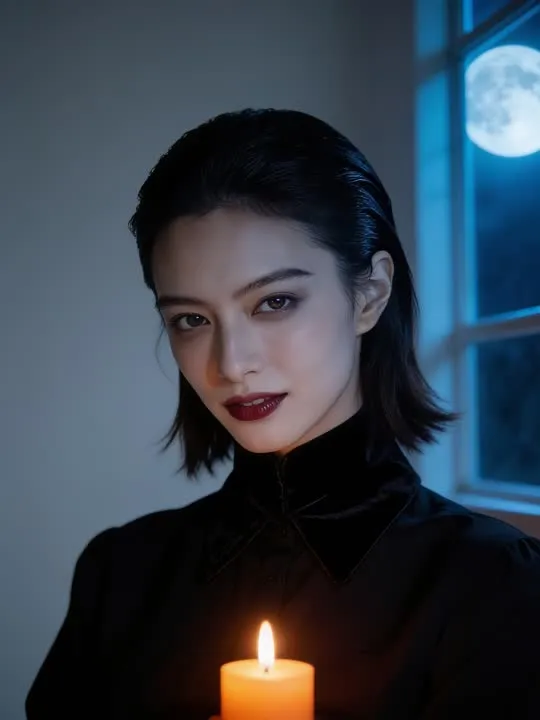 Photo styleVampire Glamporcelain skin, candlelight and moonlight, spooky season glam
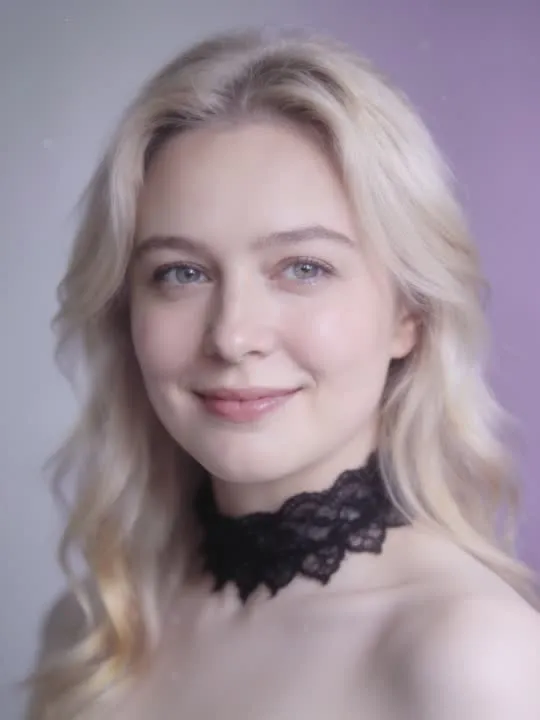 Photo styleDreamcore MusePorcelain-pale gothic portrait with a soft pastel haze
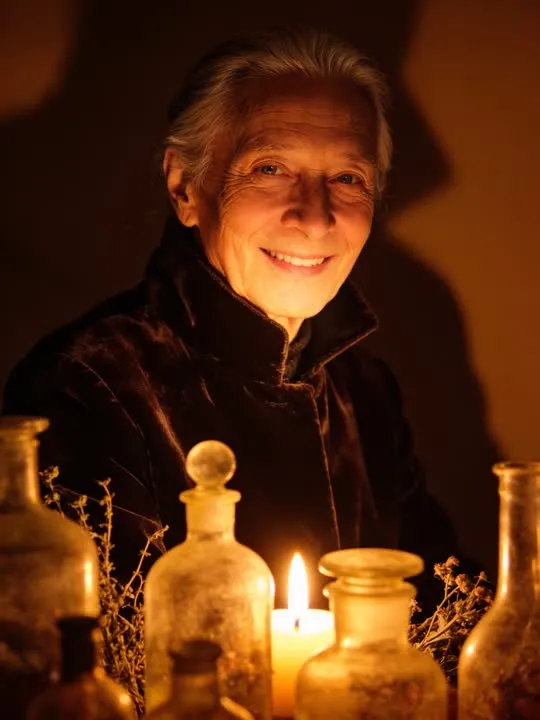 Photo styleCandlelit ApothecaryGlass bottles, dried herbs, warm candlelight from below
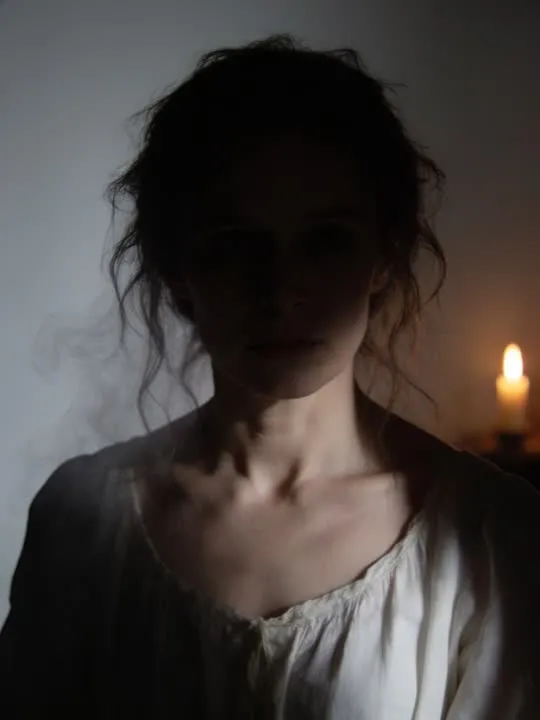 Photo styleGhost Apparition PortraitA pale wisp watching from the shadow behind you
The right action for the photo beats the popular one
Every movement and every style in the library is written up the same way, so you can check whether the picture in your camera roll actually suits it before you spend a credit.