Halloween
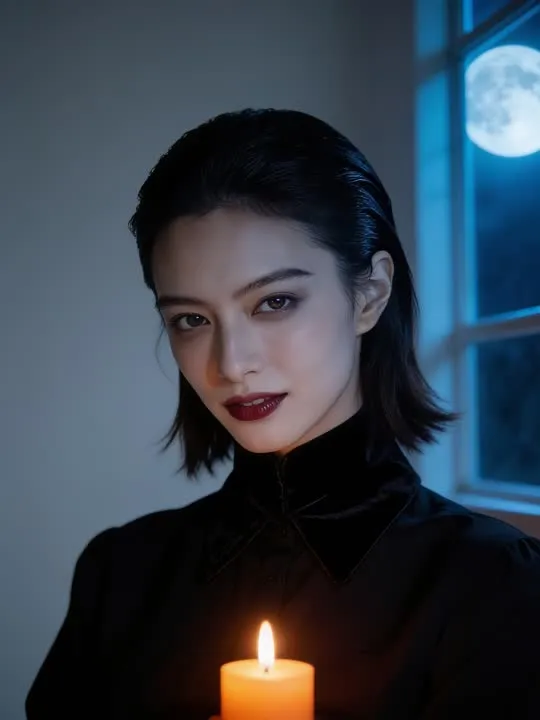
Vampire Glam
porcelain skin, candlelight and moonlight, spooky season glam
In the catalogue
- Action
- Vampire Glam
- Category
- Halloween
- Returns
- A restyled still image
- Subscription
- Not required
What this action does
porcelain skin, candlelight and moonlight, spooky season glam. You give the app a single photograph and it returns a new still image of you in that style. This one does not move: it is a restyle rather than an animation, and the picture is rebuilt in the style rather than having a filter laid over it. Nothing is photographed and nothing is recovered, so the result is a new picture that resembles the one you supplied.
What photo works best
Makeup is laid over your features rather than around them, so the face has to be clearly readable before any of it is applied. Head and shoulders, chin tipped slightly towards the lens, hair away from the cheeks. Whatever collar you are wearing is swapped for black velvet, which makes a high necked jumper the awkward case. Warm and cool light are mixed in the result, so an evenly lit original is the cleanest base. Heavy existing makeup in strong colours fights the palette this style is reaching for.
What to expect
One photograph goes in and a new still picture comes out, restyled rather than filtered: the model rebuilds the frame in the style instead of laying an effect over it. Run it twice if the first attempt gets a detail wrong, because the second version will not be identical.
If the result is not convincing, the fix is almost always the photograph rather than the settings. Reshoot it wider, get more light on the face, and move the arms clear of the body. The rest of what decides the result applies to every action here, and the limits apply to this one too.
Common questions
- What kind of photo works best for Vampire Glam?
- Vampire Glam rebuilds your photograph as a new still image, and the one frame you choose is the entire input. Whatever has to appear in the result has to be in the shot, so frame wide enough to take in everything the style touches, keep the subject sharp and clearly separated from what is behind them, and get even light onto the face and the hands.
- Does Vampire Glam make a video?
- No. Vampire Glam is a photo style, so it returns a new still image rather than a clip. The photograph is remade in the style rather than having an effect laid over it. The motion actions elsewhere in the library are the ones that produce video.
- Do I need a subscription to use Vampire Glam?
- No. Vampire Glam is not marked as a subscription only action in the app's catalogue. AI Video is free to download, and generating a result uses credits, which are bought as a pack or come with a subscription.
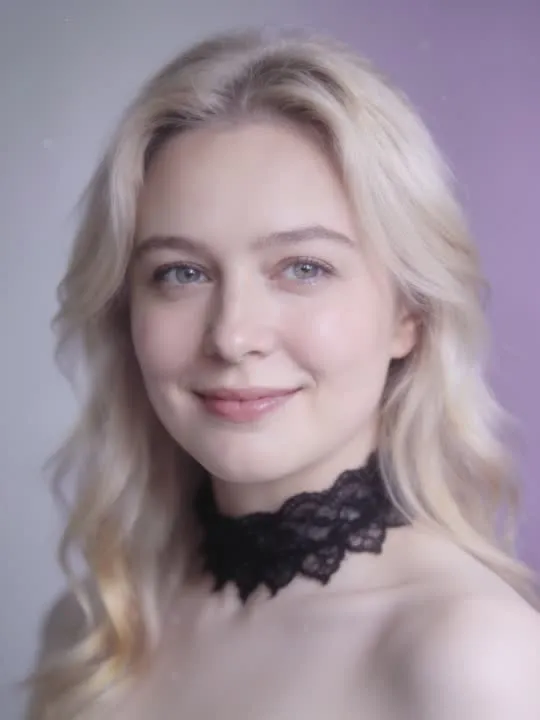 Photo styleDreamcore MusePorcelain-pale gothic portrait with a soft pastel haze
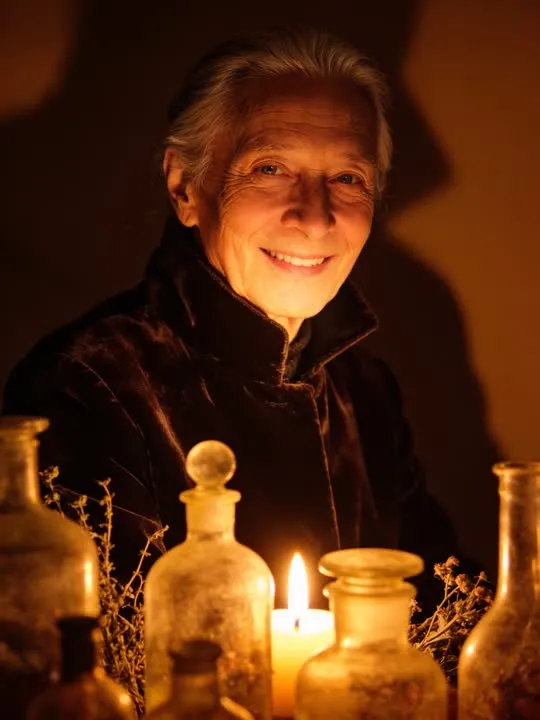 Photo styleCandlelit ApothecaryGlass bottles, dried herbs, warm candlelight from below
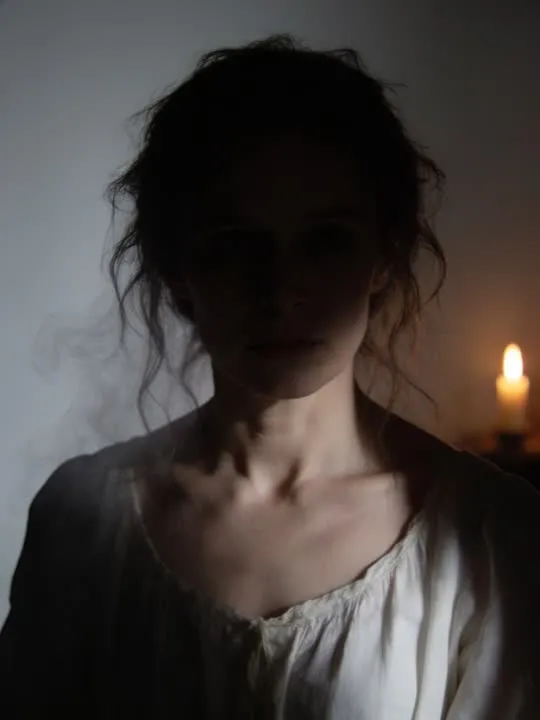 Photo styleGhost Apparition PortraitA pale wisp watching from the shadow behind you
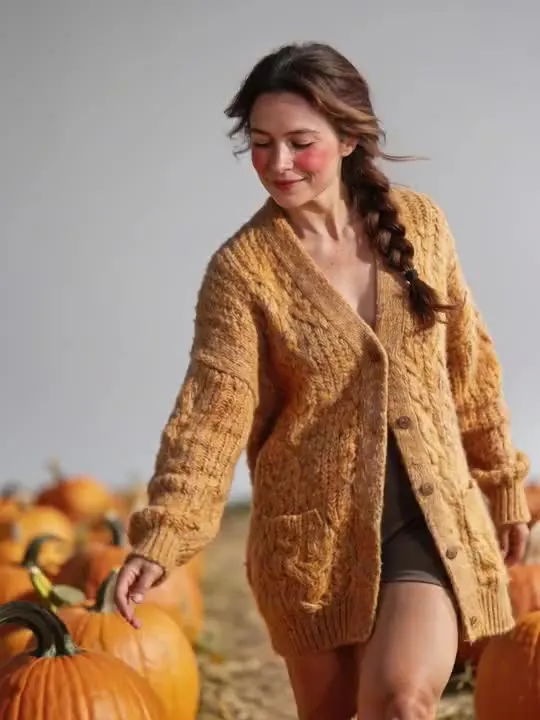 MotionPumpkin Patch Dusk WalkA slow walk through the patch as the sun goes down
The right action for the photo beats the popular one
Every movement and every style in the library is written up the same way, so you can check whether the picture in your camera roll actually suits it before you spend a credit.