60+ actions · every category
The action library
Every movement the app can generate from a still photograph, with the preview it ships and a straight answer to the only question that matters: is this the right action for the picture you already have?
Include everything that has to move
A dance action cannot use a photograph cropped at the chest, because the legs it needs are not in the picture. Match the crop to the movement: face for an expression, hands for an instrument, head to feet for anything that travels.
Give the outline clean edges
The model has to work out where you stop and the background starts. Arms slightly away from the body, nothing crossing the torso, and a background that is not the same colour as your clothing all make that easier.
Light the face from the front
Soft, even light on the face beats resolution every time. Harsh overhead light, heavy backlight and a face turned past three quarters are the three most common reasons a result looks wrong in a way people cannot name.
Pick the action the photo already suggests
The closer the picture is to the action before anything moves, the less has to be invented. That is the whole method behind this library: choose the movement that fits the photograph you have, rather than forcing the photograph to fit a movement.
Dance
Breakdance, salsa, hip-hop & more
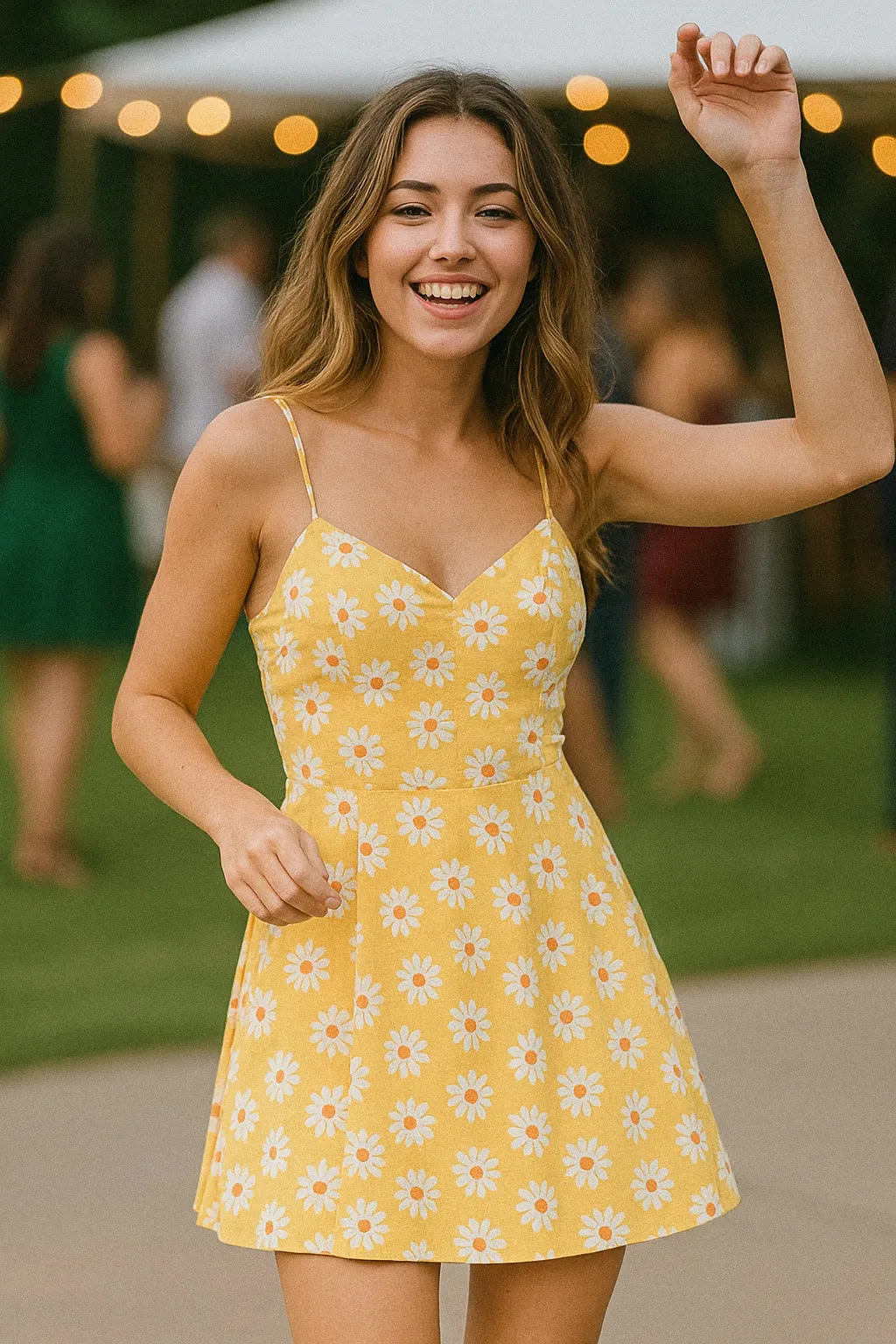
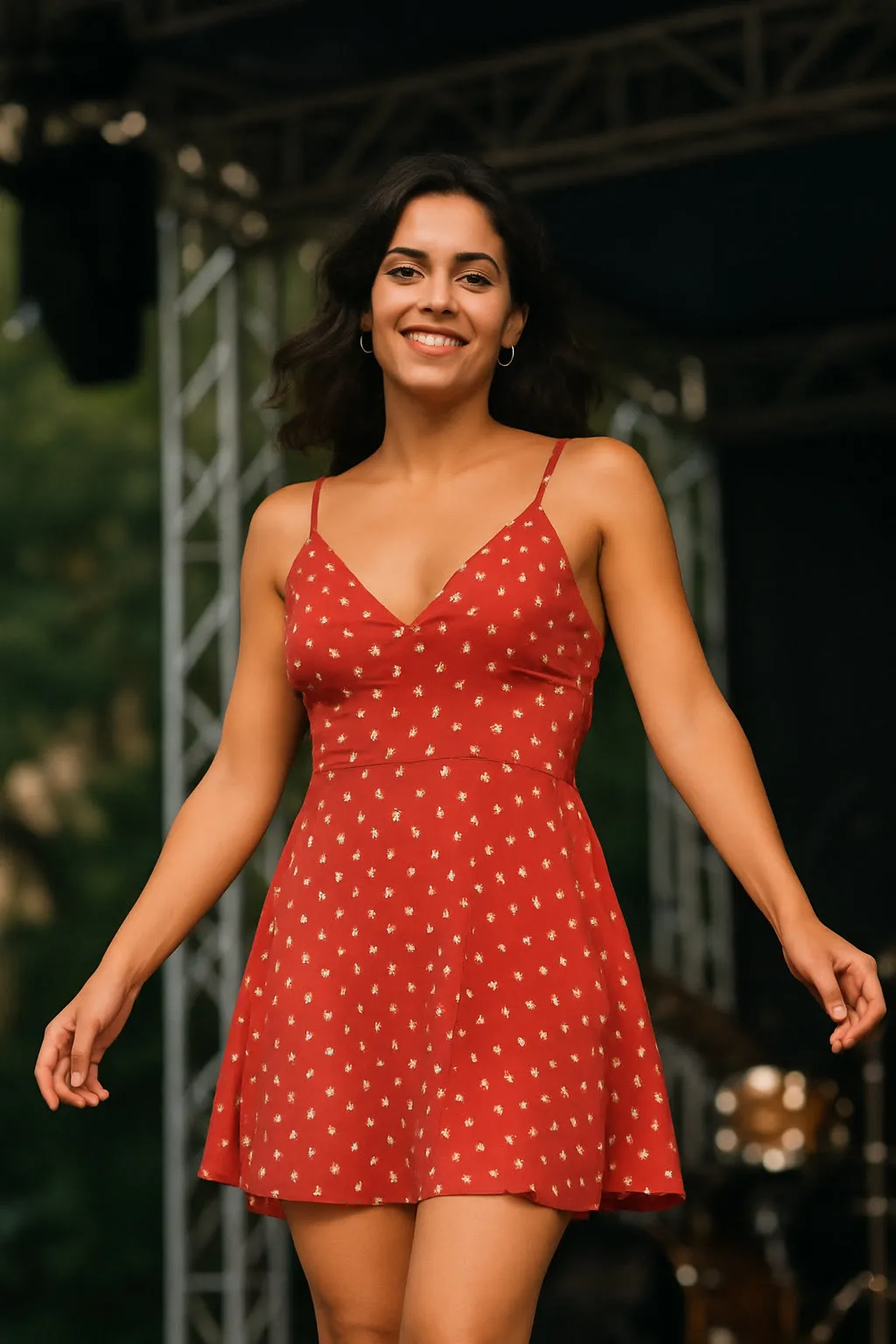
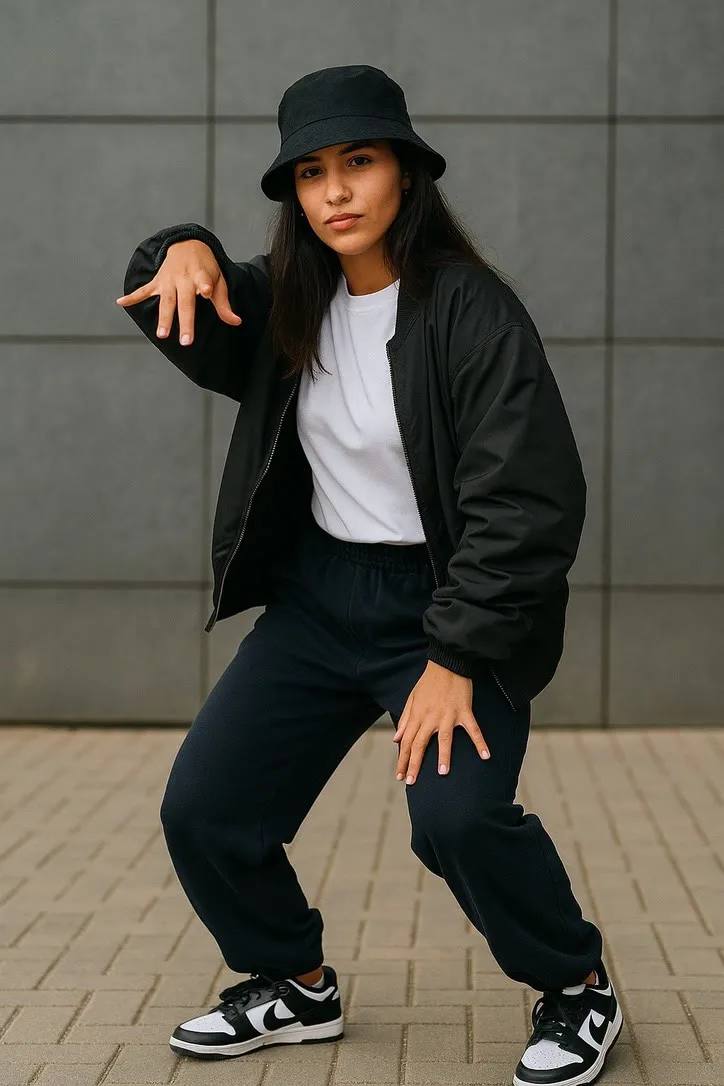
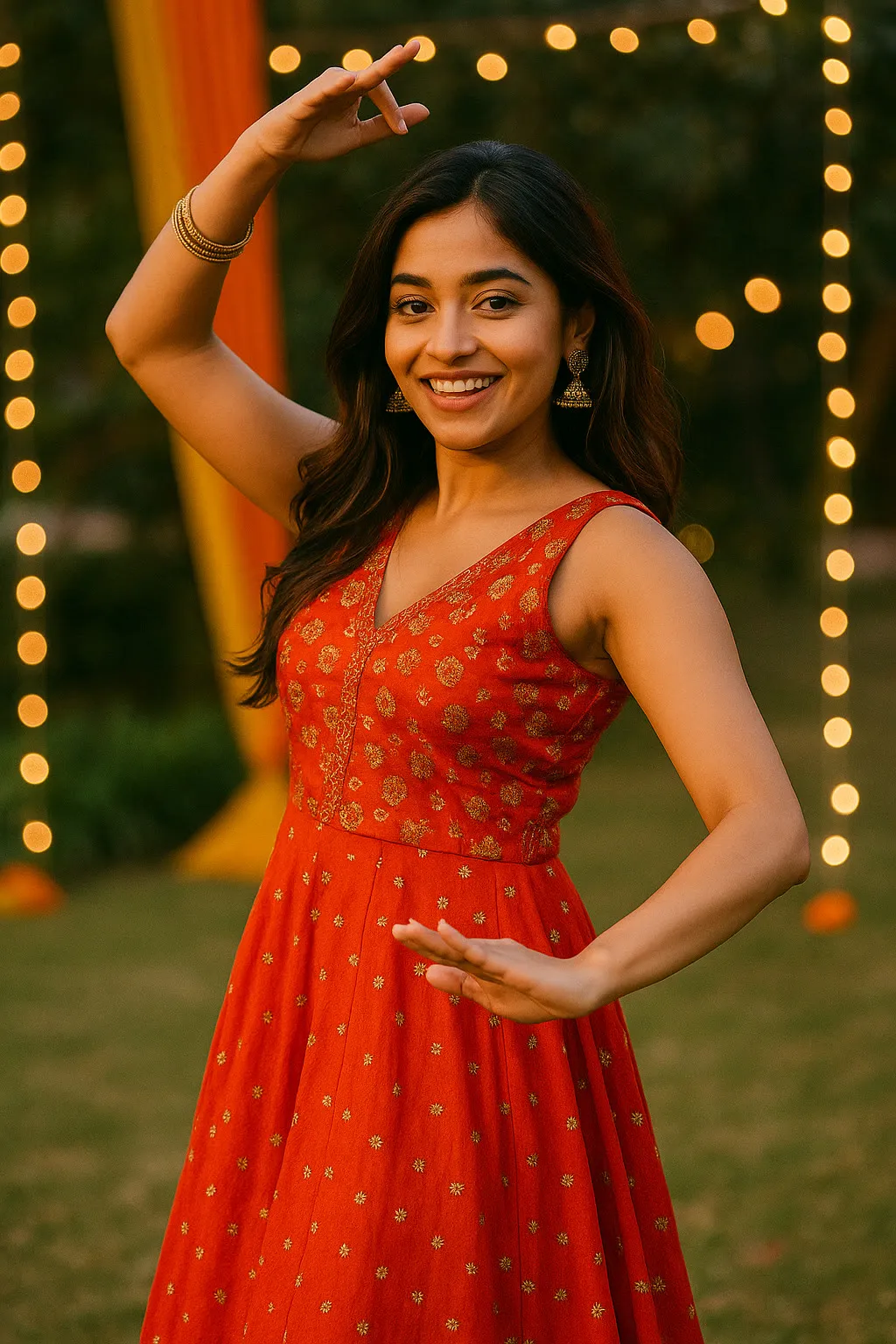
Dance actions need the whole body in frame, feet included, with a little floor underneath. A chest-up crop leaves the model nothing to move. Loose clothing animates more convincingly than a tight silhouette, and a plain floor beats a crowded one, because backgrounds tend to smear once a body starts turning.
Sports & Action
Basketball, boxing & athletics
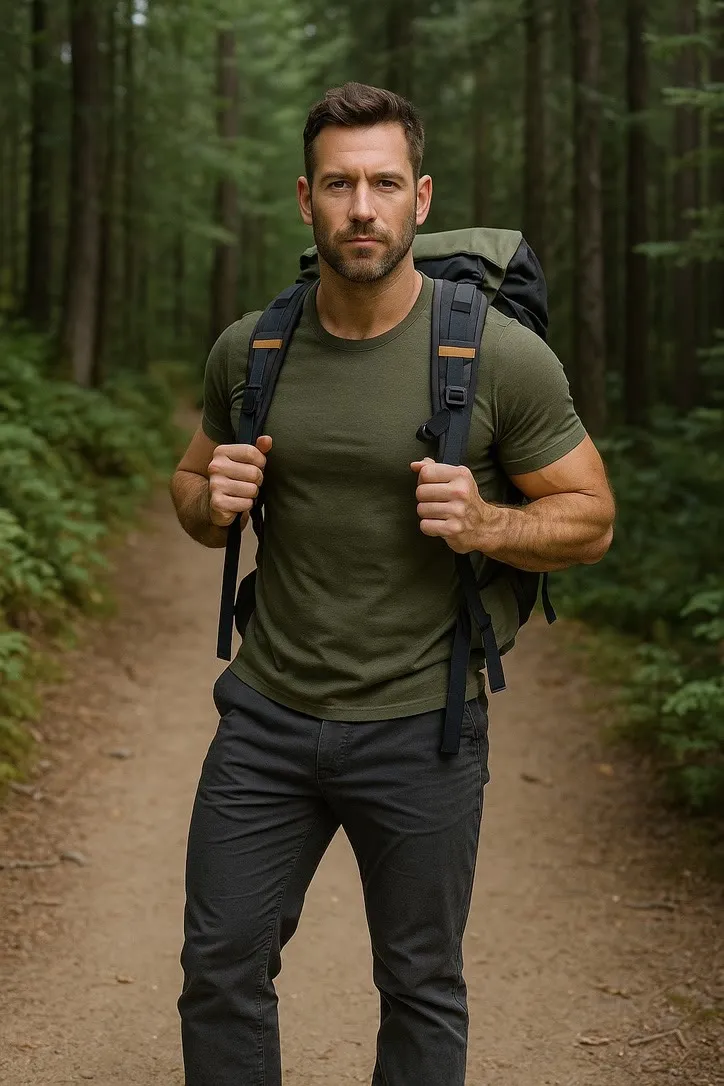
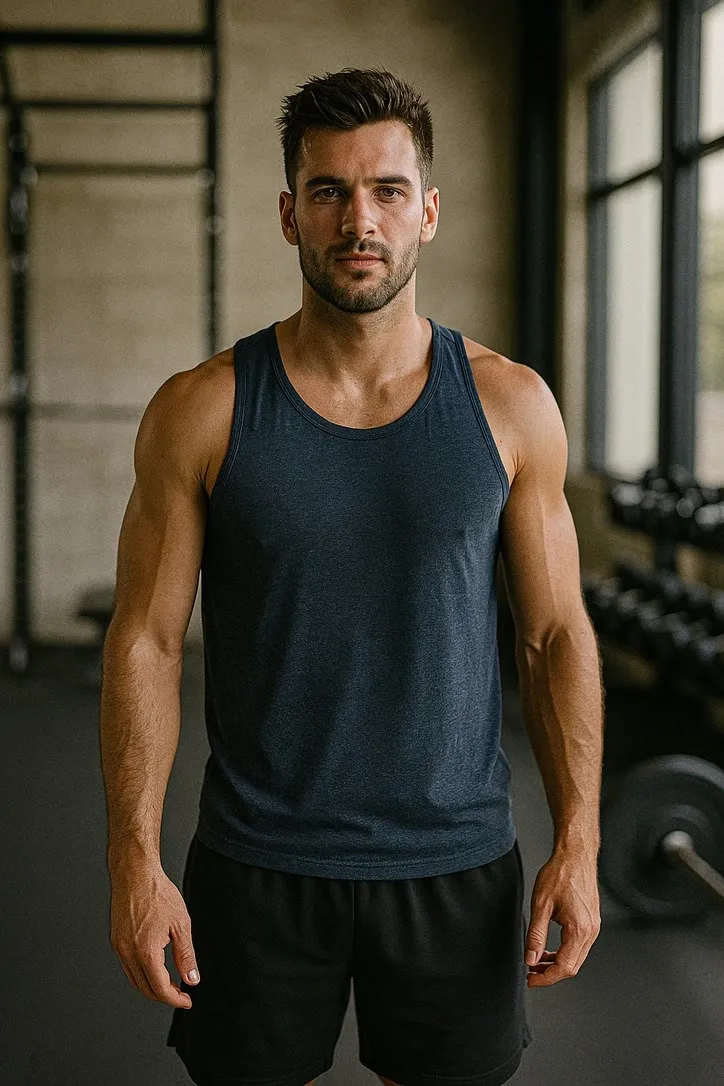
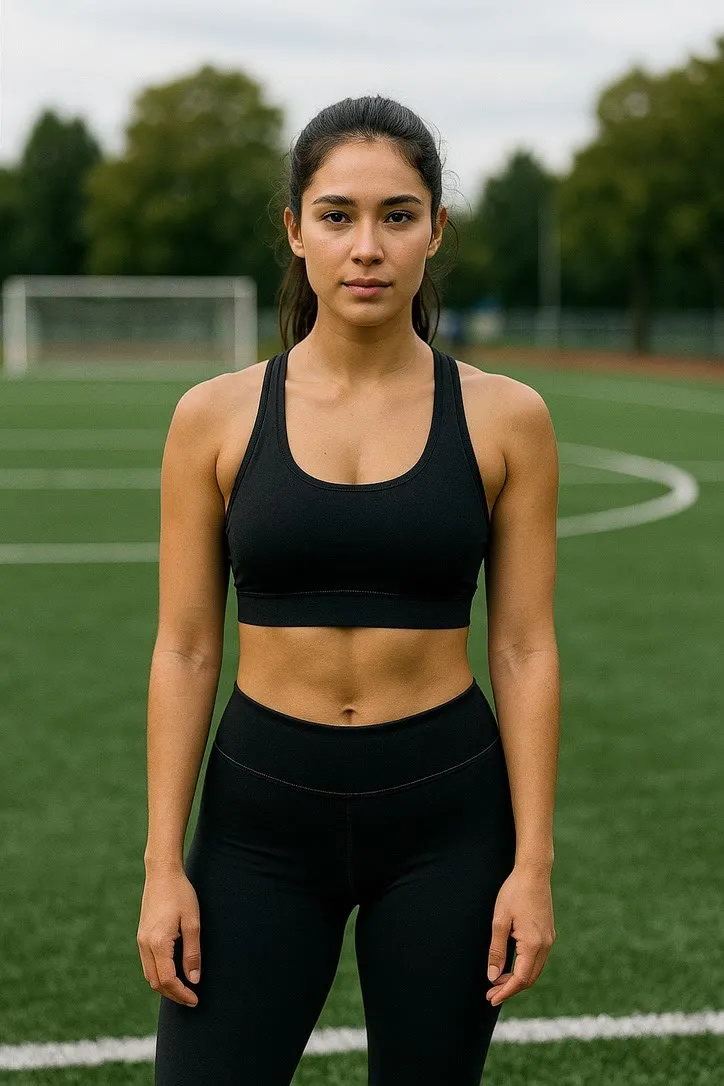
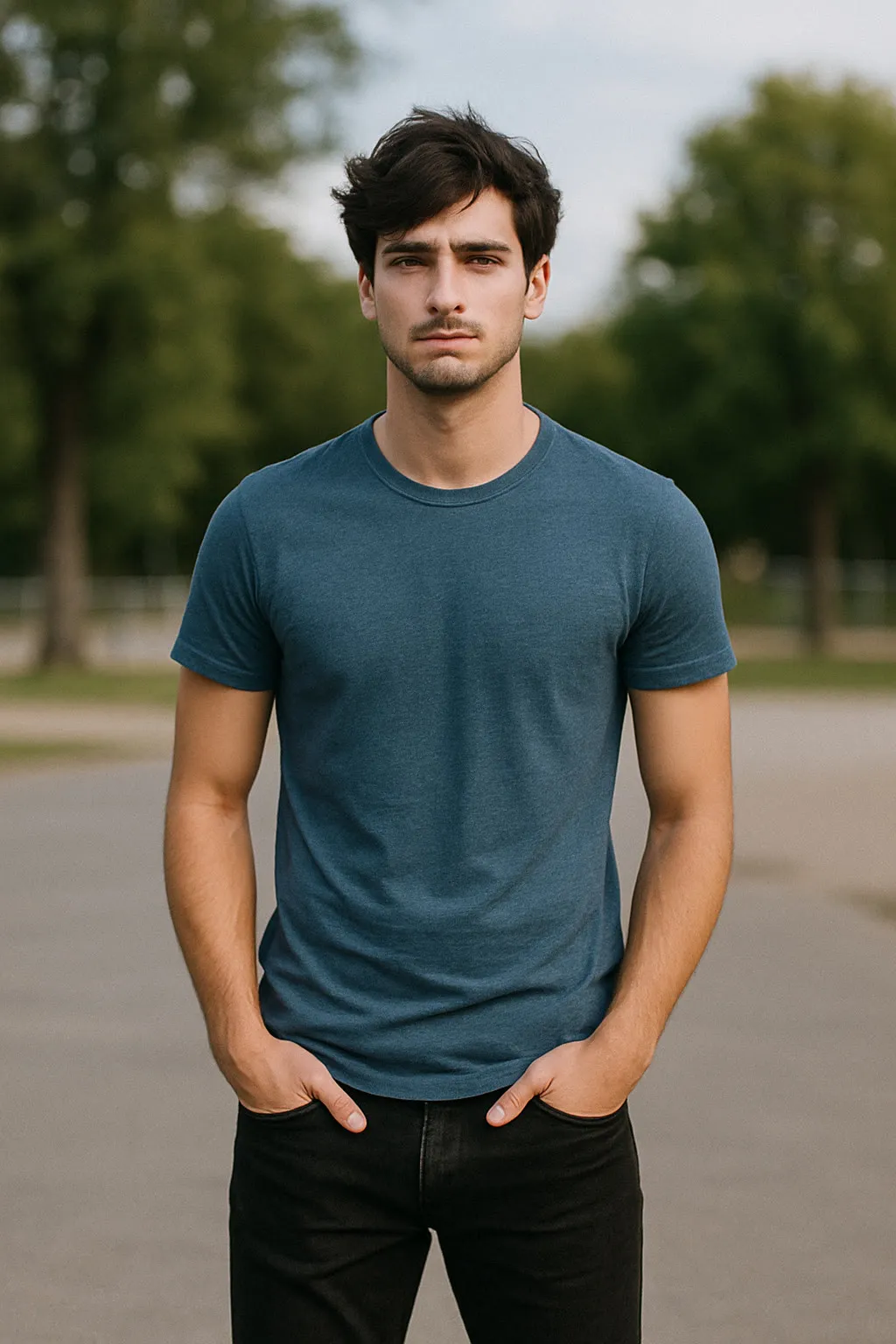
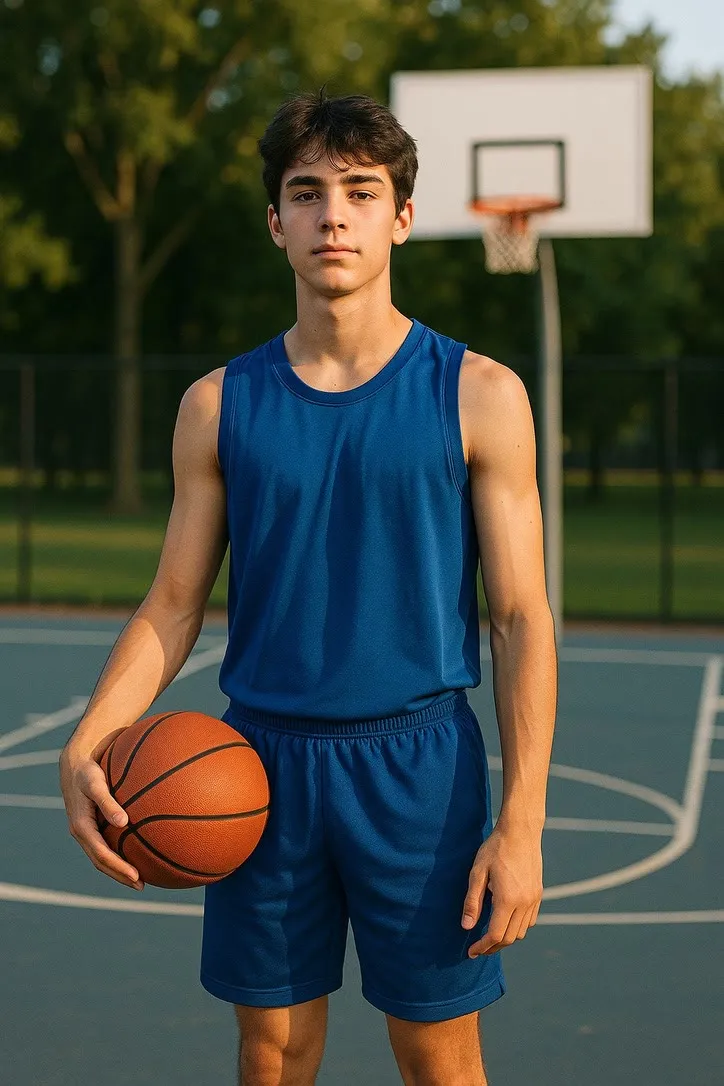
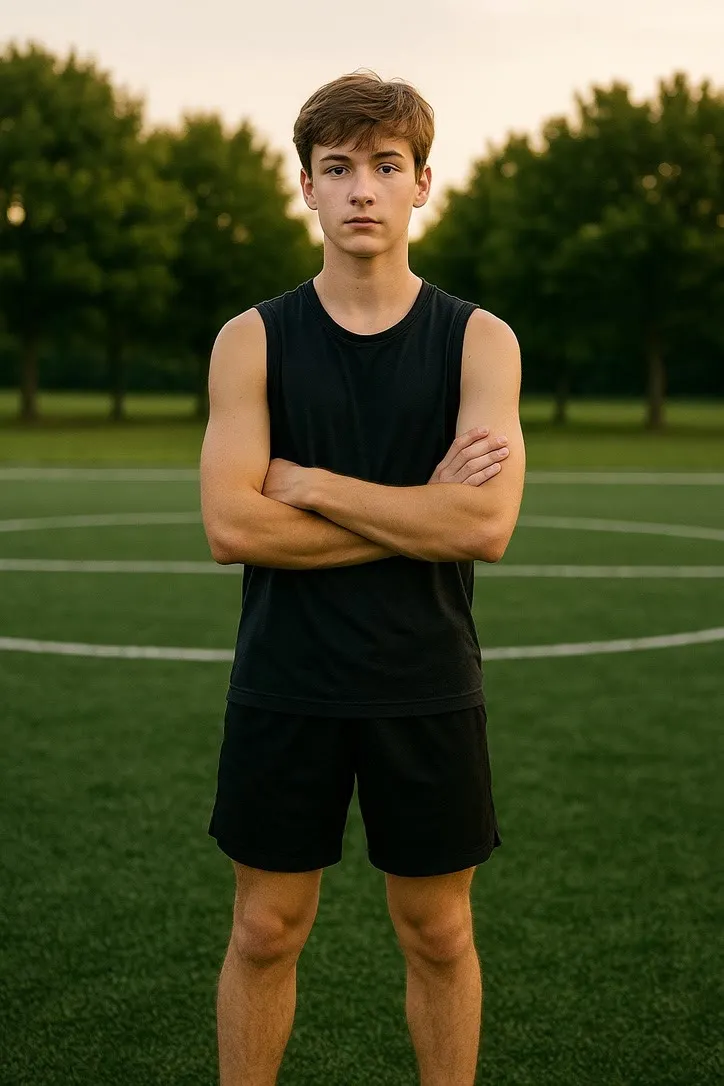
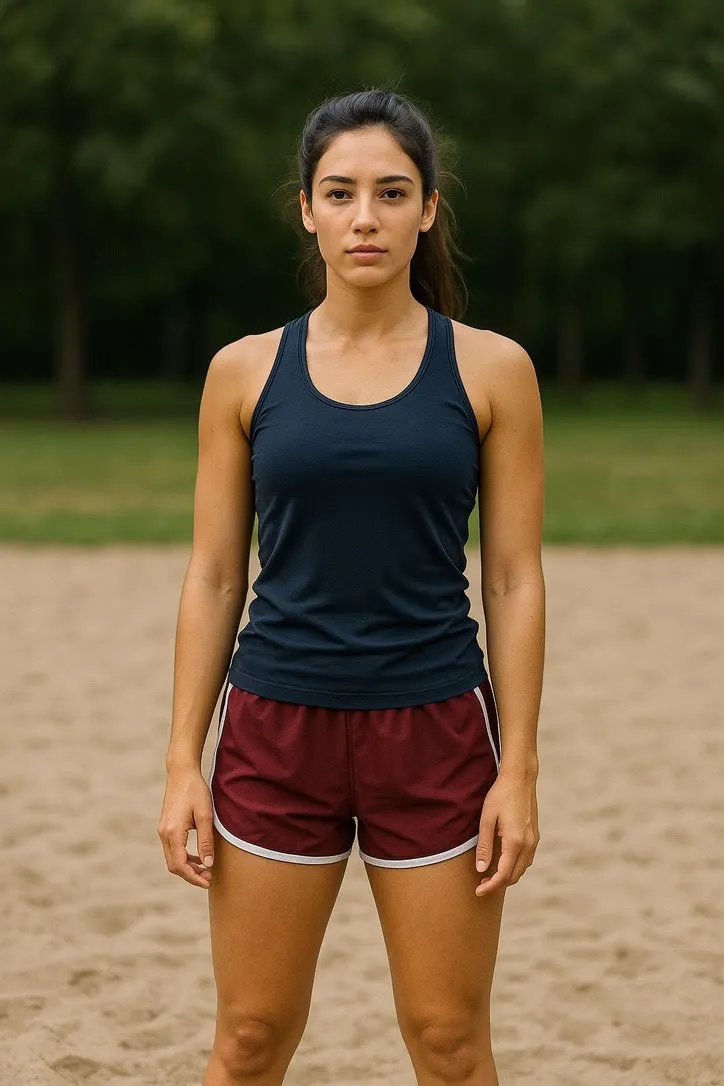
Frame head to feet and leave space in the direction the movement will travel. Arms held slightly away from the body give the model clean edges to work from; arms folded or hands in pockets are the usual reason a limb comes out wrong.
Musical
Conductor & performance moves
The instrument matters more than the pose. Get the hands in frame and unobstructed, keep them away from the torso so their outline is readable, and light the face enough that the expression survives. Fingers are the hardest thing in the picture and the first thing to look odd.


Expressions
Singing, cheering & reactions
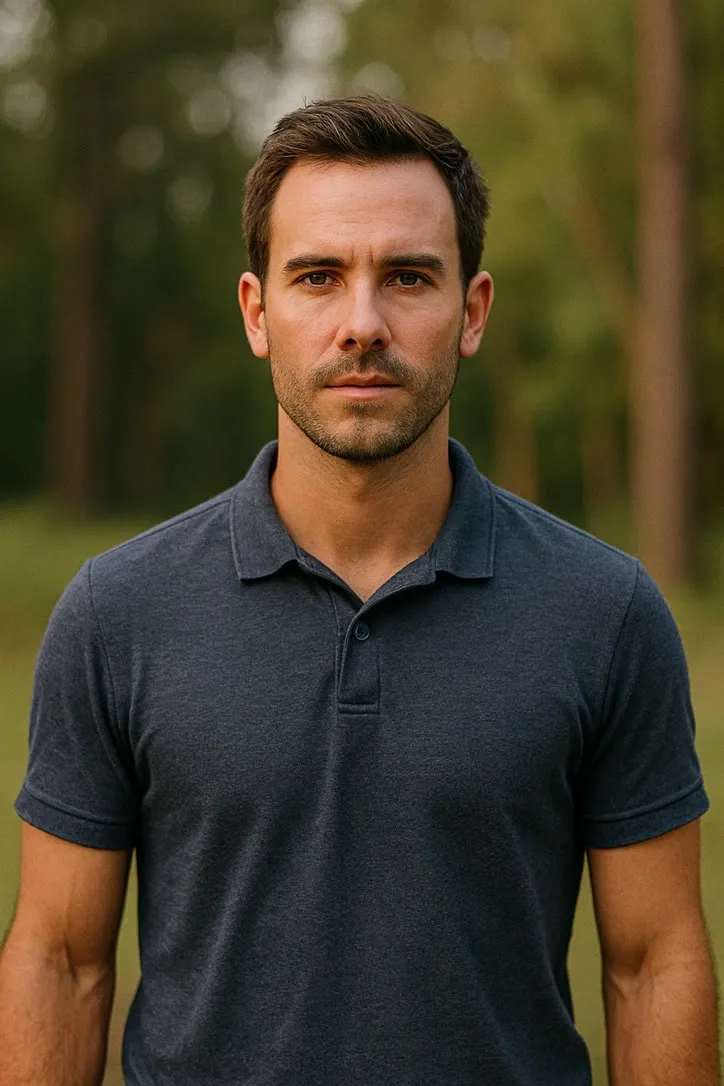
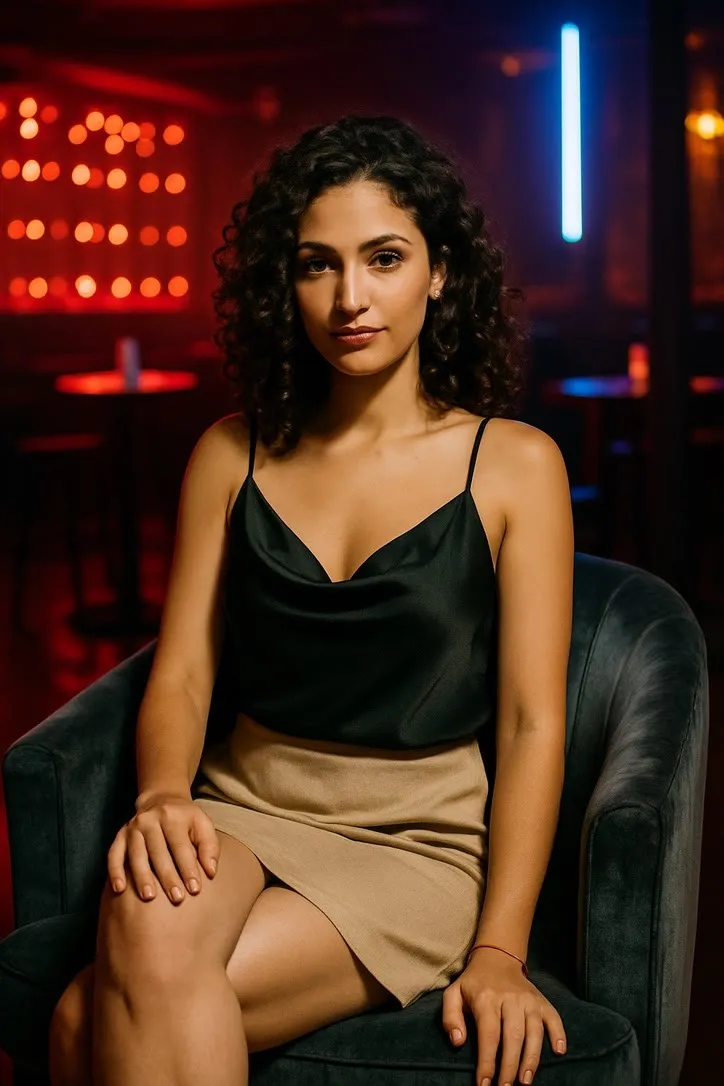
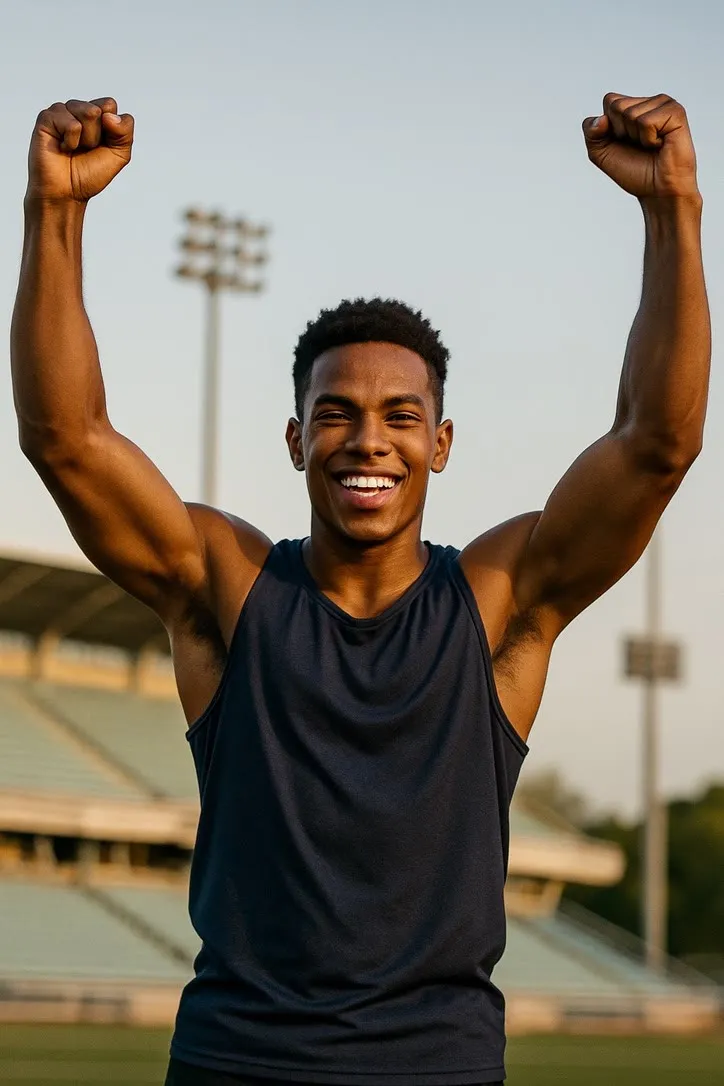
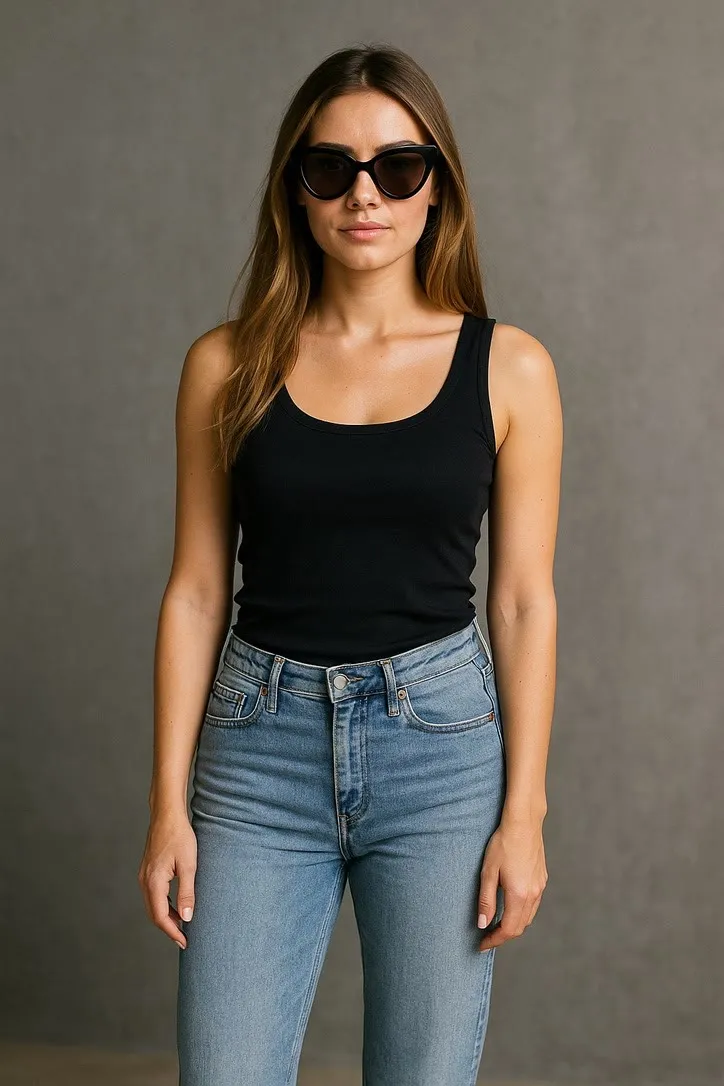
A face fills this kind of clip, so shoot it that way: head and shoulders, roughly front on, eyes open and unobscured. Even, soft light on the face is worth more than resolution. Sunglasses, heavy shadow across one eye and a face turned past three quarters all make the animation drift.
Fitness & Health
Yoga, weightlifting & workouts
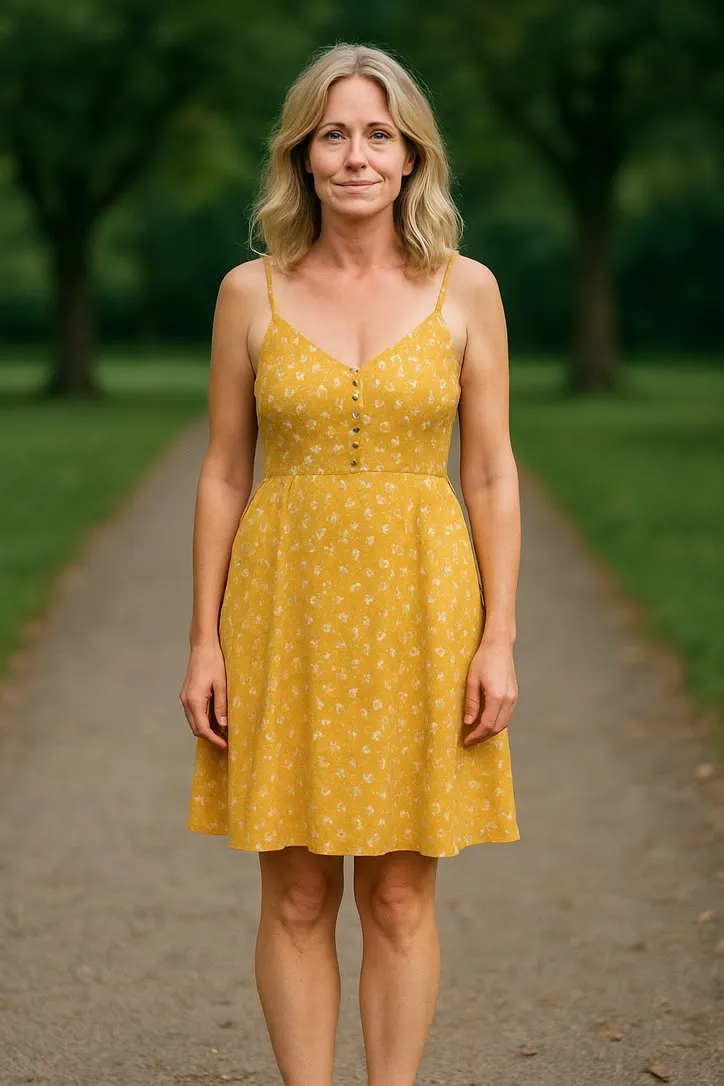
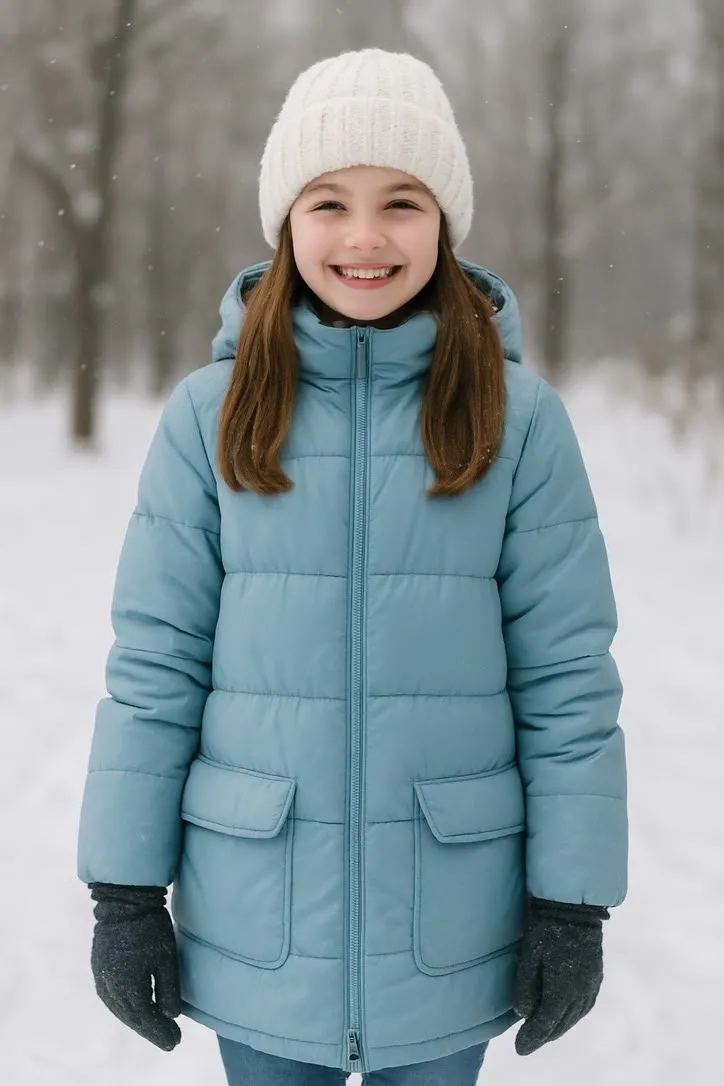
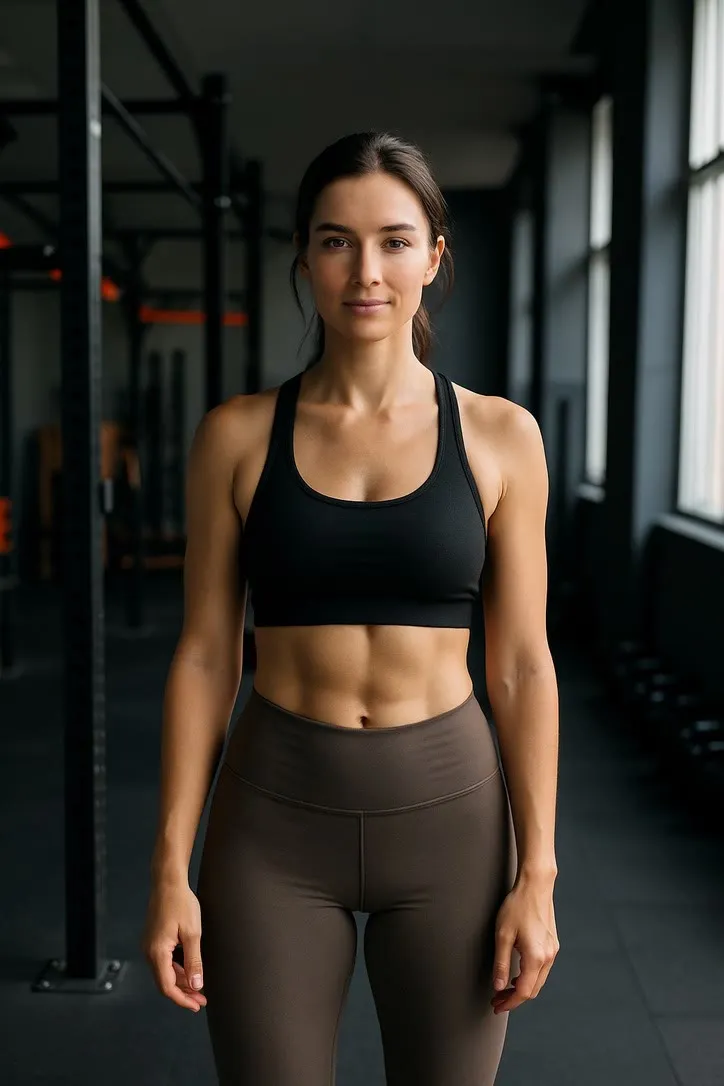
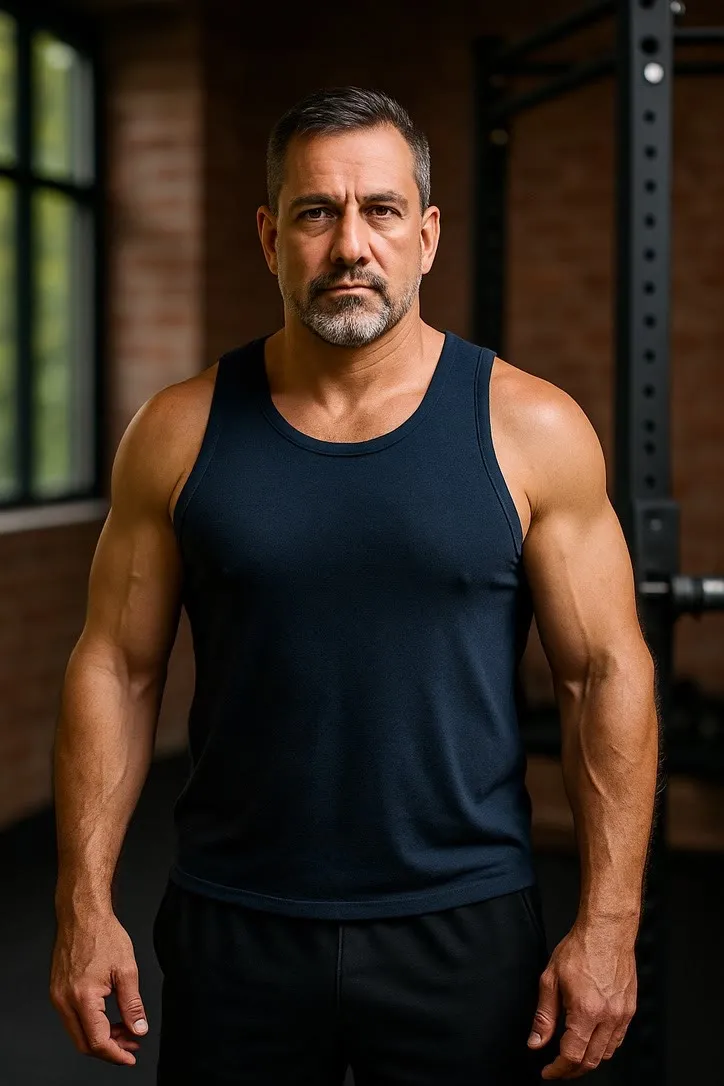
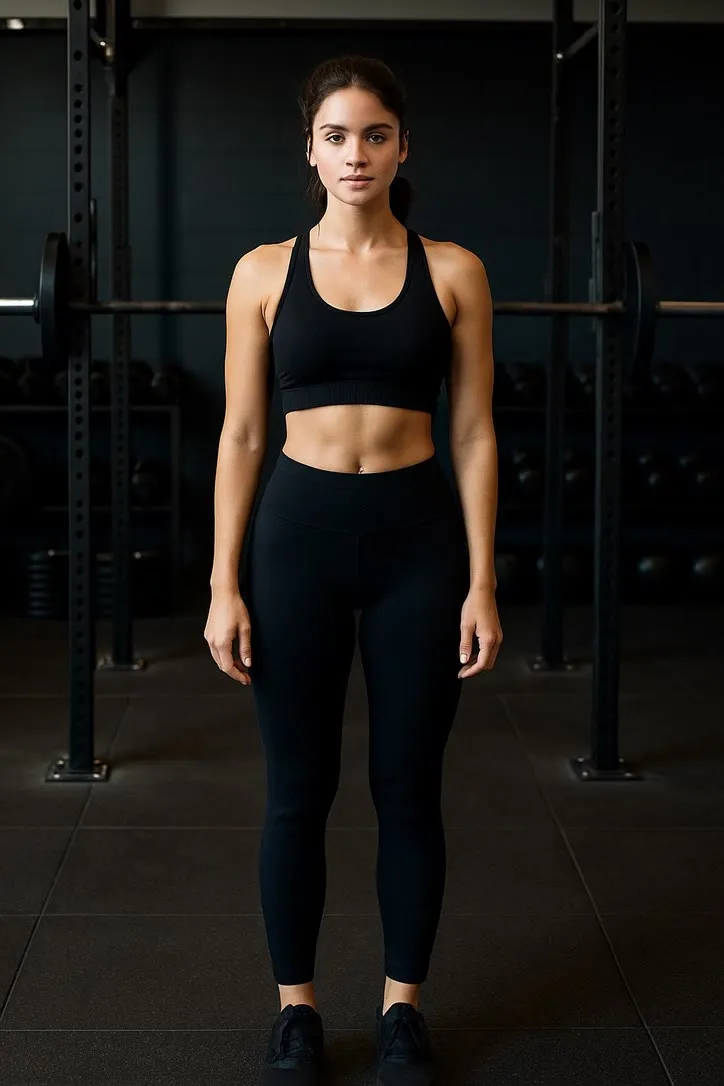
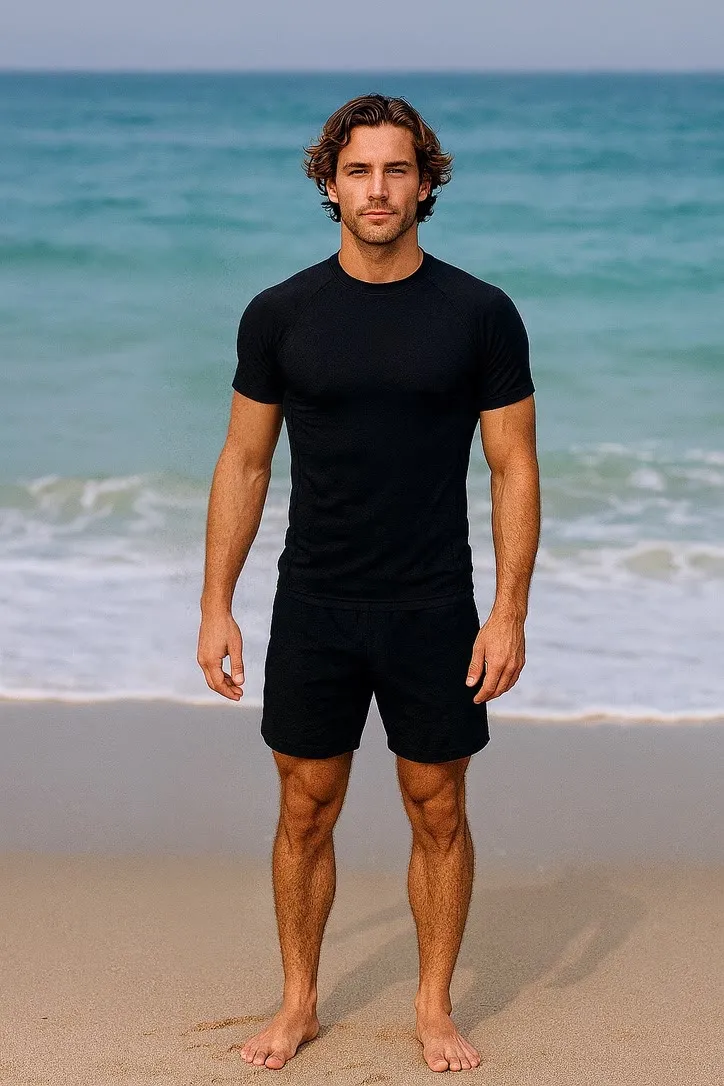
Full body, standing, with clear space around the limbs. Gym mirrors, equipment crossing the body and busy floor markings all confuse the outline the model has to move. Fitted athletic clothing actually helps here, because the body edge is obvious.
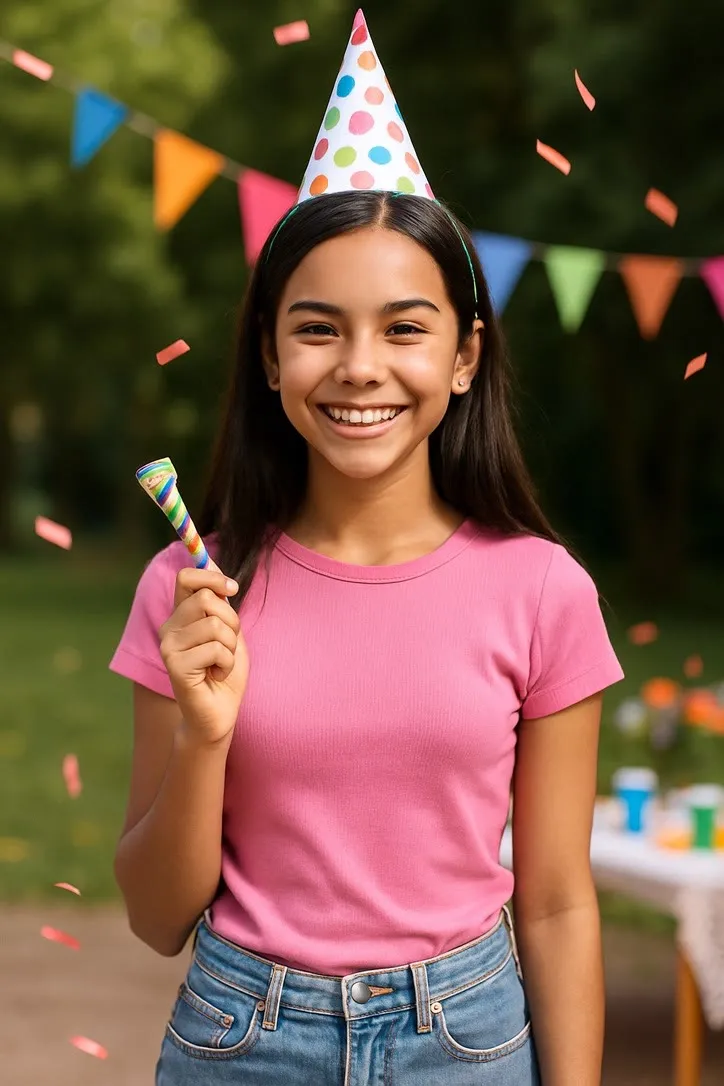
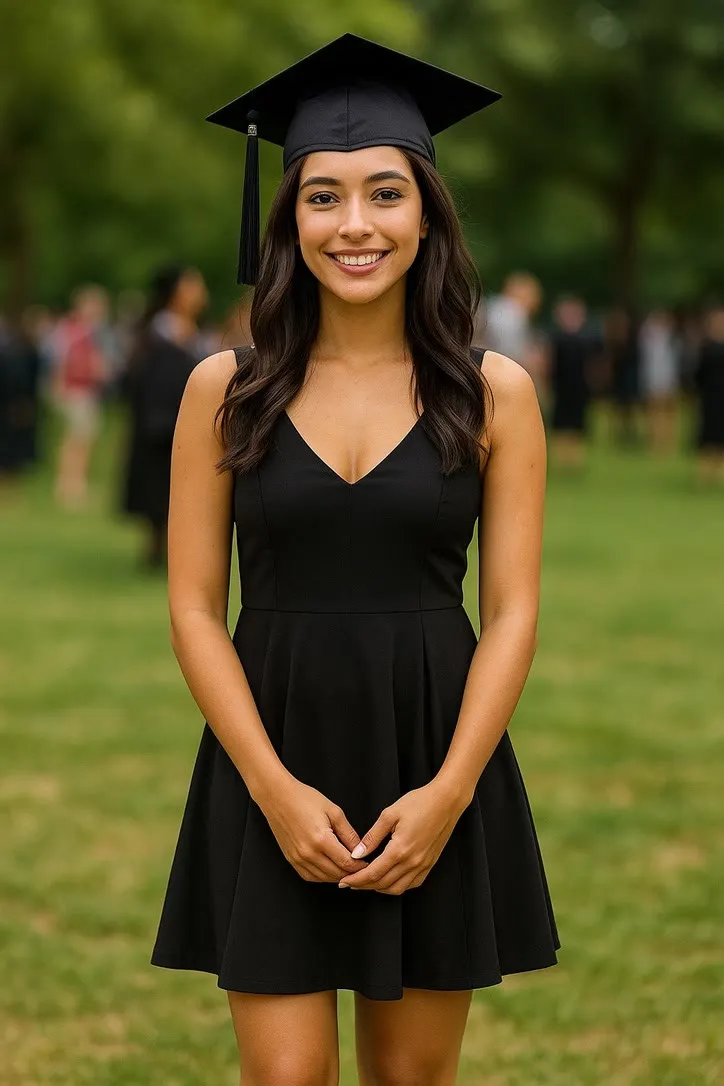
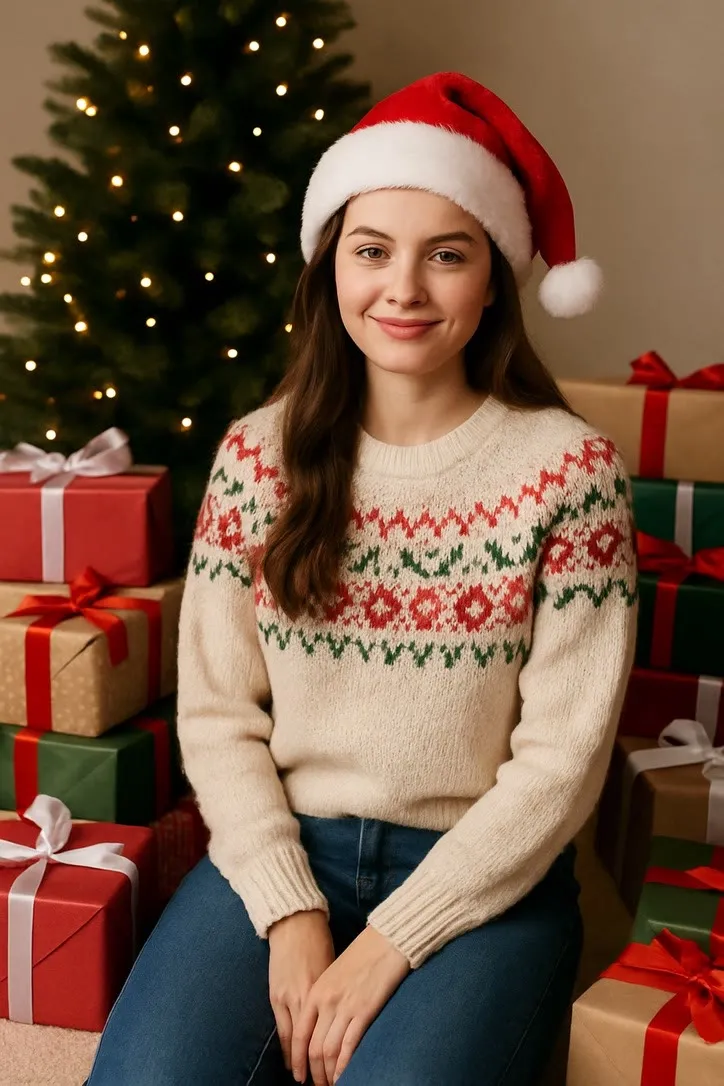
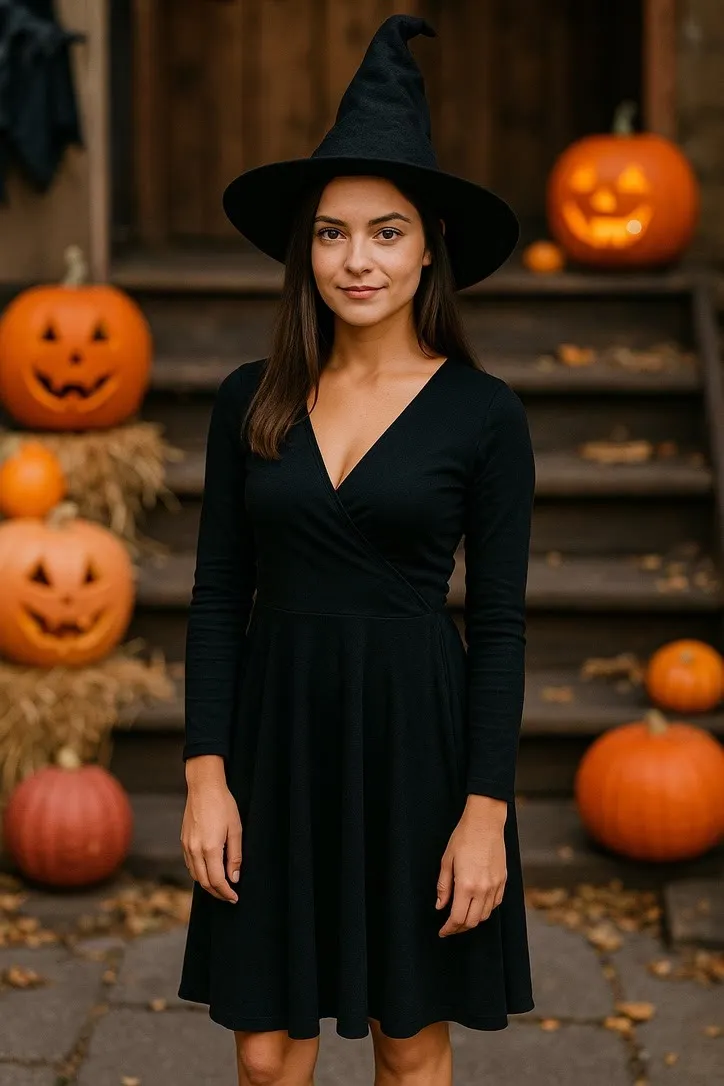
Special & Seasonal
Birthdays, holidays & celebrations
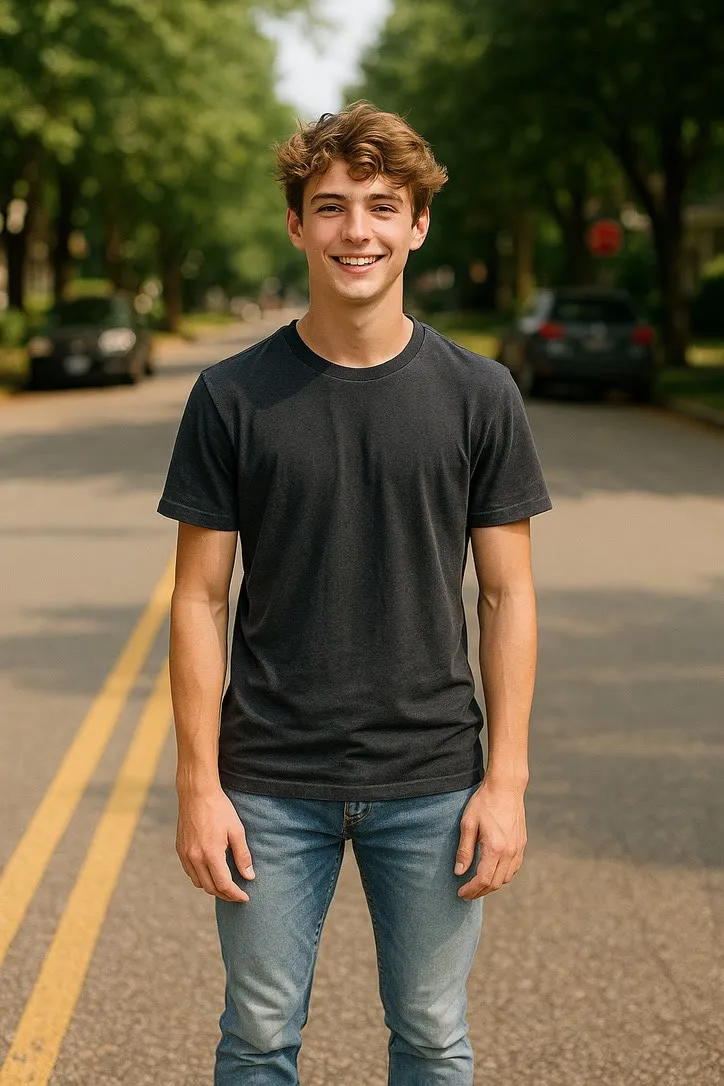
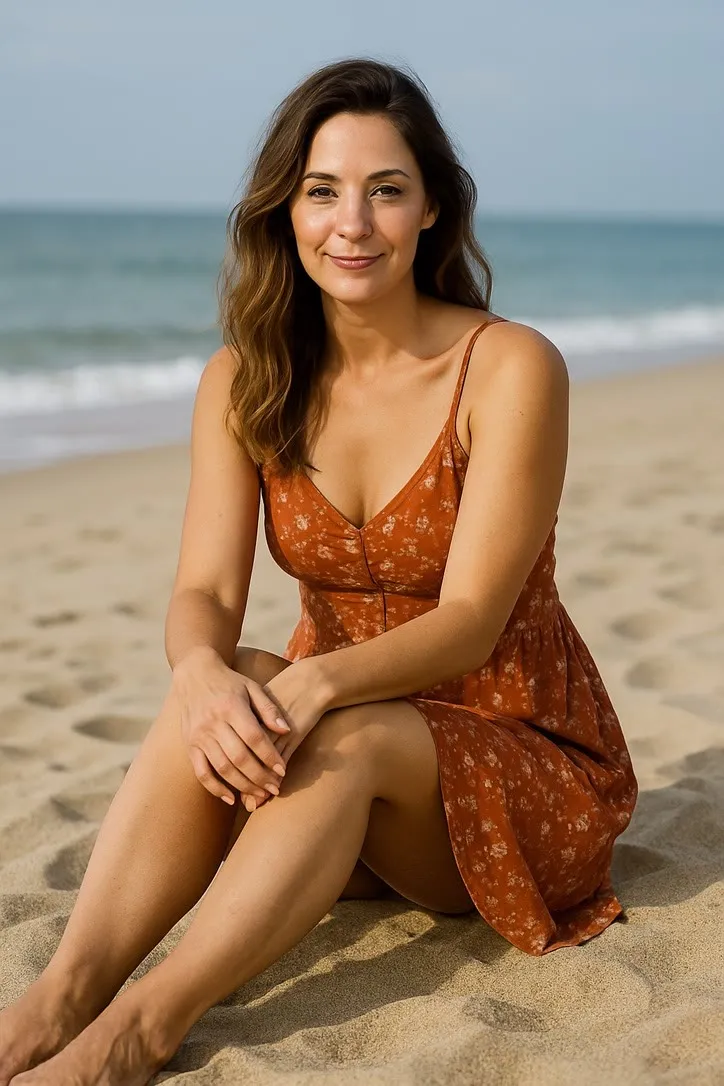
Decide first whether the moment is about the face or about the whole scene, then crop for that. Waist up carries an expression; head to feet carries a gesture. Whatever the props are, keep them in frame and not cut by the edge, because a half visible object animates badly.
Travel & Adventure
Hiking, surfing & adventures
Outdoor light is doing most of the work here. Keep the subject clearly separated from the background, avoid heavy backlight that turns them into a silhouette, and leave headroom, since the camera in these clips tends to drift.
Everyday Life
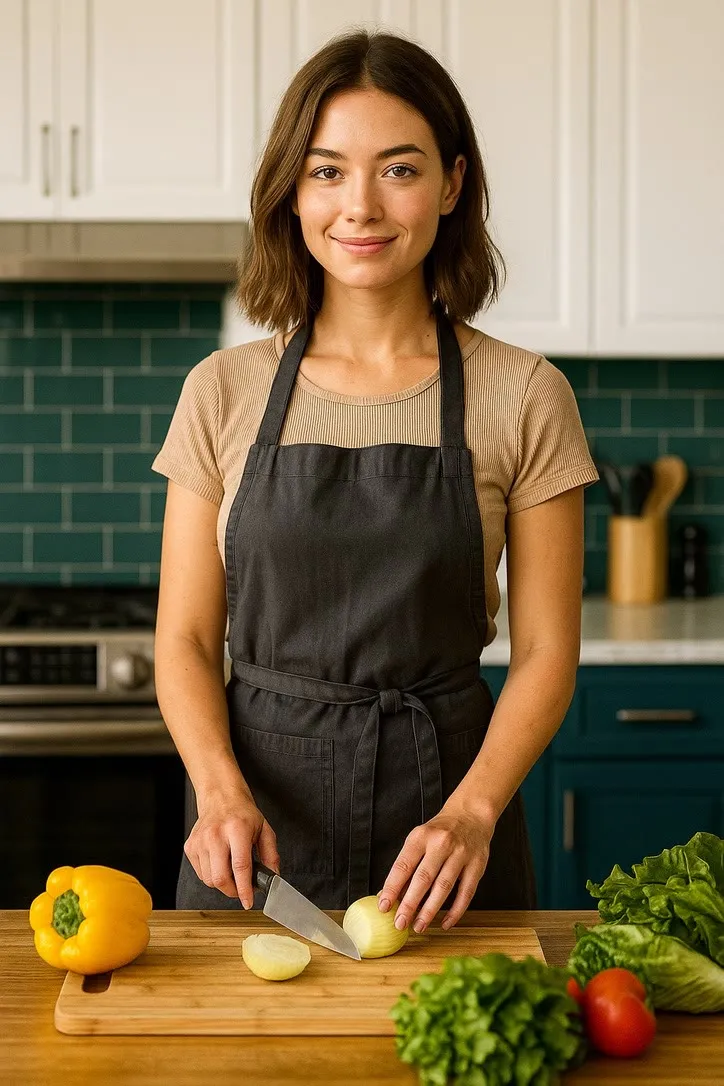
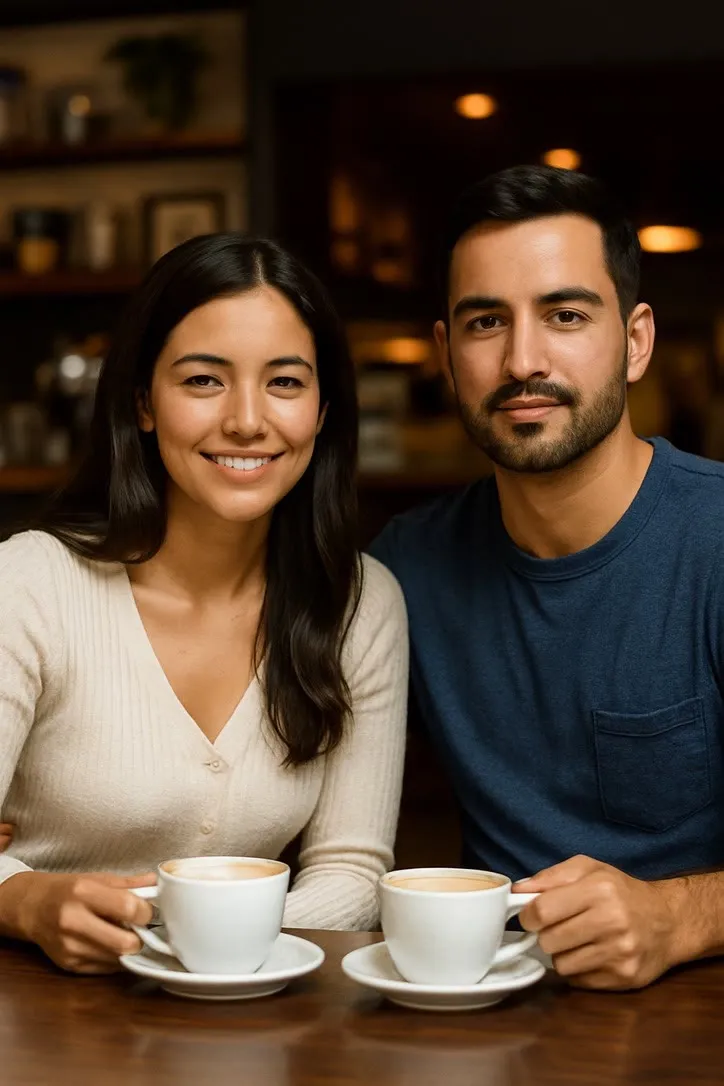
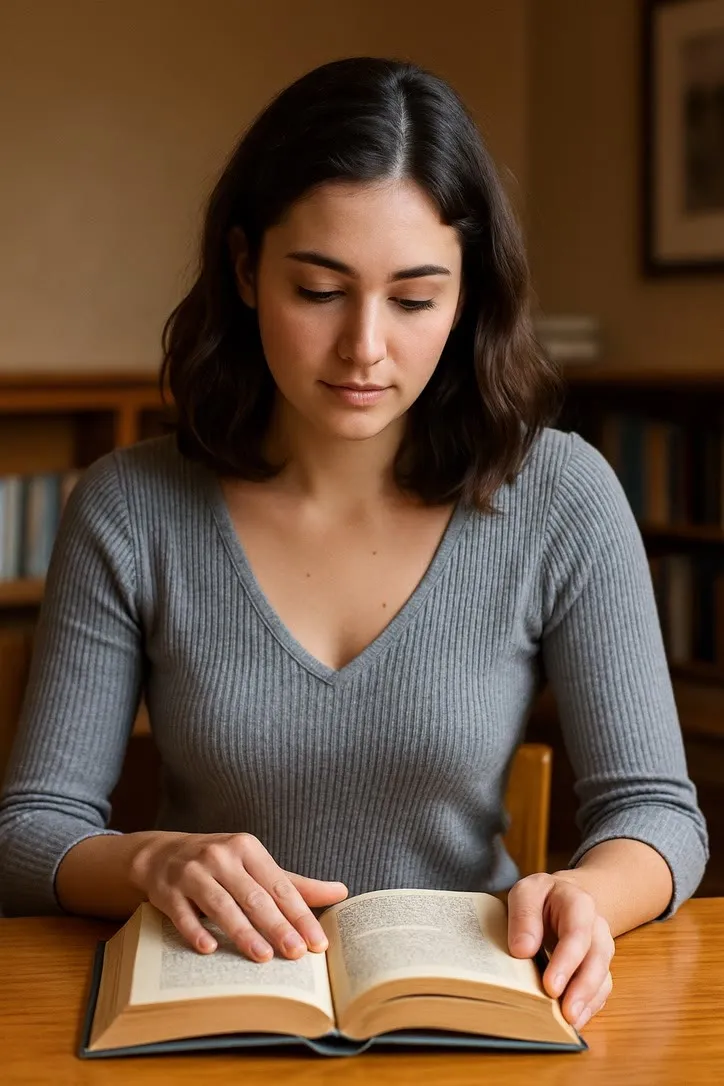
Cooking, coffee & daily life
Waist up is usually right for domestic actions, close enough to read the hands and the face together. Whatever is being held should be fully in frame and not merged into a background of the same colour. Ordinary indoor light is fine; direct overhead light that hides the eyes is not.
Fashion & Glam
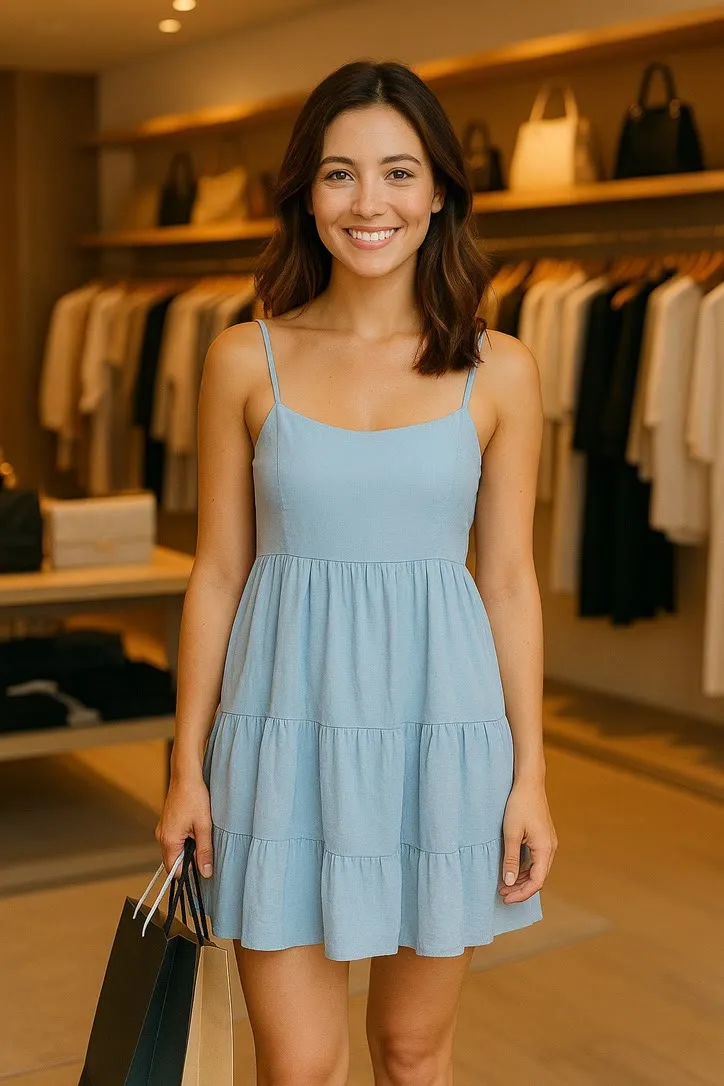
Runway, photoshoot & style
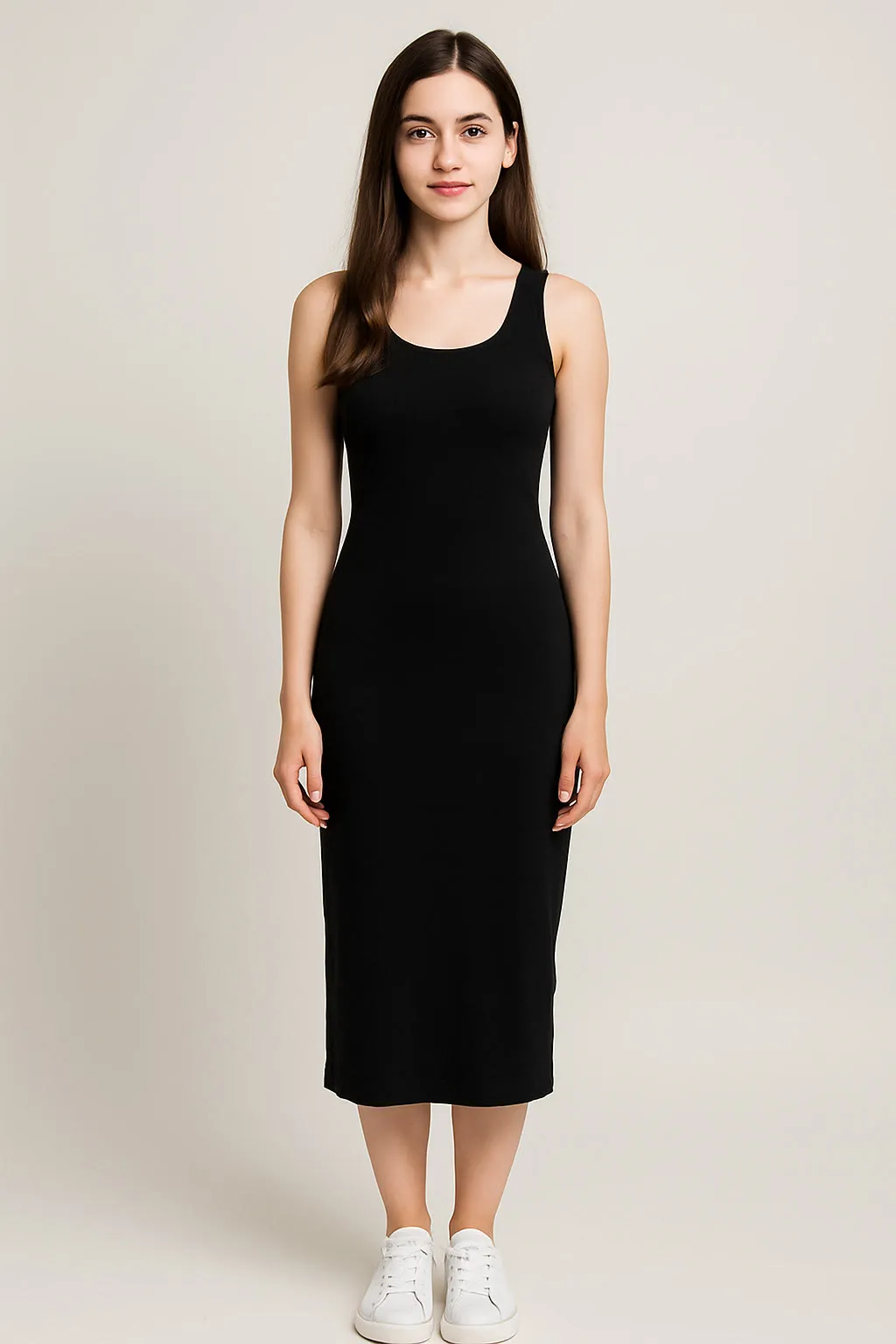
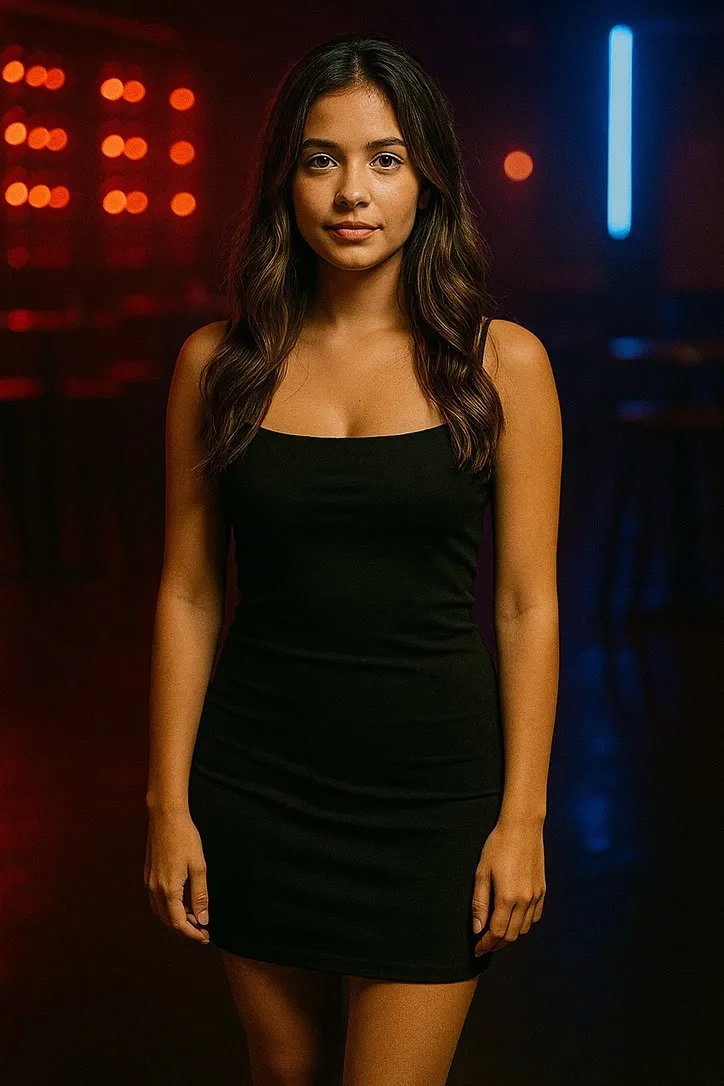
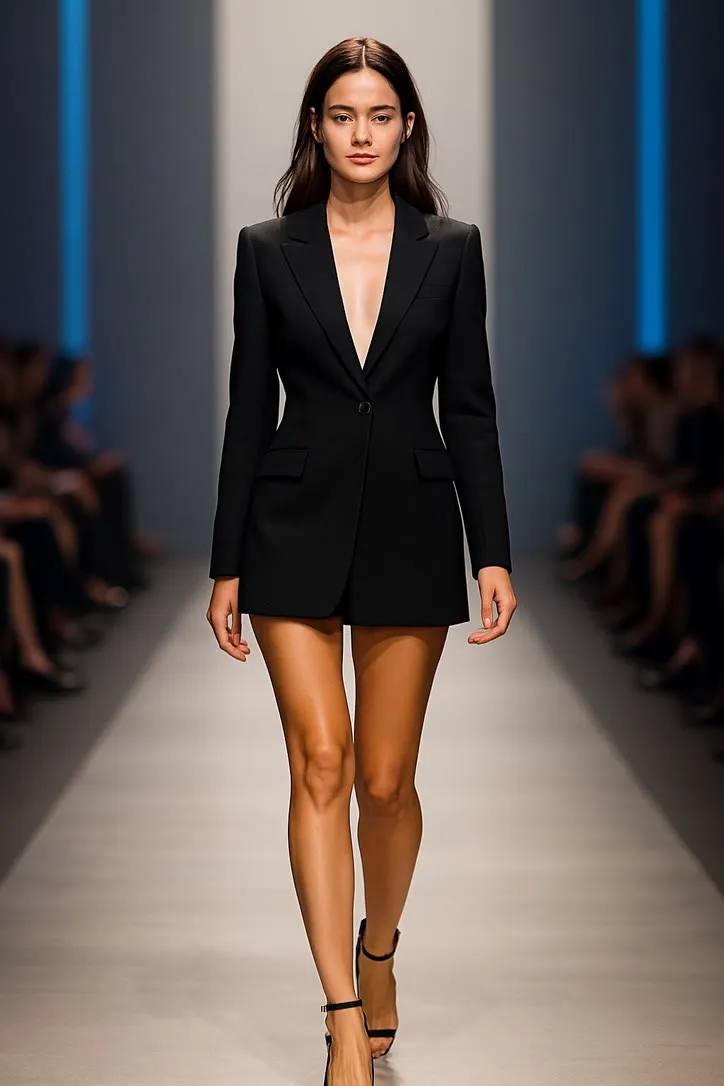
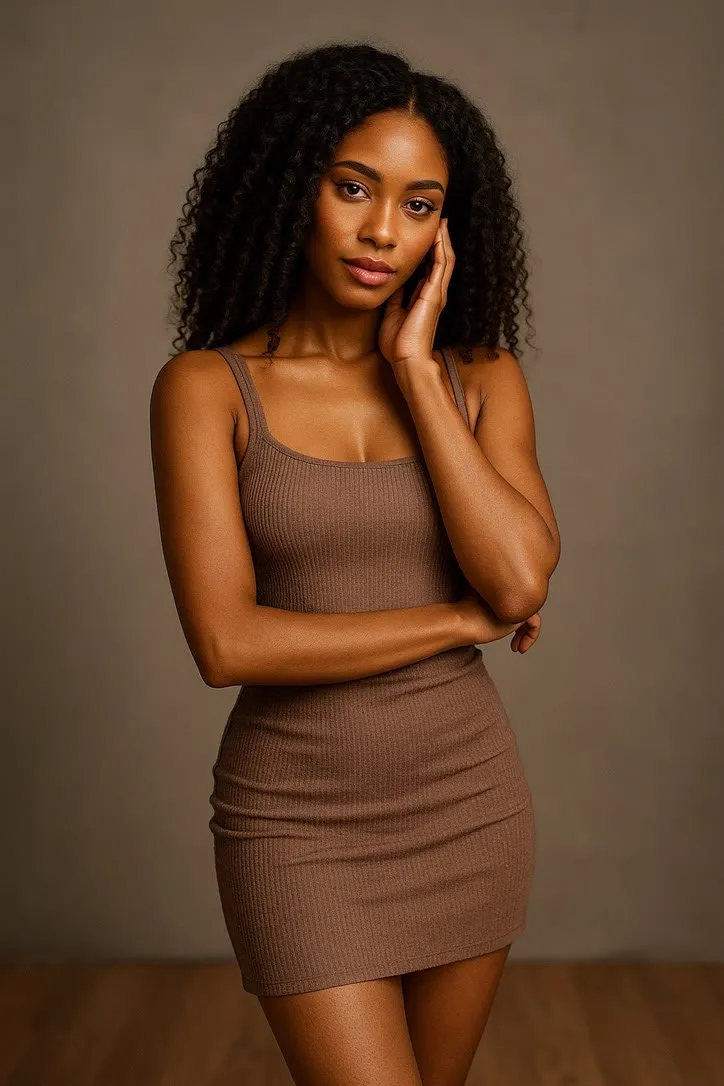
Full length, front on, and a background that does not compete. These actions are about the silhouette, so a plain wall or a clean backdrop is worth more than an interesting location. Shoes in frame: a crop through the ankle is the fastest way to a strange result.
Fun & Party
Dancing, confetti & group fun
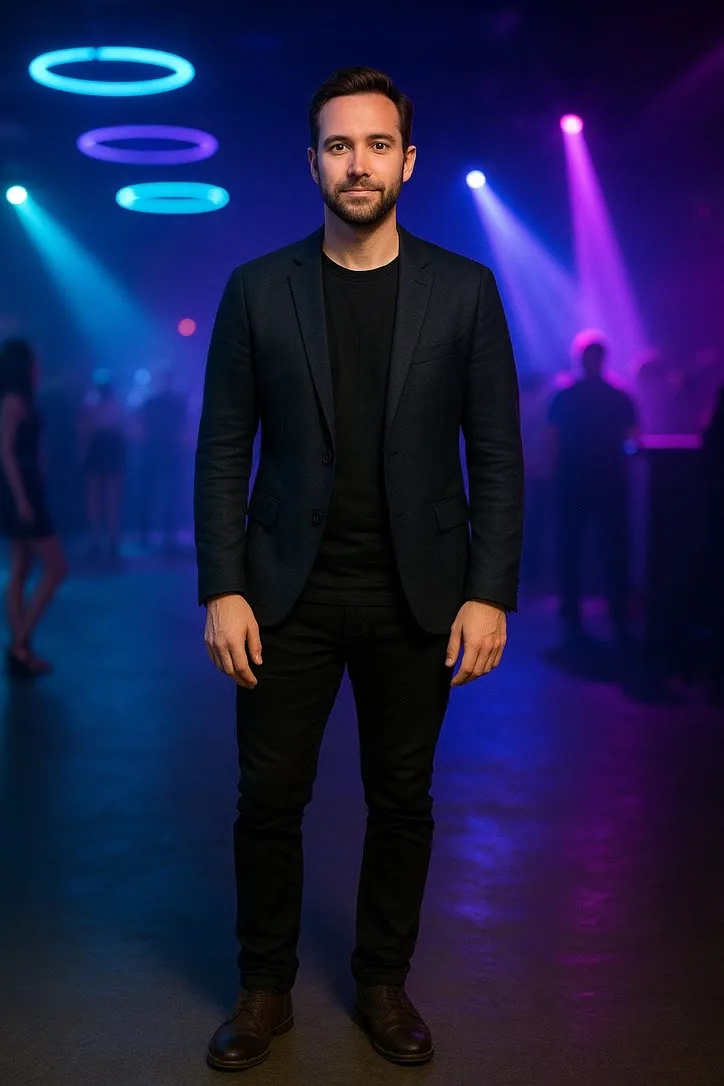
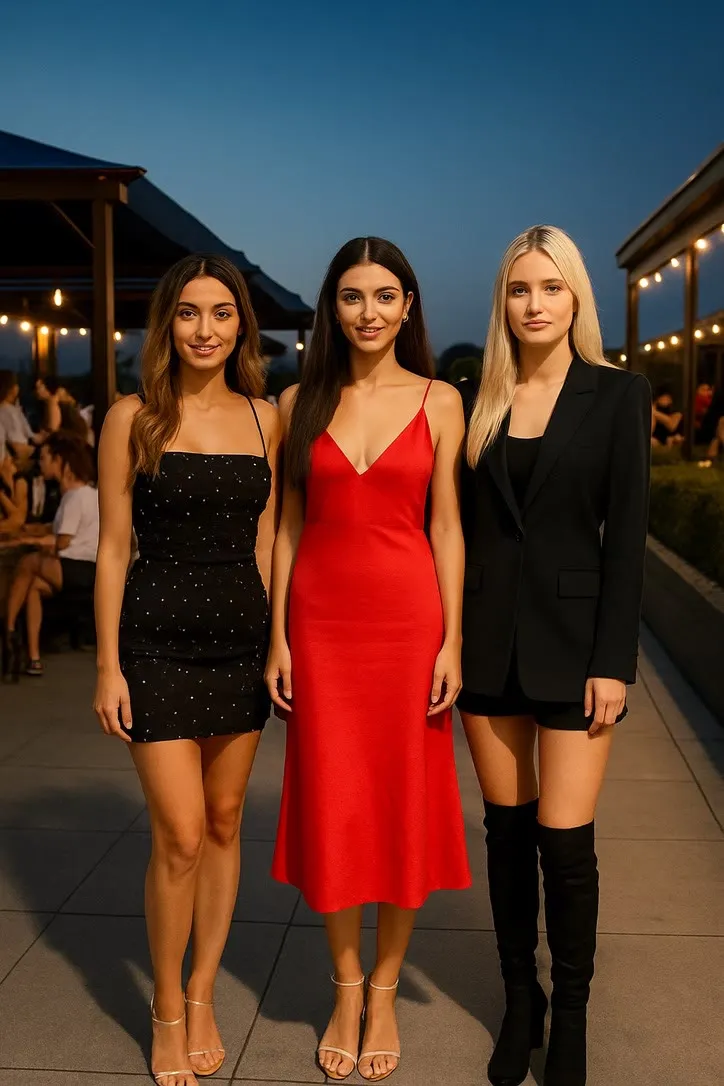
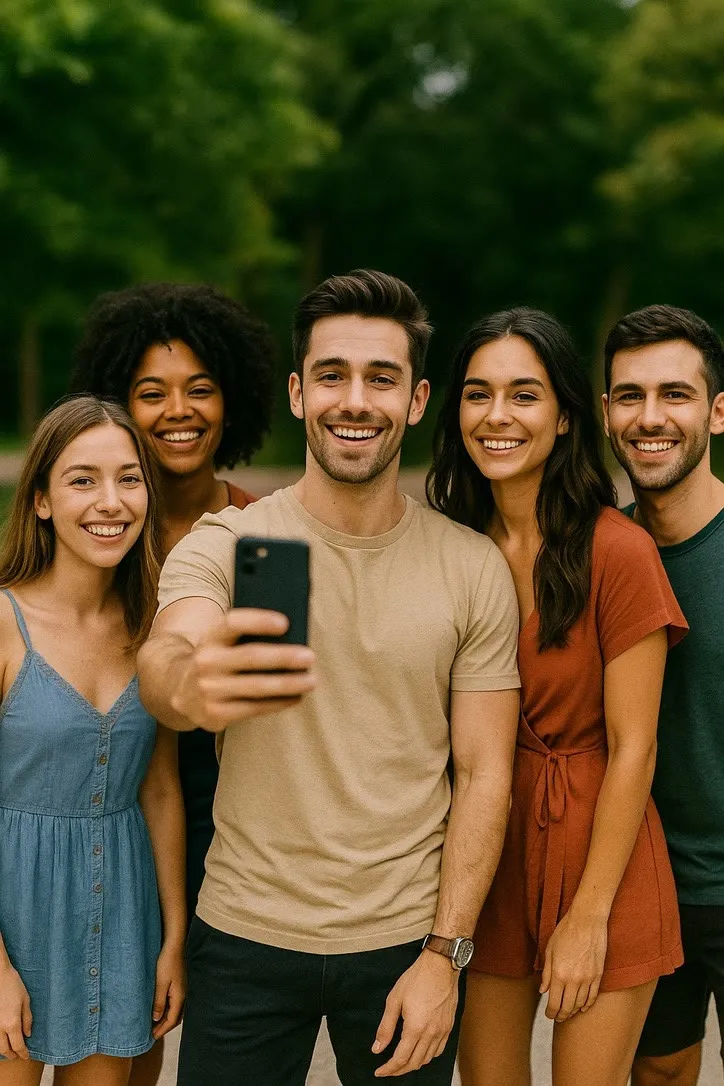
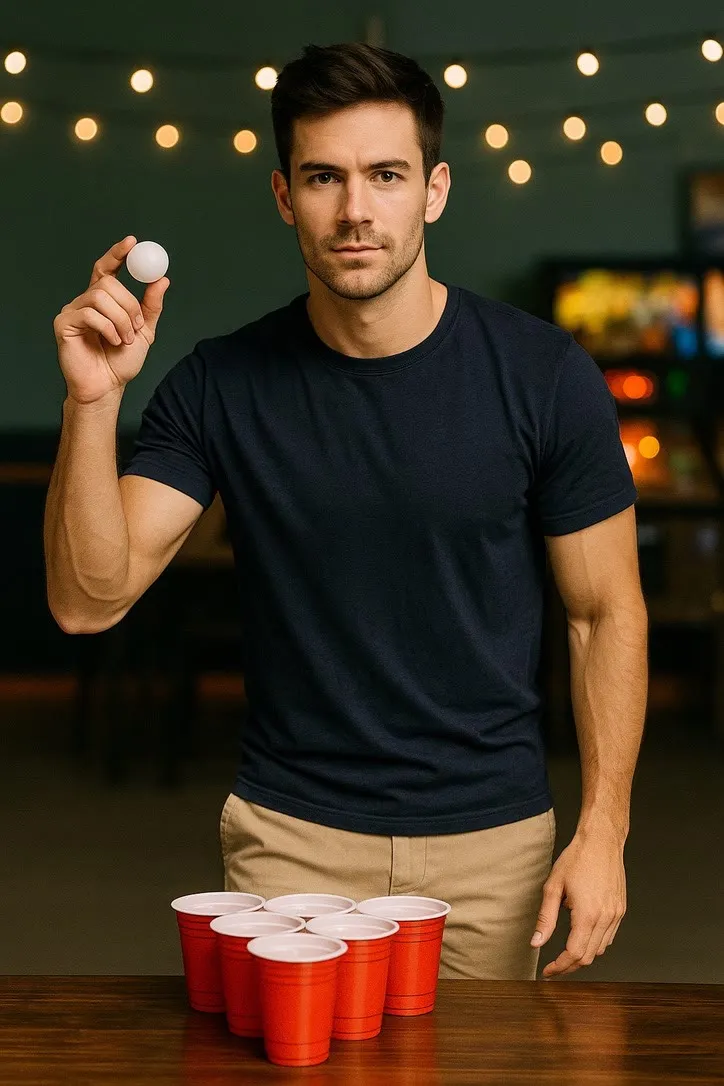
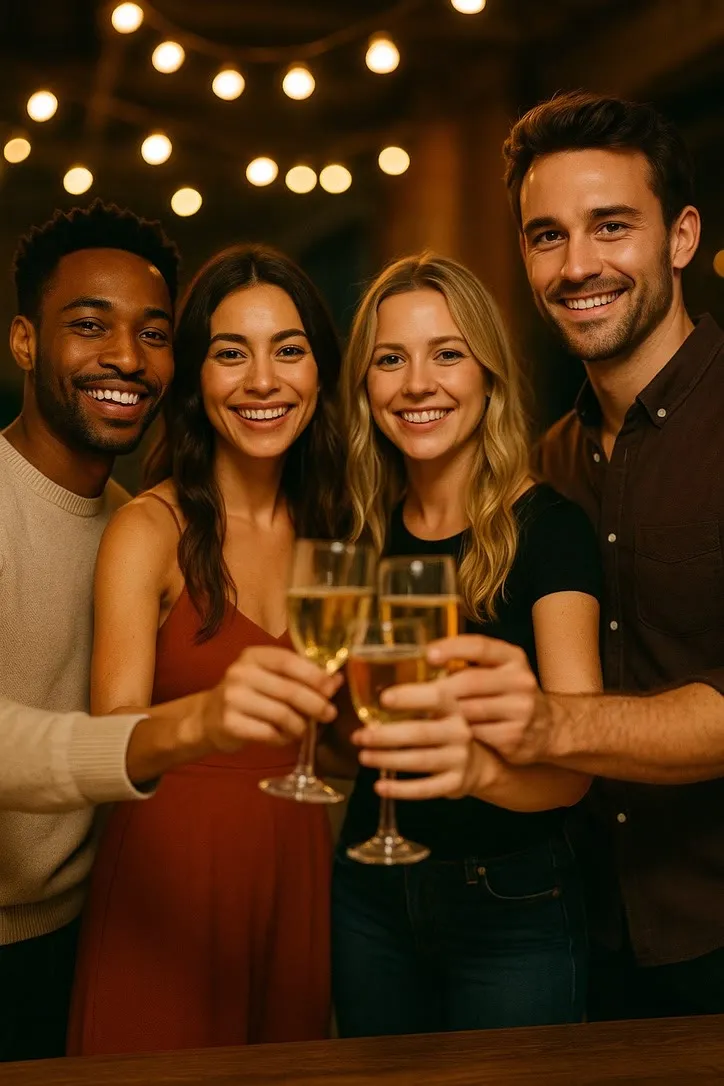
Bring in the room. These clips read as social, so a photo with some background depth beats a tight portrait against a wall. Keep faces lit rather than lost in the dark, which is the usual problem with a real party photograph.
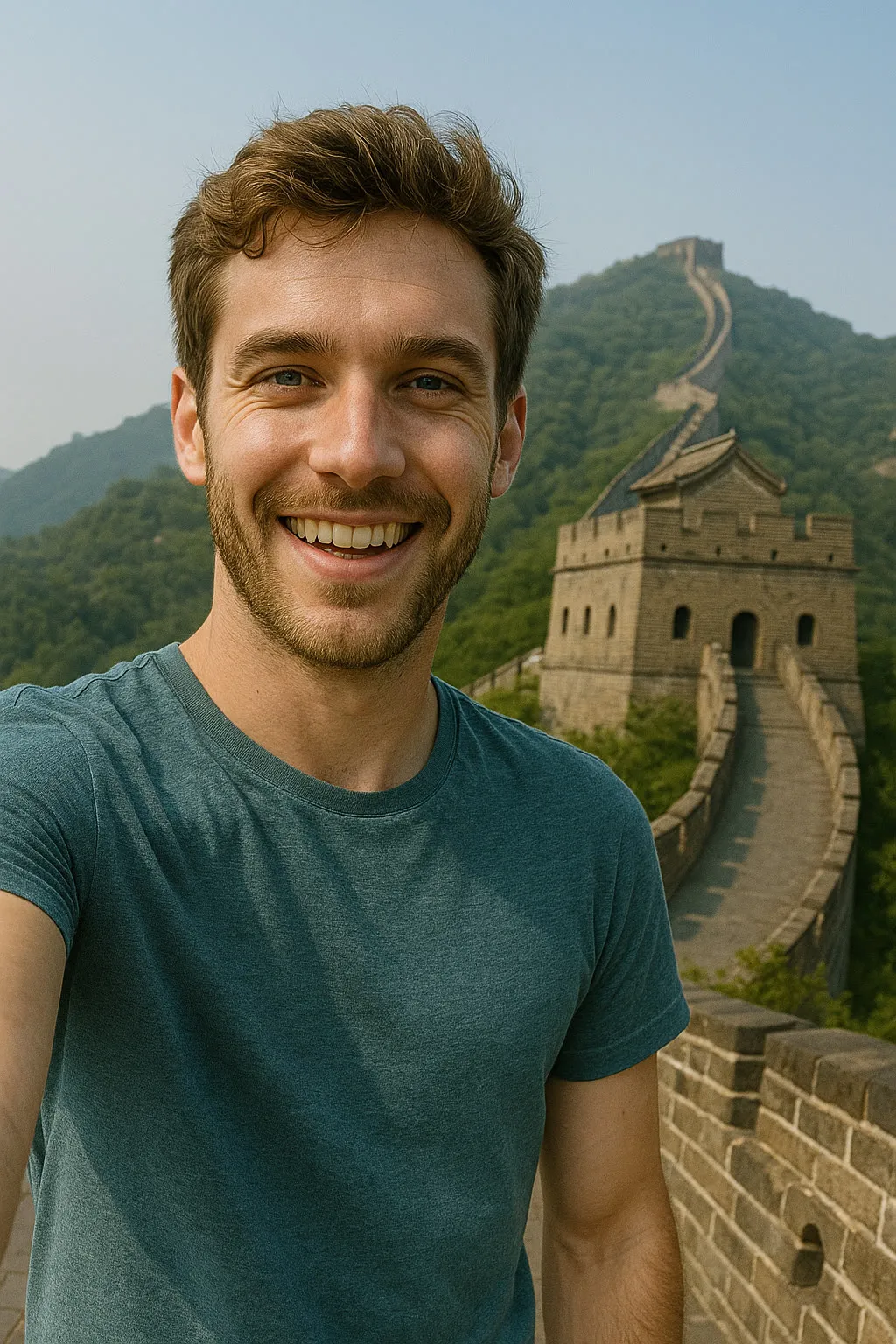
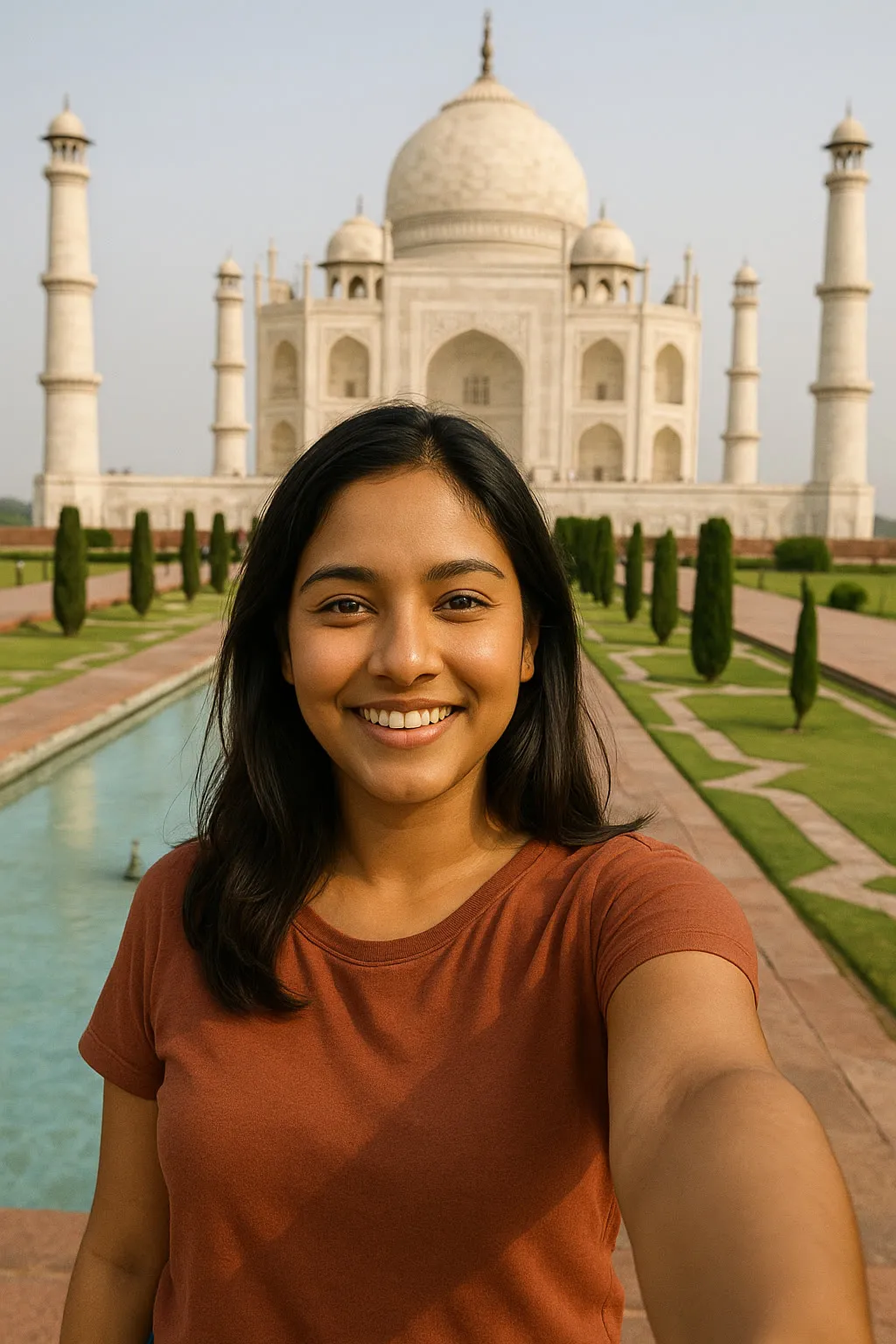
Famous Landmark Selfies
Eiffel Tower, Opera House & more
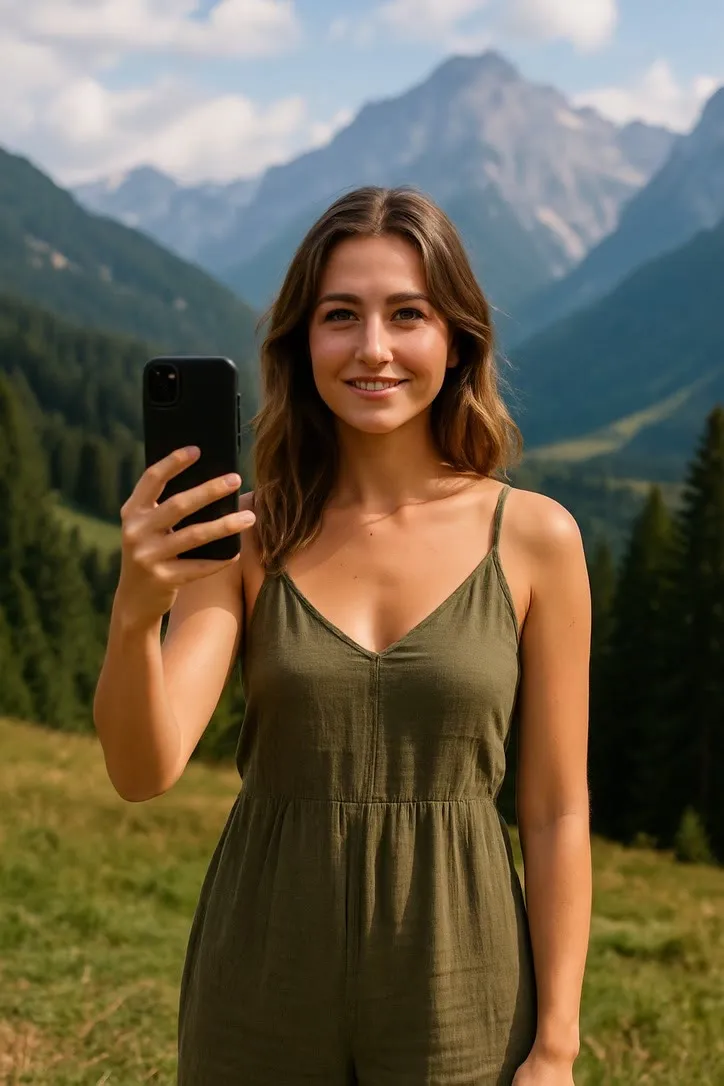
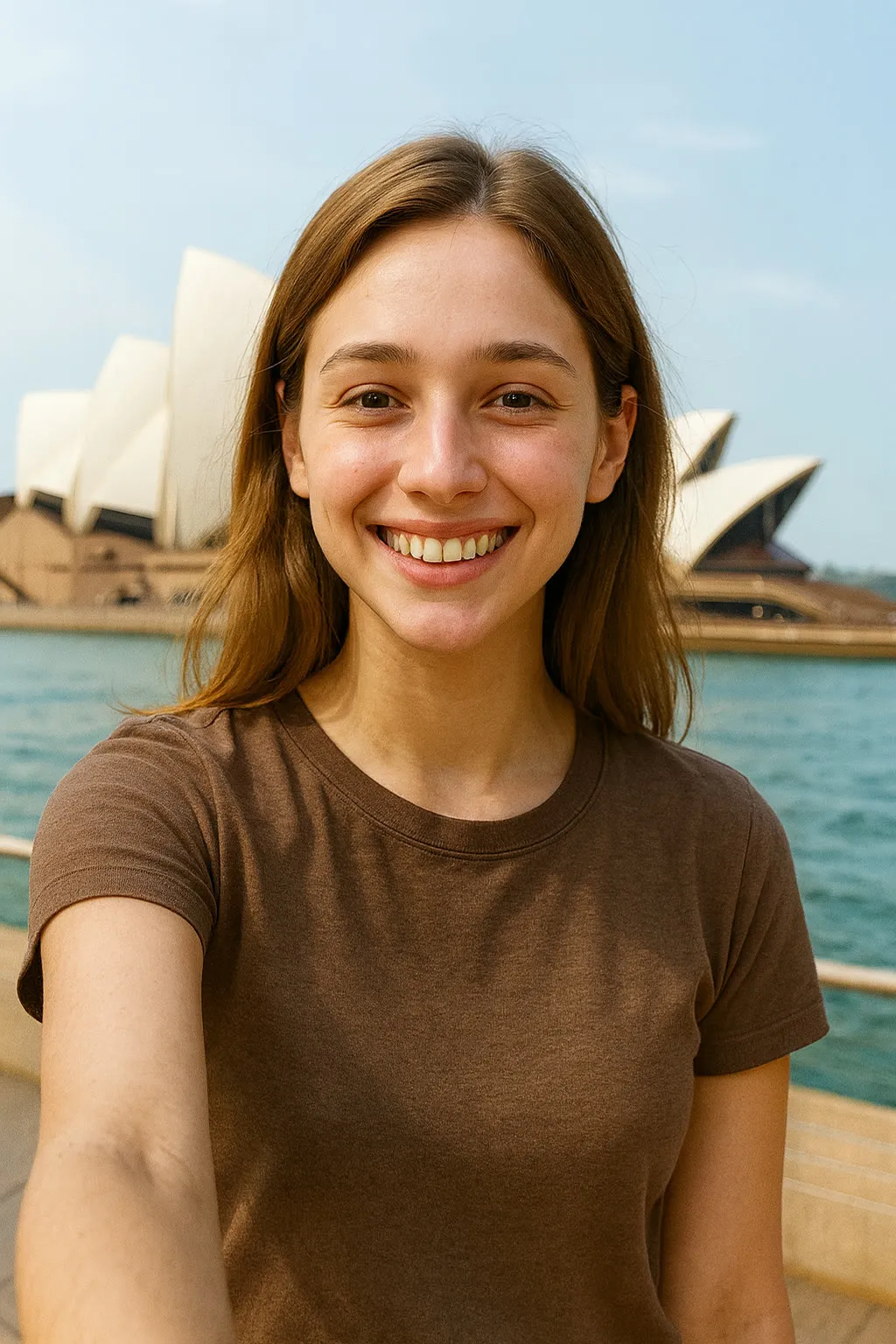
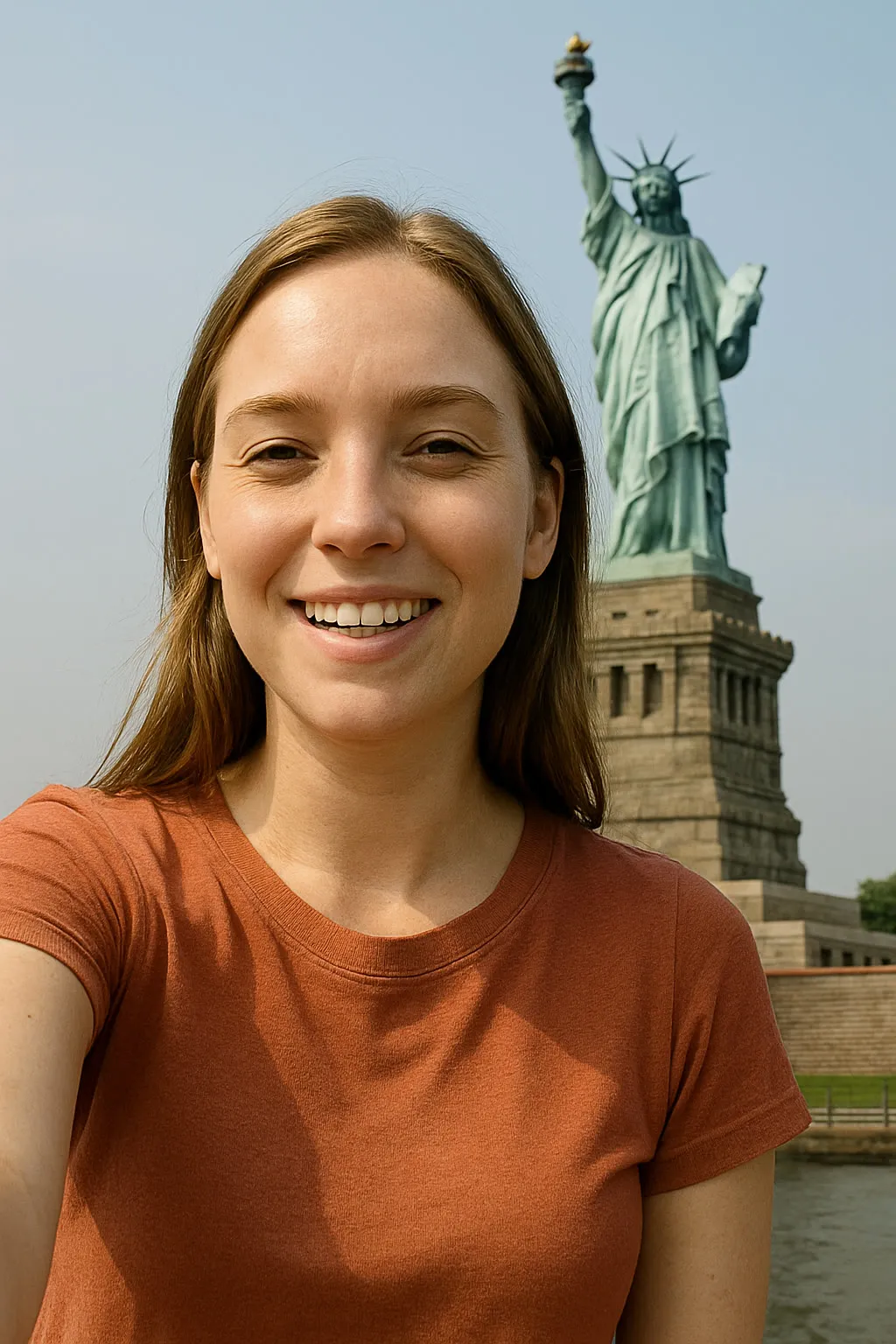
The background is replaced, so the person is what matters. Use a phone selfie or a head and shoulders portrait, front on, taken at roughly arm length, with even light on the face. A photo already taken outdoors sits into the new scene more naturally than one shot under indoor lighting.
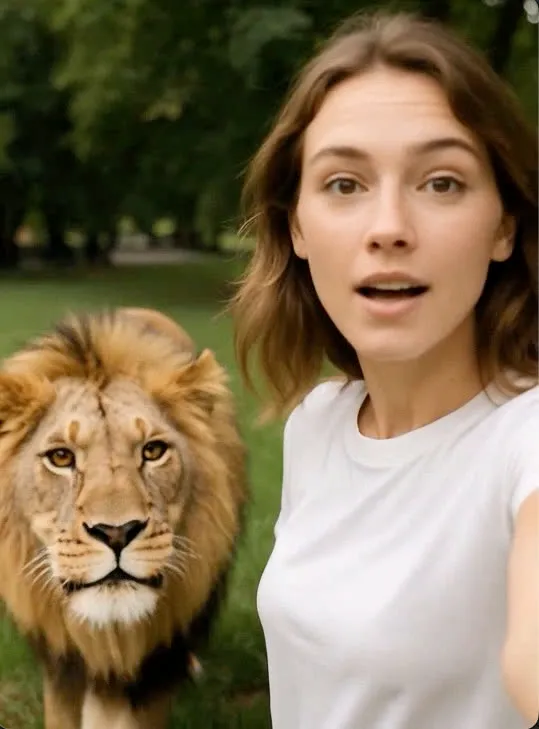
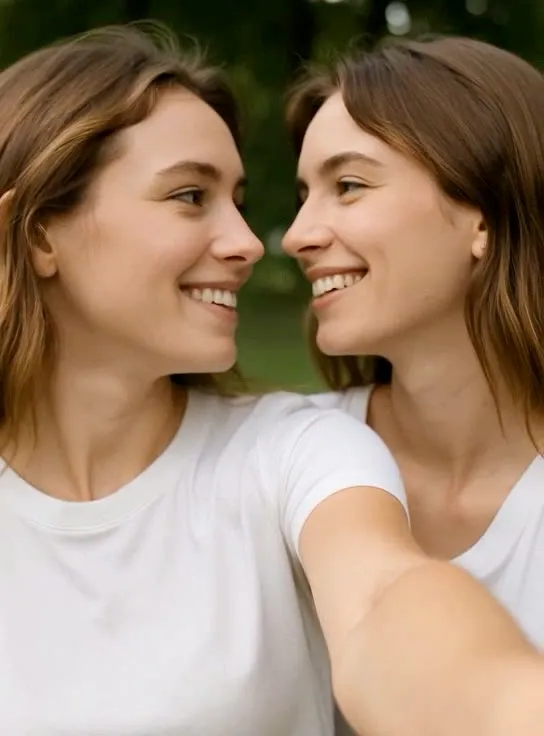
Epic Encounters
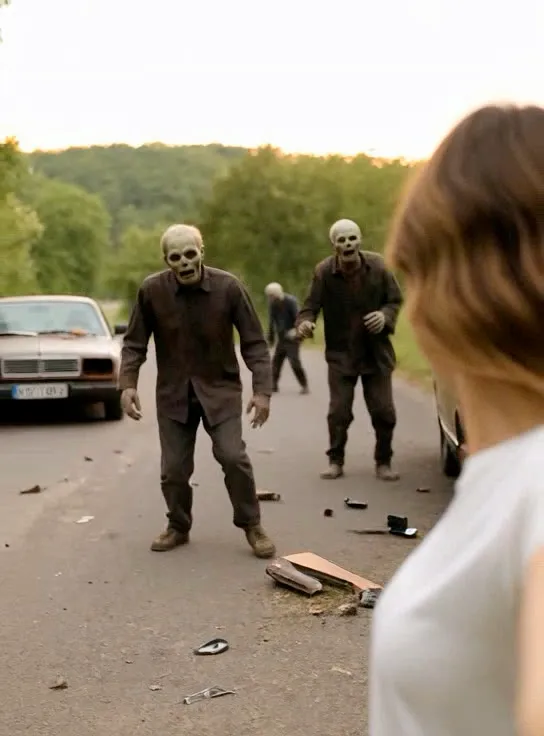
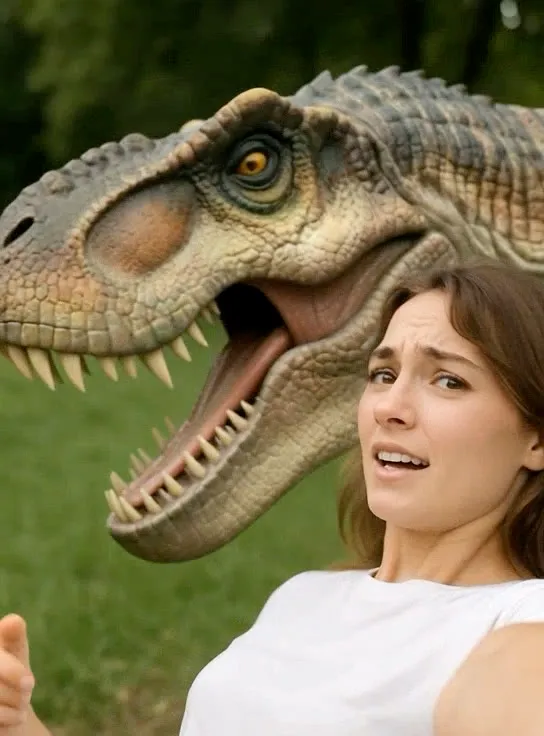
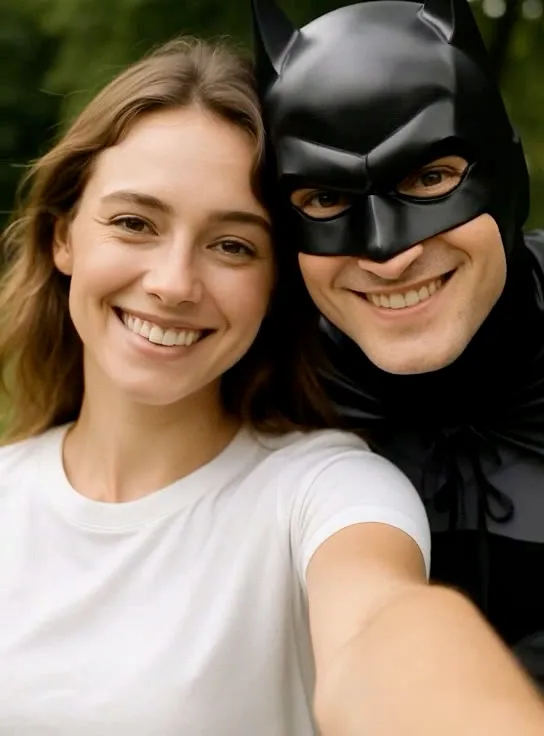
Twin, Mona Lisa, Zombie & more
These build a scene around you, so give them room to build it. A selfie style shot with the subject on one side, or with some empty background behind, leaves space for whatever is about to appear. A face that fills the entire frame leaves none.
What none of these can do
This is the section a competitor would leave out. Knowing it before you start is the difference between a clip you keep and a clip you delete.
It invents the motion
The model has never seen the moment being animated. It produces a plausible version of the action from one still frame, not a recovery of something that happened. Treat the clip as an illustration, not a record.
Hands are the weak point
Fingers are the hardest thing in any generated frame, and every action here that depends on them, playing an instrument, a peace sign, applying lipstick, is harder than one that does not.
Faces drift over a clip
The larger and faster the movement, the more a face can shift away from the person in the source photograph. Smaller actions hold a likeness better than acrobatic ones.
Busy backgrounds smear
Anything detailed behind a moving body has to be reconstructed frame by frame. A plain wall, open sky or softly blurred scene survives that far better than a crowded room.
You already have the photograph
Pick the action that suits it rather than the one you saw somewhere else, and the result gets better before the model does any work at all.