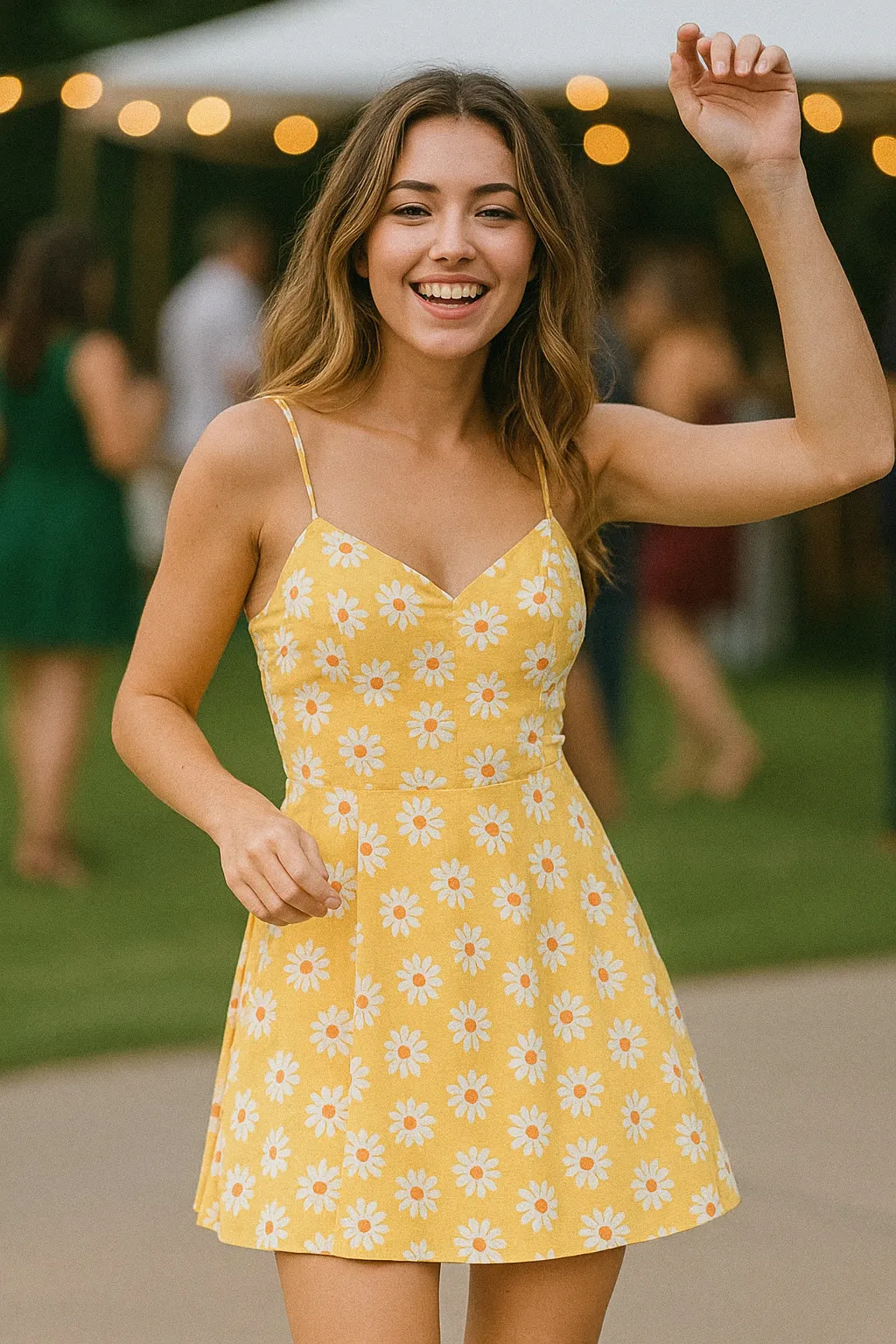
Film Portraits
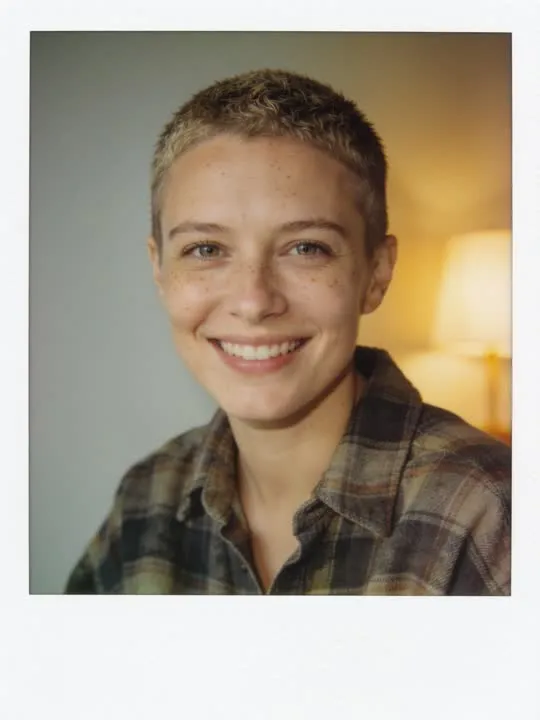
Nineties Consumer Film
The warm flash-and-grain look of a nineties point-and-shoot
In the catalogue
- Action
- Nineties Consumer Film
- Category
- Film Portraits
- Returns
- A restyled still image
- Subscription
- Not required
What this action does
The warm flash-and-grain look of a nineties point-and-shoot. You give the app a single photograph and it returns a new still image of you in that style. This one does not move: it is a restyle rather than an animation, and the picture is rebuilt in the style rather than having a filter laid over it. Nothing is photographed and nothing is recovered, so the result is a new picture that resembles the one you supplied.
What photo works best
Film stock is mostly about tone, so give it tone to work with. A portrait with real light and shade across the face, head and shoulders or waist up, holds up better than a flat evenly lit snapshot where grain and halation have nowhere to land. Keep the eyes sharp and clear: these looks soften everything slightly, and a face that started soft finishes indistinct.
What to expect
One photograph goes in and a new still picture comes out, restyled rather than filtered: the model rebuilds the frame in the style instead of laying an effect over it. Run it twice if the first attempt gets a detail wrong, because the second version will not be identical.
If the result is not convincing, the fix is almost always the photograph rather than the settings. Reshoot it wider, get more light on the face, and move the arms clear of the body. The rest of what decides the result applies to every action here, and the limits apply to this one too.
Common questions
- What kind of photo works best for Nineties Consumer Film?
- Nineties Consumer Film rebuilds your photograph as a new still image, and the one frame you choose is the entire input. Whatever has to appear in the result has to be in the shot, so frame wide enough to take in everything the style touches, keep the subject sharp and clearly separated from what is behind them, and get even light onto the face and the hands.
- Does Nineties Consumer Film make a video?
- No. Nineties Consumer Film is a photo style, so it returns a new still image rather than a clip. The photograph is remade in the style rather than having an effect laid over it. The motion actions elsewhere in the library are the ones that produce video.
- Do I need a subscription to use Nineties Consumer Film?
- No. Nineties Consumer Film is not marked as a subscription only action in the app's catalogue. AI Video is free to download, and generating a result uses credits, which are bought as a pack or come with a subscription.
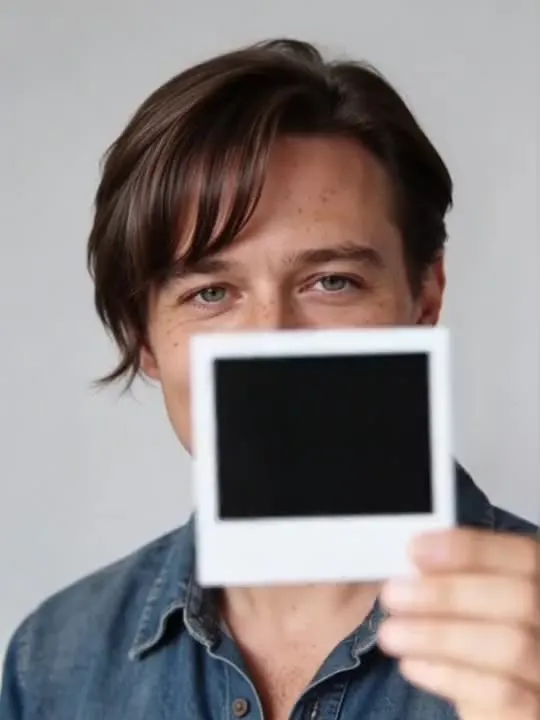 MotionPolaroid ShakeA freshly shot polaroid, shaken twice, then held still to develop.
 Photo styleSoft Focus Grain PortraitA soft, grainy film portrait with the exact same pose and expression
 Photo styleSeventies Filmgraded like warm faded seventies colour stock
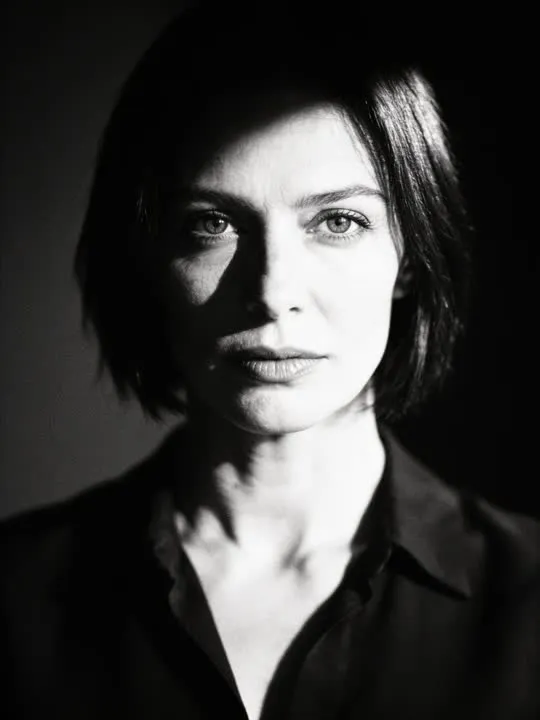 Photo styleBlack & White 35mmshot on high-speed monochrome film
The right action for the photo beats the popular one
Every movement and every style in the library is written up the same way, so you can check whether the picture in your camera roll actually suits it before you spend a credit.