Noir Mood
Monochrome Hour
stark black and white with a knife-edge shadow
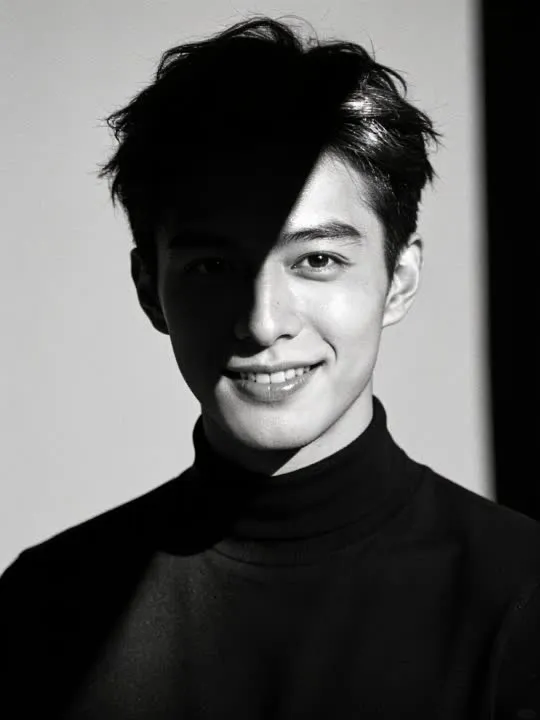
In the catalogue
- Action
- Monochrome Hour
- Category
- Noir Mood
- Returns
- A restyled still image
- Subscription
- Not required
What this action does
stark black and white with a knife-edge shadow. You give the app a single photograph and it returns a new still image of you in that style. This one does not move: it is a restyle rather than an animation, and the picture is rebuilt in the style rather than having a filter laid over it. Nothing is photographed and nothing is recovered, so the result is a new picture that resembles the one you supplied.
What photo works best
Colour is removed and contrast is pushed, so tone does everything. A photograph with a real range in it, from bright skin to dark clothing, converts with far more life than a flat one. Head and shoulders, front on, face evenly lit. Texture survives the conversion, so sharpness is worth more than saturation. The picture to avoid is one where subject and background sit at the same brightness, because without colour to separate them the two merge into a single grey.
What to expect
One photograph goes in and a new still picture comes out, restyled rather than filtered: the model rebuilds the frame in the style instead of laying an effect over it. Run it twice if the first attempt gets a detail wrong, because the second version will not be identical.
If the result is not convincing, the fix is almost always the photograph rather than the settings. Reshoot it wider, get more light on the face, and move the arms clear of the body. The rest of what decides the result applies to every action here, and the limits apply to this one too.
Common questions
- What kind of photo works best for Monochrome Hour?
- Monochrome Hour rebuilds your photograph as a new still image, and the one frame you choose is the entire input. Whatever has to appear in the result has to be in the shot, so frame wide enough to take in everything the style touches, keep the subject sharp and clearly separated from what is behind them, and get even light onto the face and the hands.
- Does Monochrome Hour make a video?
- No. Monochrome Hour is a photo style, so it returns a new still image rather than a clip. The photograph is remade in the style rather than having an effect laid over it. The motion actions elsewhere in the library are the ones that produce video.
- Do I need a subscription to use Monochrome Hour?
- No. Monochrome Hour is not marked as a subscription only action in the app's catalogue. AI Video is free to download, and generating a result uses credits, which are bought as a pack or come with a subscription.
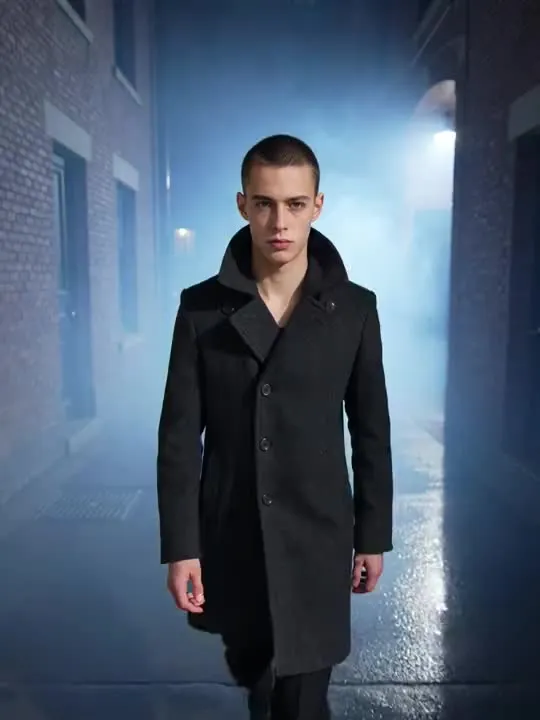 MotionFoglight Walka slow walk out of a cold, fog-bound alley at night
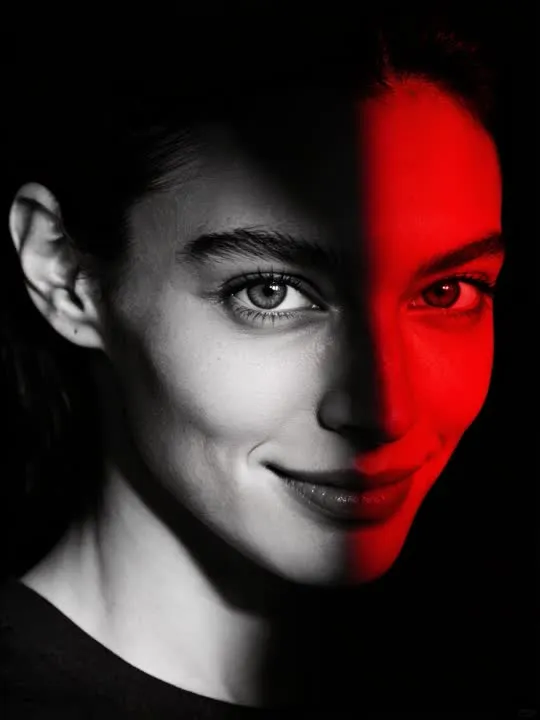 Photo styleRed NoirStark black and red high-drama noir portrait
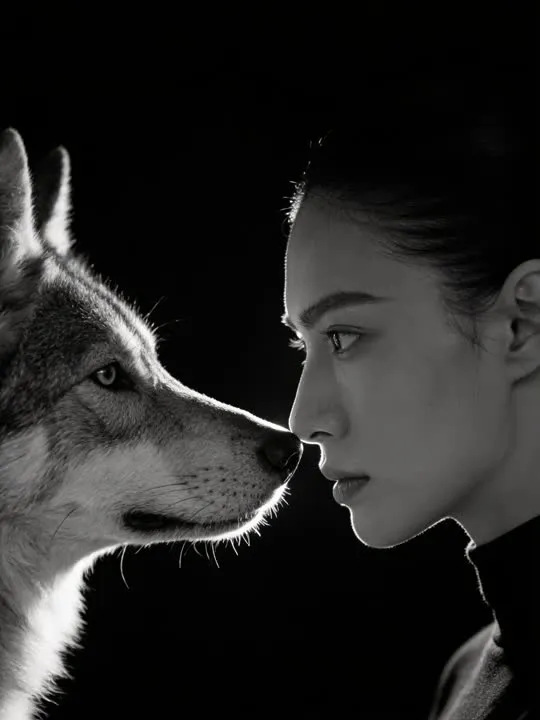 Photo styleMonochrome Wolf Face-OffA tight black and white profile beside a watchful wolf.
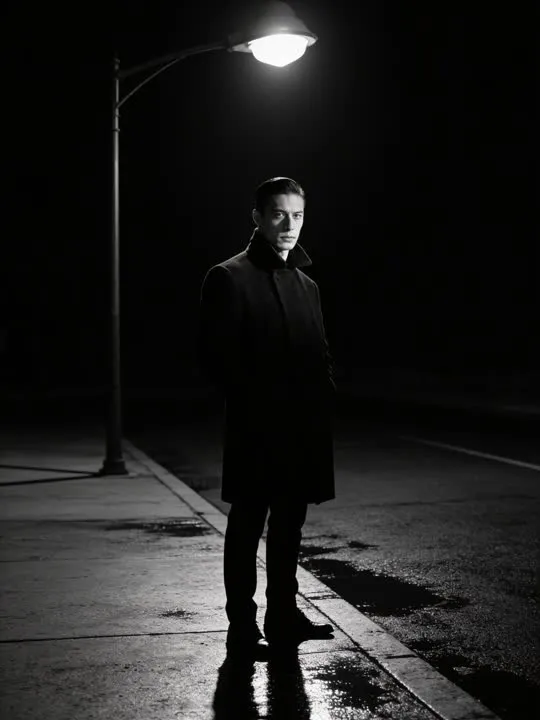 Photo styleStreetlamp Turn PortraitA hard-lit portrait turning to face camera under a single streetlamp.
The right action for the photo beats the popular one
Every movement and every style in the library is written up the same way, so you can check whether the picture in your camera roll actually suits it before you spend a credit.