Viral Right Now
Memory Foam Squish
pressed like memory foam, then bounces right back

In the catalogue
- Action
- Memory Foam Squish
- Category
- Viral Right Now
- Returns
- A clip of about 5 seconds
- Subscription
- Not required
What this action does
pressed like memory foam, then bounces right back. You give the app a single photograph and it generates a short clip of that movement, roughly 5 seconds long. Nothing is filmed and nothing is recovered: the motion is produced from the one frame you supply.
What photo works best
Compression and rebound need a body with a clear boundary, not a scene. Stand or sit front on, upper body at least, with obvious separation between you and whatever is behind. Fitted clothing gives a cleaner outline through the squash than heavy layers. Leave a margin on every side, because the shape spreads before it recovers. A photograph taken against a background close in colour to your clothes is the one that goes wrong, as the outline has nothing to press against.
What to expect
One photograph goes in and a short clip comes out. It is generated rather than filmed, so run it twice if the first attempt puts a hand somewhere strange; the second version will not be identical.
If the result is not convincing, the fix is almost always the photograph rather than the settings. Reshoot it wider, get more light on the face, and move the arms clear of the body. The rest of what decides the result applies to every action here, and the limits apply to this one too.
Common questions
- What kind of photo works best for Memory Foam Squish?
- Memory Foam Squish builds about 5 seconds of movement out of your photograph, and the one frame you choose is the entire input. Whatever has to appear in the result has to be in the shot, so frame wide enough to take in everything the movement touches, keep the subject sharp and clearly separated from what is behind them, and get even light onto the face and the hands.
- How long is the video?
- About 5 seconds. That is what the default video model in the app's catalogue is configured to produce, and it is the same for every motion action in the library.
- Do I need a subscription to use Memory Foam Squish?
- No. Memory Foam Squish is not marked as a subscription only action in the app's catalogue. AI Video is free to download, and generating a result uses credits, which are bought as a pack or come with a subscription.
 MotionCrash Zooma fast punch-in that lands right on the reaction
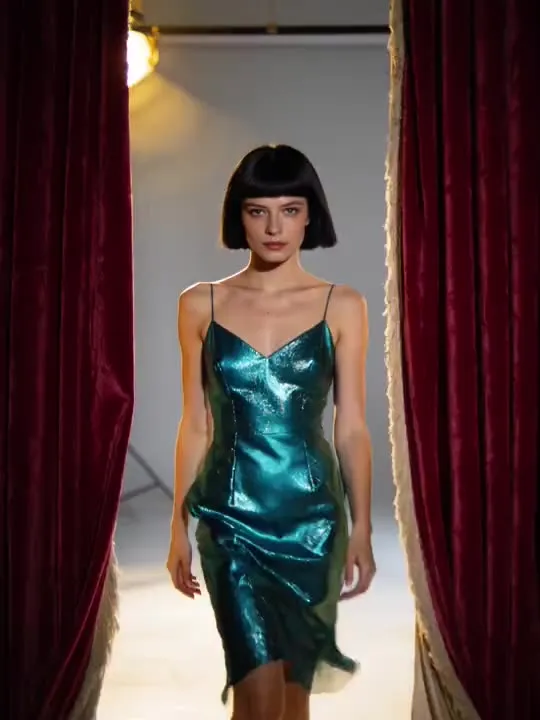 MotionCurtain RevealA stage curtain parts to reveal a glowed-up look.
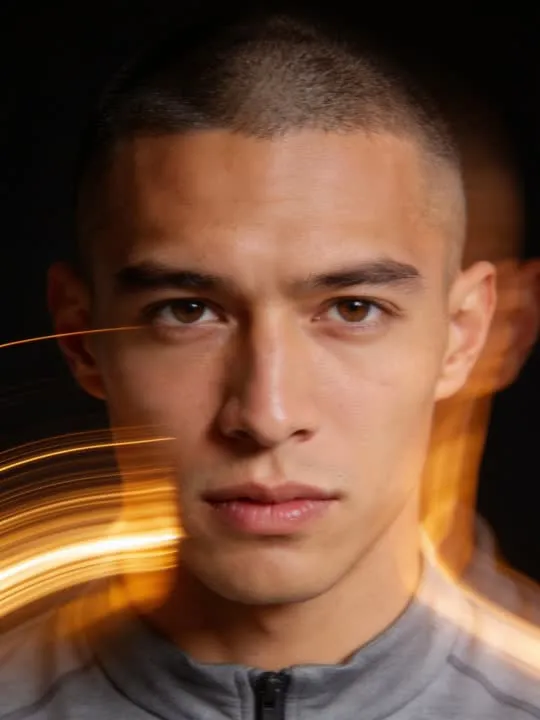 Photo styleLight Trail EchoA glowing motion trail follows you through a long-exposure portrait.
 MotionSunbeam Window TurnTurn into the morning light like the day just started for you
The right action for the photo beats the popular one
Every movement and every style in the library is written up the same way, so you can check whether the picture in your camera roll actually suits it before you spend a credit.