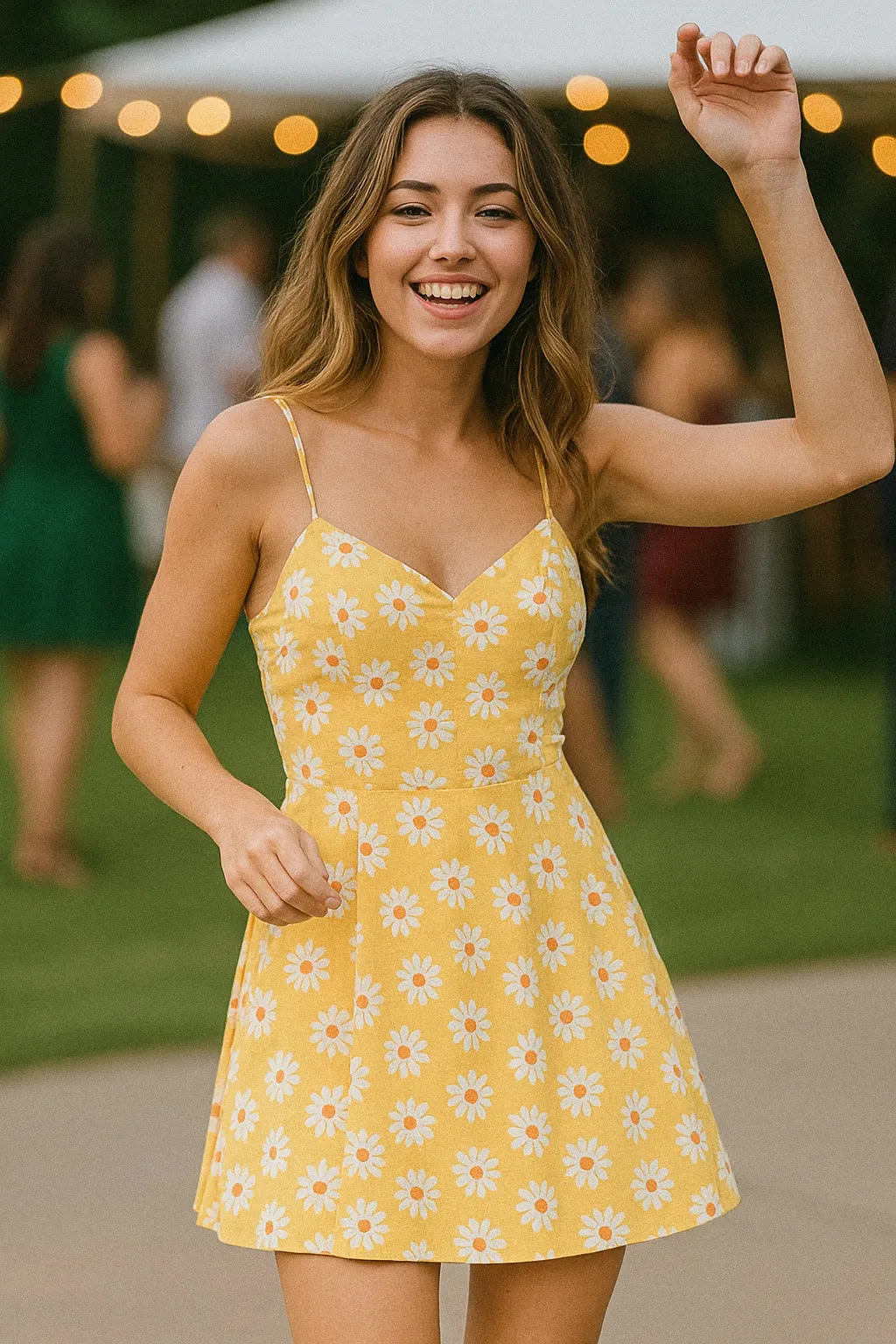
Halloween
Pumpkin Carve Glow
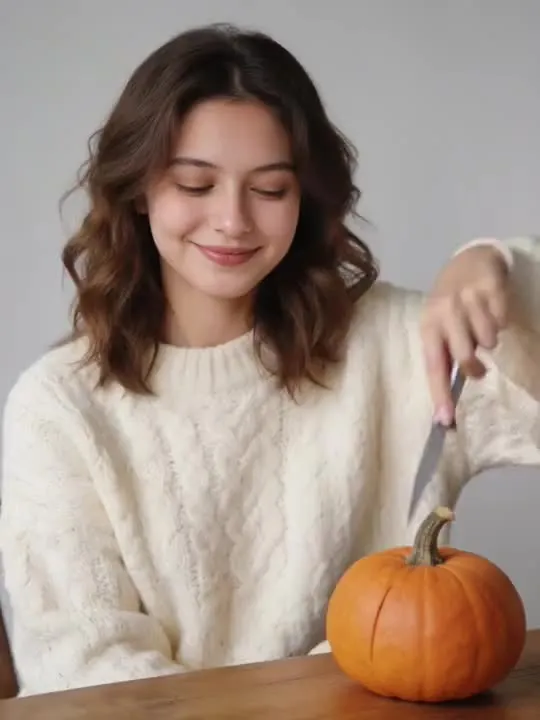
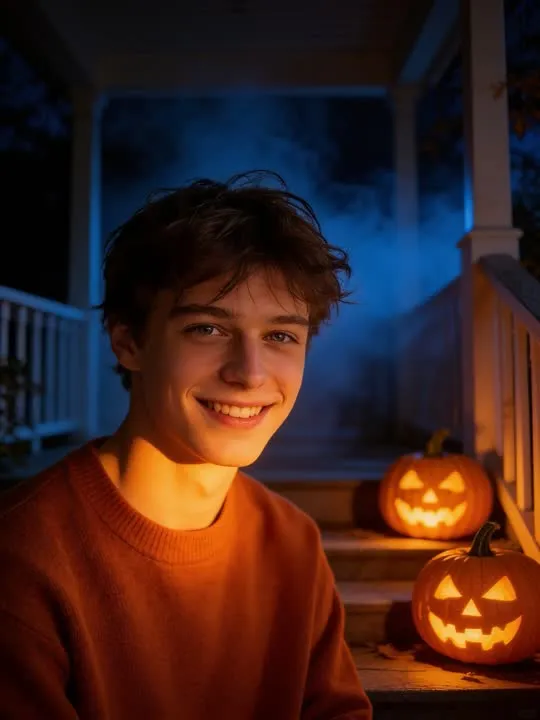
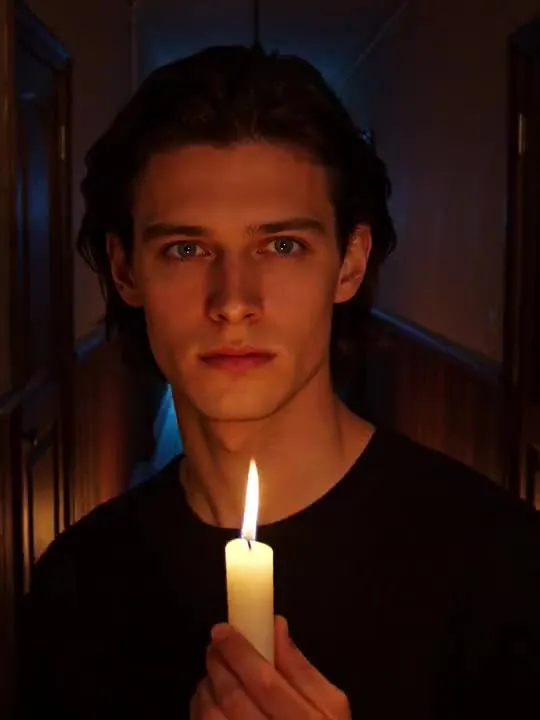
Carving a pumpkin by warm candlelight, the finished face lighting up.
In the catalogue
- Action
- Pumpkin Carve Glow
- Category
- Halloween
- Returns
- A clip of about 5 seconds
- Subscription
- Not required
What this action does
Carving a pumpkin by warm candlelight, the finished face lighting up.. You give the app a single photograph and it generates a short clip of that movement, roughly 5 seconds long. Nothing is filmed and nothing is recovered: the motion is produced from the one frame you supply.
What photo works best
Both hands are busy in this one, so both have to be visible and unobstructed. Frame waist up, seated or standing at a surface, with space in front of you at chest height for the pumpkin to be lifted into. A table edge in the original gives the scene somewhere believable to sit. Warm indoor light suits the candle. Hands are the hardest thing in any picture and this preset asks a great deal of them, so a photograph with the fingers half buried in a pocket is the one to leave out.
What to expect
One photograph goes in and a short clip comes out. It is generated rather than filmed, so run it twice if the first attempt puts a hand somewhere strange; the second version will not be identical.
If the result is not convincing, the fix is almost always the photograph rather than the settings. Reshoot it wider, get more light on the face, and move the arms clear of the body. The rest of what decides the result applies to every action here, and the limits apply to this one too.
Common questions
- What kind of photo works best for Pumpkin Carve Glow?
- Pumpkin Carve Glow builds about 5 seconds of movement out of your photograph, and the one frame you choose is the entire input. Whatever has to appear in the result has to be in the shot, so frame wide enough to take in everything the movement touches, keep the subject sharp and clearly separated from what is behind them, and get even light onto the face and the hands.
- How long is the video?
- About 5 seconds. That is what the default video model in the app's catalogue is configured to produce, and it is the same for every motion action in the library.
- Do I need a subscription to use Pumpkin Carve Glow?
- No. Pumpkin Carve Glow is not marked as a subscription only action in the app's catalogue. AI Video is free to download, and generating a result uses credits, which are bought as a pack or come with a subscription.

The right action for the photo beats the popular one
Every movement and every style in the library is written up the same way, so you can check whether the picture in your camera roll actually suits it before you spend a credit.