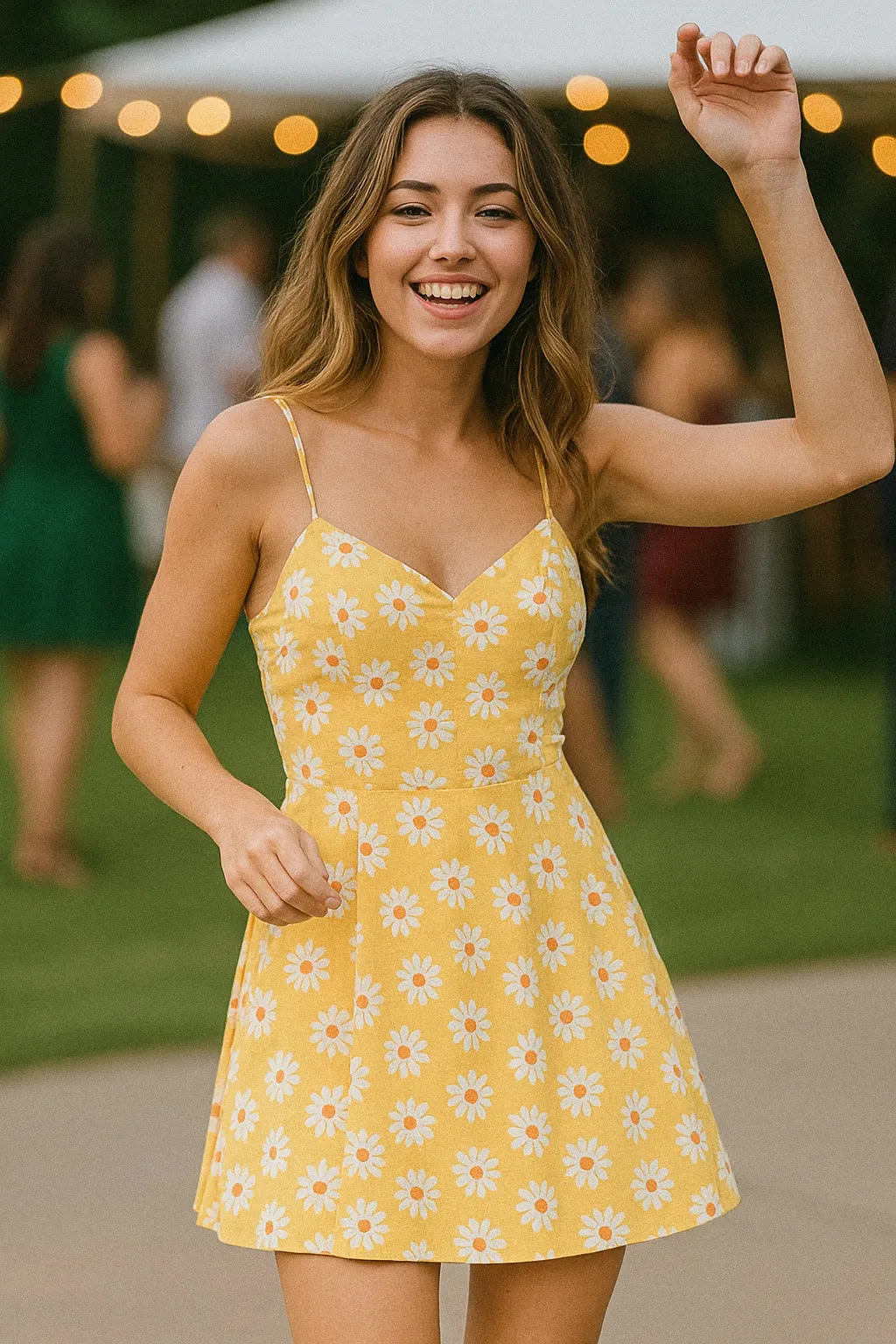
Film Portraits
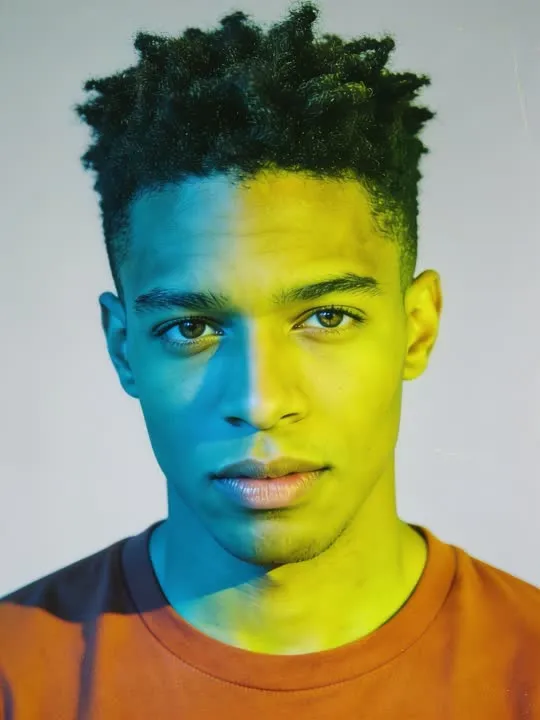
Cross Process
processed in the wrong chemistry for acid colour shifts
In the catalogue
- Action
- Cross Process
- Category
- Film Portraits
- Returns
- A restyled still image
- Subscription
- Not required
What this action does
processed in the wrong chemistry for acid colour shifts. You give the app a single photograph and it returns a new still image of you in that style. This one does not move: it is a restyle rather than an animation, and the picture is rebuilt in the style rather than having a filter laid over it. Nothing is photographed and nothing is recovered, so the result is a new picture that resembles the one you supplied.
What photo works best
Every colour gets pushed somewhere it was not, which means the original needs colours worth wrecking. A bright outfit, a painted wall or a green park all shift dramatically, while a black coat on a grey day barely moves at all. Waist up, front on, decent light on the face. Contrast blows out at both ends, so a portrait with detail hiding in deep shadow will lose it entirely. The source that disappoints is a careful neutral headshot, because the appeal is watching accurate colour break and there is nothing accurate to break.
What to expect
One photograph goes in and a new still picture comes out, restyled rather than filtered: the model rebuilds the frame in the style instead of laying an effect over it. Run it twice if the first attempt gets a detail wrong, because the second version will not be identical.
If the result is not convincing, the fix is almost always the photograph rather than the settings. Reshoot it wider, get more light on the face, and move the arms clear of the body. The rest of what decides the result applies to every action here, and the limits apply to this one too.
Common questions
- What kind of photo works best for Cross Process?
- Cross Process rebuilds your photograph as a new still image, and the one frame you choose is the entire input. Whatever has to appear in the result has to be in the shot, so frame wide enough to take in everything the style touches, keep the subject sharp and clearly separated from what is behind them, and get even light onto the face and the hands.
- Does Cross Process make a video?
- No. Cross Process is a photo style, so it returns a new still image rather than a clip. The photograph is remade in the style rather than having an effect laid over it. The motion actions elsewhere in the library are the ones that produce video.
- Do I need a subscription to use Cross Process?
- No. Cross Process is not marked as a subscription only action in the app's catalogue. AI Video is free to download, and generating a result uses credits, which are bought as a pack or come with a subscription.
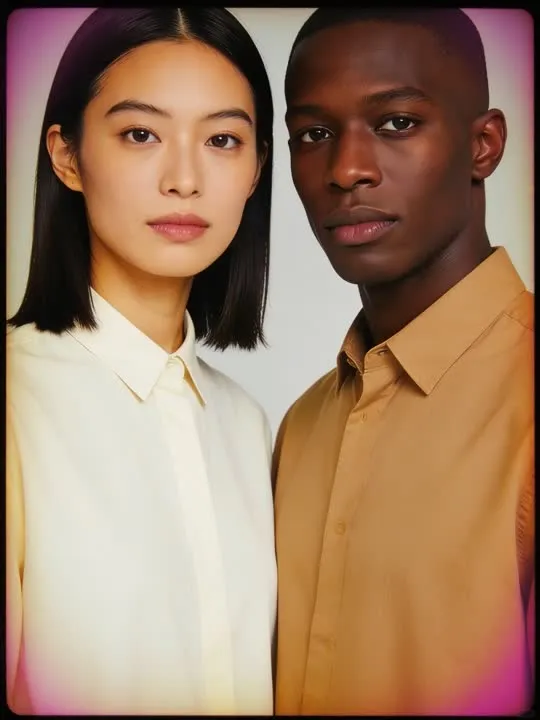 Photo styleFaded Filmshot on long expired film with drifting dyes
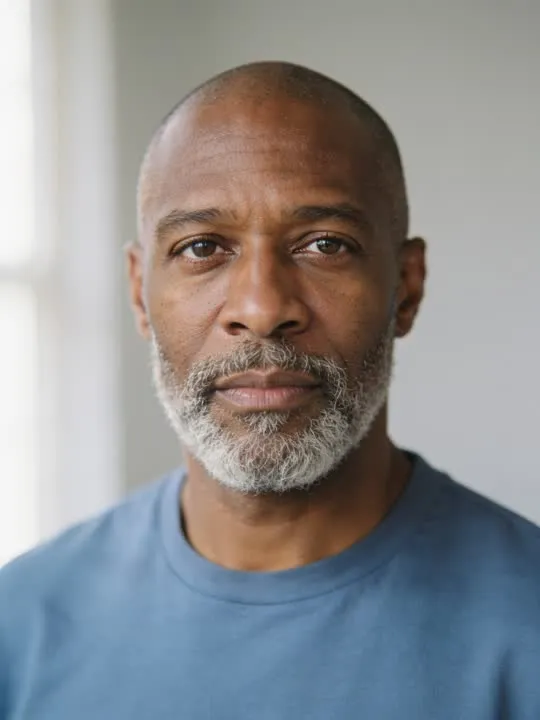 Photo styleMedium Formatrendered with creamy medium format tonality
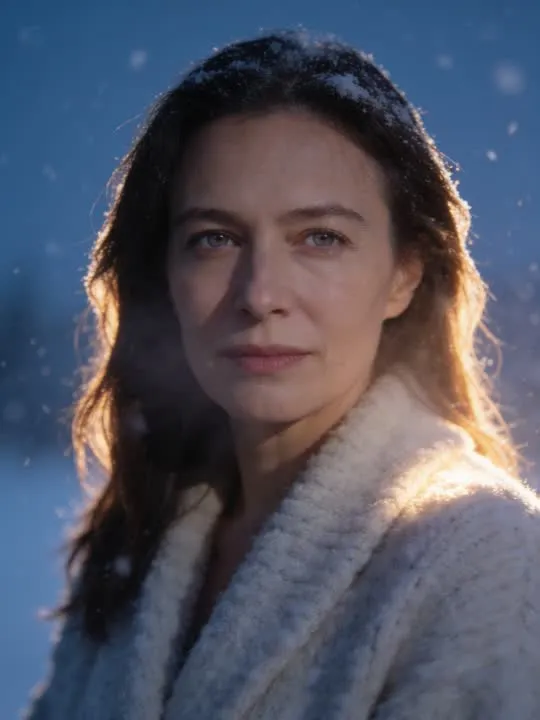 Photo styleSnowfall Portraita dreamy cinematic portrait caught in soft falling snow
 Photo styleAnnual Portrait DayA classic studio backdrop portrait with soft grain, the kind taken every year.
The right action for the photo beats the popular one
Every movement and every style in the library is written up the same way, so you can check whether the picture in your camera roll actually suits it before you spend a credit.